
Discreen Vision Story Book
Version: 5
220.70MB
4.3
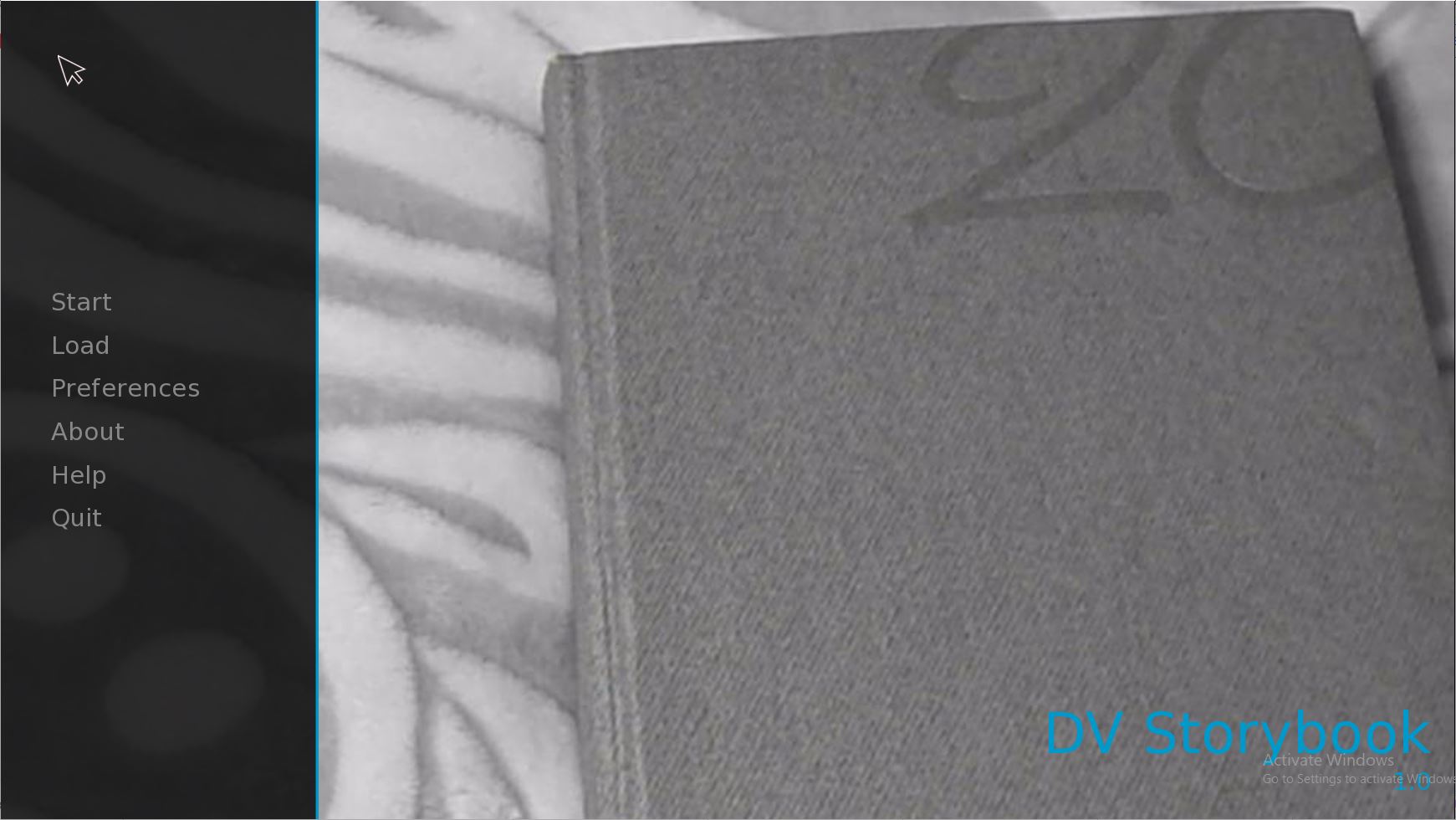
Discreen Vision Story Book is a mobile reading and visual storytelling app that blends interactive illustrations with adaptive text to create immersive reading sessions for children and adults. It organizes stories, customizes visual presentation, and provides tools that help readers engage with narrative content in a more accessible, eye-friendly way.
Discreen Vision Story Book focuses on clarity and flexibility. The app offers adjustable text size, high-contrast and low-light themes, and a smart layout engine that reformats pages to fit any screen. Built-in audio narration, page-by-page highlighting, and tappable illustrations make stories more accessible. It also supports bookmarking, notes, and offline storage for quick retrieval.
The interface is designed for straightforward navigation. A minimalist toolbar gives instant access to font, color, and spacing options without obscuring the page. The table of contents and a visual thumbnail strip let users jump between chapters fast. For younger readers, a guided mode simplifies control elements and uses larger touch targets.
Discreen Vision Story Book adapts text and images dynamically. The app detects screen size and orientation to optimize line length and image placement, preventing awkward breaks. A contrast enhancement mode boosts legibility for users with low vision, while a dyslexia-friendly font option and adjustable line spacing reduce visual crowding for readers with specific needs.
Stories in the app support light interactivity: animated sequences, sound effects, and tappable hotspots that reveal annotations or glossary entries. These elements encourage exploration without turning reading into a game. Interactive features are optional and can be toggled per book to keep the experience focused on narrative flow.
Users can tailor reading profiles—preferred fonts, color palettes, narration speed, and reading goals—so every session feels personalized. A reader profile syncs preferences across devices, making it simple to maintain consistent settings whether on a phone or tablet. Parents and educators can create child profiles with restricted access to certain features or curated content lists.
The app supports importing EPUB and PDF files, plus a curated library of original stories. Content is categorized with tags and age recommendations to streamline discovery. A smart library view highlights unread and recently updated books. Users can create collections, export highlights, and share reading lists with friends or classroom groups.
Discreen Vision Story Book is optimized for efficient performance on a wide range of Android devices. Background audio, image processing, and text reflowing are handled with low CPU overhead to preserve battery life. The app supports offline reading and syncs progress when a connection is available, providing consistent behavior across spotty networks.
Privacy options allow local-only storage of personal notes and highlighting. Parental controls protect younger users from in-app purchases or online content. Accessibility is a priority: screen-reader support, high-contrast themes, adjustable narration, and keyboard navigation accommodate diverse needs. Regular updates add features requested by accessibility advocates.
Begin by creating a profile and choosing a reading preference set. Import your existing library or browse the built-in catalog to find age-appropriate material. Use the quick settings to tune font, contrast, and narration speed, then open a story and try the interactive elements. Bookmarks and notes are available from the reading toolbar.
Discreen Vision Story Book is useful for family reading time, classroom lessons, language learning, and independent study. Teachers can assign readings and track bookmarks; parents can enable guided mode for beginner readers. The combination of readability tools and light interactivity makes it a versatile companion for anyone who wants stories presented with attention to visual comfort and engagement.
The app receives periodic updates for new stories, performance improvements, and accessibility enhancements. In-app help and a concise set of tutorials explain key features. Support channels handle technical issues and suggestions for future accessibility options, helping the app evolve with real user needs.