Magic Chess AR
Version: 1.0.1
5.00MB
4.3
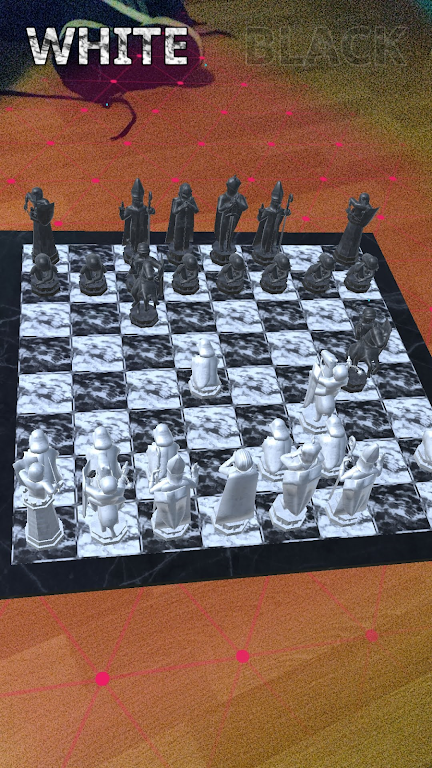
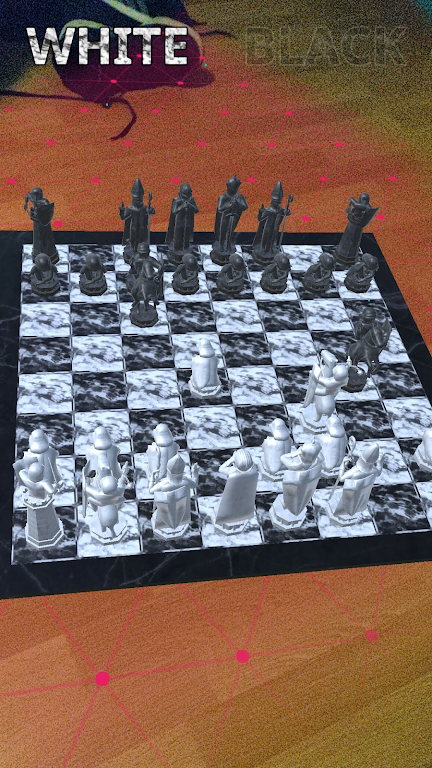
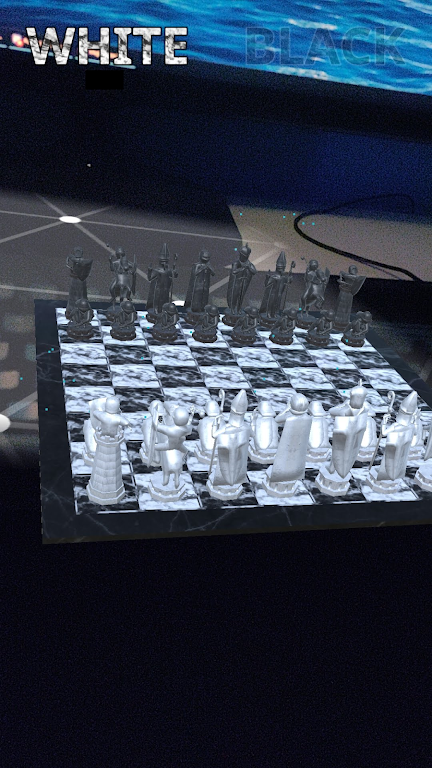
Magic Chess AR brings classic chess to life with augmented reality pieces, immersive visuals, and tactical layers that reshape traditional play. This title blends board strategy with 3D effects and adaptive opponents, offering an approachable experience for beginners while retaining depth for competitive players seeking fresh challenges.
Magic Chess AR is not just a visual upgrade to the centuries-old game: it reimagines positioning, movement, and engagement through augmented reality. Boards can be projected onto tables or floors, and each piece has distinct animations and presence that make planning feel more immediate. The app balances accessibility and strategy, giving casual users quick matches and enthusiasts deeper modes.
The core of Magic Chess AR retains standard chess rules, but layers introduce variety. Players can choose classical matches, timed blitz, or scenario-based puzzles built around specific tactical themes. The game includes a campaign mode with escalating difficulty and set-piece encounters that test one or two particular skills, like endgame technique or tactical vision.
Matches start with familiar development principles but quickly reward spatial awareness enhanced by AR. Visual depth helps to judge piece coordination and potential pins across the board. Players who focus on controlling key squares and harmonizing their minor pieces will find consistent success in intermediate play. The app’s scenario puzzles encourage pattern recognition, which accelerates improvement.
Magic Chess AR keeps controls straightforward. Drag-and-drop moves support touchscreens, while a tap-select system highlights legal moves for clarity. The interface integrates a compact HUD with move history, clock, and hint toggles. For AR sessions, gestures adjust board scale and camera angle, making it simple to inspect complex positions from multiple perspectives.
Settings let you modify visual contrast, piece size, and animation speed to reduce distraction or improve readability. Sound effects and narration can be toggled for those who prefer a silent session. The app supports adjustable time controls and includes a hint system that scales from subtle nudges to explicit move suggestions for learners.
Performance is tuned to conserve battery during AR play while maintaining smooth animations. On modern devices, frame rates remain steady even with detailed piece models and lighting effects. Magic Chess AR performs well across a range of hardware, but enabling lower-detail modes improves responsiveness on older phones.
The game offers local pass-and-play and online play against random opponents or friends. Leaderboards track progress across modes, and weekly challenges reward creative solutions. For players focused on improvement, match replay and move annotations are available so you can study critical moments and refine your approach.
Magic Chess AR succeeds because it combines tactile satisfaction with thoughtful learning tools. The AR presentation makes practice sessions feel more engaging, and the adaptable difficulty ensures continued challenge. Whether you’re exploring new openings or sharpening tactical instincts, the app offers a modern route to enjoy and improve at chess.
Getting started is straightforward: install, grant the minimal AR permissions, run a placement tutorial, and jump into a training puzzle or a friendly match. With incremental goals and clear feedback, Magic Chess AR guides players from basic moves to nuanced strategy while keeping each session visually compelling.