ZingPlay
Version: 4.3.1
29.00MB
4.3
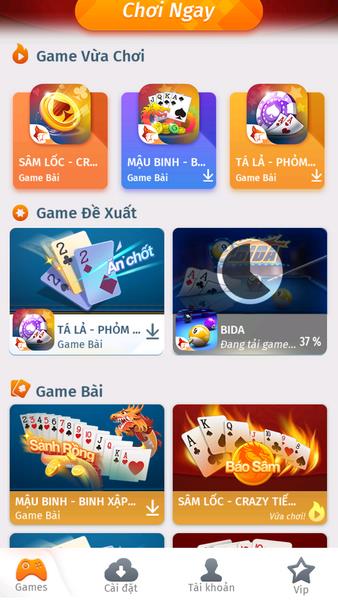
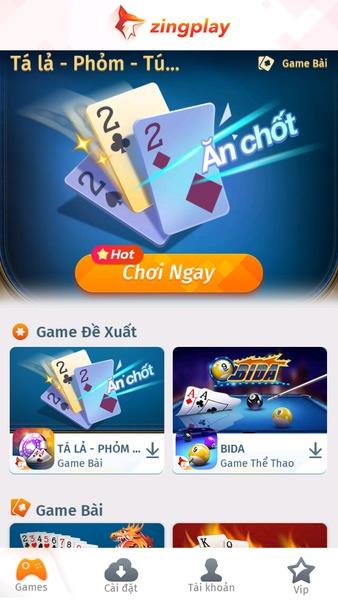



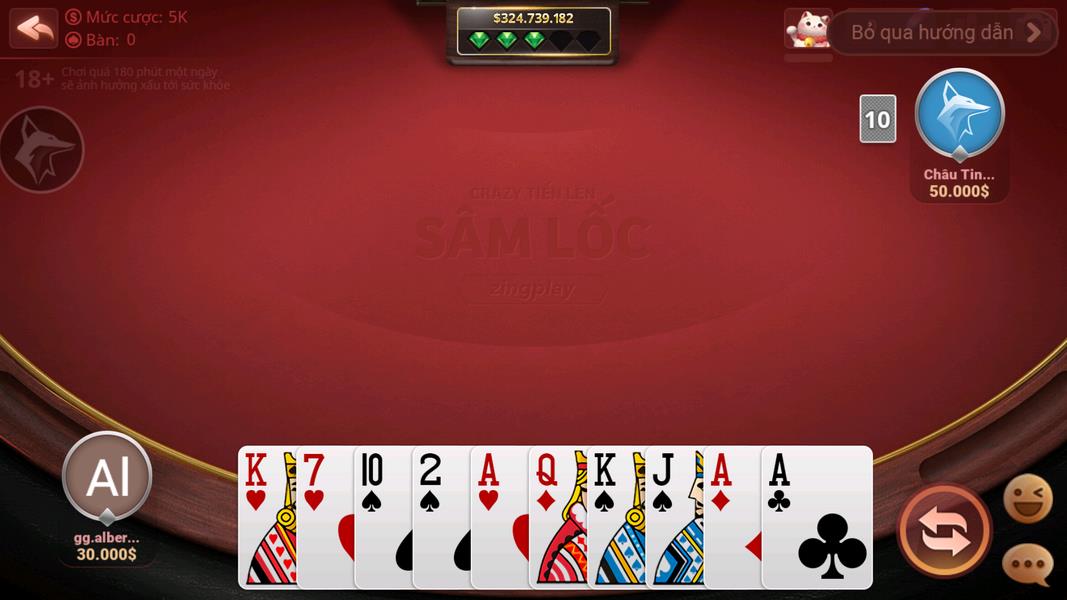
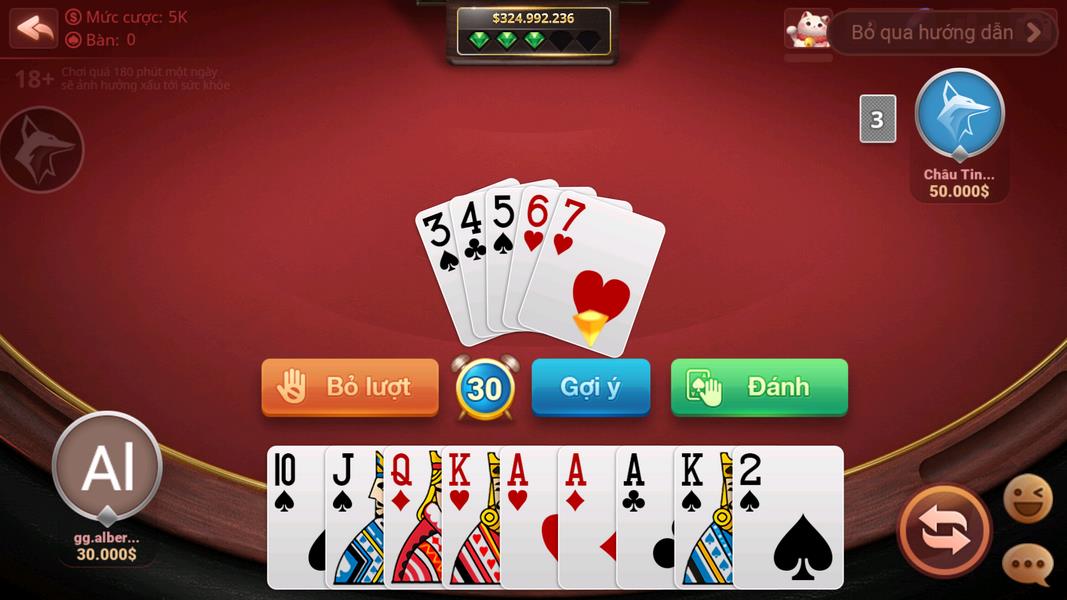
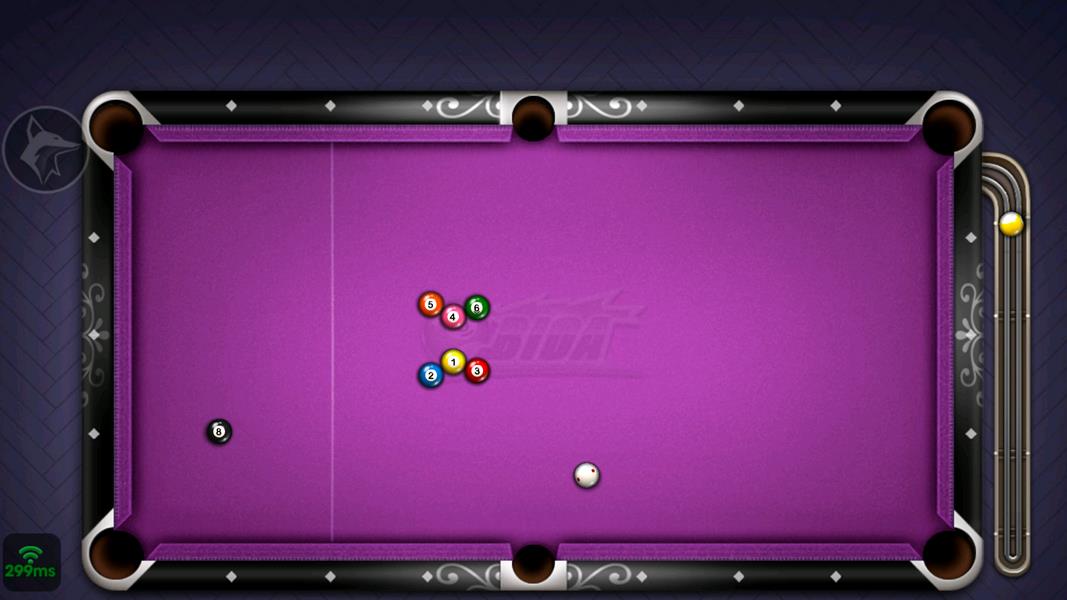


ZingPlay brings a compact collection of board and card games to your smartphone, delivering short matches, casual multiplayer rooms and offline practice against computer opponents so you can play whenever you have a few minutes. ZingPlay opens after a brief sign-in or optional profile creation and presents thirteen distinct titles that span local card variants, strategy boards and quick mini-games such as pool and farm puzzles. This editor overview describes the user interface, controls, progression, offline use and accessibility considerations so you know what to expect before downloading.
The app centers on a curated set of thirteen games, including Ta La, Mau Bing, Sam Loc, Co Ty Phu, Co Ca Ngua, Tien Len Mien Nam, Co Tuong, Khu Vuon Tren May, iCa, Ca Beo, Farmery, Bida and Thoi Loan. Each title is tuned for short sessions: rules are kept compact and rounds typically finish quickly, which makes them suitable for commutes or short breaks. Match setup is straightforward — select a game, pick an online room or an AI table, and join — and the interface keeps menus uncluttered so switching between genres is fast and predictable. Rooms can be public or private for friendly matches, and table themes help separate casual play from practice sessions.
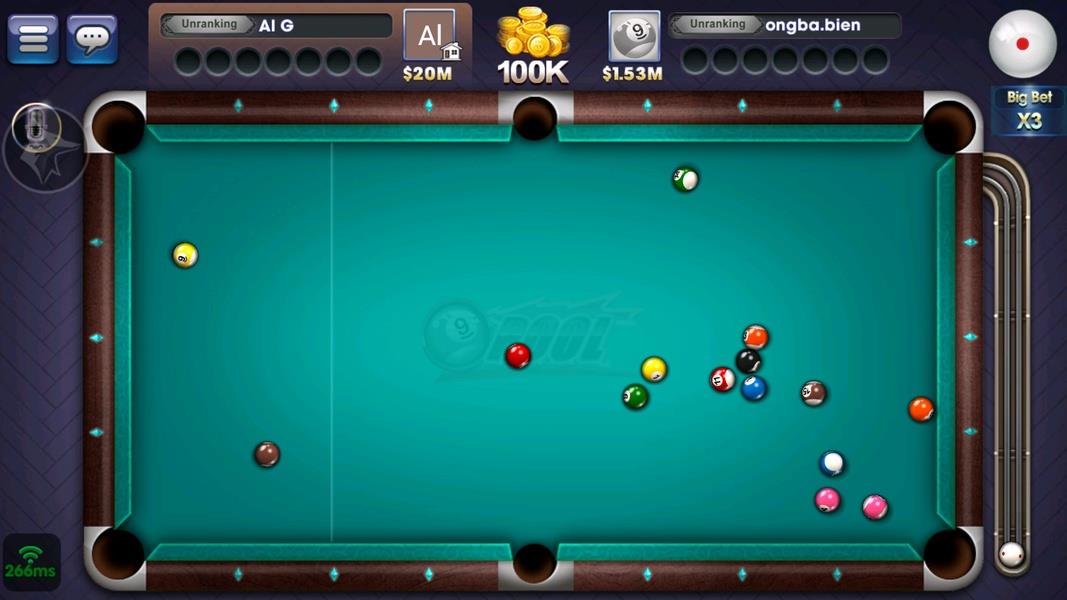
Gameplay is primarily turn-based for card and board games, with mechanics adapted to mobile touchscreens. Card interactions use tap-to-select and tap-to-play gestures, with optional gesture swipes to reveal hand details or confirm plays. Board games rely on tap-to-move or drag-to-place motions and provide visual indicators for legal moves so beginners can follow along. Mini-games such as pool use an intuitive aim-and-swipe control that adjusts shot direction and strength; hit feedback and predictable physics keep play consistent across devices. Across genres the input model favors large touch targets, clear feedback and short tutorial prompts that explain rule variations without overwhelming new players.
Offline play focuses on learning and steady improvement. Local AI opponents provide multiple practice levels so you can start against relaxed opponents and raise the challenge as skills develop. Practice tables include contextual hints and occasional example plays to clarify uncommon moves, which is useful for local variants that differ from standard international rules. Because AI runs on-device, you can use ZingPlay without a network connection to test strategies across several games and warm up before joining live rooms; offline sessions also preserve basic match history for later review.
Profiles in ZingPlay are lightweight and optional but unlock full online features; a profile stores a display name, avatar choice and simple session stats so you can see which games you play most. Progression is organic rather than driven by artificial levels: repeated play and practice translate into familiarity with rules and improved decision-making. Customization focuses on appearance and convenience — choose an avatar, pick table themes and set preferred sound and animation levels. The app remembers your last-used game and room settings to speed up subsequent sessions, and basic privacy controls limit what information other players see in public rooms.
The visual design emphasizes clarity: readable card faces, distinct board markings and contrast-aware color choices help pieces and icons stand out on small screens. Typography and touch targets are sized to reduce mis-taps and to support one-handed play where feasible. In-game prompts and optional rule overlays make it easier for new players to follow action, and the UI layout favors direct labels and consistent placement of primary controls so navigation between games feels natural. These choices aim to keep play approachable for a broad audience, including casual players and those new to specific local variants.
Short rounds, quick matchmaking and the variety of titles combine to deliver steady replay value. Switching between card rounds, board strategy and mini-games keeps sessions fresh, and the mix of offline practice and online rooms allows you to alternate focused study with social play. The limited catalog of thirteen games concentrates on depth and accessibility rather than an expansive library, so each title offers repeatable scenarios that encourage refinement of tactics rather than chasing cosmetic rewards or extended seasonal systems.
The collection is deliberately compact, so players seeking large catalogs, deep competitive ladders or extensive tournament infrastructure may find the feature set intentionally restrained. Online matches require an active connection and other players to join, and creating a profile is necessary to unlock full online functionality. For those who value approachable multiplayer and useful offline practice tools, ZingPlay provides a focused mobile experience that favors quick matches, clear rules guidance and accessible controls over complex competitive ecosystems.