Snepulator SG
Version: v26.06
6.10MB
4
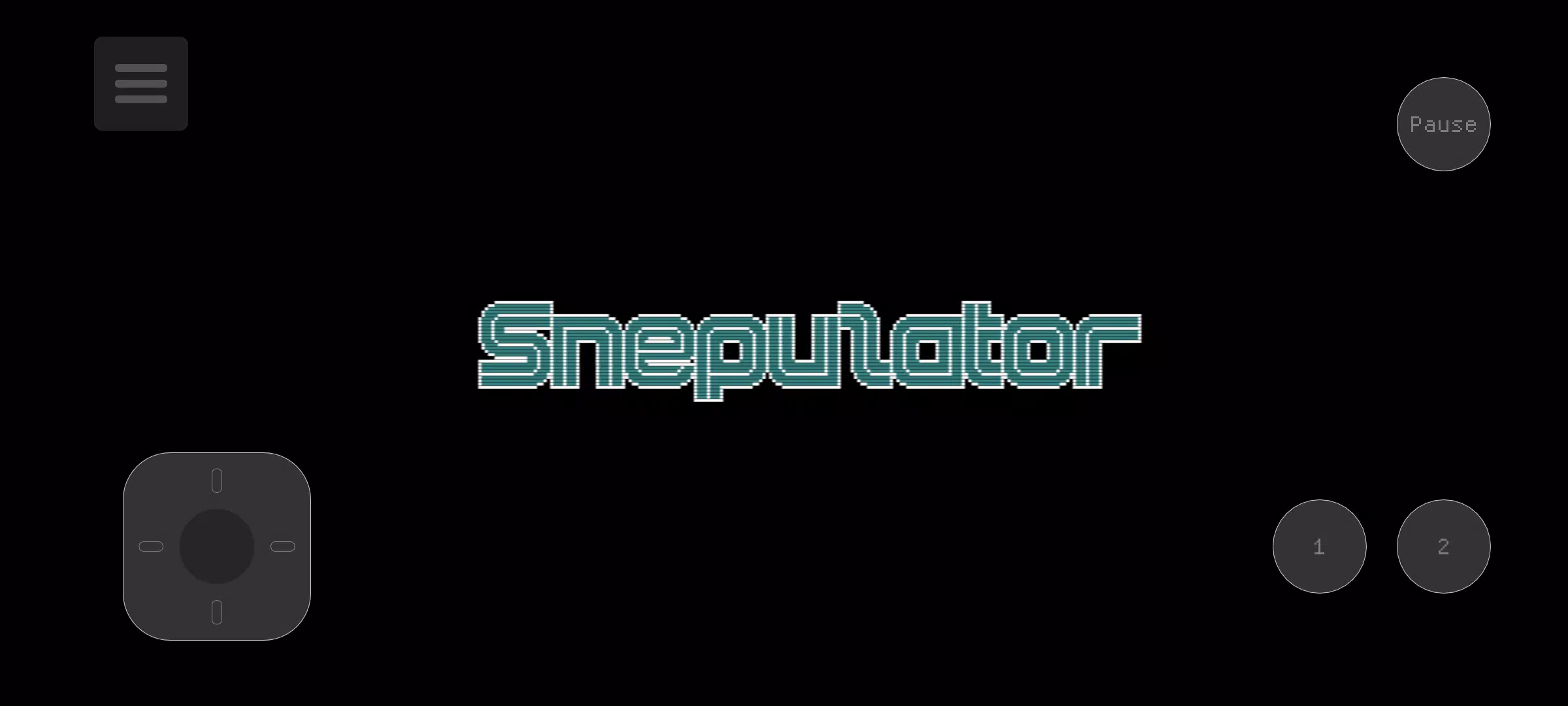
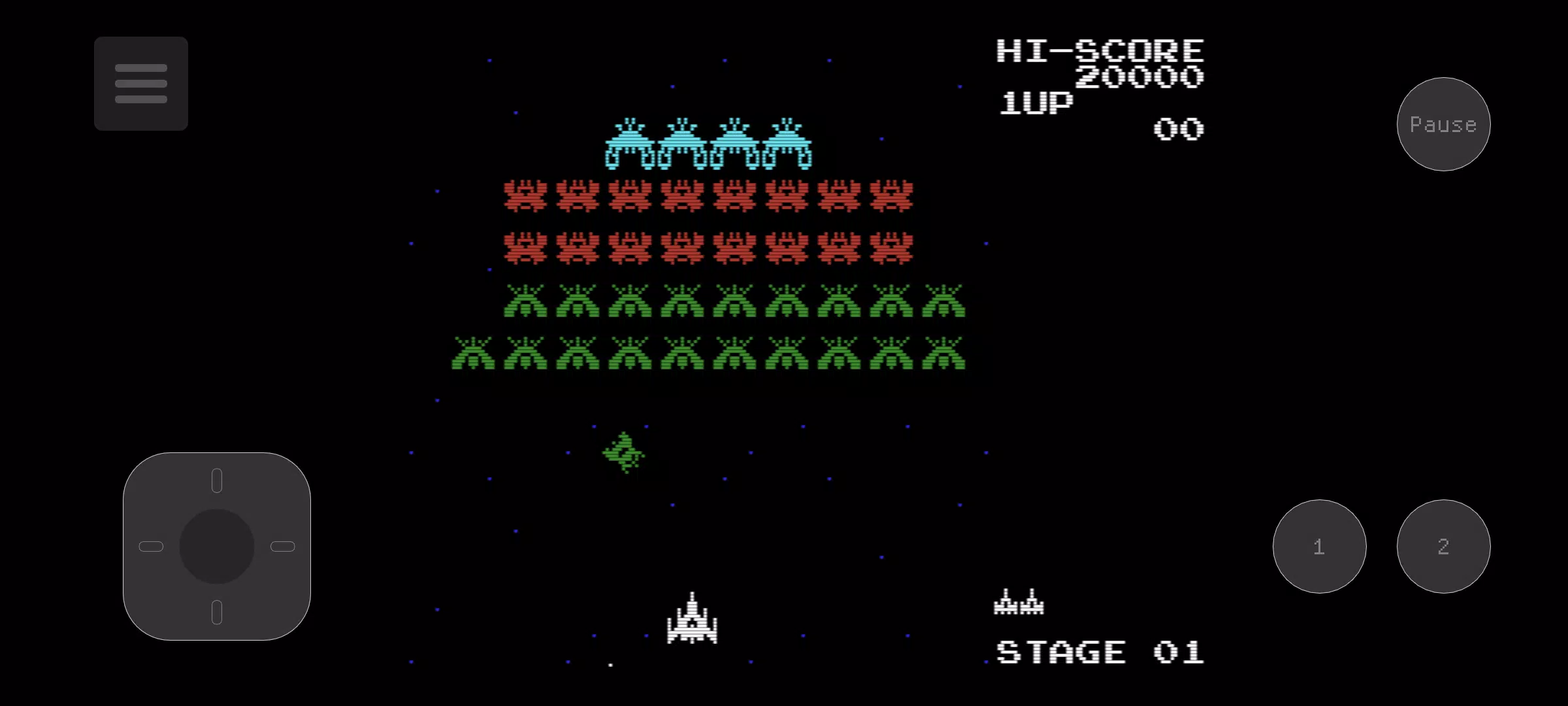
Snepulator SG brings classic SG-1000 software to modern Android devices by emulating the original hardware while offering current conveniences for play and preservation. Snepulator SG reproduces the look and feel of vintage Sega home console titles but lets you adjust performance, controls and visuals so games run smoothly on a wide range of phones and tablets. Designed for hobbyists and longtime fans alike, this emulator focuses on accurate timing, convenient save states and flexible input options to make retro sessions accessible without changing the core gameplay of the original releases.
Snepulator SG supports instant save states so you can pause, retry difficult sections and resume progress without relying on in-game passwords or limited continues. The on-screen gamepad is fully adjustable: you can reposition buttons, resize them and edit the touch layout with intuitive gestures (the first finger moves a control while a second finger adjusts its radius). For a more authentic feel you can pair a Bluetooth controller and map physical buttons to the emulated inputs. Visual customization includes a suite of filters such as scanlines and dot-matrix to recreate CRT warmth, plus nearest neighbour and linear options for crisp pixel rendering. Palette selection lets you shift color output to match personal preference or to approximate different vintage displays. Advanced options provide sprite-limit removal to reduce flicker and an optional CPU overclock to push frame rates on capable hardware; both are presented as user choices so you can balance authenticity and performance.
Because Snepulator SG is an emulator rather than a modified game, it preserves original level structure and progression systems found in SG-1000 titles: short arcade-style stages, boss encounters, and incremental difficulty that rewards practice. Save states act as a flexible progression tool, enabling checkpoint-style practice without altering the in-game scoring or lives systems. That approach is useful for learning enemy patterns, refining platforming timing and working through challenging boss fights. The emulator’s consistent timing and optional performance adjustments help ensure that gameplay challenges reflect the original design rather than device limitations.
Control customization is a major focus: the touch layout editor makes it straightforward to place controls where they feel natural for your hands and screen size, and the gesture-based resizing keeps fine tuning quick. Bluetooth controller support expands accessibility for players who rely on tactile feedback or larger buttons, and button mapping is available so any connected gamepad can be configured to match the original controller layout. These options make Snepulator SG adaptable for left- or right-handed players and for a range of screen sizes, improving comfort during longer play sessions. Because the app runs locally, you can use these accessibility settings offline without an internet connection.
Snepulator SG offers a set of display tools that let you choose between faithful retro appearance and modern clarity. Scanlines and dot-matrix filters emulate CRT texture while palette swaps let you test different color sets that many players enjoy when revisiting old titles. Nearest neighbour and linear filters provide sharp, unhindered pixel art for players who prefer modern displays. The emulator also supports common scaling approaches so sprites remain correctly proportioned; combined with palette and filter choices, these options let you tune the image to your device and your taste without altering gameplay mechanics.
On some devices, sprite flicker or uneven frame rates can interfere with play. Snepulator SG includes the option to remove the sprite limit to reduce flicker, and CPU overclocking can increase performance on compatible hardware. These features are optional and may affect timing, so they’re best used selectively; if you prefer strict accuracy, leaving timing at default preserves original frame pacing. If you experience stuttering, switching to the Nearest or Linear filter often reduces CPU load and improves smoothness. Running other background apps sparingly and keeping the device cool will also help maintain steady performance during longer sessions.
The combination of save states, customizable controls and multiple visual palettes encourages replay: you can practice specific levels, aim for better completion times, or simply explore a range of display options to renew familiar games. Snepulator SG is built to be lightweight and straightforward to use so players can jump in quickly, adjust settings as needed, and continue sessions over time without reconfiguration. Offline operation, accessible controls and performance tuning together create a reliable environment for enjoying SG-1000 classics on modern hardware.