Color by Number
Version: 3.28.2
61.36MB
4.1
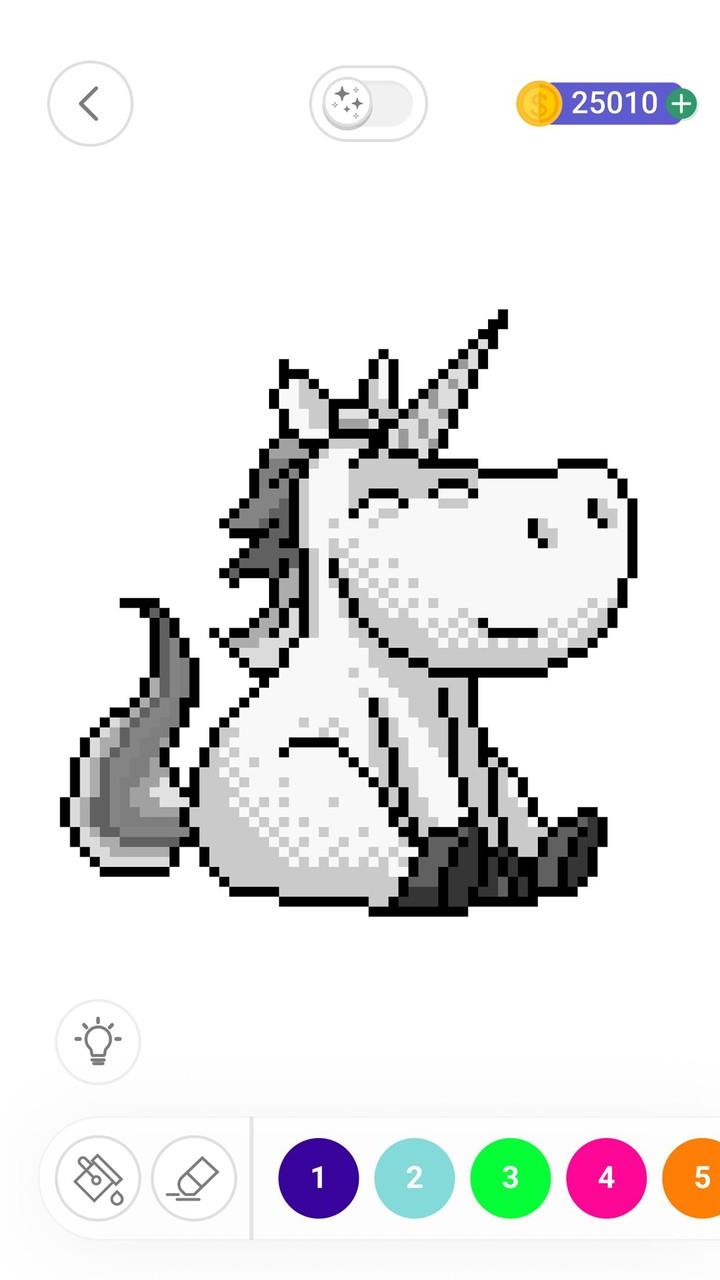
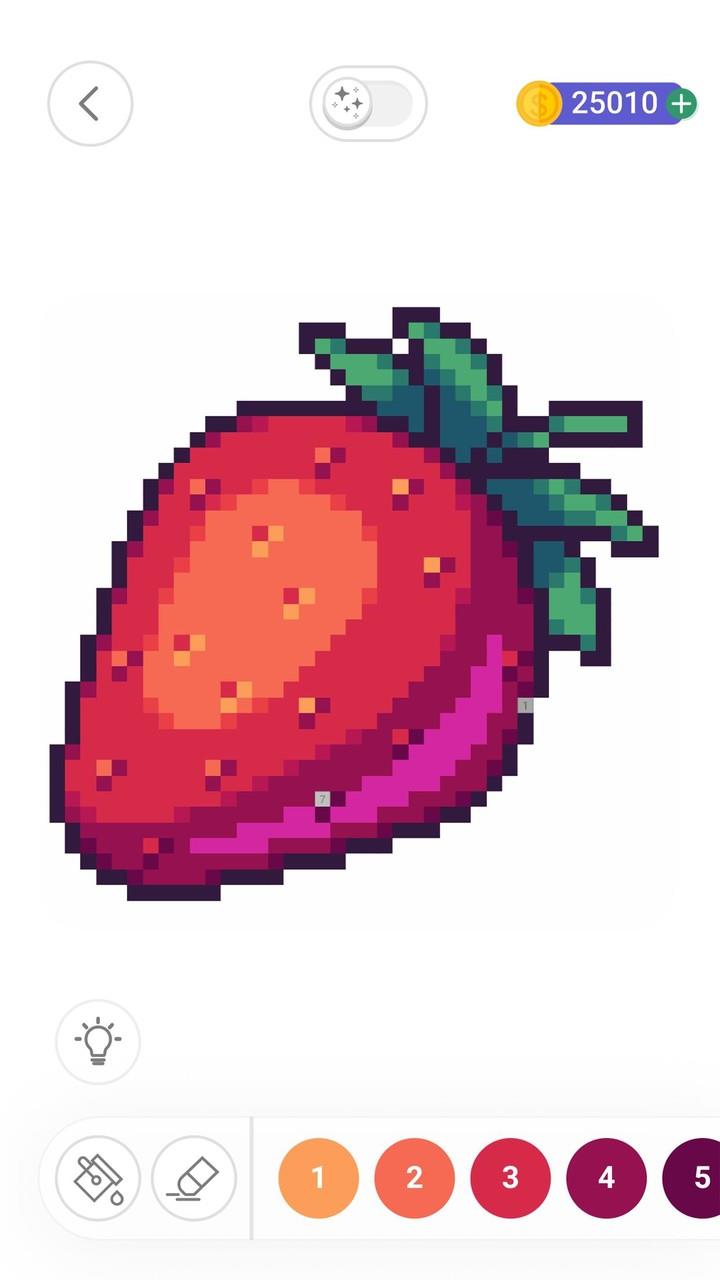
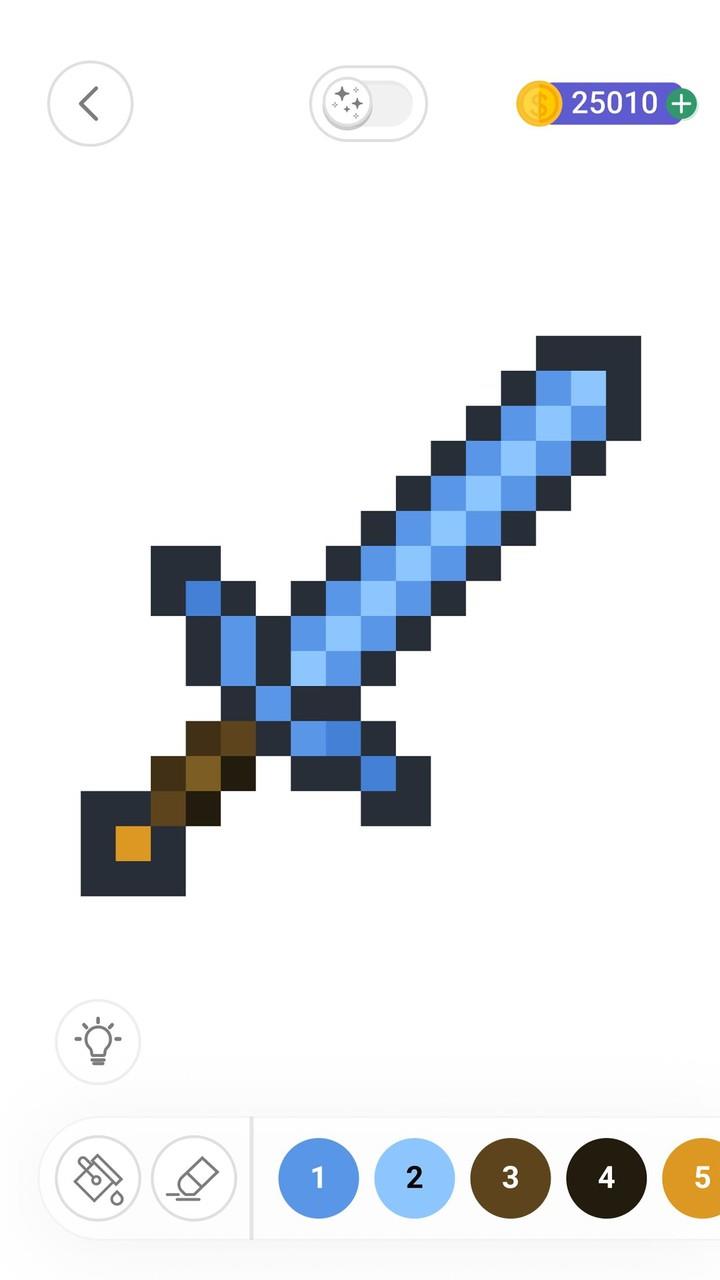
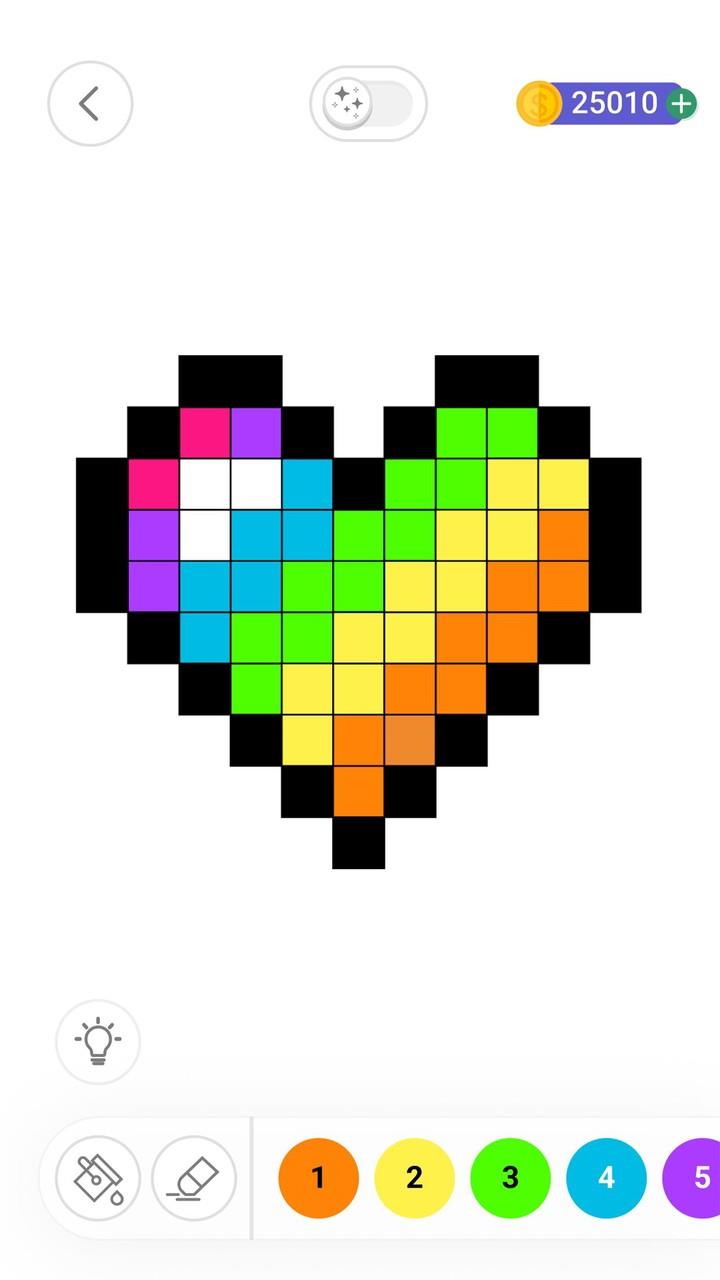
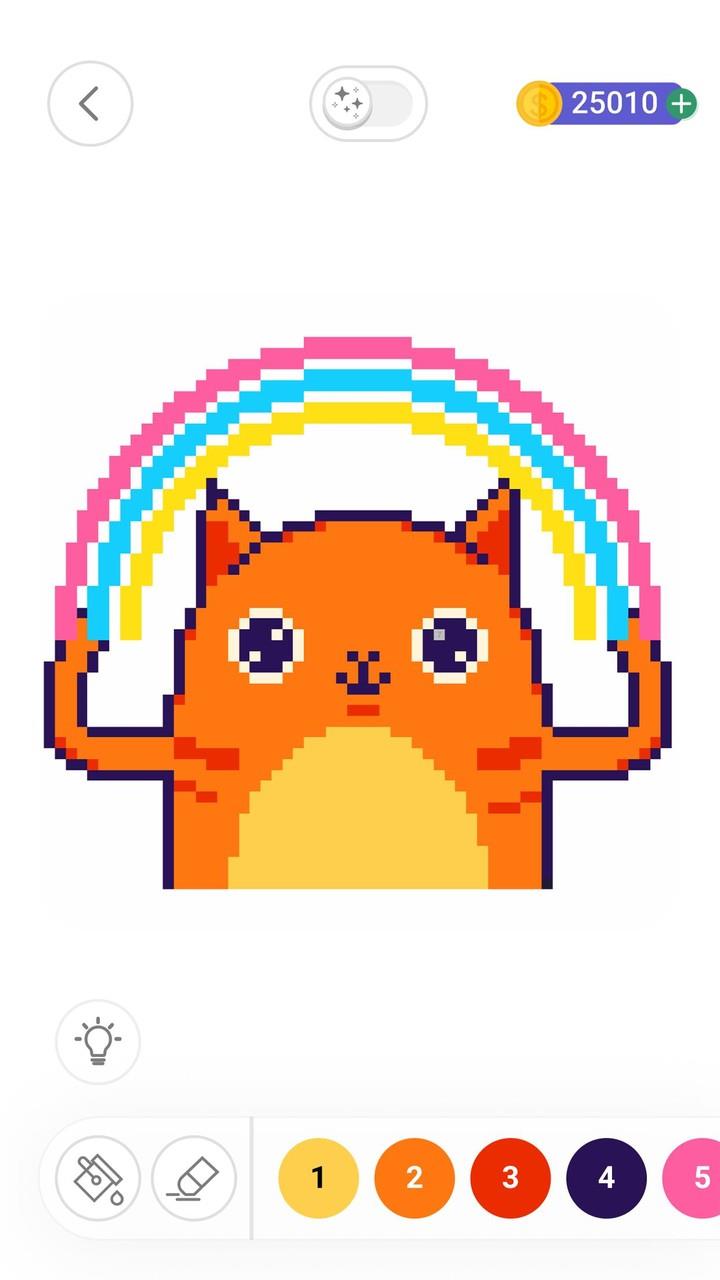
Color by Number is a casual coloring puzzle app that turns photos and illustrations into numbered palettes so players can recreate detailed pixel-style images one color at a time. This description explains the app type, core mechanics, controls, and user experience so you know what to expect from Color by Number before downloading.
Color by Number provides a large library of pixel-art and illustration templates across a range of themes and visual styles. You can import your own photos or take new pictures with your device camera to convert personal images into color-by-number projects, and a variety of collections highlights art inspired by different cultures and artists.
The app includes a set of painting tools and brushes designed to suit different preferences: precise tap-to-fill controls for quick progress, optional brush strokes for a more tactile feel, and tools that help speed up coloring while preserving the numbered structure. Built-in options like zoom, pan, and an undo action make it easy to work on fine details.
Sharing and exporting are supported without implying any required online competition: finished pieces can be saved to your device or shared through standard system dialogs so you can show friends or post to social platforms if you choose. Projects are stored locally so you can continue working across sessions.
Gameplay centers on a simple, approachable numbered guidance system. Each image is divided into numbered cells, and you tap or drag to apply the matching color. The app minimizes friction with responsive touch controls, pinch-to-zoom for detailed areas, and a preview mode that highlights remaining cells for each number. Optional shortcuts such as auto-fill or color grouping accelerate progress on large, repetitive areas without replacing the core color-by-number experience.
Progression is driven by completing images and unlocking new collections and more complex designs. Early levels are broad and forgiving, ideal for beginners, while advanced images contain thousands of cells and finer details for players seeking a longer session. The structure is flexible: you can move between easy and difficult projects freely, and completed images are saved in an organized gallery so you can return to previous works or try different palettes on the same base image.
Visual style is intentionally varied to suit casual coloring and creative exploration. Palettes emphasize harmony and contrast to make finished images feel polished, and you can adjust brush sizes and opacity for subtle effects. When importing photos, the app converts them into simplified color-by-number palettes while preserving the main shapes and tones so personal photos translate well into stylized pixel-art renditions.
Replay value comes from experimenting with different images, trying alternative palettes, and reworking imported photos. The app supports saving multiple versions of the same project so you can compare approaches or iterate on color choices. Sessions are easy to pick up and pause, making the app suitable for short breaks or longer, focused creative time. The interface is designed to be calm and unobtrusive to emphasize relaxation and concentration rather than stress.
Color by Number includes features that improve accessibility and usability across devices: adjustable zoom levels, clear numbered overlays, and scalable interface elements for larger text or touch targets. Most core features, including importing photos, saving projects, and offline coloring, work without a persistent internet connection so you can color on the go. Where online options are offered for sharing, they use standard device mechanisms rather than mandatory online accounts.
Images range from quick, small designs to highly detailed compositions that require patience and time to complete, which means the experience is not always suited to very short play sessions. The numbered format provides structure and can feel restrictive if you prefer freehand drawing or complete color control. These trade-offs are deliberate: the app focuses on the meditative satisfaction of gradual progress rather than freeform painting.
Color by Number has attracted a broad audience of casual creatives who enjoy a relaxing, structured coloring experience. Many users appreciate the balance between approachable mechanics and the option to work on complex art, and the ability to import and personalize photos keeps the activity meaningful over time. The app is a solid choice for players looking for a soothing pastime with room to experiment and improve.