
Spelling Quest - Learn Words
Version: 2.3.1
20.90MB
4.4
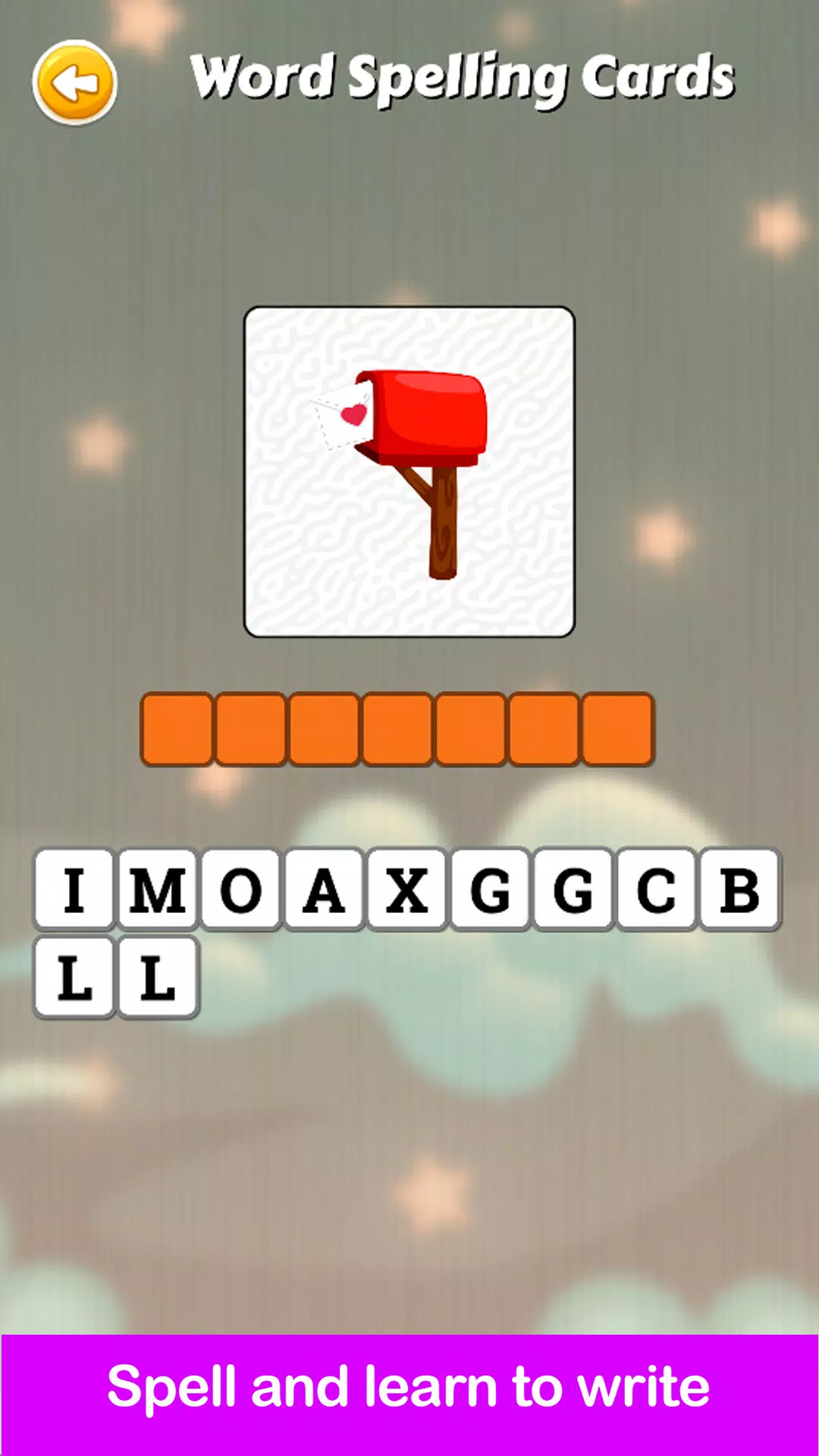
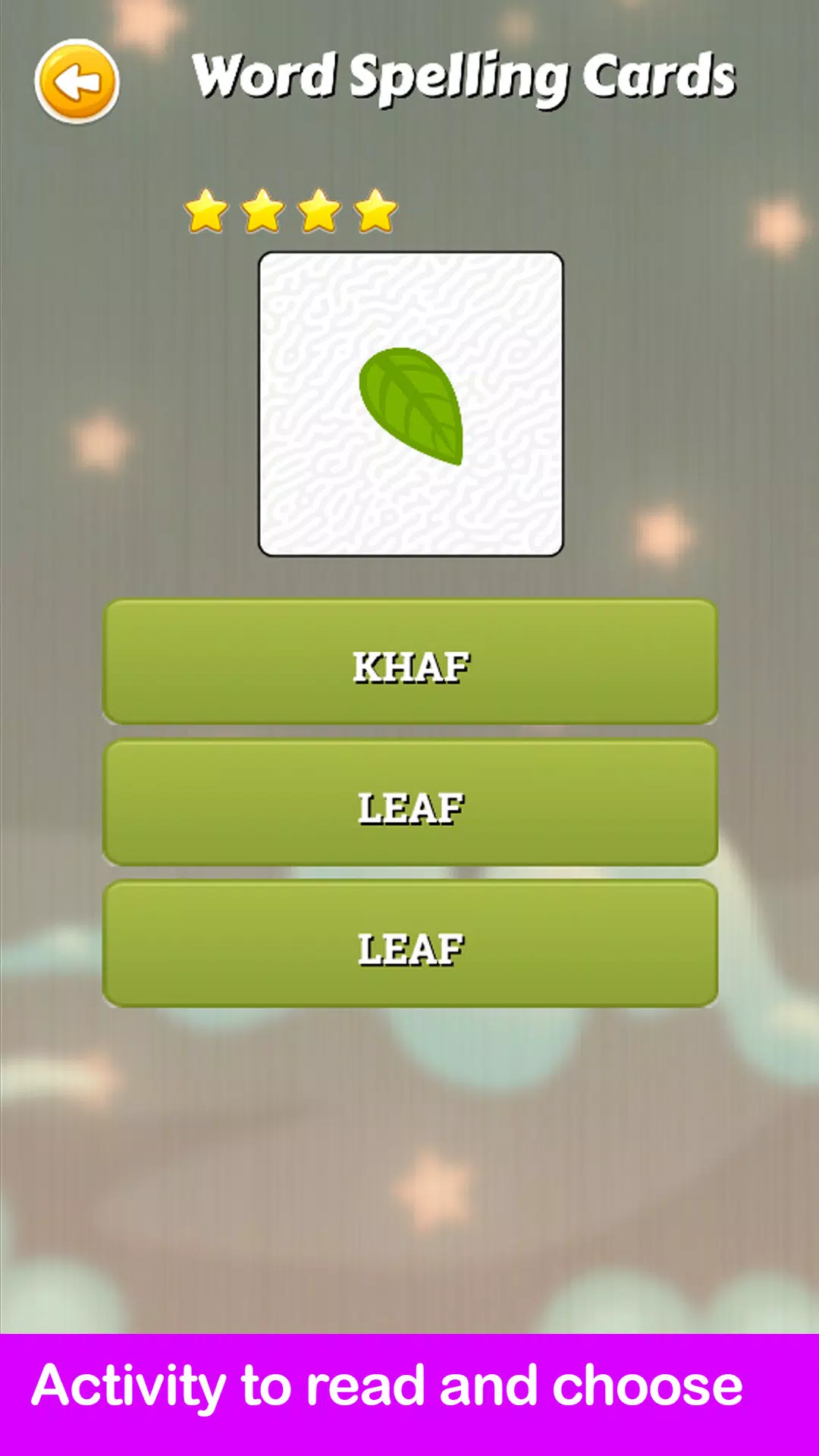
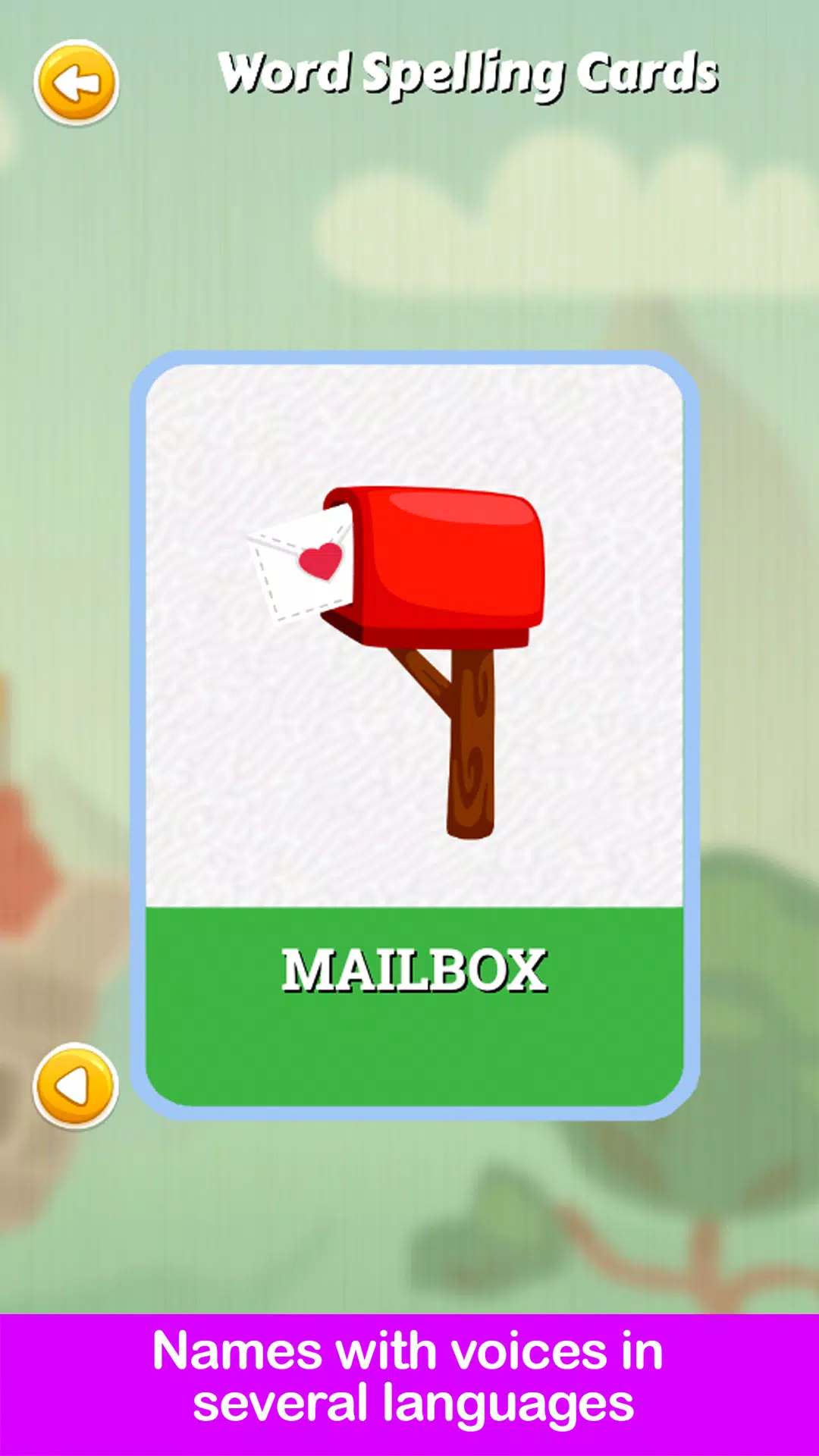
Spelling Quest - Learn Words turns vocabulary practice into short, engaging gameplay designed for children, language learners, and classroom settings. Spelling Quest - Learn Words uses picture prompts, clear audio, and simple interactive puzzles so players can hear a word, read or repeat it, and then build the spelling with intuitive touch controls. The first session is usually a gentle introduction: brief rounds, friendly voice cues, and visuals that make each new word approachable without overwhelming learners.
Gameplay in Spelling Quest - Learn Words centers on concise, repeatable activities that focus on one word at a time. Typical rounds present an image and play an audio cue; the player then spells the word using on-screen letters by tapping or dragging tiles into place. A dedicated replay audio control lets learners hear the target word again, and contextual hints can highlight helpful letters or offer a slowed pronunciation. Controls are optimized for touch screens: large buttons, responsive tile movement, and a straightforward confirm action make the experience accessible for younger hands and classroom tablets.
The app organizes content into progressive levels that gradually increase in complexity. Early levels concentrate on high-frequency, short words and picture recognition, while later levels introduce longer words, irregular spellings, and basic morphological patterns. Each level contains multiple short rounds with clear goals; performance is tracked with simple indicators so players and caregivers can see steady improvement. Completing a set of rounds unlocks the next stage, and periodic review rounds reintroduce older words to reinforce retention without creating repetitive sessions.
The visual approach emphasizes clarity and consistency: clean icons, readable type, and colorful, age-appropriate illustrations that reinforce word meanings. Visual cues are deliberately simple so the image-to-word association remains the focus rather than flashy animations. Combined with friendly, neutral voice prompts, the overall user experience keeps the cognitive load low and supports repeated practice. Menus and in-session layouts prioritize large touch targets and straightforward navigation to minimize distractions.
Spelling Quest - Learn Words offers options to adapt sessions for different learners and contexts. Language selection allows voice prompts and spellings in supported languages such as English, Spanish, French, German, Italian, and Portuguese. Teachers and parents can adjust session length, choose difficulty levels, and select themed sets to concentrate on categories like animals, household items, or school vocabulary. These settings make it easy to tailor practice for a single child, a small group, or a classroom rotation.
Short rounds and varied mini-games create high replay value: puzzles are shuffled so repeated play feels fresh, and the app cycles words through recognition, listening, and active spelling challenges. Progress indicators and optional review rounds encourage daily practice without long sessions. Most core activities are available offline after installation, allowing practice on tablets and phones without a steady internet connection, which is useful for travel, classroom use where connectivity is limited, or at-home routines.
Motivation in Spelling Quest - Learn Words comes from consistent, achievable goals rather than high-pressure competition. Players can aim to improve accuracy, reduce mistakes, or complete a set number of rounds. Optional challenge modes introduce time-limited puzzles or accuracy targets for learners who benefit from a bit more pressure, while a relaxed practice mode removes timers and focuses on mastery. Simple progress indicators, level completion feedback, and short milestone cues help sustain engagement without overemphasizing scoring.
The app is designed with accessibility in mind: clear audio cues reinforce spoken language, icons and images complement text prompts, and layouts use large, easy-to-tap elements. Color choices and contrast are selected for readability, and repeated audio helps learners with limited reading confidence. These features support early readers, emerging bilinguals, and anyone who benefits from multimodal input when learning new vocabulary.
Spelling Quest - Learn Words is suitable for early literacy learners, young students in classroom rotations, and adults beginning a new language who want focused, bite-sized practice. The app's mixture of listening, speaking, and hands-on spelling makes it a flexible tool for home practice, teacher-led sessions, and independent study. With progressive levels, multilingual support, and short, repeatable rounds, Spelling Quest - Learn Words helps make steady vocabulary gains approachable and sustainable for a wide range of learners.