Zorox
Version: 1.0.2
9.89MB
4.4
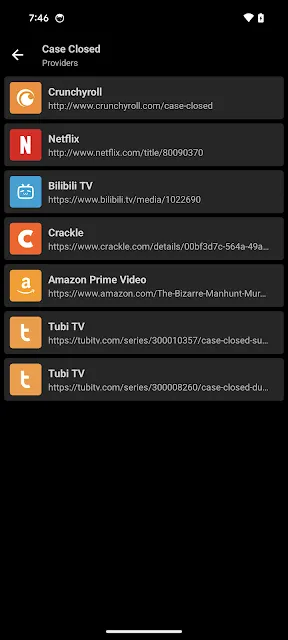
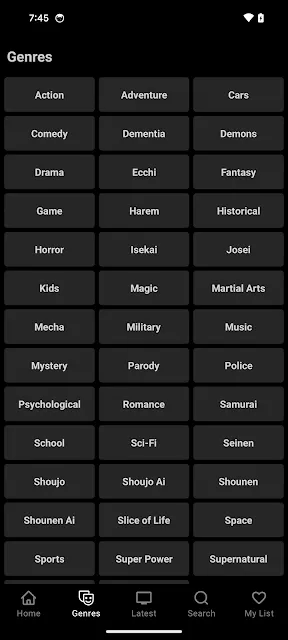
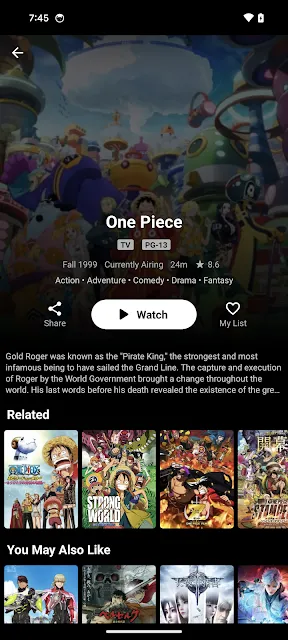
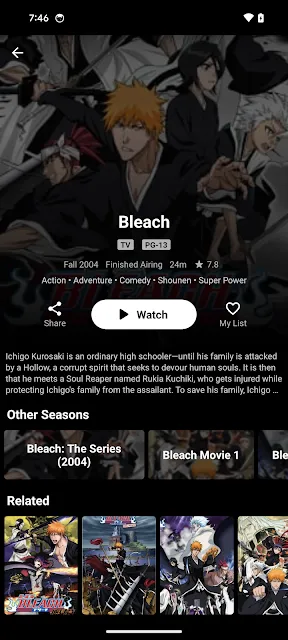
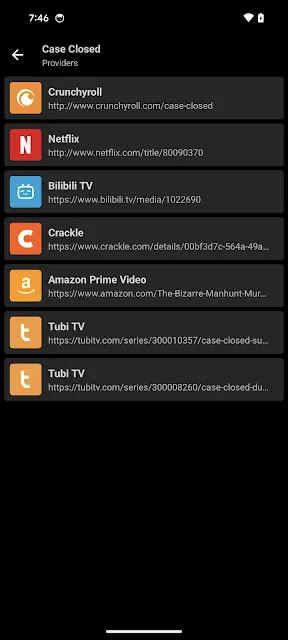
Looking for a compact anime player to fill short waits with a single episode or two? Zorox presents a tidy Android app built for browsing and watching anime on mobile, with a focus on fast access and smooth playback. The interface groups shows by genre, preserves where you stopped, and offers language options for subtitles or dubs. Whether you want to follow a current-season title or revisit a classic, Zorox aims to keep discovery and viewing straightforward while sending alerts when saved series update.
Genre filtering: Browse by categories such as action, fantasy, romance, comedy, and isekai so you can zero in on what you feel like watching without scrolling through everything.
Continuous playback: Add a series to a playlist and episodes play one after another so you don’t have to tap to start the next chapter.
Language choices: Switch between subtitles and dubbed audio where available to match your listening preference.
Personalized recommendations: The app suggests titles based on your watch history and ratings you leave, helping new finds land on your radar.
Smooth streaming: Playback is optimized for mobile networks to reduce pauses, and you can change video quality to suit connection speed.
Watchlist and progress tracking: Save shows to a list and the app keeps track of watched episodes so you can pick up exactly where you left off.
Community feedback: Read comments and ratings from other viewers to decide whether a series is worth your time.
Regular updates and privacy care: The library is refreshed with current and popular titles and basic privacy safeguards are in place for user data.
Install and open: After a quick installation on Android, launch the app to see featured and trending anime on the home screen.
Find a show: Use the search bar or the genre filters to locate a series, then tap an episode to start streaming immediately.
Create a watchlist: Tap the save or bookmark control on a series page to add it to your personal list for quick access.
Adjust playback: While watching, access quality settings and subtitle/dub options to tailor audio and video to your device and network.
Enable notifications: Turn on alerts to get notified when a new episode of a saved series is available so you don’t miss releases.
Do I need an account to watch anime on Zorox?
You can start watching without creating an account, although signing in may unlock sync or personalized features.
Can I choose dubbed audio or subtitles?
Zorox provides subtitle and dubbing options where they exist for a title, letting you switch during playback.
How often does the content library update?
The app receives regular updates with new episodes and trending series, and it notifies you when shows you saved gain fresh episodes.
Is streaming reliable on mobile networks?
Playback is designed to be stable and you can lower quality settings to reduce buffering on slower connections.
Zorox leans toward a simple, mobile-friendly viewing experience rather than a feature-heavy desktop rival: it strips away clutter and focuses on discovering, saving, and watching anime quickly. Compared with larger desktop services, Zorox is easier to navigate on a phone and fits viewers who want straightforward episode tracking and language flexibility. If you prefer a lightweight Android app for following new episodes, reading community notes, and keeping a neat watchlist, Zorox is worth trying out.