
CleverType AI Keyboard
Version: 8.0.0
33.83MB
4.1
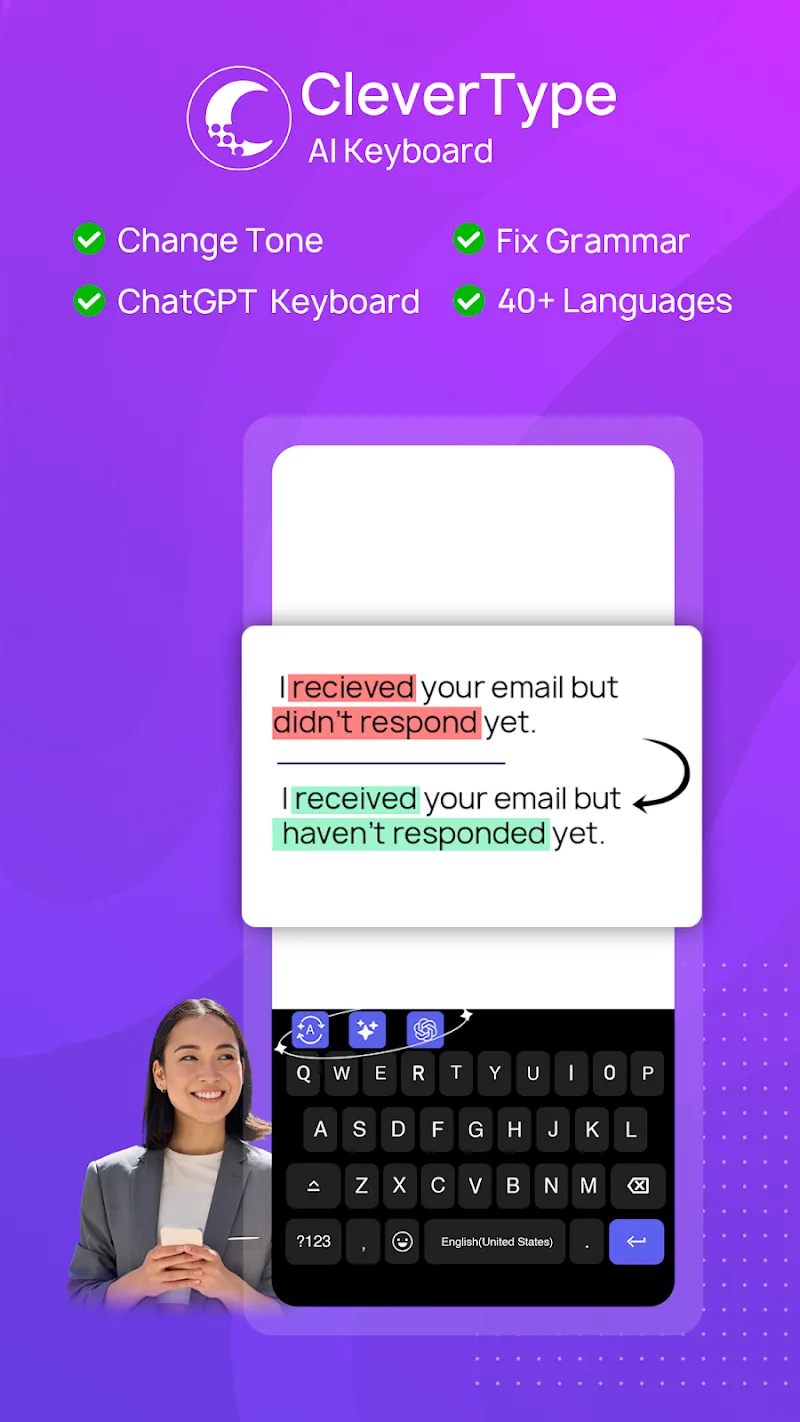
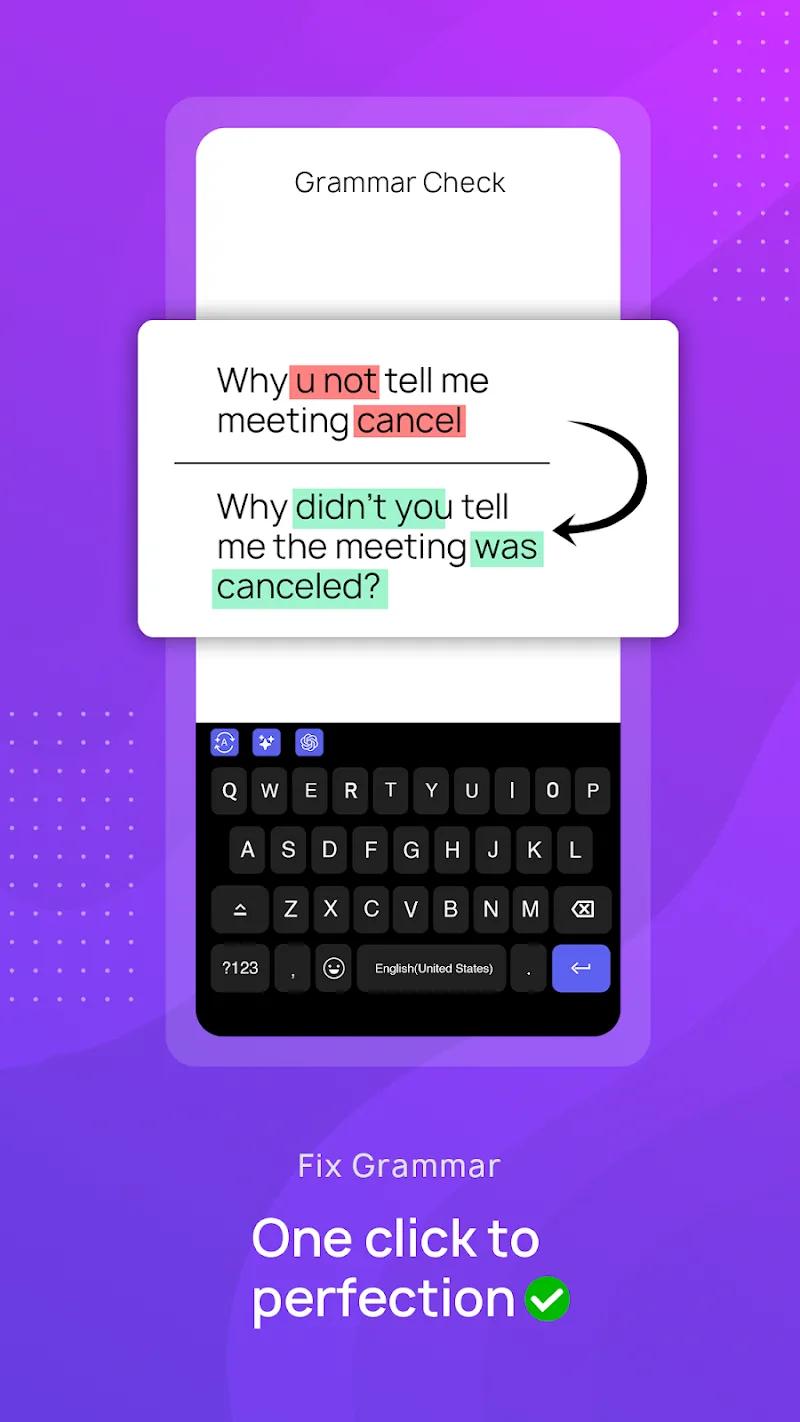
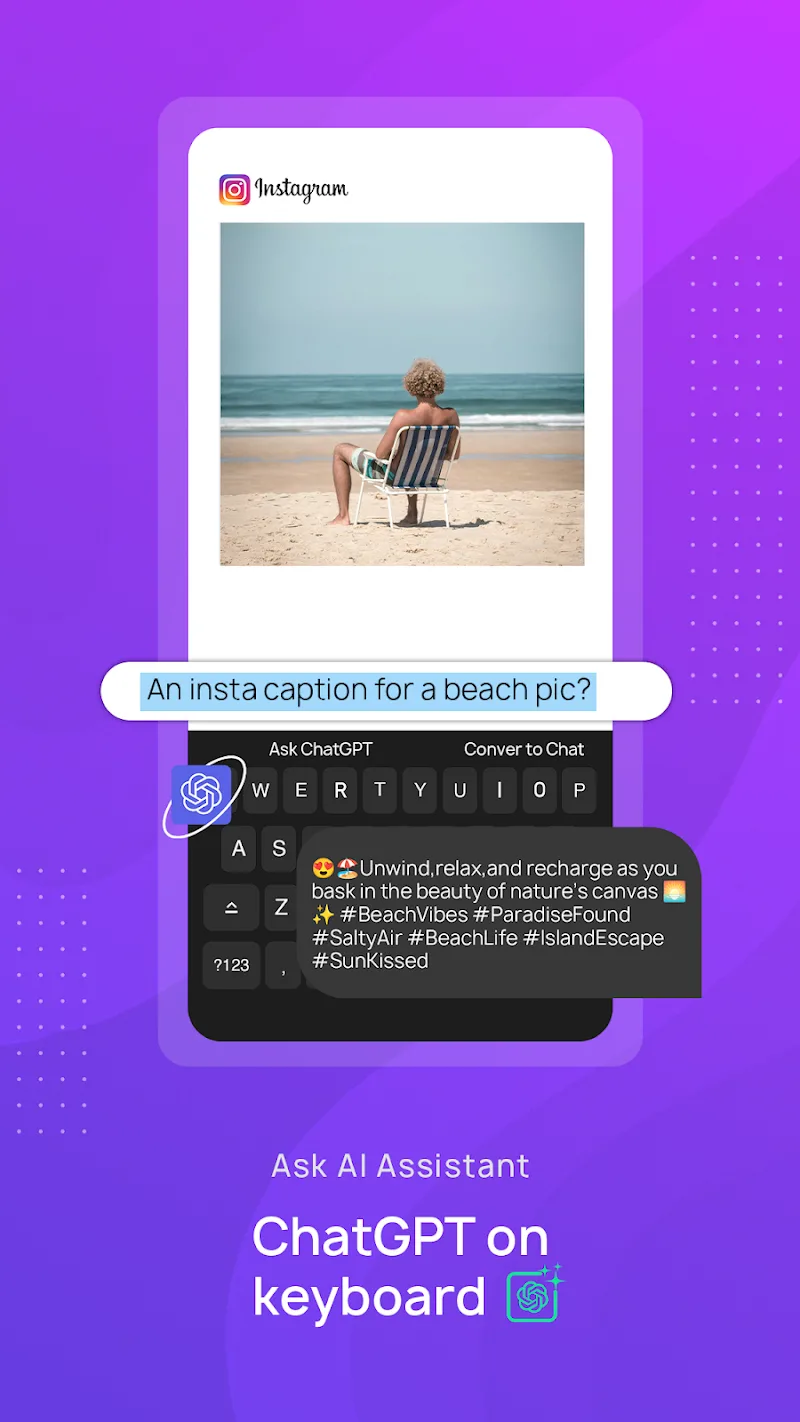
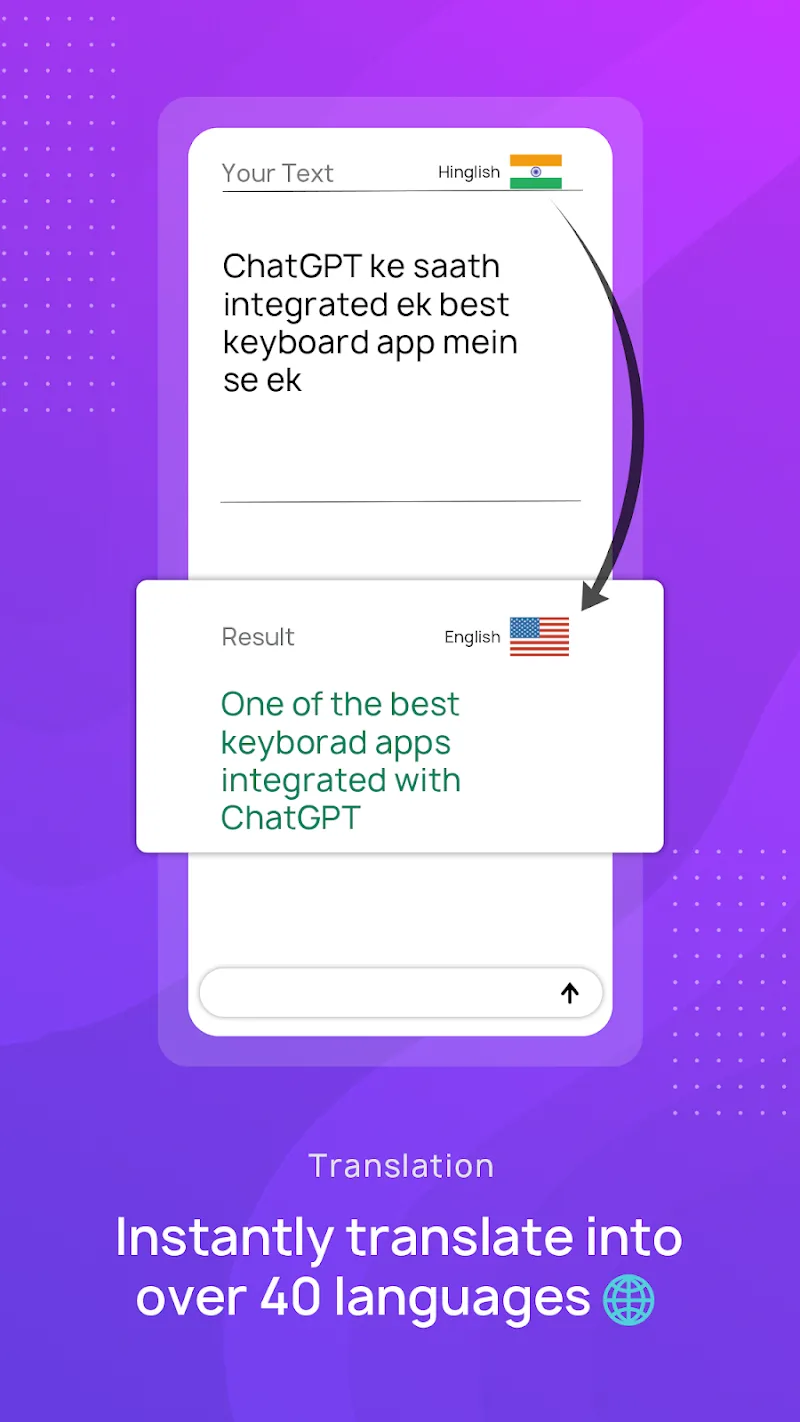
CleverType AI Keyboard brings an intelligent input layer to Android that speeds up typing, corrects errors as you go, and keeps multilingual typing smooth whether you’re replying to messages in a queue or drafting a quick email on the move. CleverType AI Keyboard combines live grammar checks, context-aware word suggestions, and an in-keyboard conversational assistant so you can look up facts or refine phrasing without switching apps. This introduction explains installation and permissions, details core features and controls, describes personalization and accessibility options, and offers practical tips to get the most from the keyboard.
After you download the APK, enable CleverType AI Keyboard in Android’s input settings and set it as your active keyboard to begin. The initial setup prompts you to allow standard permissions used by input methods: access to dictionaries and language packs, optional permission to share usage data for better suggestions, and an option to enable clipboard access for quick paste actions. You can limit optional permissions if you prefer higher privacy; core typing, on-device corrections, and basic suggestions will continue to work with minimal access. Switching languages is immediate from the keyboard toolbar once you select the language packs you want.
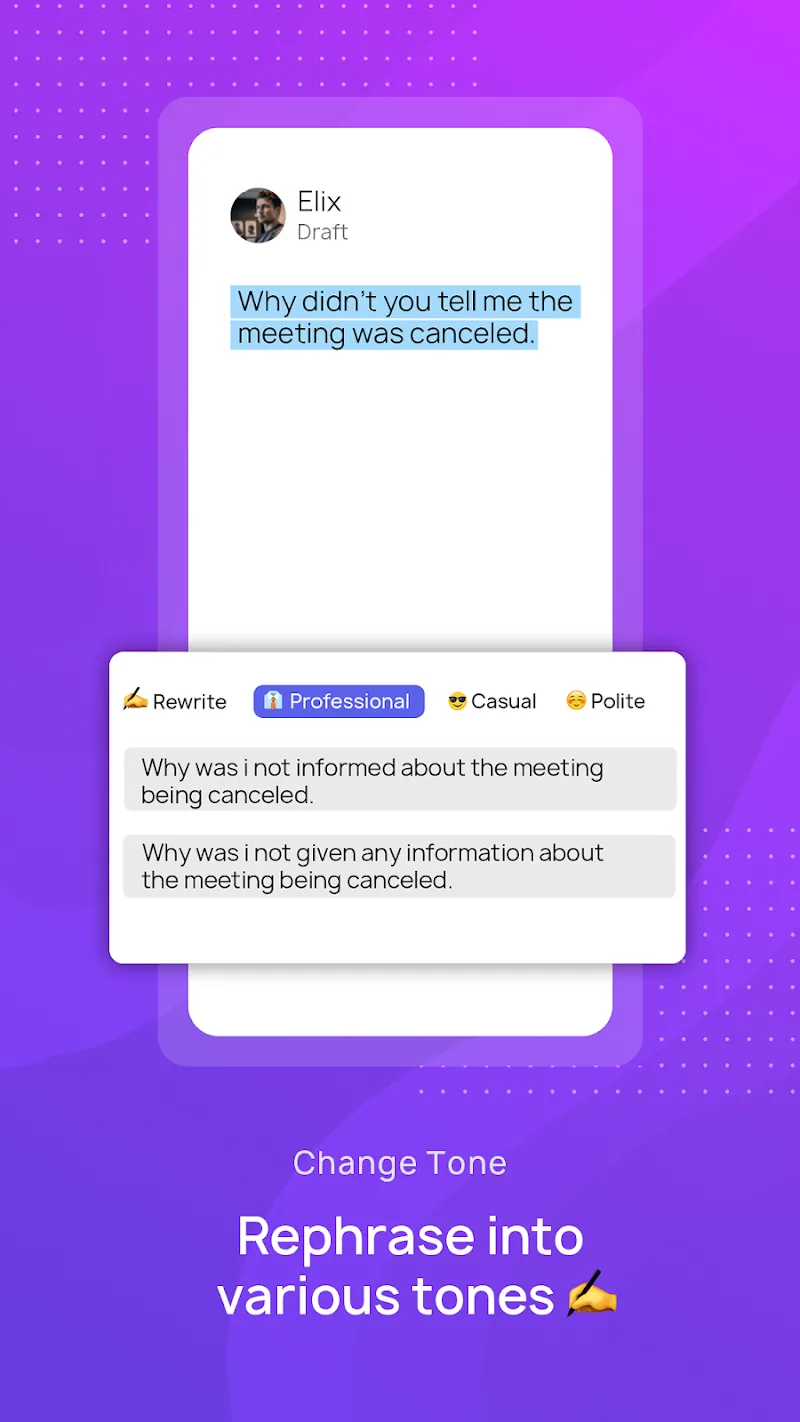
CleverType AI Keyboard offers real-time grammar and spelling correction that highlights likely errors as you type and applies suggested fixes, reducing the need for manual proofreading. Smart suggestions provide context-aware completions that adapt to sentence structure, making it faster to compose messages and notes. The built-in chat assistant allows quick rewrites, summaries, or short information lookups directly in the input area so you can refine tone and clarity without leaving the conversation. Punctuation and spacing adjustments keep output tidy, and multilingual prediction maintains accuracy when you switch contexts between languages during a single sentence.
The keyboard supports familiar controls: tap-to-type, gesture-friendly cursor movement, and a toolbar with shortcuts for switching languages, inserting saved replies, and opening the assistant. Customize the visual style with several theme options, adjust key size and layout spacing to suit finger reach, and select which suggestion types appear on the candidate bar. Personalization settings let you control autocorrect sensitivity and whether the keyboard adapts aggressively to new words. Over time, the adaptive suggestion engine learns frequent phrases and names you use most, which improves suggestion relevance and typing speed without manual training.
For offline convenience, language packs and core predictive models can operate without a constant connection, so basic suggestions and autocorrections still function when you are in airplane mode or have limited data. More advanced assistant tasks—like web lookups or large-model rewrites—require an internet connection and are performed only if enabled. The app separates local, on-device processing from optional cloud features so you can choose a privacy-first mode that minimizes data sent externally. Review the permission options during setup to match your privacy preferences while maintaining the features you need.
CleverType AI Keyboard aims to be accessible across a range of users: adjustable font sizes and high-contrast themes help visibility, wider key layouts reduce mistypes for larger fingers, and a simple settings flow assists users who rely on the keyboard for daily communication. Multilingual users benefit from quick language switching and predictive accuracy that keeps pace when you alternate languages in the same message. The interface places frequently used controls within thumb reach and offers tactile feedback choices so you can tailor the feel of typing to your preference.
To maximize efficiency, save common replies and signatures to the keyboard’s quick-reply storage for single-tap insertion when you’re multitasking. Adjust suggestion sensitivity lower if you prefer conservative autocorrect, or increase it if you want faster one-tap completions. Use the in-keyboard assistant for short rewrites when tone matters—formalizing a sentence for email or shortening a reply for chat—so you maintain context without app switching. Keep an eye on language pack updates and clear optional caches in settings if storage becomes constrained.
CleverType AI Keyboard is well suited for people who write emails and need polished text on mobile, multilingual users who switch between languages throughout the day, and anyone who wants quick access to a conversational helper while typing. Students, professionals, and frequent typists will appreciate the time saved by contextual suggestions and punctuation cleanup. Because advanced assistant features may require a connection and additional permissions, review settings to strike the right balance between capability and privacy for your needs.


Quick Cursor MOD Pro Unlocked
4.14.58MB

Block Scroll MOD Premium Unloked
4.224.37MB

Timesheet -inApp MOD Premium Unlocked
4.327.80MB

Habit Tracker - HabitGenius MOD Premium Unlocked
4.565.80MB

NoScroll MOD Premium Unlocked
4.436.08MB

CamTranslate MOD Premium Unlocked
4.324.50MB

Headway
4.19.90MB

AnyList MOD Premium Unlocked
4.349.40MB