
Gps Photo Location
Version: 4.2.0
28.08MB
4.3
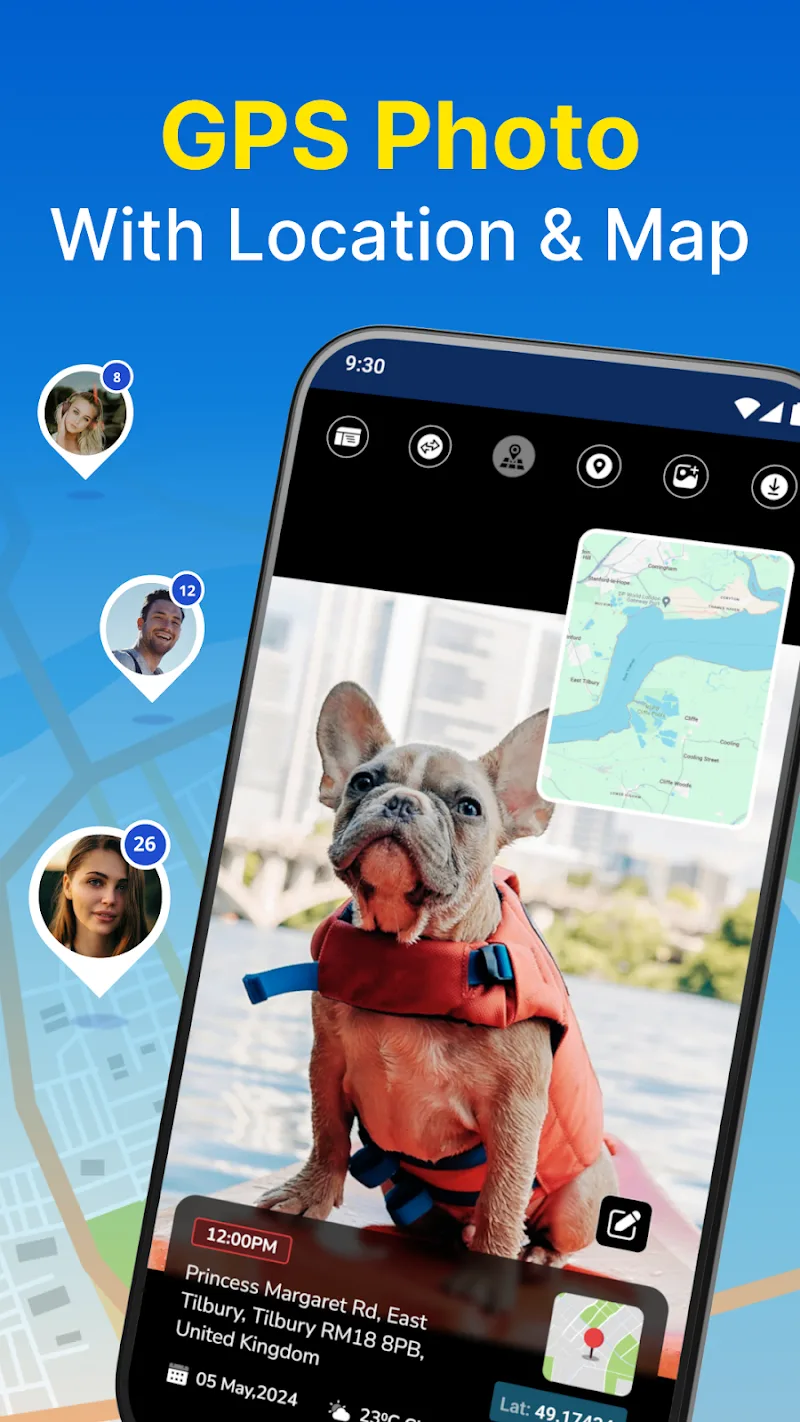
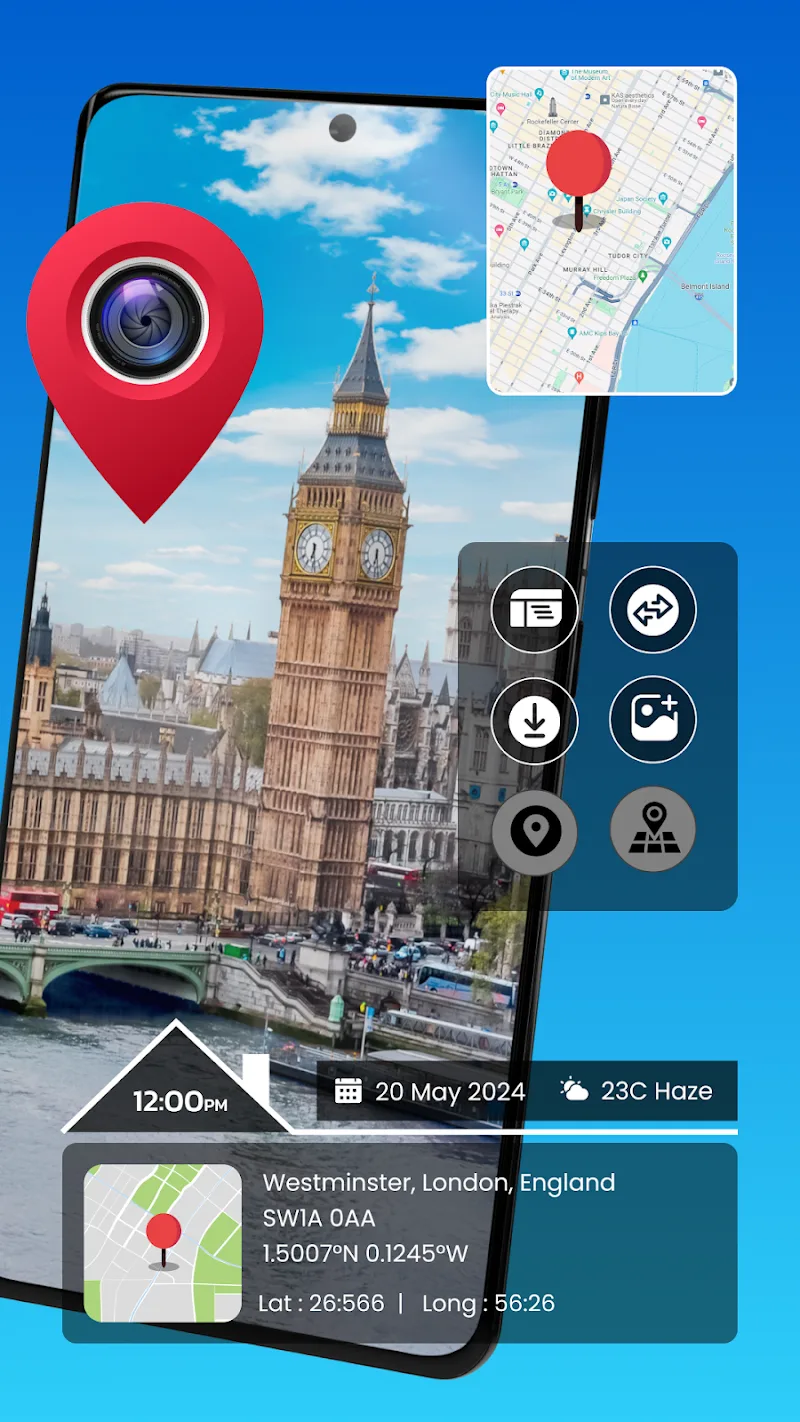
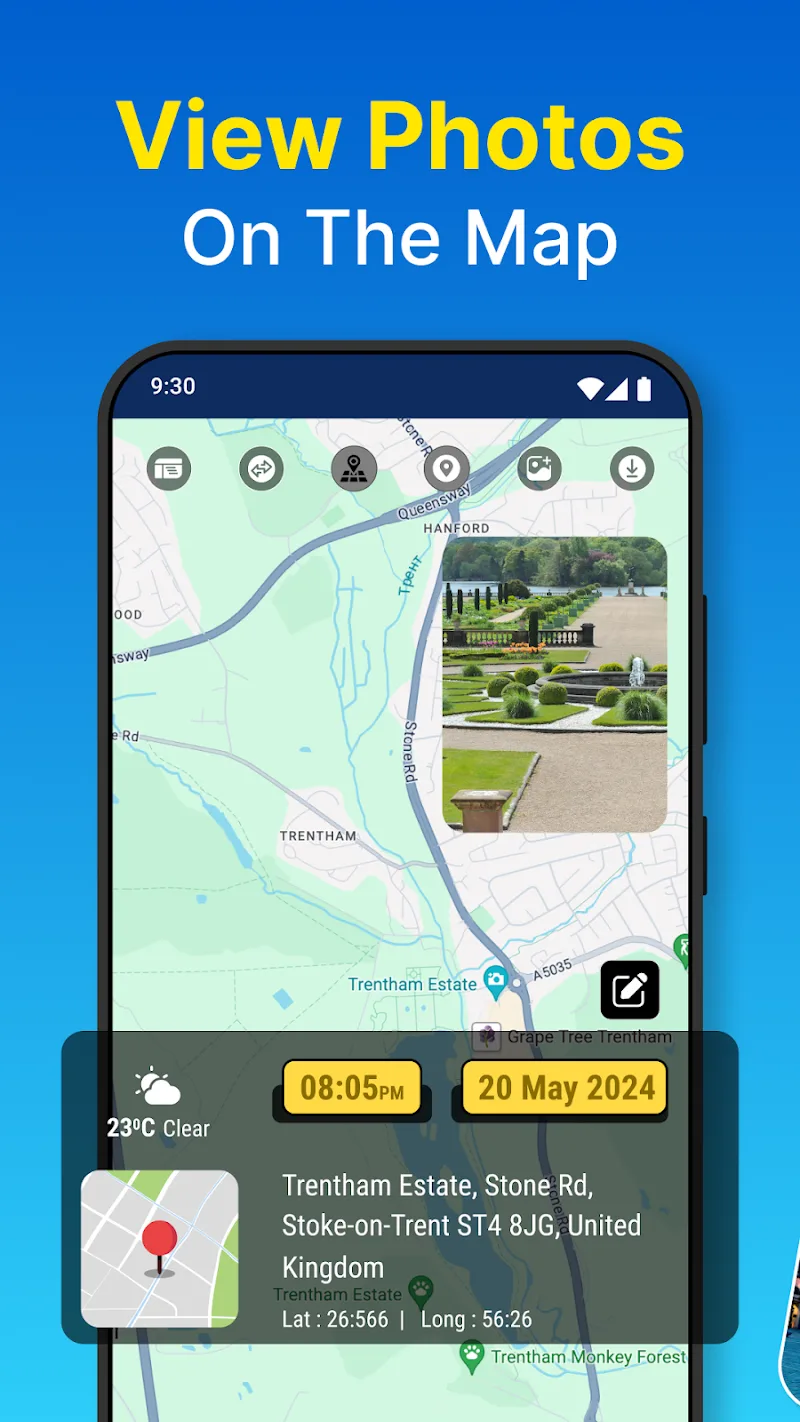

Gps Photo Location is a compact Android utility that helps you attach, edit, and visualize GPS coordinates on images. It simplifies geotagging by writing or modifying EXIF data, previewing photo locations on a map, and offering batch tools for organizing location-based galleries with easy-to-use controls.
Designed for travelers, field workers, and photographers who need accurate location context, Gps Photo Location integrates mapping, timestamp alignment, and metadata editing. The interface prioritizes quick workflows so you can geotag a few photos or process hundreds without losing track of details.
Gps Photo Location reads existing EXIF data from your pictures, detects timestamps, and offers options to write or overwrite GPS tags. For photos without GPS, you can tap a map or enter coordinates manually. The app can synchronize with GPX logs; it will search for matching timestamps and interpolate positions for photos taken when your device’s GPS was off.
The layout guides you from selection to verification. Start by choosing images, then pick between single-point tagging, batch assignment, or GPX syncing. A map view overlays thumbnails so you can confirm each placement. Controls are intentionally minimal: crop and rotate remain untouched by geotag edits, keeping the workflow focused on location metadata.
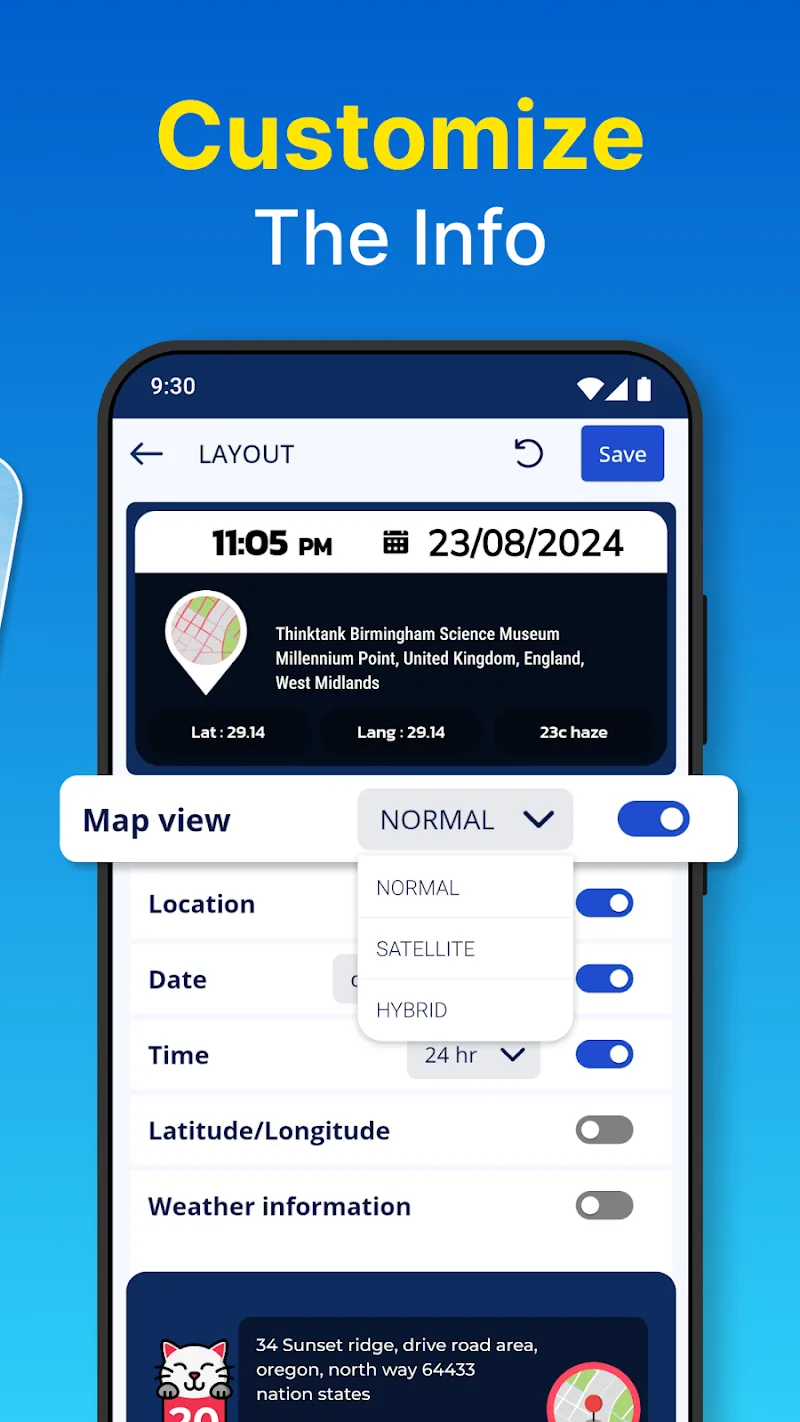
Gps Photo Location includes settings to control precision, time zone offsets, and whether to preserve original files. You can set default coordinate formats (decimal degrees or degrees/minutes/seconds) and toggle prompts for confirming bulk changes. These options help adapt the app to professional workflows or casual use.
The app is responsive when processing small to medium batches. Large collections may take longer, especially during GPX alignment or when recalculating timestamps. Error reporting is straightforward: any photo that can’t be updated is flagged and left unchanged so you can reattempt without losing data.
Handling location metadata raises privacy concerns, and Gps Photo Location addresses them by keeping edits local to your device unless you explicitly export or share files. There are clear prompts before overwriting original images, and a backup option preserves source files so you can recover original EXIF data if needed.
People select Gps Photo Location for its focused toolset that balances ease of use with precise control. Photographers appreciate accurate tag editing, while field teams value the ability to attach location proof to evidence or reports. The straightforward map interface reduces guesswork during placement.
Download and grant storage permissions, then pick a few sample photos to test. Try both manual placement and GPX syncing to see which method suits your routine. Regular users often incorporate the app into post-processing chains for travel blogs, documentation, and archival tasks.