
Wiseplay
Version: 8.1.26
38.13MB
4.1
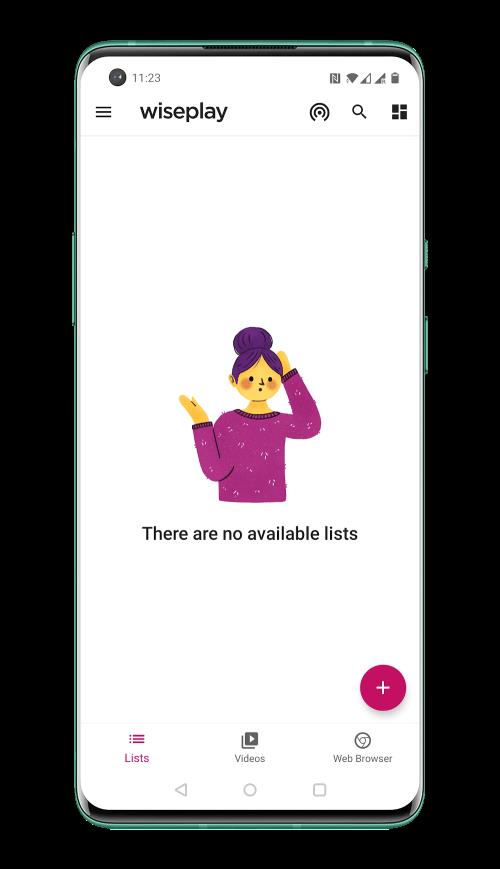
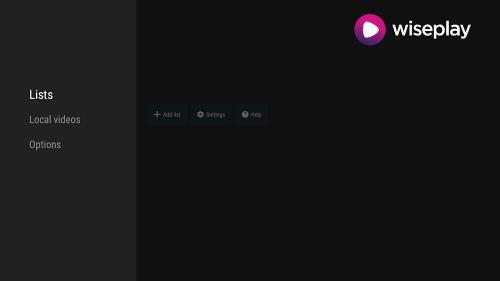
Wiseplay is a versatile multimedia player for Android that handles playlists, streaming links, and local video playback with a lightweight interface and broad format support. Designed for users who want organized access to live channels and files, it combines playlist management, subtitle capability, and network streaming in a compact, user-friendly package.
This Android utility focuses on organizing and playing multimedia content without unnecessary complexity. Wiseplay supports common playlist formats, enables simple import of online streaming links, and plays back local video and audio files. The aim is to give users quick access to live content and saved media while keeping controls straightforward and responsive.
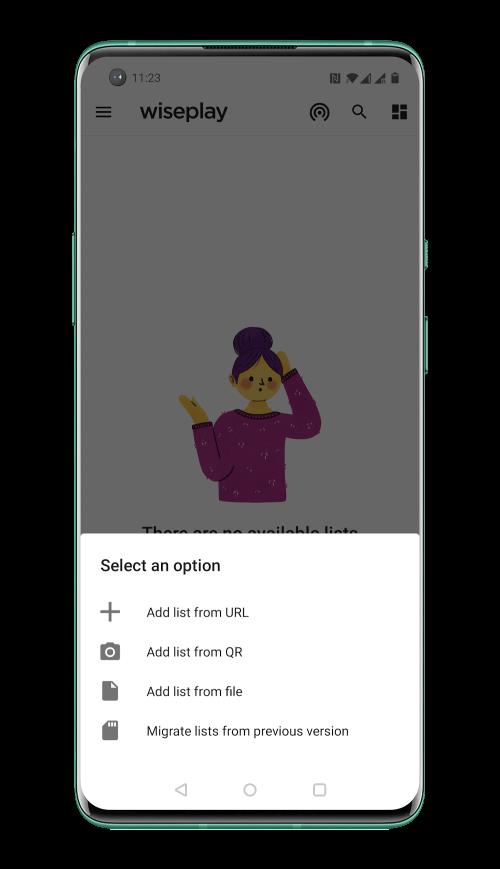
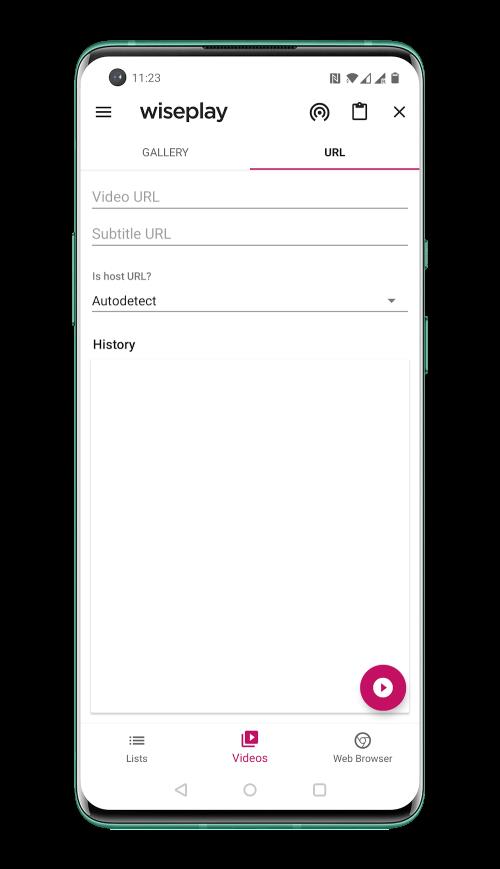
Getting media into the app is straightforward: import playlists from a file or paste a streaming URL into the playlist manager. Local files are scanned and displayed, so you can browse by folder or recent items. Playback controls are accessible and include seek, play/pause, and brightness/volume gestures for quick in-play adjustments. For users who rely on live channels, the ability to edit and reorder playlist entries makes customization simple.
The interface focuses on clarity — lists, thumbnails, and intuitive icons help you find content fast. Performance is generally efficient on modern devices, with low startup overhead and fluid playback for most formats. On older hardware, performance depends on codec support and file resolution; switching to a lower-resolution stream or a different codec can resolve stuttering. The app keeps CPU usage modest while offering options to adjust playback behavior.
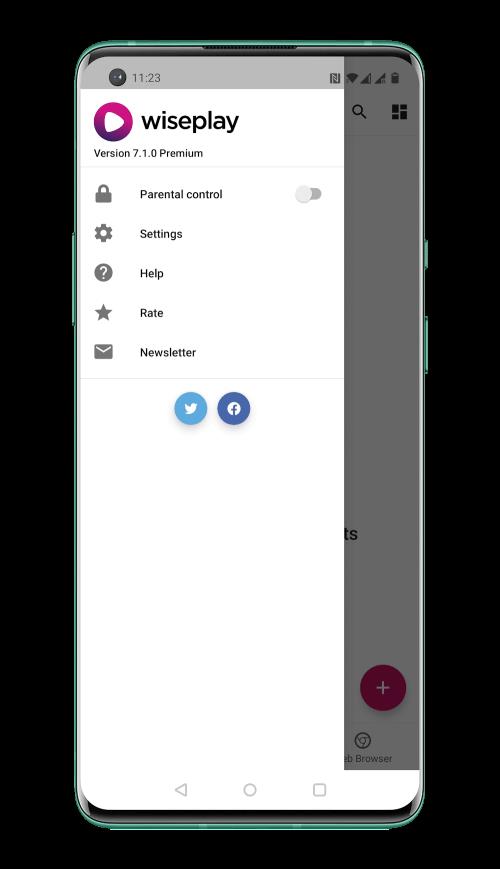
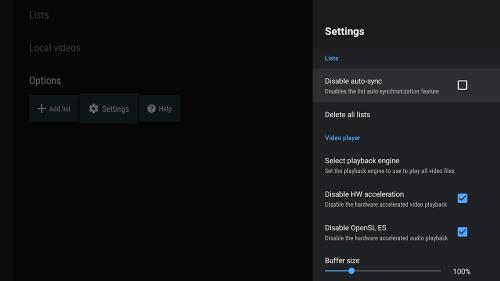
Wiseplay provides several user-facing controls that let you tailor playback and the library experience. You can define how playlists are displayed, arrange entries into folders, and set subtitle options per item. Playback settings allow you to choose default audio tracks when multiple streams are available, and to configure startup behavior so the app opens directly into the last-used playlist or library view.
Like any media player that accesses network content, exercise caution when adding unknown streaming links. Verify sources and avoid sharing personal or sensitive information through public playlists. The app itself requests only the permissions necessary for playback and file access, but reviewing permissions at installation helps maintain control over what is shared with the device and other apps.
Users appreciate Wiseplay for its balance of simplicity and power. It removes clutter while offering the essential tools for playlist curation, streaming, and subtitle control. The app fits well for users who want a lightweight, effective media player without the complexity of professional broadcast tools.
Installation is standard for Android apps: download, grant basic media and storage permissions, and import your first playlist. If you plan to stream frequently, ensure a stable network connection and test streams at different times to confirm reliability. Regularly back up important playlists to avoid accidental loss during updates or device changes.
For users seeking a practical solution to manage both live streams and saved videos, Wiseplay offers a straightforward, capable alternative with the customization and playback fidelity most people need on mobile devices.