
Pushscroll
Version: 1.72
61.25MB
4.4
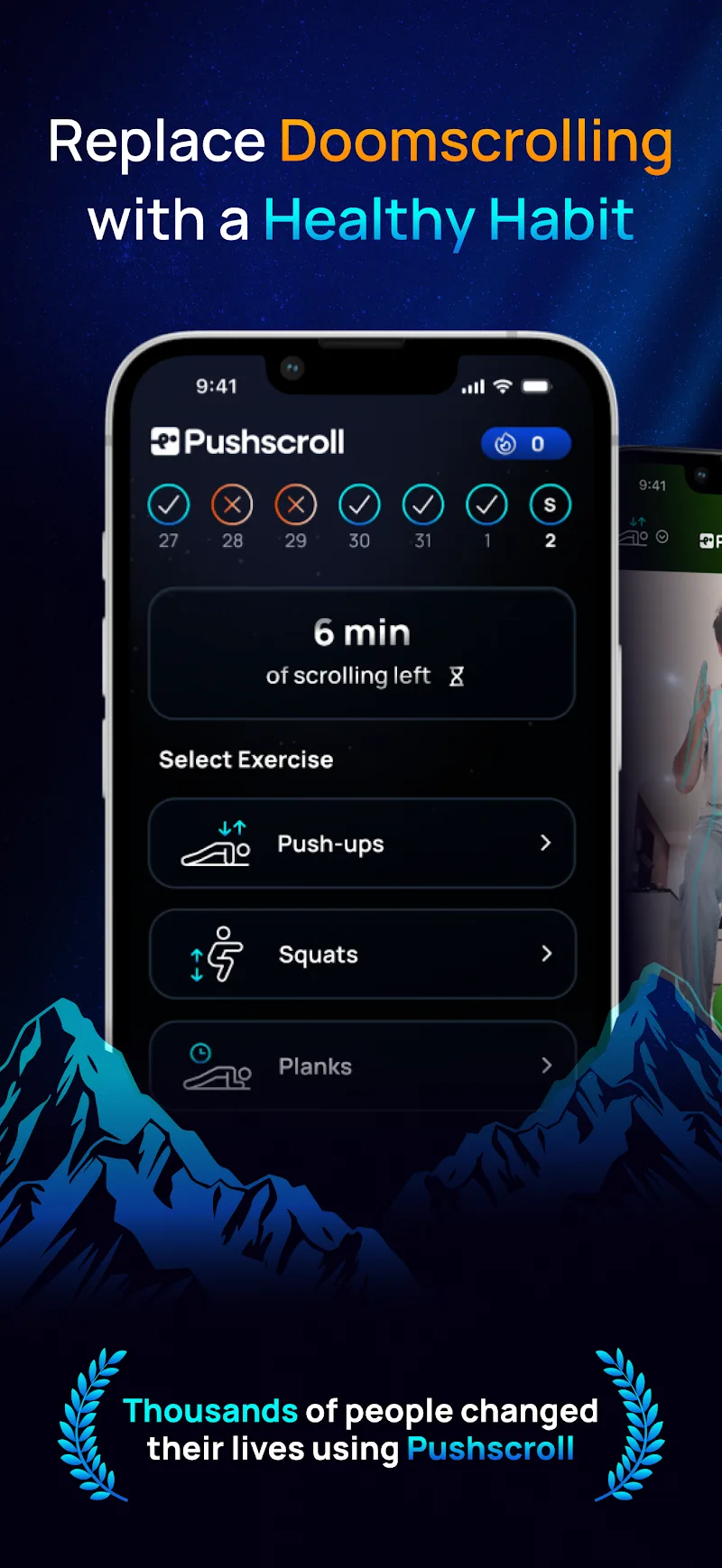
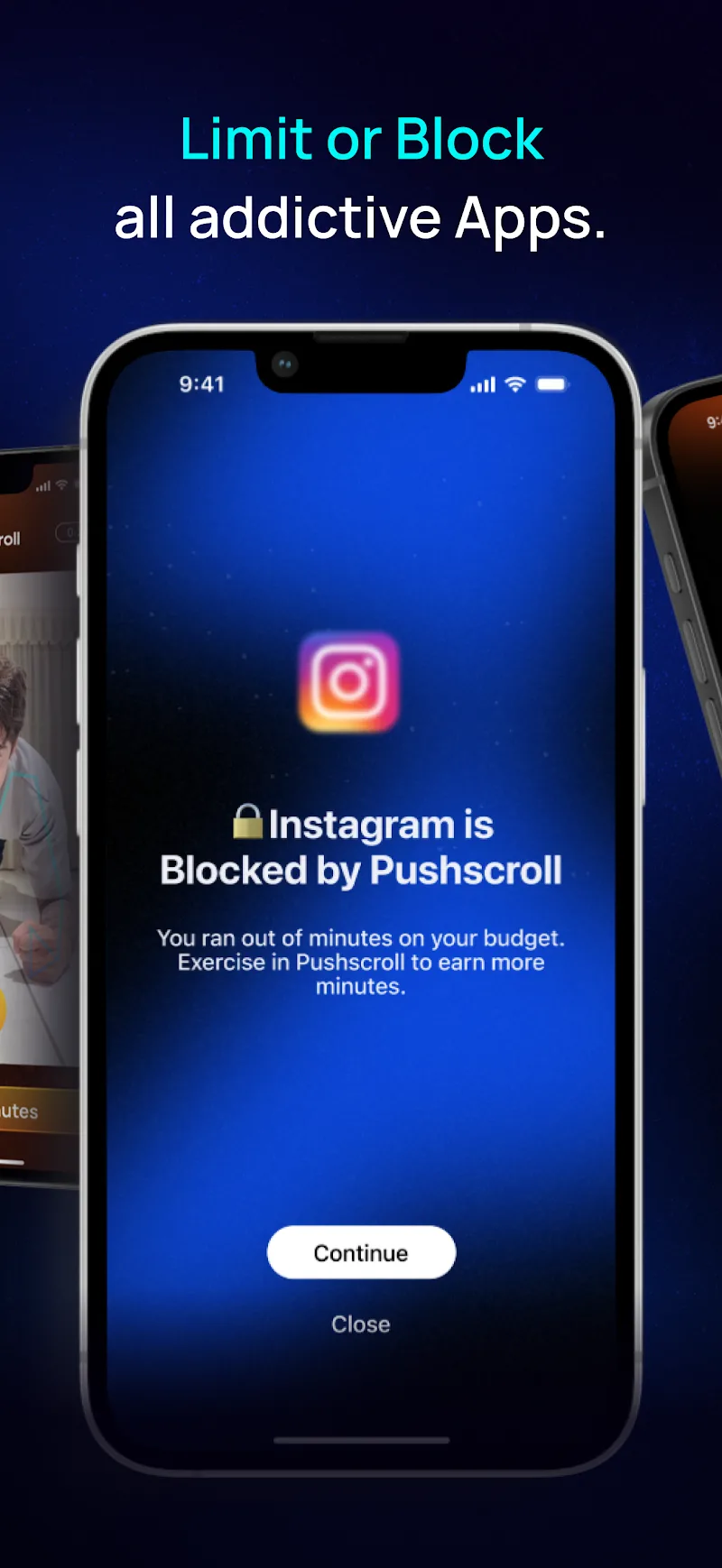
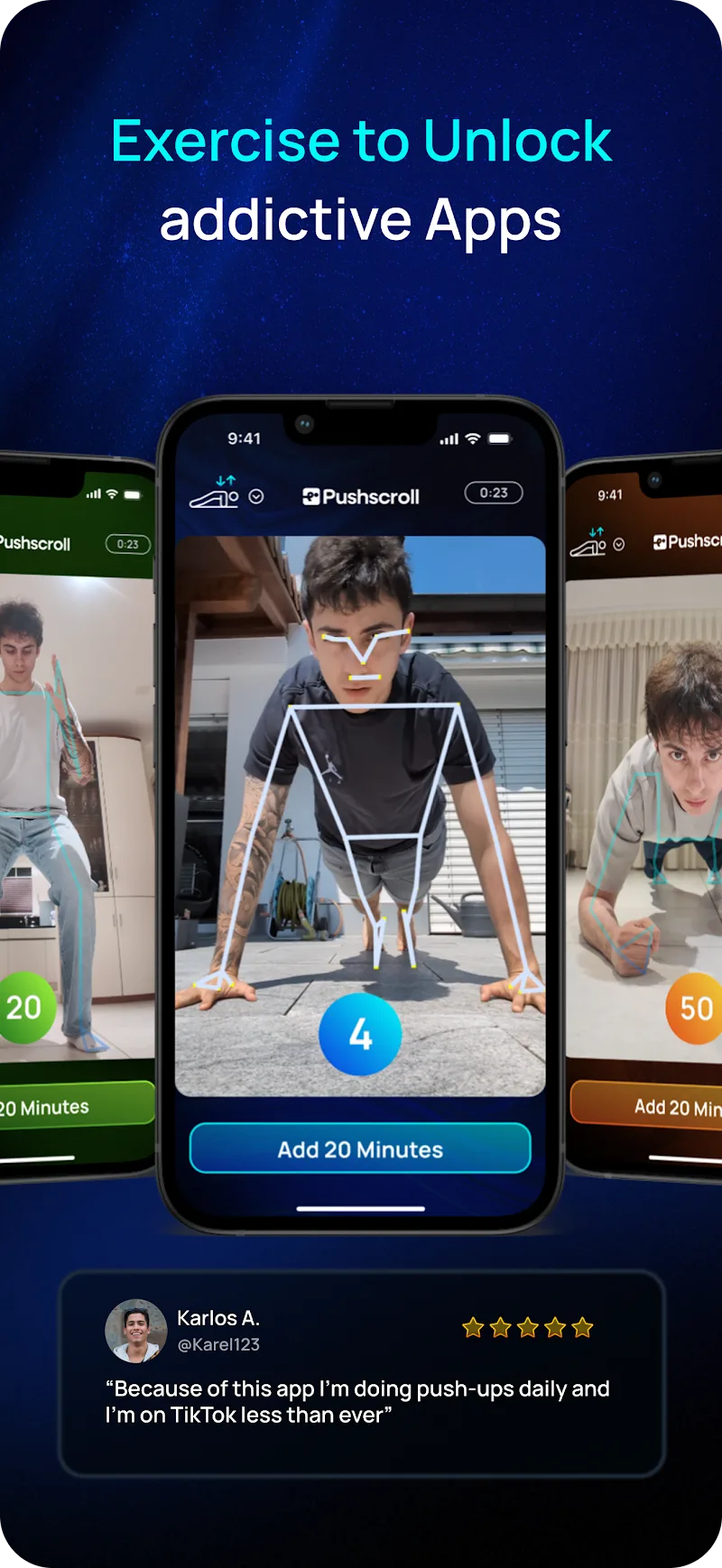
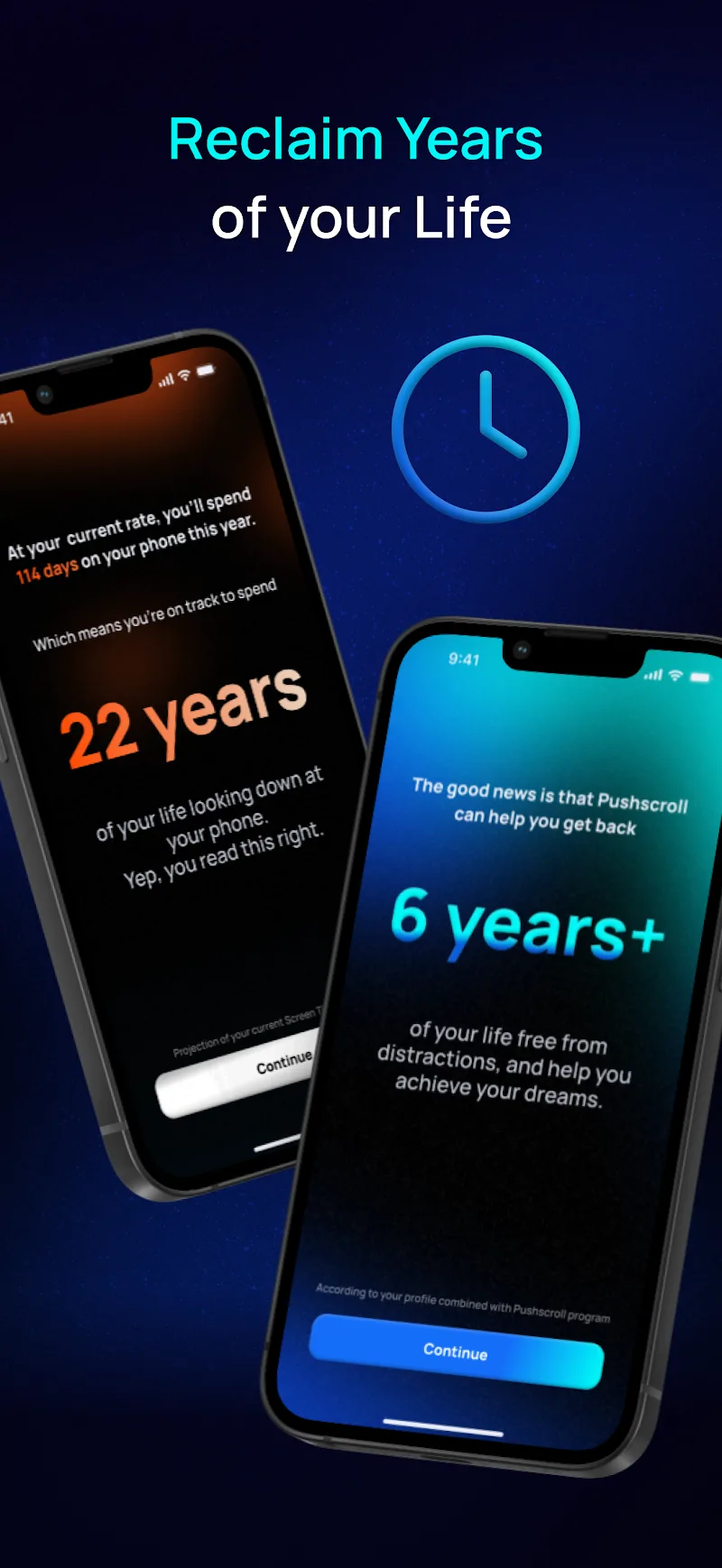
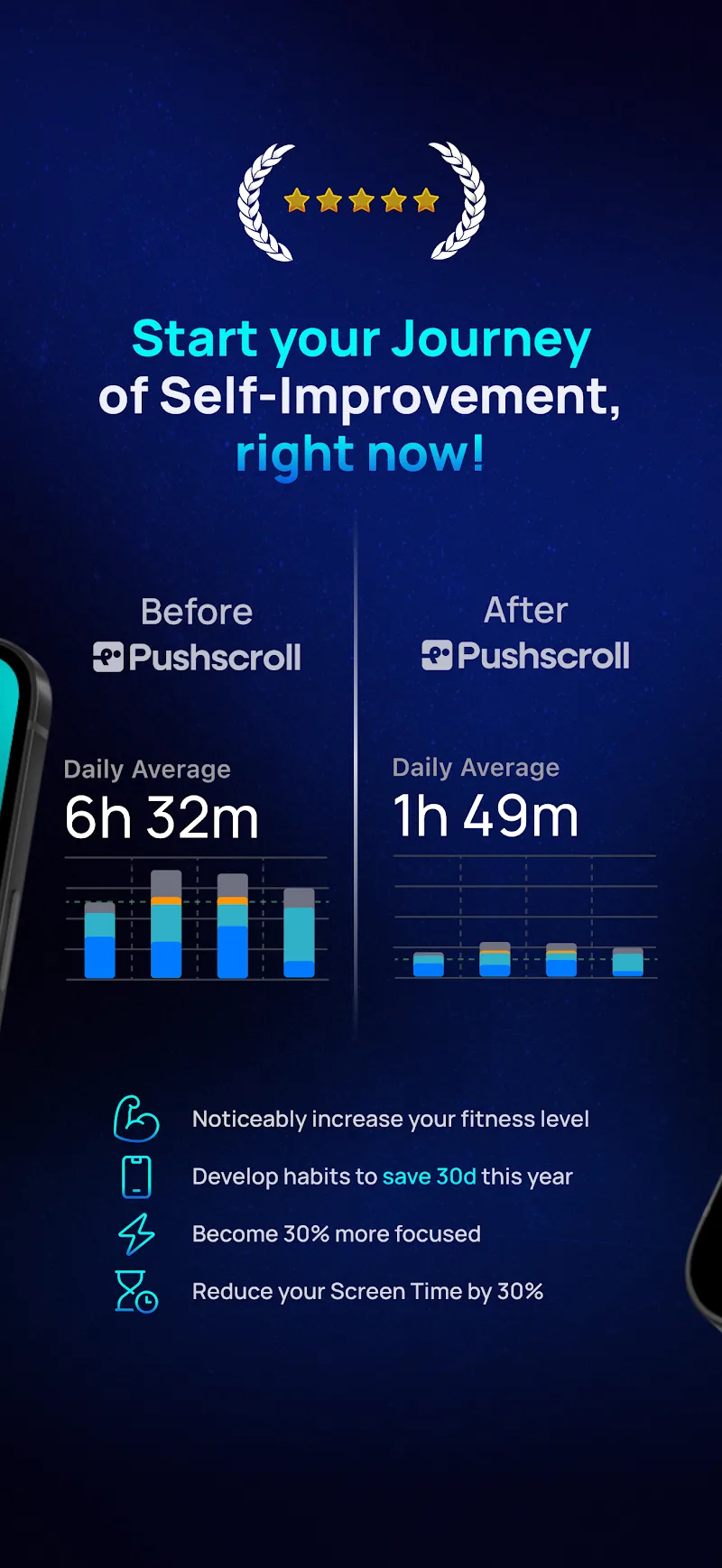
Pushscroll is a lightweight Android utility that refines how you scroll through apps and web pages. It adds customizable momentum, gesture shortcuts, and context-aware auto-scroll controls to improve navigation speed and reduce strain. Designed for frequent scrollers, Pushscroll focuses on precision, performance, and minimal battery impact.
At its core, Pushscroll is built to solve a simple problem: make vertical and horizontal navigation feel more natural. Rather than replacing the system input model, it augments touch behavior with adjustable physics, programmable gestures, and per-app profiles. Users who read long articles, browse feeds, or edit documents get smoother, more predictable movement with less overshoot and fewer accidental jumps.
Pushscroll runs as an accessibility-enhanced helper, not a replacement launcher. After granting the necessary permissions, it intercepts touch input and applies its algorithms to the motion vector before handing control back to the foreground app. That means the effect feels immediate and integrated, and you can toggle it on or off quickly if an app behaves unexpectedly.
One of the app’s strengths is its profile system. You can create a profile named for an activity—"Reading," "Gaming," or "Editing"—and bind it to specific apps or launch conditions. Profiles include exact values for inertia, edge resistance, and permitted gesture sets. This makes Pushscroll suitable for mixed workflows where one size doesn’t fit all.
The interface is intentionally minimal. Settings are grouped into clusters, and each slider shows a short preview so you can test adjustments in real time. Visual feedback during gestures is subtle: a small overlay indicator confirms when a custom action triggers. For users who prefer fewer options, a one-tap "Balanced" preset provides solid defaults.
Performance is a priority. The algorithms are optimized to run on-device with negligible overhead. Pushscroll avoids continuous background polling and uses event-driven listeners to stay responsive without draining the battery. On mid-range hardware it remains fluid and does not interfere with animations inside apps.
People choose Pushscroll because it simplifies repetitive navigation and reduces fatigue during extended sessions. It’s particularly useful for journalists, students, and developers who parse long documents or logs. The real benefit shows up when switching between apps: consistent feel and predictable control save a surprising amount of time.
Install and open Pushscroll, grant accessibility access, then select a preset profile. Test the sliders in the preview pane and assign a couple of gesture shortcuts you’ll actually use. Finally, bind profiles to a few high-traffic apps—your browser and preferred reader are good starting points. From there, adjustments are incremental and fast.
Whether you want smoother reading, more reliable page jumps, or fewer accidental overscrolls, Pushscroll provides focused, customizable controls that elevate everyday navigation without heavy configuration.