
Ares Light: Pastel Icon Pack
Version: 2.3.4
79.87MB
4.5
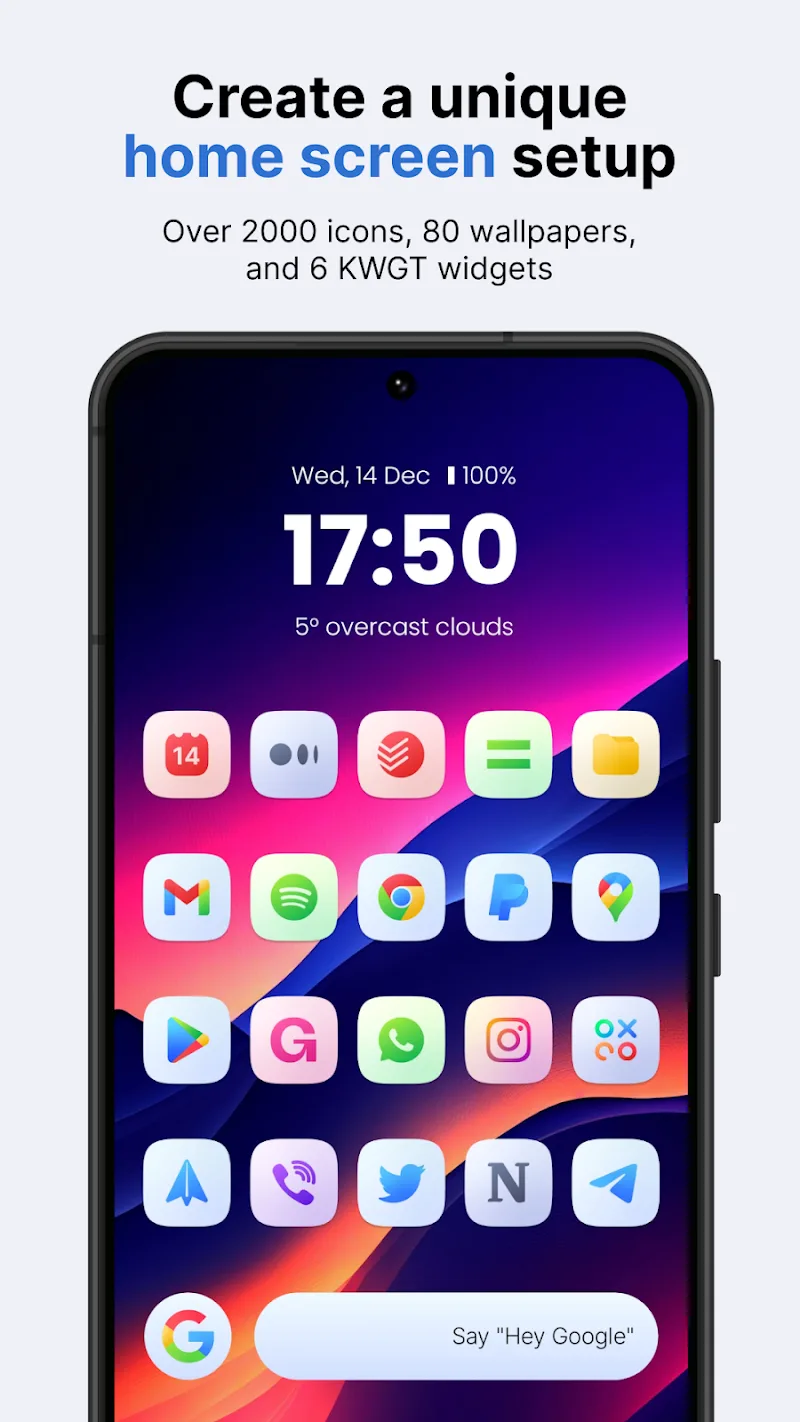
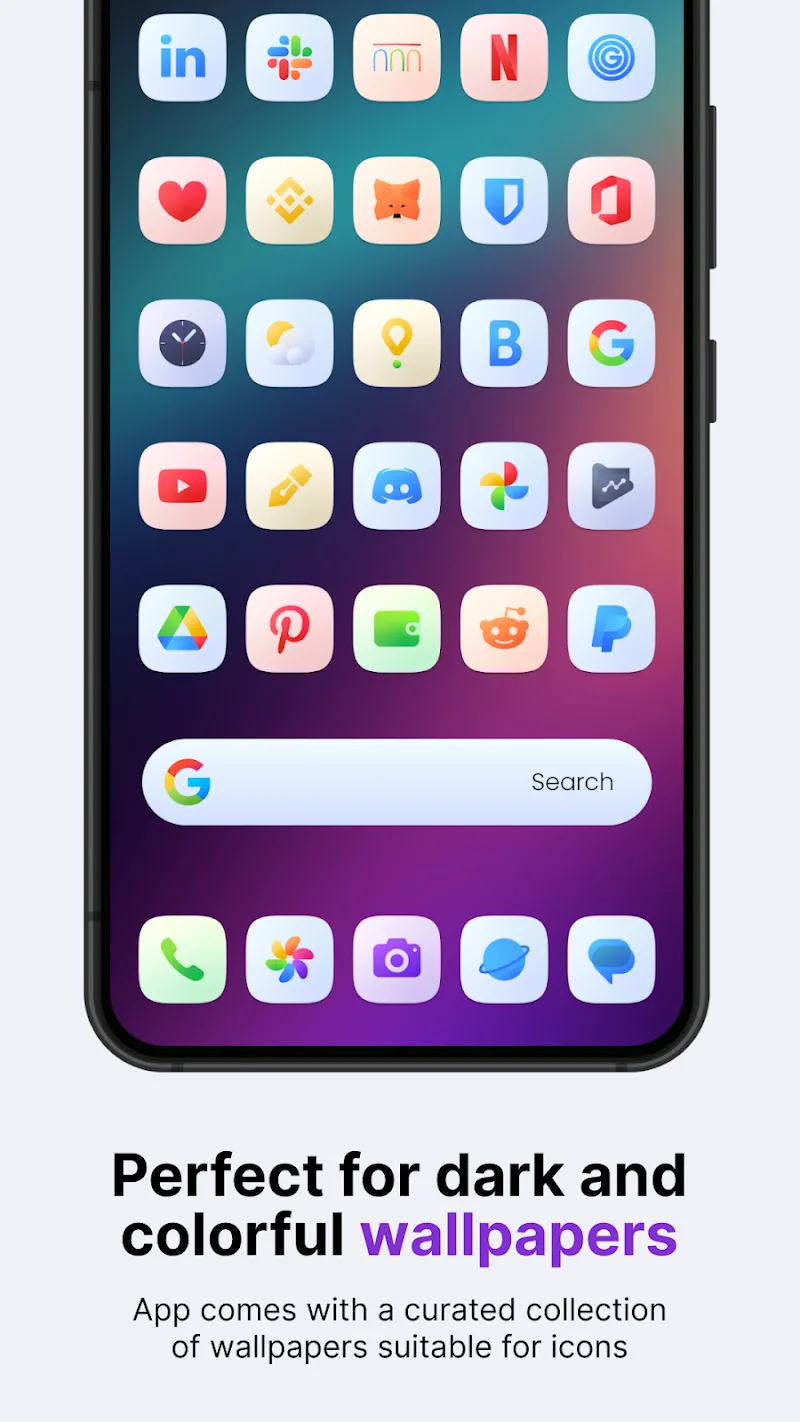
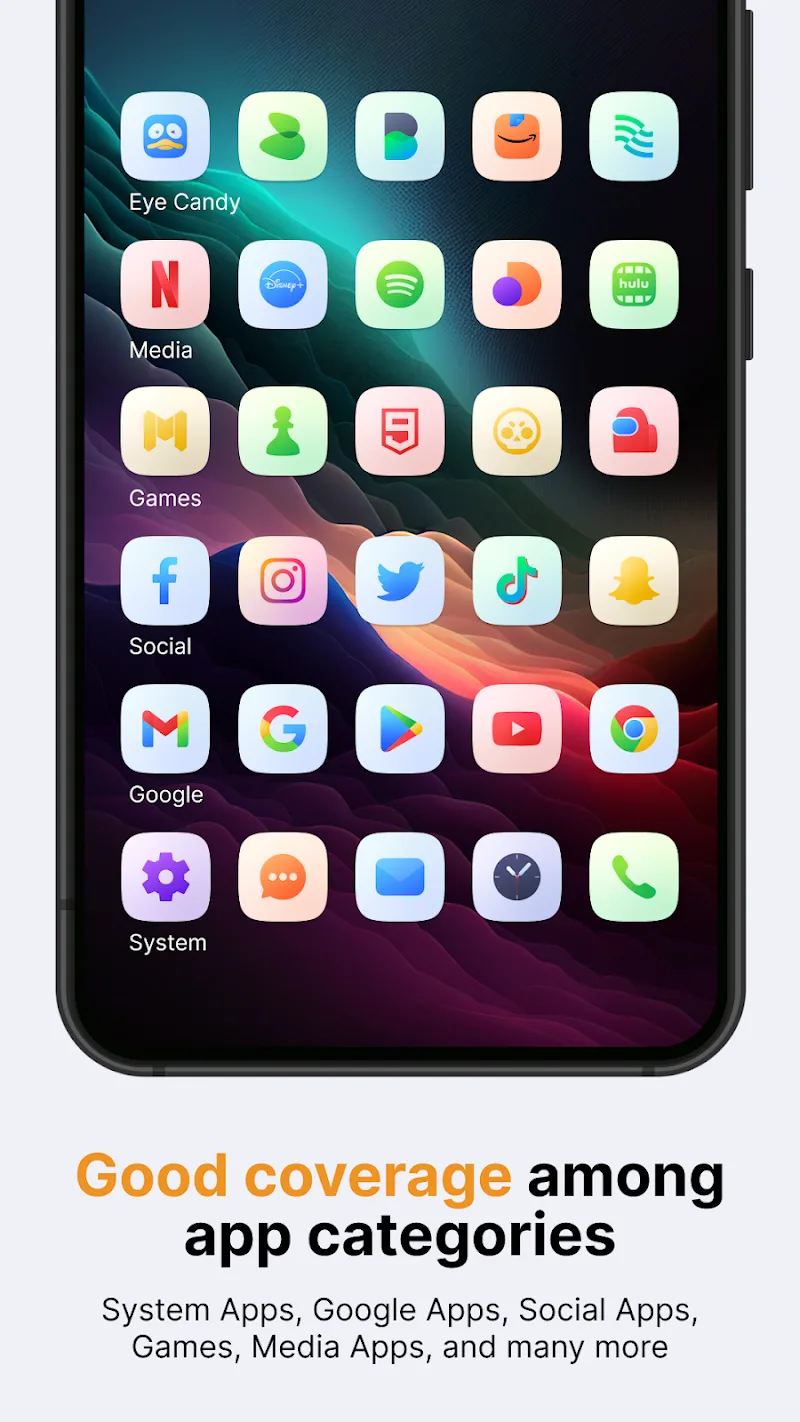
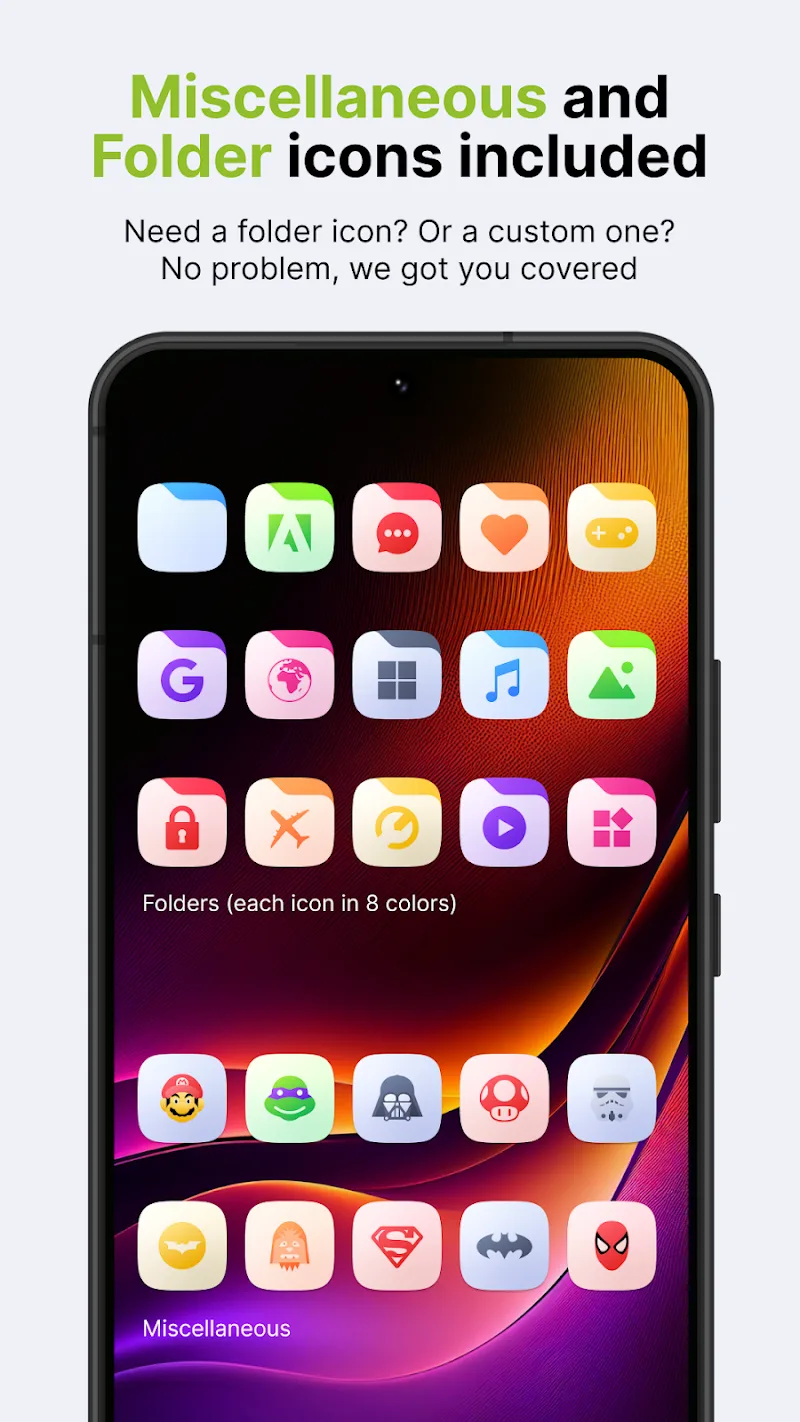
Ares Light: Pastel Icon Pack is a minimalist icon theme that refreshes Android home screens with soft color palettes and refined iconography. Designed for users who prefer subtle visuals, it supplies hundreds of handcrafted icons, matching wallpapers, and compatibility with most popular launchers to create a cohesive, modern look.
Ares Light: Pastel Icon Pack focuses on consistent, pastel-toned icons that reduce visual clutter while preserving recognizability. Each glyph uses pared-down shapes and muted colors so apps are easy to identify without aggressive contrast. The pack includes adaptive icon support for Android, alternative icon choices, and a collection of wallpapers that complement the icon set.
Applying Ares Light: Pastel Icon Pack is straightforward. After installing from your preferred store, open the pack, grant any requested permissions, and tap the install or apply button. The app lists compatible launchers such as Nova, Lawnchair, Action Launcher, and others. If your launcher isn’t listed, you can often apply icons manually via its theme or icon settings.
Performance is a priority in Ares Light: Pastel Icon Pack. The package is compact and optimized to avoid unnecessary background processes, so it won’t impact battery life or system responsiveness. The preview screens load quickly and wallpaper previews maintain aspect ratio for accurate expectations. Vector assets mean icons remain sharp without large APK sizes.
The visual language emphasizes balance—icons are neither too literal nor overly stylized. This makes it easy to maintain usability across different apps while achieving a uniform look. Color choices are intentionally muted to work well in low-light conditions and alongside widgets or folders without creating contrast issues.
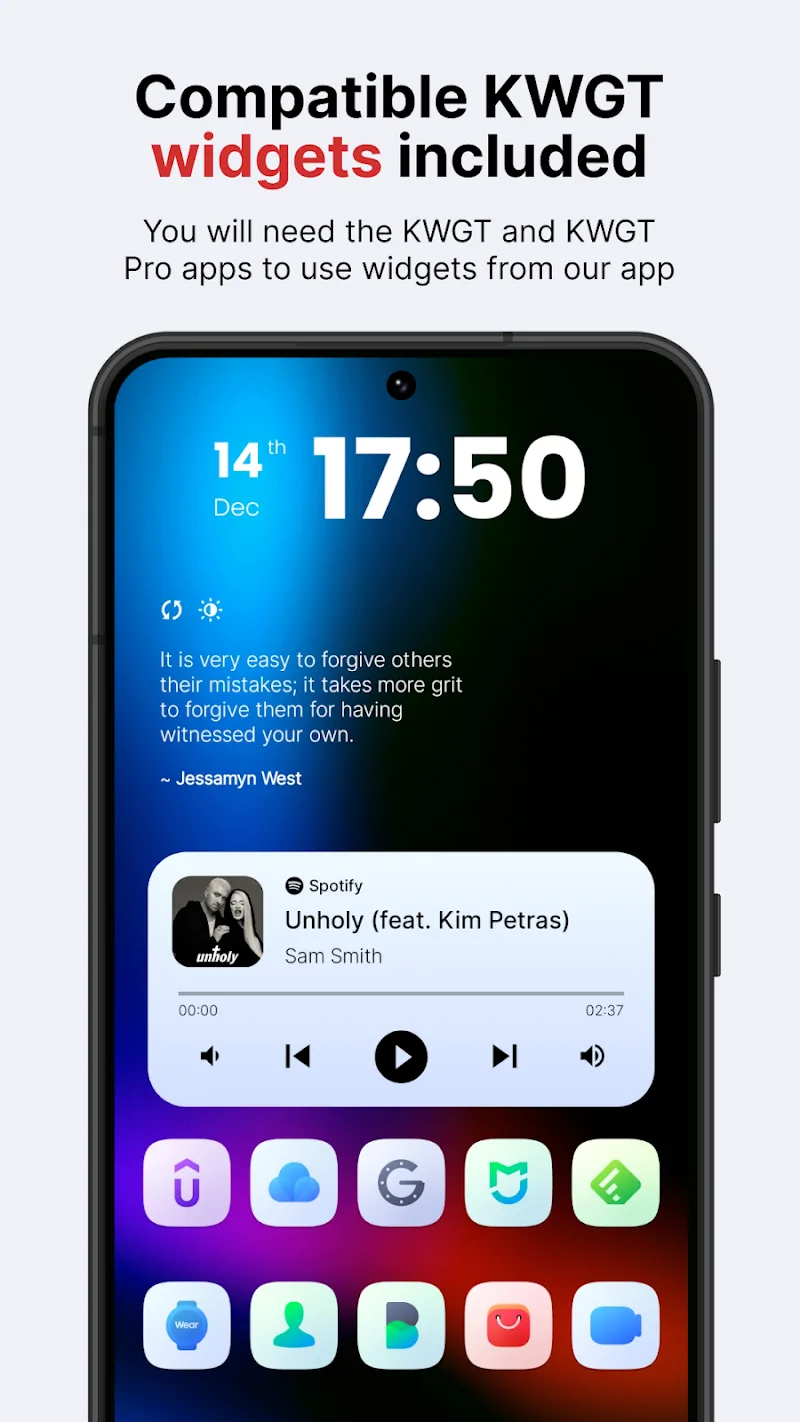
Beyond applying a full theme, Ares Light: Pastel Icon Pack supports targeted customization. Replace single icons via long-press menus in many launchers, mix and match wallpapers, or pair the pack with widget suites to complete a cohesive home screen. Designers and productivity-minded users will appreciate the consistency across system icons and third-party apps.
The developer maintains a regular update cadence to add requested icons and refine artwork. A built-in request tool makes it easy to communicate missing icons. Users typically report fast turnaround for popular apps and stable behavior across Android versions. For more involved customizations, community forums and social channels often showcase user themes using this pack.
Ares Light: Pastel Icon Pack is ideal for users who want a low-key, stylish home screen without loud colors. It’s well suited to minimalists, creatives seeking a gentle palette, and anyone who customizes Android regularly. The pack is accessible to beginners but also flexible enough for advanced themers who want precise control over icon placement and pairing.
If you’re updating your phone’s look and value visual harmony, this icon pack provides a simple path to a unified, elegant interface while staying lightweight and easy to manage.