Speed Camera Radar
Version: 3.2.29
52.00MB
4.4
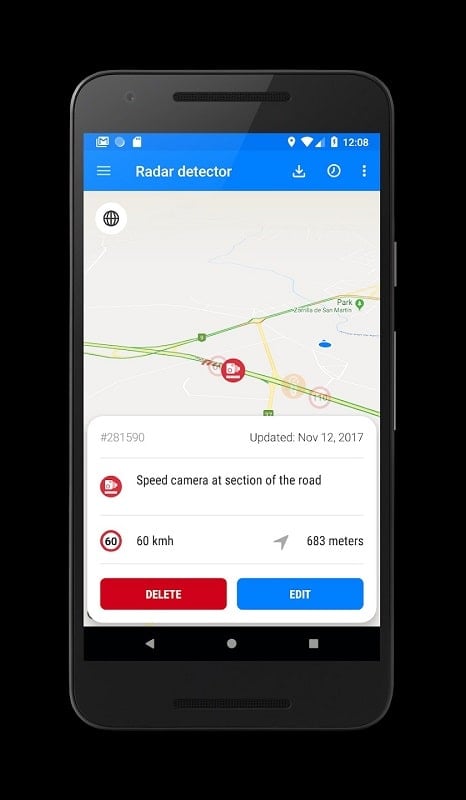
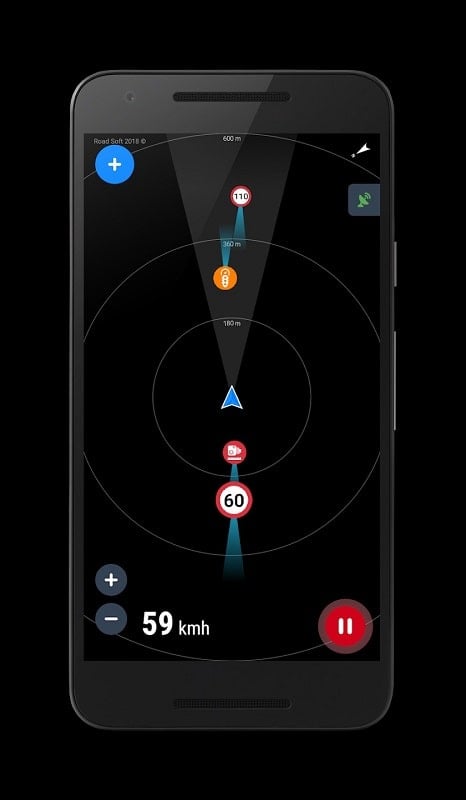
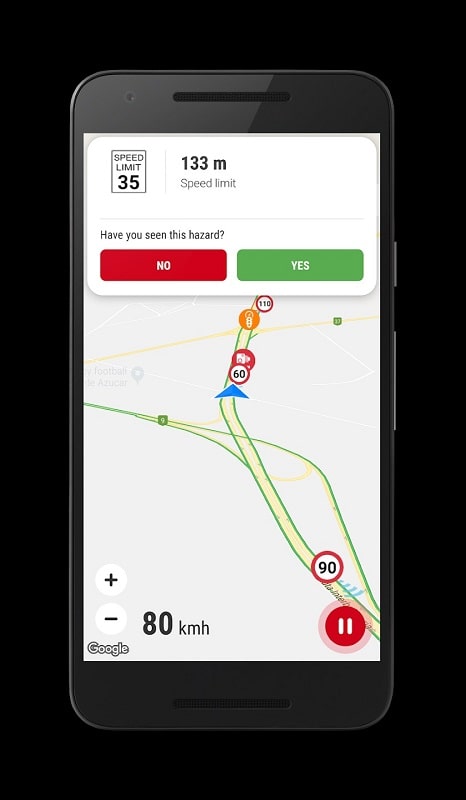
Speed Camera Radar helps drivers stay alert by providing real-time warnings about speed cameras, red light cameras, and known enforcement zones. The app combines GPS-based detection, community reports, and up-to-date databases to reduce surprise tickets and encourage safer driving without distracting the user from the road.
Speed Camera Radar focuses on delivering concise, reliable alerts and a clear interface that minimizes distraction. It blends automatic camera detection with crowd-sourced updates so users receive both authoritative and community-verified information. Alerts can be tailored by distance, camera type, and sound level to suit different driving situations.
The detection combines GPS coordinates with a curated database of enforcement points. When a vehicle approaches a recorded location, the app calculates time-to-camera and issues an alert based on configured parameters. Community reports are validated over time by confirmations from other users and automated clustering algorithms to reduce inaccurate entries.
Speed Camera Radar pairs with popular navigation apps or functions as a standalone map. You can overlay camera positions onto your route, set up auto-pauses when parked, and quickly toggle between satellite, terrain, and standard map views. Zooming and map gestures are optimized for one-handed use when necessary.
Personalization is a major focus: choose specific camera types to monitor, set silent-only alerts for night driving, and adjust vibration patterns for hands-on steering wheel feedback. Notifications can be filtered by jurisdiction or severity, and users can schedule automatic profile switching based on time of day or vehicle speed.
Designed to be unobtrusive, the app offers a low-power GPS mode that lowers battery consumption while keeping location accuracy sufficient for warnings. It respects user privacy by allowing anonymous reporting and optional local-only storage of location history. Permissions are limited to essential functions such as location and notification access.
The app is engineered to perform smoothly across a wide range of Android devices. It supports background operation without heavy CPU use and includes fail-safes for unstable GPS signals. Regular updates ensure map accuracy and compatibility with the latest Android releases and navigation engines.
After installation, a guided setup prompts users to enable location services, select preferred alert types, and optionally download offline maps. The onboarding tour demonstrates driving mode, reporting a camera, and adjusting sensitivity. Most users find the initial setup takes only a few minutes before the app is ready for everyday use.
Speed Camera Radar offers a free tier with essential alerts and a premium subscription that unlocks offline maps, priority database updates, and ad-free use. Regular database updates and community-verified reports keep accuracy high; developers typically release feature enhancements based on user feedback.
With a clear focus on usability and safety, Speed Camera Radar provides drivers with the tools to anticipate enforcement locations and make better-informed decisions on the road, while offering configurable options to match individual driving styles and privacy preferences.