HypnoPixels - AI Generator
Version: 1.0.62
0.00MB
4.5

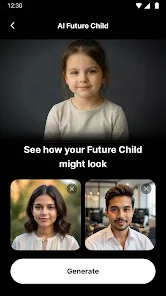
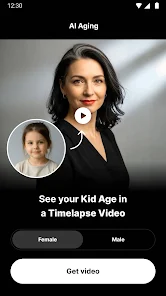
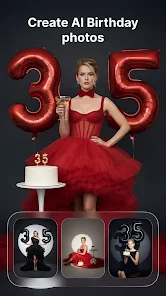
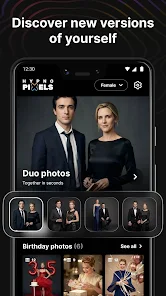
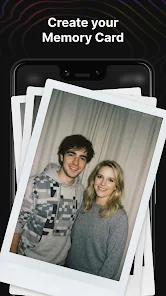
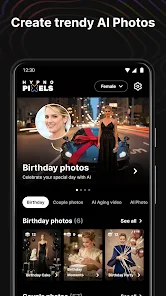
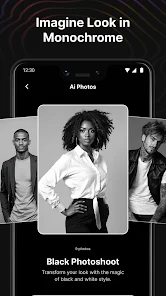
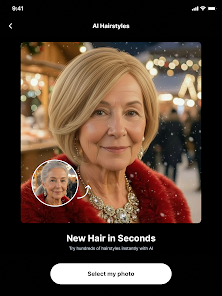
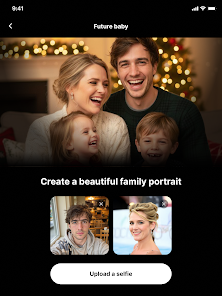
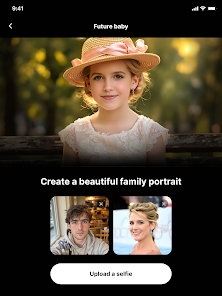
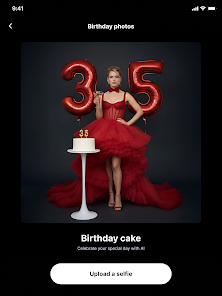
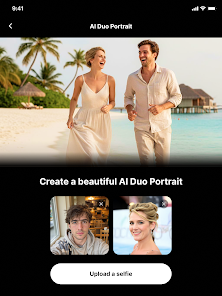
HypnoPixels - AI Generator transforms mobile creativity by turning text prompts into vivid images with a few taps. The app blends fast on-device processing, curated styles, and straightforward controls to let users create concept art, avatars, and social visuals without steep learning curves or a desktop setup.
Designed for creators who want results quickly, HypnoPixels - AI Generator provides a compact toolkit for producing imagery from natural language prompts. It balances automation and control: presets speed up workflows while sliders and advanced options let experienced users refine outputs for professional use.
The main interface centers on a prompt field, preview area, and a compact toolbar. Users type or paste descriptive text, select a style, then tap Generate. The app returns a gallery of candidate images. From there, you can refine a chosen result using strength, saturation, and focus controls or apply quick filters for finishing touches.
Beyond simple generation, the app offers local editing tools: crop, clone, and small retouch brushes help correct artifacts. An iterate function lets you take the current output and re-prompt to explore variations without losing the original. For professionals, export options include high-resolution PNG and transparent backgrounds for compositing.
HypnoPixels - AI Generator uses an uncluttered layout that keeps creative tools within reach. Performance varies by device but remains responsive on modern mid-to-high-end phones. A low-memory mode reduces compute intensity for older hardware, trading off some fine detail while maintaining overall quality.
Generating many high-resolution images can use noticeable battery and local storage. The app provides an energy-saving toggle and a storage monitor that warns when cache is large. Optional cloud acceleration is available for faster, higher-fidelity renders when on Wi-Fi.
The app guides new users with contextual tips and example prompts. Tooltips explain sliders, and a prompt library inspires ideas for users unsure what to request. Accessibility features include scalable text and a simplified mode that reduces options to a handful of chosen presets.
HypnoPixels - AI Generator is suited to social creators, concept artists, and small teams needing quick visual drafts. It also helps hobbyists experiment with styles and turn ideas into ready-to-share visuals without complex software. The app is not a replacement for detailed manual editing but speeds up ideation and mockups.
Installation is straightforward from the app store. After the initial setup, try the guided tour and generate a few sample images to see how prompts map to outcomes. Keep a small notebook of prompts that produced strong results; this builds a personalized recipe book for repeatable styles.
For anyone wanting a mobile-first creative assistant, HypnoPixels - AI Generator packs powerful generation and sensible controls into an approachable package. It minimizes technical friction and accelerates creative cycles, making it a practical choice for rapid prototyping and social content creation.