Rain
Version: 1.3.0
4.68MB
4.3
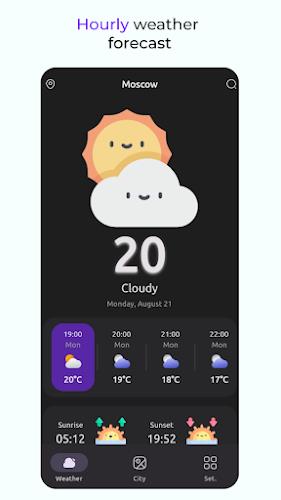
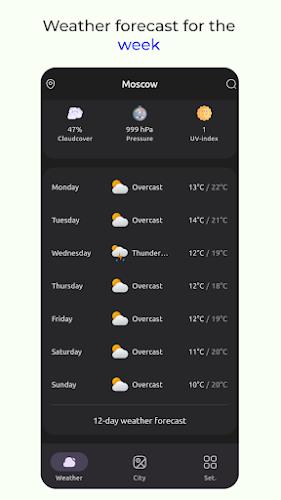
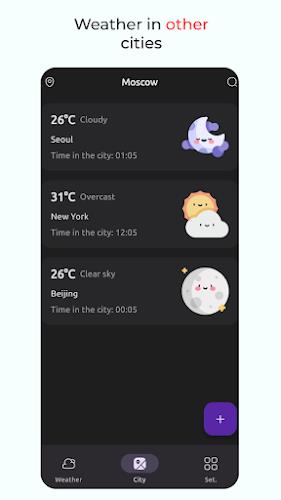
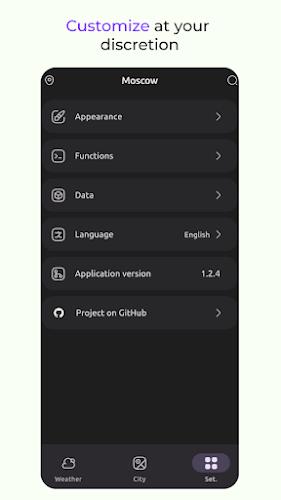
Rain is a minimalist ambient app that recreates realistic rainfall and nature soundscapes to help users focus, relax, or sleep. It blends layered audio, adjustable intensity, and a simple timer into a modern interface. Rain supports background play and offline use for uninterrupted sound therapy.
Rain provides a curated collection of high-quality rain recordings and complementary sounds such as distant thunder, wind in trees, and soft indoor ambiance. The app emphasizes clarity and natural dynamics: each layer was recorded and mastered to preserve subtle textures that make the listening experience immersive rather than repetitive.
The interface is deliberately uncluttered: large touch targets, simple icons, and a focus on quick access to mixes. A central play pane shows the active layers, while a bottom bar houses the timer and preset controls. Creating a mix takes seconds—toggle a few layers, adjust sliders, and save the configuration as a preset for instant recall.
Customization is a core strength. Rain offers presets for sleep, studying, meditation, and concentration, but users can craft their own combinations. Use the equalizer options to warm up or cool down the tonal balance, and experiment with panning to position sounds left or right for a subtle sense of space.
Designed for modern Android devices, Rain runs smoothly on phones and tablets with minimal memory overhead. The app supports common audio outputs including Bluetooth headphones, speakers, and Chromecast-enabled devices. Playback is resilient to interruptions: when a call or navigation prompt appears, Rain smartly pauses and resumes without losing your place.
People use Rain for a range of everyday needs: improving concentration during work or study, masking ambient noise in shared spaces, creating a calming atmosphere for bedtime, or helping newborns settle. The combination of realistic textures and adjustable dynamics makes the app suitable for long sessions without fatigue.
Rain keeps things straightforward: downloaded audio is stored locally and only used for playback. The app does not require extensive permissions, and any optional features that need network access—such as downloading new sound packs—are clearly labeled and controllable from settings.
For deeper relaxation, use quality headphones and lower the device volume slightly so the app blends with environmental noise. Try pairing Rain with a focus timer or a breathing exercise app to build a consistent routine. If you plan to run the app overnight, enable low power mode and download your chosen mix to avoid streaming interruptions.
Rain stands out by prioritizing authentic audio and a distraction-free interface. It balances customization with simplicity, making it easy to craft atmospheric backgrounds without navigating complex menus. Whether you need a gentle backdrop to concentrate, a noise masker for shared rooms, or a sleep companion, Rain delivers a compact, efficient toolset tuned for everyday use.