Meal Mirror
Version: 1.0.1
0.00MB
4.1
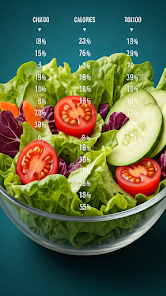
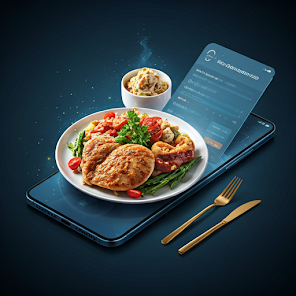
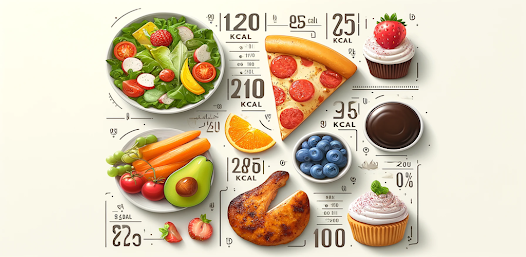
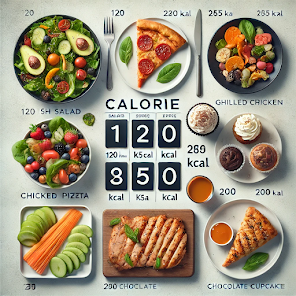
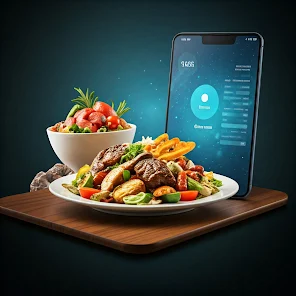
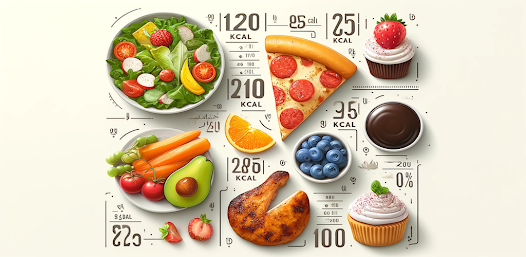





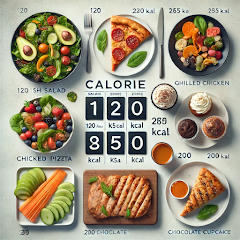
Meal Mirror is a mobile companion that helps users log, analyze, and visualize daily eating habits through photos and simple inputs. It blends quick meal capture with nutritional summaries, personalized reminders, and visual progress trackers to make mindful eating easier for busy people who want better food awareness.
Meal Mirror centers on meal photography and lightweight journaling. Instead of forcing detailed calorie entries, it lets you snap dishes and tag portions, meal types, and mood. The app converts those entries into digestible charts so you can spot patterns over days and weeks without drowning in numbers.
Meal Mirror presents a clean, image-forward interface. The main screen doubles as a timeline and gallery of your latest meals, allowing quick scrolling through recent days. Logging a meal takes two taps: capture and tag. Menus are minimal, so users who prefer fast input over detailed nutrition analysis will find the flow especially efficient.
The app provides flexible personalization to match diverse routines. Users can define meal windows (breakfast, brunch, lunch, dinner, snacks), set dietary goals like increased vegetable variety, and tailor reminders by time or location. Custom tags let you build a vocabulary — for example, 'work lunch', 'family dinner', or 'post-workout snack' — and these tags feed directly into the dashboard filters.
Meal Mirror is designed for ongoing reflection rather than one-time tracking. By relying on photos and contextual tags, it reduces friction while capturing enough information to reveal patterns: late-night eating, skipped breakfasts, or repeated high-sugar choices. Over weeks, the visual record makes it easier to adjust routines and identify realistic changes to try.
In testing, Meal Mirror performs smoothly on mid-range devices. Image uploads are optimized to balance quality and file size, and local caching keeps entries available offline until a connection is restored. Background backups to your chosen cloud service are optional, offering peace of mind without forcing constant synchronization.
Meal Mirror emphasizes user control. Photo entries remain private by default and backups require explicit opt-in. The app includes straightforward data deletion, export, and account-free modes for people who prefer local-only storage. Clear permissions prompts explain what the camera and storage access are used for.
Users who prefer visual, low-effort tracking gravitate toward Meal Mirror because it respects time and avoids overcomplication. It’s especially useful for those who want to build awareness — not strict dieting — by seeing real eating patterns in a glance. The combination of photo logs, simple tagging, and weekly summaries fits lifestyles where consistency matters more than constant calorie counting.
Download the app, allow camera and storage access, and capture your first meal. Spend a few minutes exploring tags and dashboard filters to make the app reflect your priorities. If you want deeper insights later, enable optional exports and try the weekly review habit to convert snapshots into actionable changes.
With its emphasis on speed, clarity, and visual feedback, Meal Mirror helps turn everyday meals into a manageable, informative record that supports long-term habit change without heavy lifting.