
Connexions Passenger
Version: 1.0.1
73.00MB
4.1
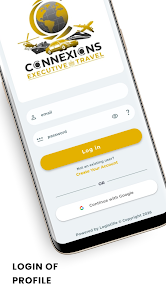
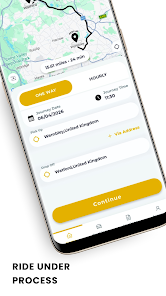
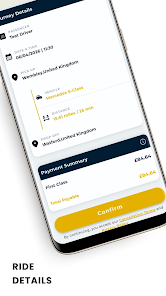
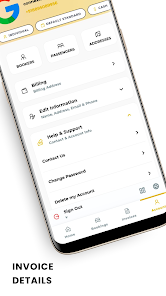
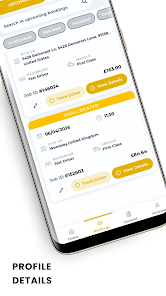
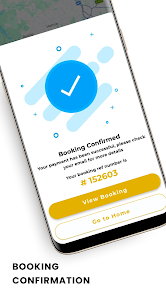
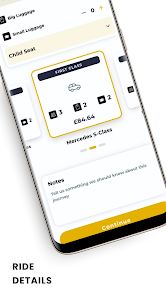
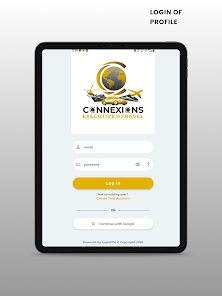
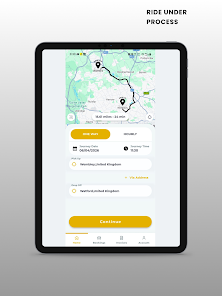
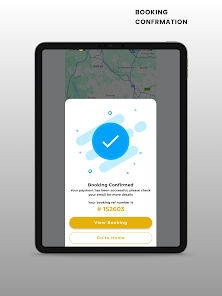
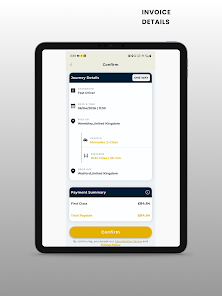
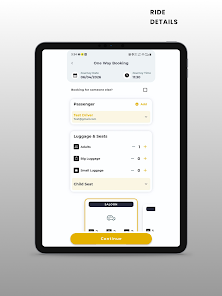
Connexions Passenger is a commuter-focused Android app that simplifies travel planning, real-time tracking, and ticket access for daily riders. It brings live vehicle locations, route maps, timetable alerts, and mobile ticket storage into a single interface to reduce uncertainty and streamline transit routines for urban and regional passengers.
This app targets people who rely on buses, trains, or shuttles and need fast, accurate travel information. Connexions Passenger aggregates schedules, live positions, and service notices so users can make informed choices about departures, transfers, and arrival windows without switching between multiple tools.
Once set up, the interface surfaces the most relevant items: upcoming trips, nearby stops, and active alerts. Users can pin favorite routes and stops for quicker access. When you select a route, the app overlays vehicle locations on the map, shows the next few arrivals, and highlights any advisories that might affect your journey.
Connexions Passenger includes a trip planner that suggests connections and walking times. You can compare transfer options and view step-by-step directions for a single journey. For riders who commute at irregular times, the search lets you filter results by departure or arrival time to find the most convenient itinerary.
The design favors clarity: high-contrast maps, readable typography, and clear icons. Animations are subdued to keep the app responsive on mid-range devices. Map tiles and vehicle locations are cached to reduce data usage and speed up screen transitions. In busy networks, the app degrades gracefully, showing cached routes and last-known positions while it reconnects.
Personal settings let you define default city regions, preferred transport modes, and notification rules. Favorited routes appear on the home screen; you can also set quiet hours for alerts. The app supports light and dark modes to match device preferences and improve readability during night travel.
Payment flows are integrated with common mobile methods so purchases complete without jumping to external pages. Ticket QR codes are generated locally and stored securely within the app. The permissions requested are focused on location and network access; background location use is optional and clearly explained during setup.
Download the app from the official store, grant location access when prompted, and select your city or region. Registering an account allows ticket purchases and syncs favorites across devices, but browsing schedules can be done without signing in. In-app help and short walkthroughs guide you through buying a ticket and pinning a stop.
Many riders pick Connexions Passenger because it consolidates essential transit tasks into a single app: planning, live tracking, and ticketing. The responsiveness, clear alerts, and customization options reduce commute stress and help users make faster decisions when services change. Regular updates refine routes and expand coverage for growing transit networks.
For anyone who spends time on public transit and prefers to plan proactively, Connexions Passenger delivers practical tools and straightforward controls to keep journeys predictable and efficient.