Scanvo: PDF & Doc Scanner
Version: 1.7.5
74.00MB
4.1
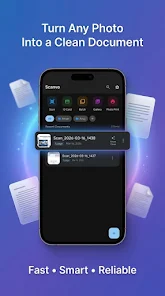
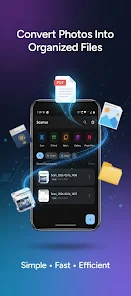
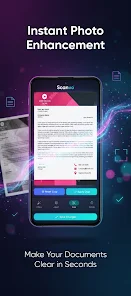
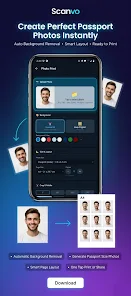
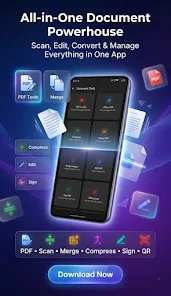
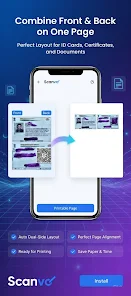
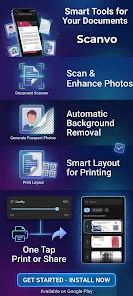
Scanvo: PDF & Doc Scanner turns your Android device into a practical portable scanner, letting you capture documents, receipts, notes and photos, enhance the images, and export reliable PDFs and image files. The app focuses on quick capture and straightforward controls so you can scan on the move without a steep learning curve. Scanvo: PDF & Doc Scanner keeps most processing local, supports multi-page workflows and offers simple security options for sensitive files.
Getting a clean scan is a short sequence: open the camera mode, frame the page, and tap to capture. The interface in Scanvo: PDF & Doc Scanner highlights edge detection and offers an intuitive crop preview so you can confirm the result before saving. Manual controls are available when auto-detection needs fine tuning: adjust corners, rotate pages, and select filters from color, grayscale or black-and-white modes. These camera and editing controls are designed for one-hand operation on phones and for faster batch processing when you have several pages to scan.
Scans often suffer from glare, shadows or awkward angles; the app includes automatic correction tools that reduce glare, straighten perspective and normalize contrast so documents are legible without extra editing. If lighting is poor, you can switch to manual brightness and contrast adjustments and try different filters to make text stand out. The app also keeps a copy of the original capture so you can re-edit a scan later without losing image data.
File management is part of a productive scanning routine: Scanvo: PDF & Doc Scanner lets you name files automatically using date and detected content or set custom names and tags for later search. Use folders and simple tagging to create a personal progression from raw captures to finalized PDFs ready for archiving or sharing. This stepwise organization helps when you scan recurring items such as receipts, invoices or meeting notes and want a consistent archive structure over time.
Combine multiple scans into a single PDF document and reorder pages before exporting. Optical Character Recognition (OCR) extracts text from images so you can copy, search and export editable text files alongside your PDFs. Export choices include saving locally, uploading to Google Drive or Dropbox, or sharing via email and messaging apps. The app aims to give flexible output formats without requiring third-party converters.
After scanning, Scanvo provides light editing and annotation tools to crop, rotate, highlight and add notes directly onto pages. You can apply filters for different document types and save preferred filter presets to speed repeat tasks. Customization extends to naming patterns and folder defaults so users can tailor the app behavior to office workflows or personal filing habits, reducing repetitive steps during frequent use.
The app is optimized to run well on a wide range of Android devices; real-time edge detection and enhancement are tuned to be responsive even on mid-range phones. Core scanning and many editing functions work offline so you can digitize documents without an internet connection and upload later when convenient. Scanvo integrates with common Android file managers and cloud providers to make cross-device access straightforward.
Local processing keeps sensitive documents on your device unless you explicitly choose to upload them. Simple password protection and lightweight encryption options are available for PDFs that require extra privacy. The app requests only necessary permissions for camera and storage. Accessibility considerations include large, clearly labeled controls and a clean layout to help users who prefer simplified interfaces or assistive technologies supported by Android.
Whether you regularly digitize receipts for expense reports, create searchable copies of contracts, or capture whiteboard notes after meetings, Scanvo: PDF & Doc Scanner supports repeatable routines that reduce manual filing work. Saved presets, export templates and reliable OCR increase the app's replay value by making future scans faster and more consistent. Over time, these small efficiencies add up to a noticeably smoother document workflow.
Install the app, grant camera and storage permissions, and try a short test scan to learn the capture and crop flow. Experiment with filters and export targets, then set up a folder and naming pattern that fits your needs. With a few simple adjustments you can build a practical scanning routine that keeps documents organized and accessible on the device or in the cloud.