
All Recovery - Photos & Videos
Version: 1.3.5
38.50MB
4.5
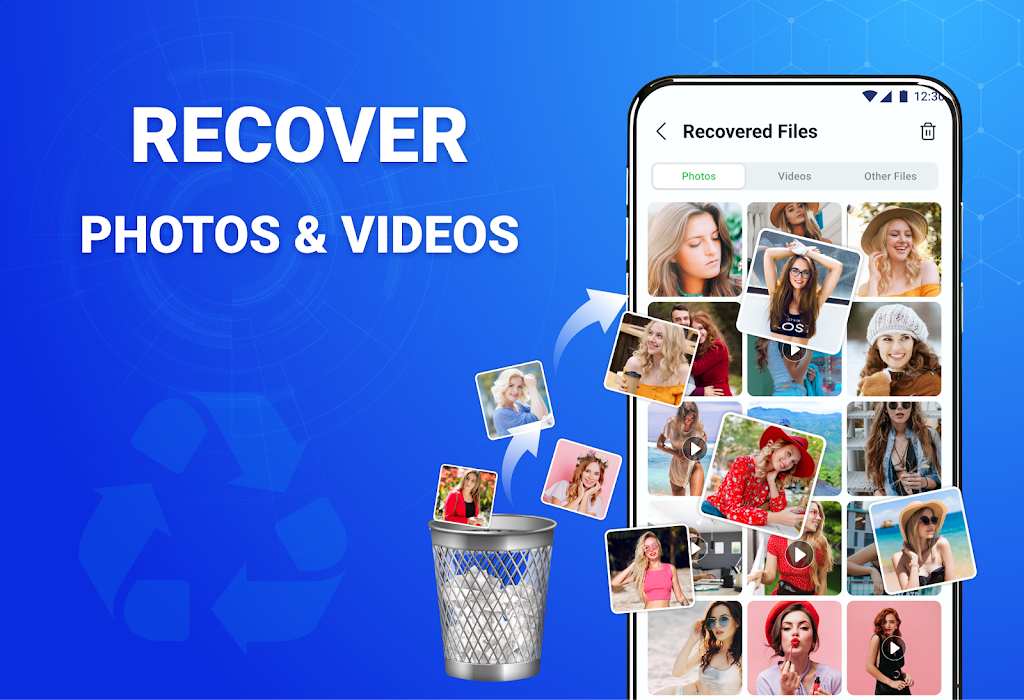
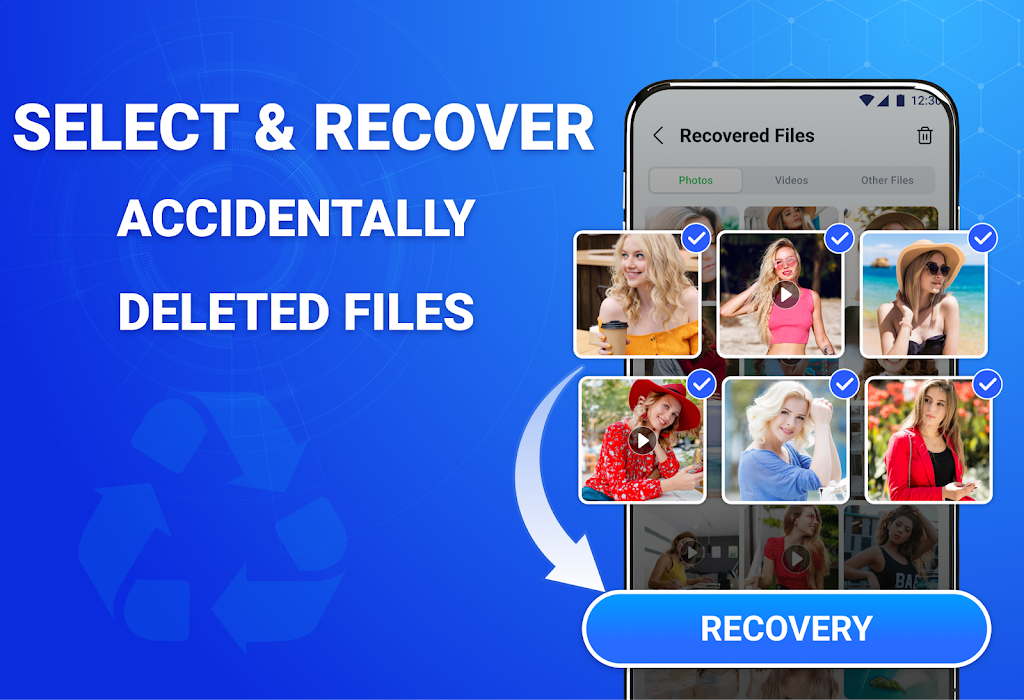
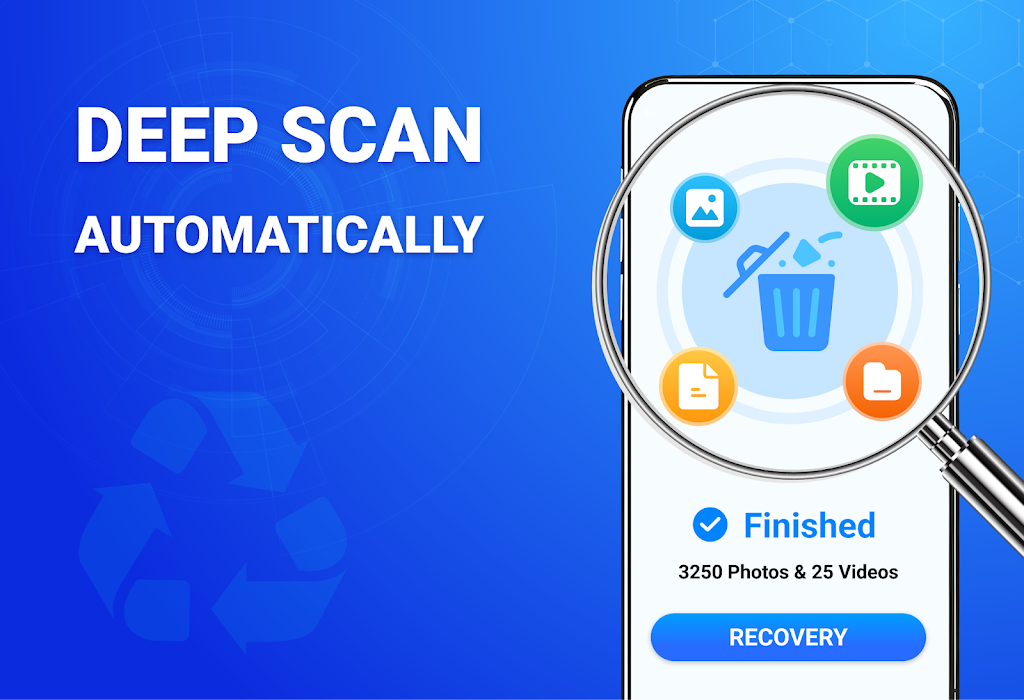
All Recovery - Photos & Videos helps you locate and restore deleted images and video clips from Android devices quickly, offering a simple scanning engine and step-by-step recovery flow. The app supports internal storage scans, SD card detection, and preview before restoring to save time and storage space.
All Recovery - Photos & Videos provides focused tools for recovering media files without unnecessary extras. The main modules scan device partitions, reconstruct image thumbnails, and surface recoverable formats such as JPG, PNG, MP4 and MOV. Instead of running a full device backup, you can target only photos and videos to speed up results and reduce battery use.
The app scans file allocation tables and recovers media by piecing together data fragments left on your device. When a file is deleted, its data often remains until overwritten; the recovery engine searches those remnants and reconstructs usable images and videos. Scans run in the background and provide progress indicators, so you can pause or cancel while keeping previously found items accessible.
Interface design emphasizes clarity: a start screen with scan options, a results gallery with large previews, and an action bar for restore, share or delete. The gallery groups recoverable files visually, making it easy to swipe through images or scrub short video thumbnails. Prompts guide you through permissions and safe storage destinations to avoid accidental overwrites.
Engineered to be lightweight, All Recovery - Photos & Videos minimizes memory usage and adapts scan depth to device capability. Compatibility covers a broad range of Android versions and common file systems used by phones and tablets. Intensive scans may consume more battery and CPU; the app offers scheduled or overnight scanning to reduce disruption during the day.
To maximize the chance of restoring lost media, follow a few practical steps:
The app requests storage and media access permissions required to scan and recover files; it does not upload recovered content to third-party servers by default. Check permission prompts and storage destination settings to ensure recovered items are saved where you intend. Regularly review app permissions and use device encryption for extra protection.
First-time users can begin with a guided scan wizard in All Recovery - Photos & Videos that explains each permission and step. Select the scan type, allow necessary access, and monitor the progress screen. After the scan completes, use preview and filters to select files and choose a safe restore location such as a designated folder or cloud backup.
For users focused on retrieving media files with minimal complexity, this app delivers a direct, efficient approach. It balances advanced scanning capabilities with an approachable interface so photographers, casual users, and mobile professionals can recover important photos and videos without extra overhead.