Weather
Version: 1.5.0
16.50MB
4.5
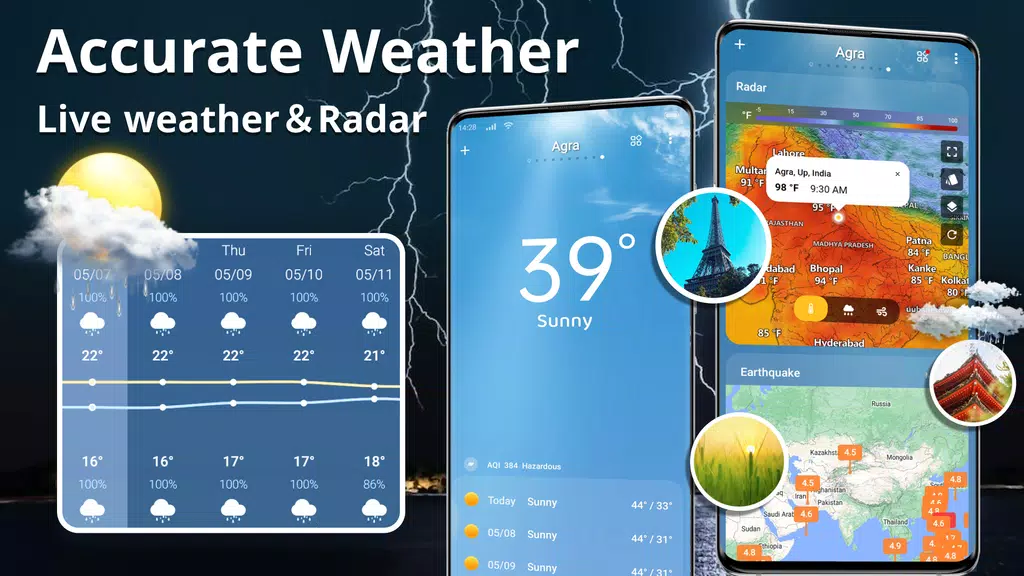
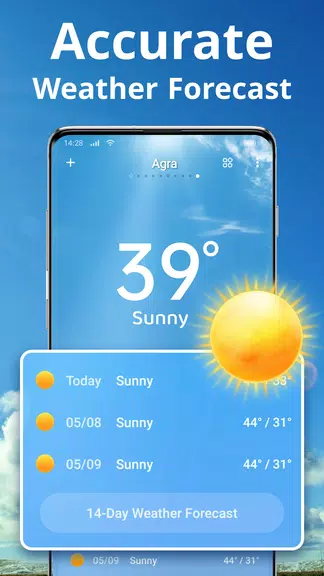
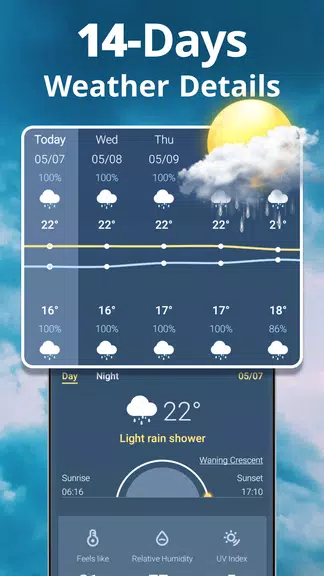
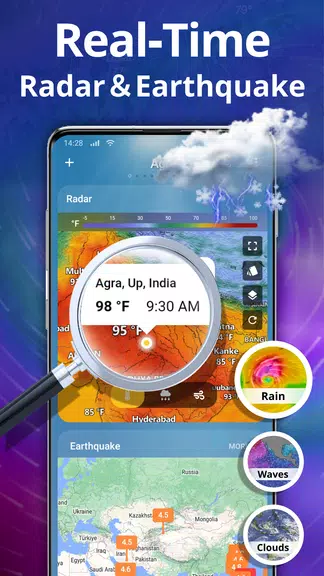
Weather is a clean, reliable weather app that delivers fast forecasts, hourly updates, and severe weather alerts tailored to your location. It combines clear visualizations, customizable widgets, and detailed radar maps so you can plan your day with confidence whether commuting, traveling, or scheduling outdoor activities.
The core of the app focuses on usefulness and clarity. Weather provides hourly and 10-day forecasts, live radar with zoom and layering, and real-time precipitation tracking. Interactive maps show rain, snow, cloud cover, and lightning strikes. Detailed metrics include temperature, wind speed and direction, humidity, UV index, sunrise and sunset times, and air quality scores. You can enable push notifications for severe weather warnings and personalized alerts for rain, snow, or temperature thresholds.
The design puts essential information up front without overwhelming the screen. Cards and tiles present current conditions, short-term forecasts, and a concise summary for the day. Multiple themes and a dark mode help readability in different lighting conditions. Widgets of varying sizes can be added to your home screen to show current conditions, hourly forecasts, or radar imagery at a glance. Customization options let you choose units (Celsius/Fahrenheit, km/h/mph), reorder data panels, and select default map layers for quick access.
Forecast data is blended from multiple meteorological models and local observations to provide a practical, localized prediction. Short-term nowcasts rely on radar and satellite updates to track precipitation in your area, while longer-range forecasts use model ensembles for broader trends. Severe weather alerts are delivered promptly based on official advisories and location monitoring, with clear instructions and a link to the radar view so you can see how a storm is moving relative to your position.
Beyond basic forecasts, the app offers tools designed for everyday decisions. The commute planner gives an estimated impact of precipitation and wind on travel windows, while the outdoor planner highlights ideal times for activities based on temperature and wind. A pollen and allergy report helps users sensitive to allergens, and a precipitation probability gauge provides a simple percentage to decide whether to take an umbrella. For travelers, location search and multiple saved locations make it easy to monitor weather for several cities at once.
Weather's map interface is built for exploration. Radar layers can be animated to show movement over time, and you can overlay satellite imagery, temperature contours, and wind vectors. Pinch-to-zoom, pan, and quick centering on your device location are supported. The visual style emphasizes contrast for precipitation and storm cells so dangerous weather is immediately visible. Timelapse playback and lightning strike plotting make it easier to understand storm behavior before you head outside.
Designed for efficiency, the app balances frequent updates with battery and data usage controls. Background refresh intervals and data compression help reduce network load, and an offline cache stores recent forecasts and radar tiles for times when connectivity is limited. The app supports a wide range of Android versions and screen sizes, including tablets and foldables. Regular updates address compatibility and improve performance across devices.
Getting started only takes a few taps: grant optional location permissions, choose preferred units, and add any widgets you want on the home screen. Location access improves local forecasts but can be disabled in favor of manually saving places. Privacy settings let you control analytics and personalized features. For users who prefer a quiet phone, you can fine-tune notification types, set do-not-disturb windows, and choose which alerts trigger sounds or vibrations.
Many users appreciate Weather for its balance of depth and simplicity: it surfaces important details without clutter, offers flexible customization, and keeps updates timely. Whether you need a quick glance at today’s conditions or a deeper look at an approaching system, the app aims to present the right information in a clear, actionable way.