
itsBB
Version: 1.2.2.1
16.50MB
4.2
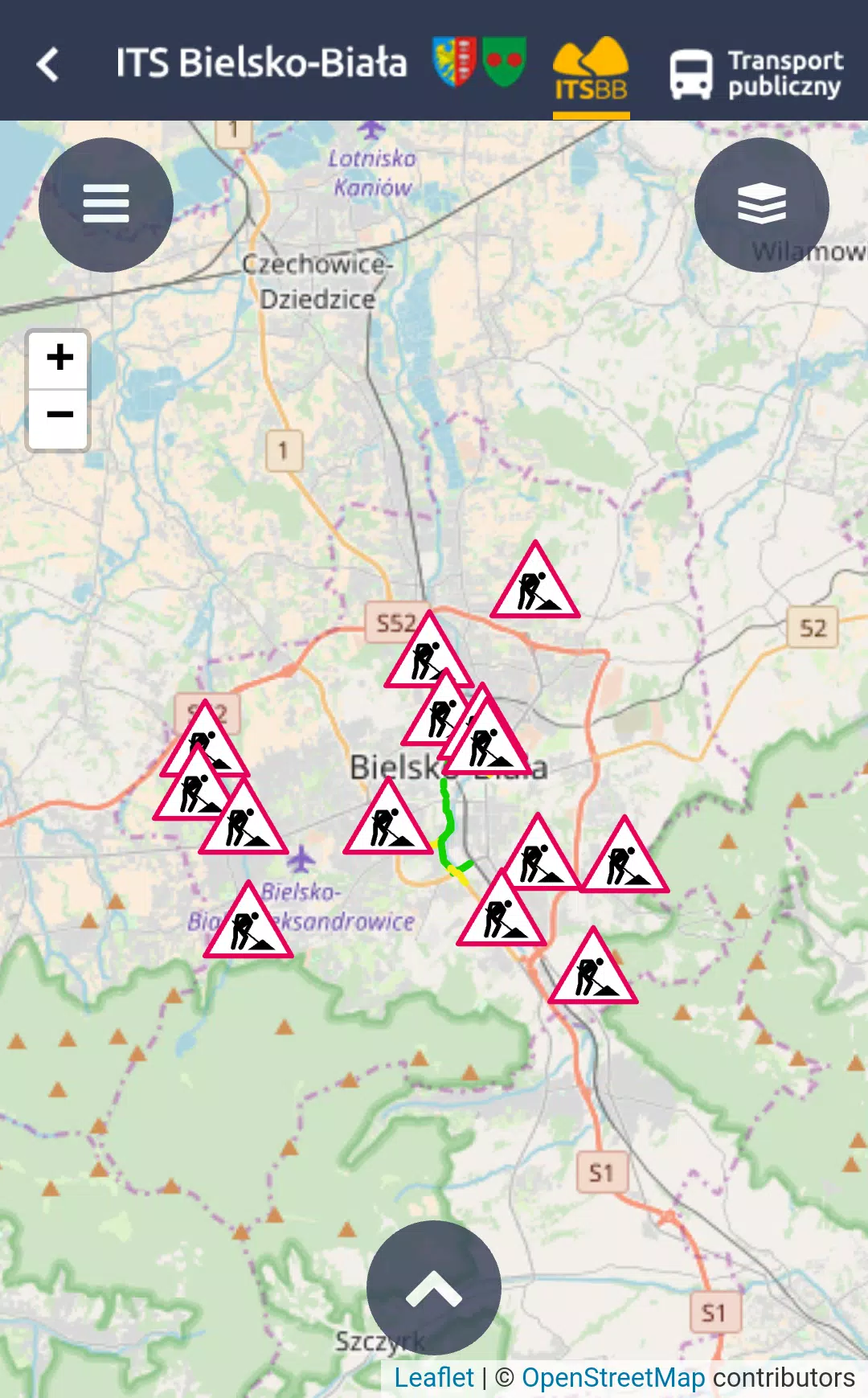
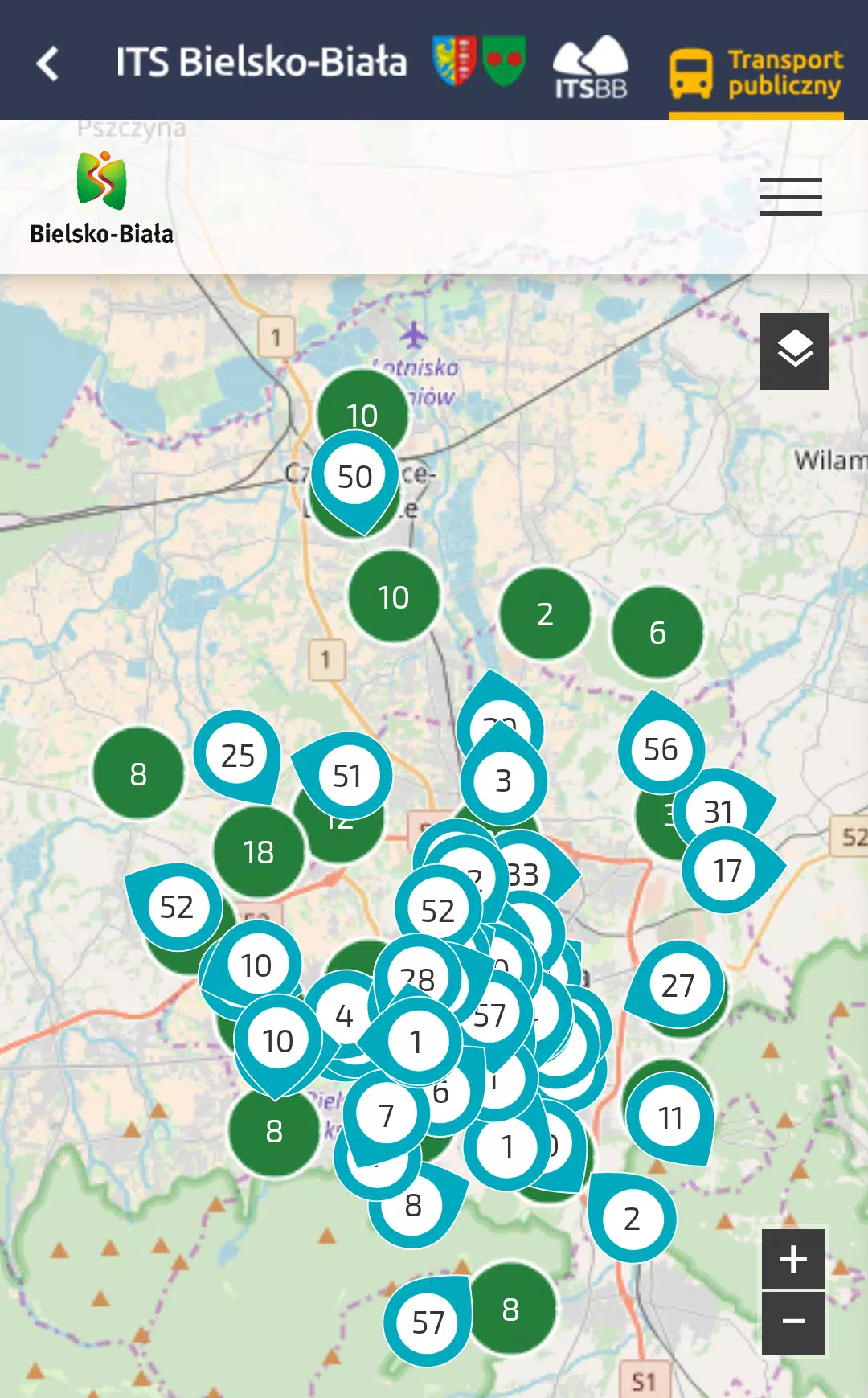
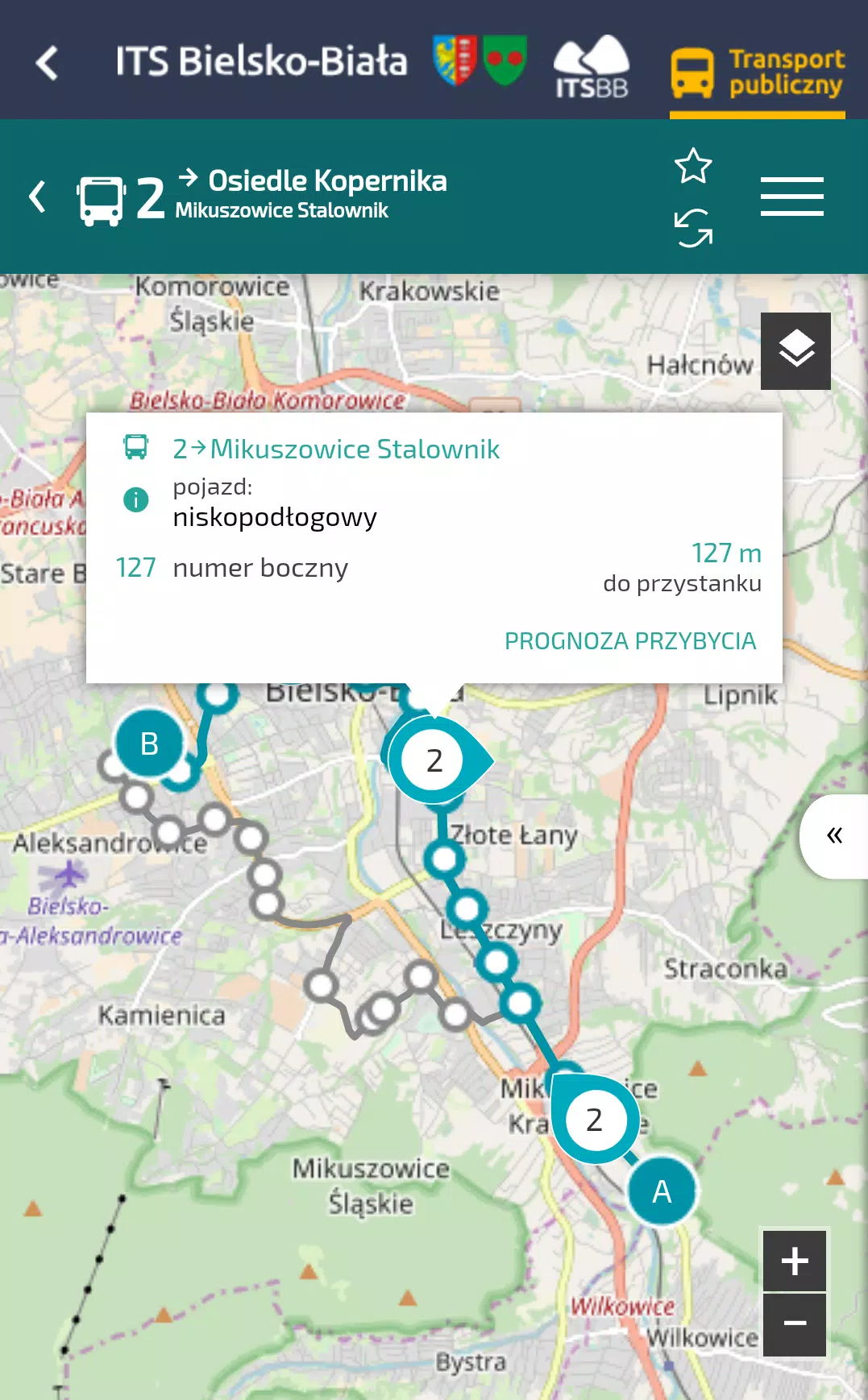
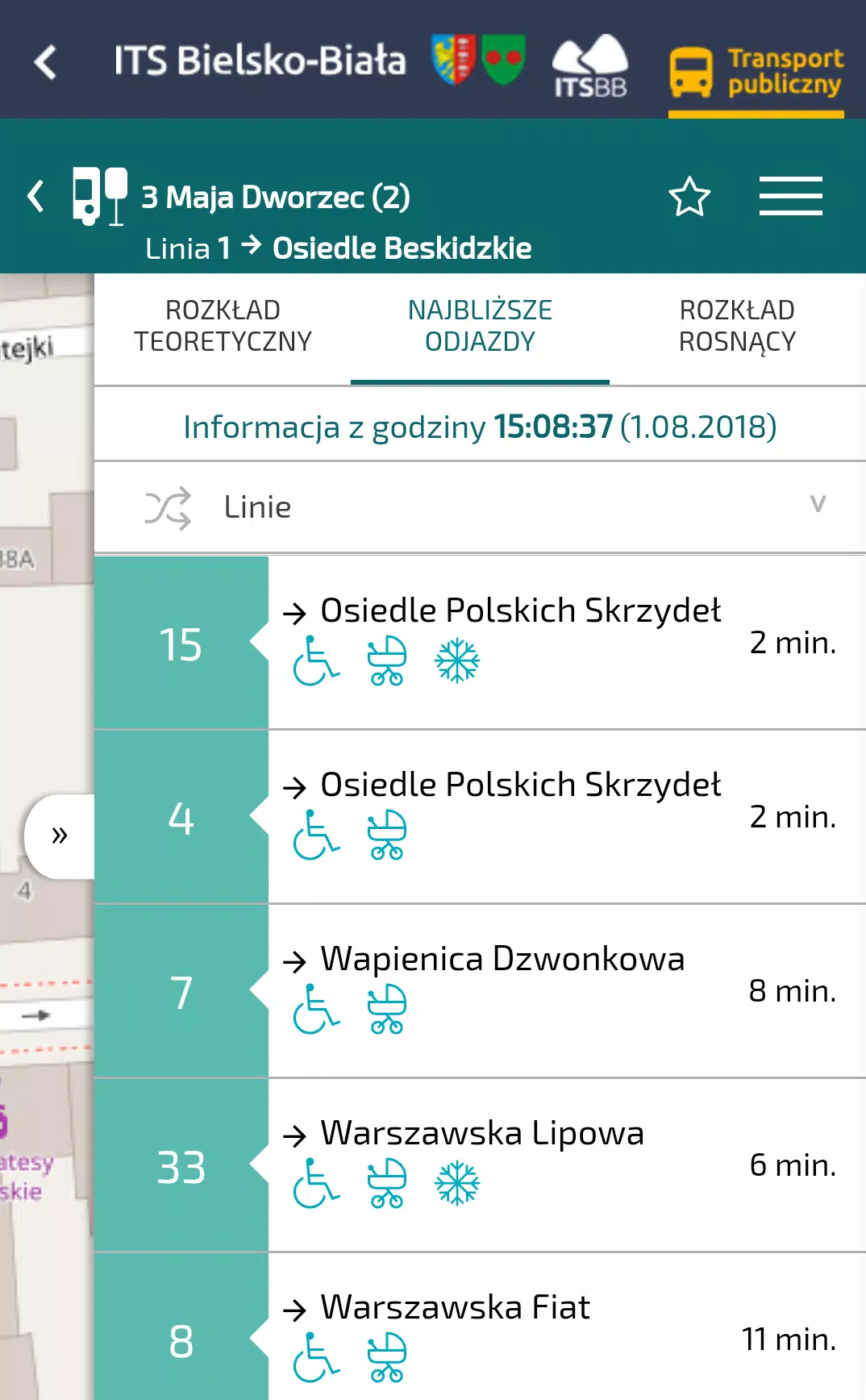
itsBB is a lightweight productivity app that centralizes bookmarks, notes, and quick file sharing into one streamlined workspace for Android users. Designed for fast access and offline use, itsBB helps organize digital clutter with folders, tags, and widgets while offering synchronization and simple collaboration features for everyday productivity.
itsBB combines several utility functions—bookmark management, note-taking, and peer-to-peer file exchange—into a single, focused interface. Instead of switching between multiple apps, you keep links, short memos, and frequently shared files in a searchable hub backed by optional cloud sync and local storage.
After installing itsBB, set up an account or use the local-only option if you prefer no cloud. Add bookmarks directly from the browser share sheet or paste links manually. Notes are created with a single tap and can be pinned to the home view. Files are attached to notes or sent independently using the app’s sharing panel.
itsBB favors a minimal, material-inspired UI that avoids clutter. Buttons are large, and navigation uses a bottom bar with clear icons, so common tasks are one or two taps away. Performance is optimized for mid-range devices; background sync is throttled to reduce battery drain and data usage.
itsBB provides optional end-to-end encryption for notes and files when using cloud backup. Local encryption is available as well. Sync settings let you choose Wi‑Fi-only updates or continuous background synchronization. For teams, shared folders can be permissioned by read/write roles.
itsBB blends multiple productivity primitives into a single app without overwhelming users with options. Its balance of offline functionality, straightforward sharing, and a clean interface makes it a practical choice for people who collect research, manage resources, or coordinate small projects.
Download the APK, grant the minimal permissions it requests, and follow the onboarding prompts to import bookmarks or start a blank note. Within minutes you can build a compact personal knowledge base and begin sharing content with friends or colleagues.
For Android users seeking a simple hub for bookmarks, notes, and fast file exchange, itsBB delivers an efficient, no-friction experience that scales from solo productivity to lightweight team coordination.