Sticker Maker - WASticker
Version: 1.01.54.10.10
21.90MB
4.4
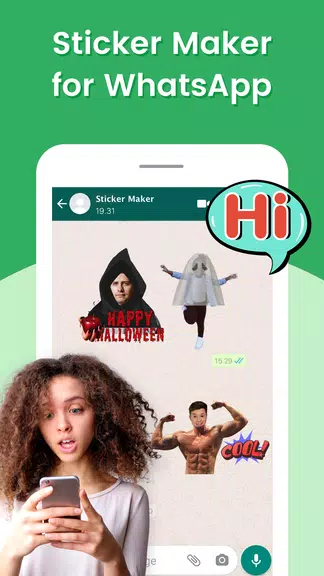
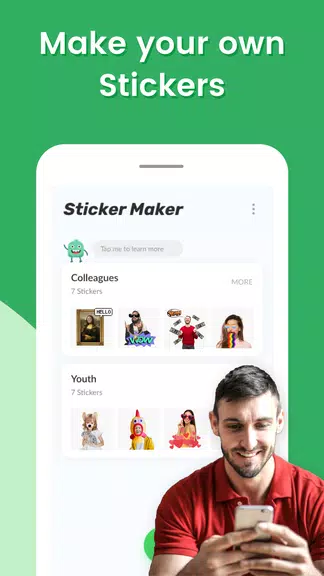
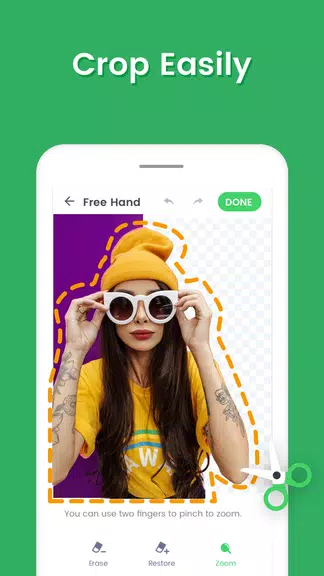
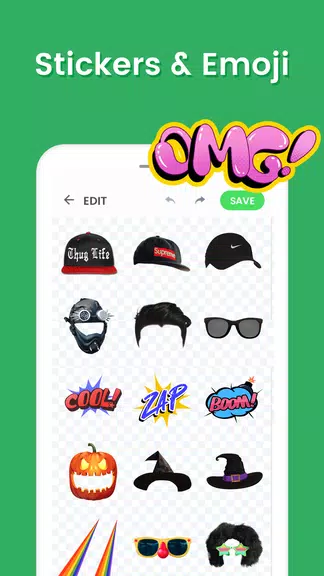
Sticker Maker - WASticker makes it fast and simple to turn photos and graphics into personalized WhatsApp sticker packs. The app lets you crop images, add text and decorations, and export collections that integrate directly into WhatsApp, offering an efficient workflow for users who want custom stickers from their own images.
At its core, Sticker Maker - WASticker converts ordinary images into shareable sticker packs compatible with WhatsApp. It supports PNG and WebP formats, preserves transparency where possible, and organizes stickers into labeled packs so you can manage and reuse creations for chats, groups, and status updates.
Sticker Maker - WASticker includes a focused set of tools that streamline sticker creation without overwhelming new users. Highlights include:
The app follows a clean step-by-step flow designed for speed. Start by choosing or snapping a photo, use the cutout tool to separate the sticker subject, refine edges with the eraser or restore brushes, apply optional text or stickers from the library, then save the image to a pack. Finally, export the pack to WhatsApp with a single tap.
Customization is where Sticker Maker - WASticker shines. You can select border styles, add drop shadows, or apply simple filters. Text controls include multiple fonts, color selection, stroke outlines, and adjustable placement. Decorative elements such as hand-drawn stickers, emojis, and frames help produce unique visuals that suit conversational tone and context.
To get the best results, choose high-contrast images and use background removal carefully to avoid rough edges. When adding text, keep phrases short and position them away from the subject�s face. For animated packs, ensure your GIFs are short and export-friendly. If you plan to share widely, test one sticker in a chat to confirm sizing before exporting an entire pack.
Sticker Maker - WASticker is optimized for typical Android phones and minimizes memory use during editing. The app supports most modern Android versions and integrates directly with WhatsApp, so exported packs appear alongside other stickers in the messenger. Performance is smooth on midrange devices, and processing times scale with image resolution and batch size.
The interface emphasizes large touch targets and straightforward labels, helping users navigate tools without a steep learning curve. Icons are clear and actions such as undo/redo are available during edits. For accessibility, the app uses readable font sizes and provides contrast options to assist visibility while cropping and arranging stickers.
Creating stickers with Sticker Maker - WASticker is done locally on your device; image edits and sticker packs are saved to your phone unless you choose to back up externally. The app requests only essential permissions such as storage and camera, and it explains why each permission is required before activation.
New users can have a pack ready in minutes. Open the app, tap create, pick an image, remove the background, add any text or decorations, save the sticker to a pack, and export to WhatsApp. Sticker Maker - WASticker keeps the process concise so you can focus on creativity rather than configuration.
Whether you want to personalize conversations, brand group chats with custom visuals, or craft expressive reactions for frequent contacts, Sticker Maker - WASticker provides the essential tools. It fits casual users and social creators who need a fast route from photo to sticker without complex design software.