Chili vid+
Version: 4
17.00MB
4.5
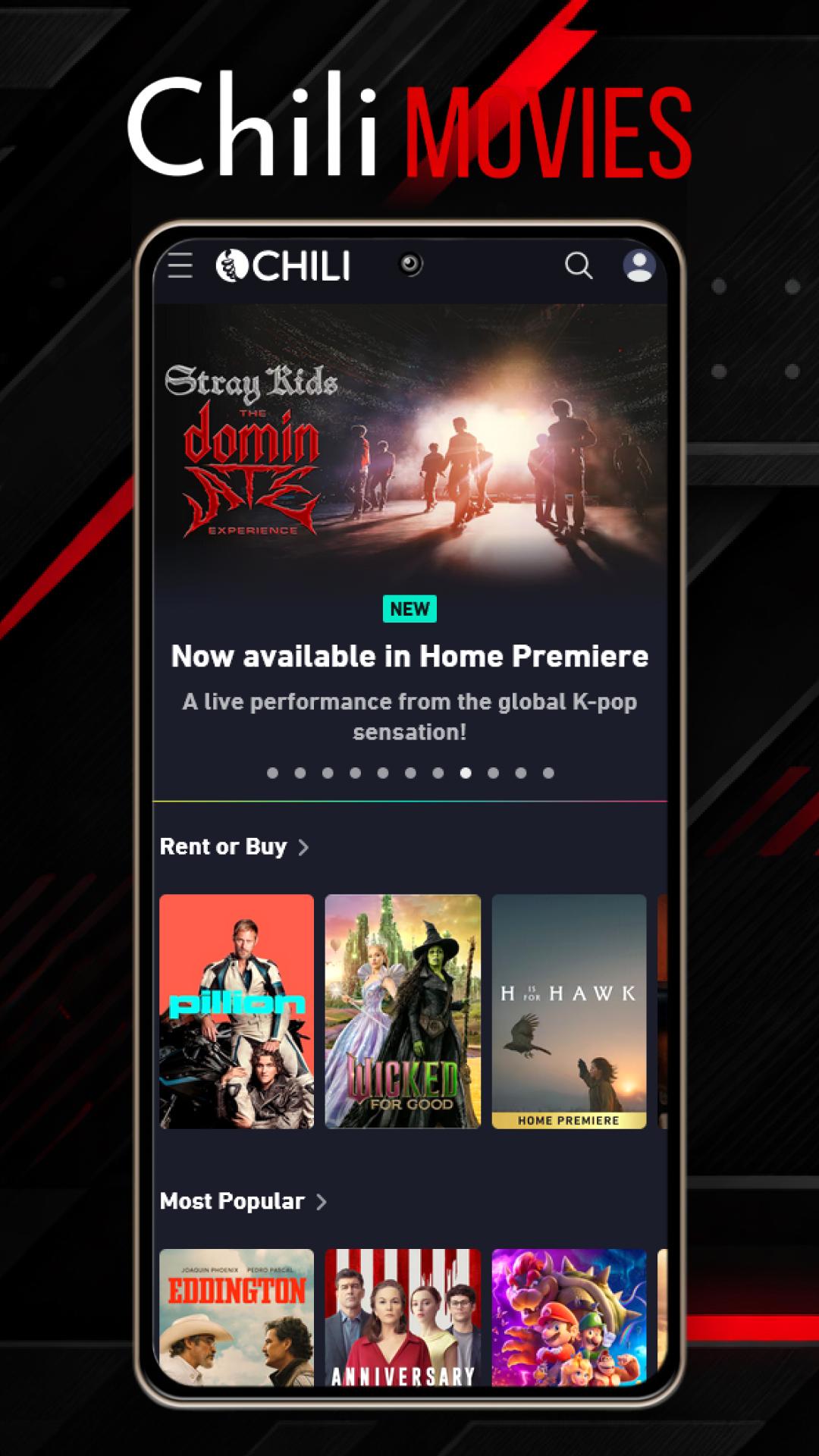

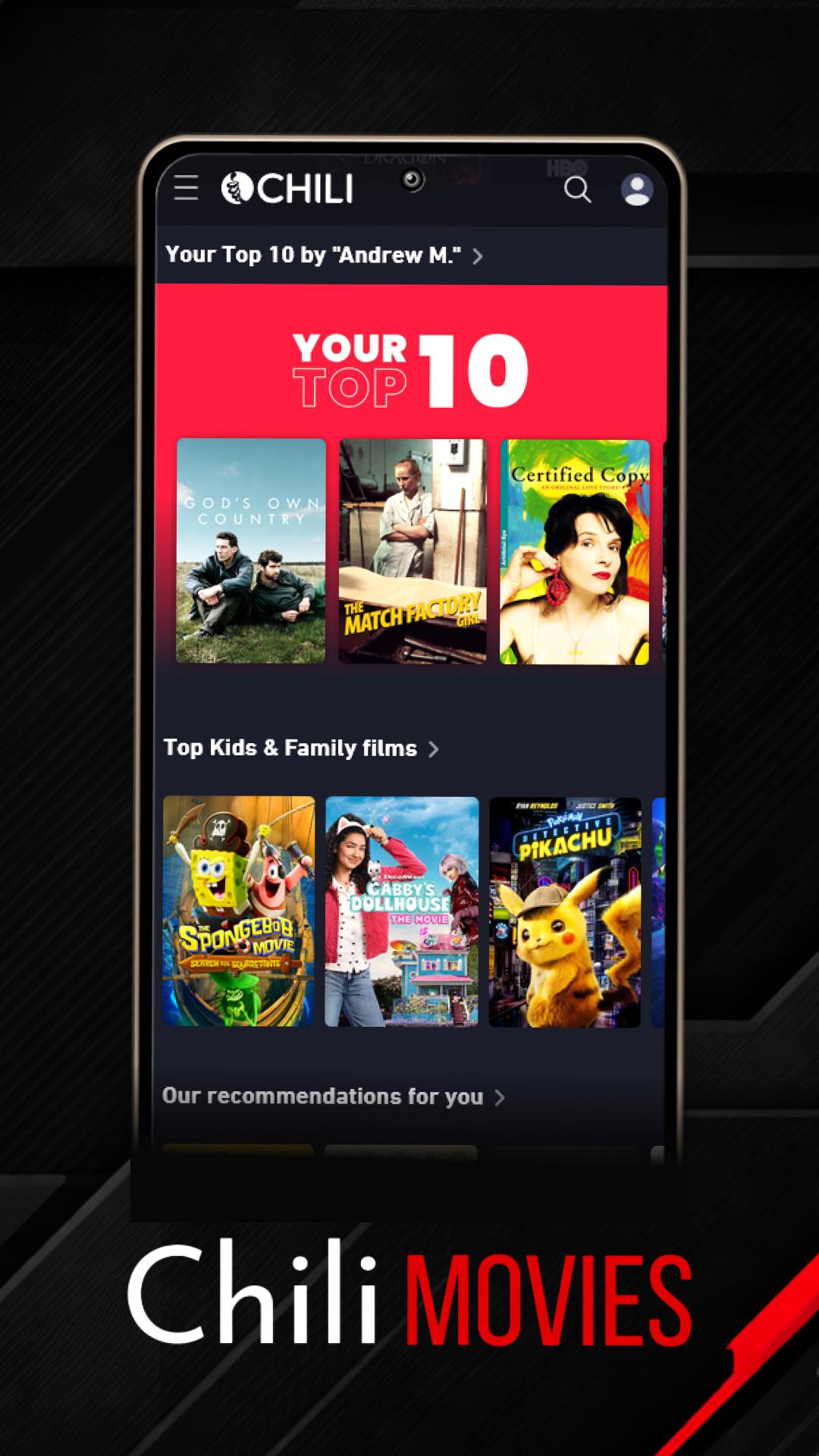
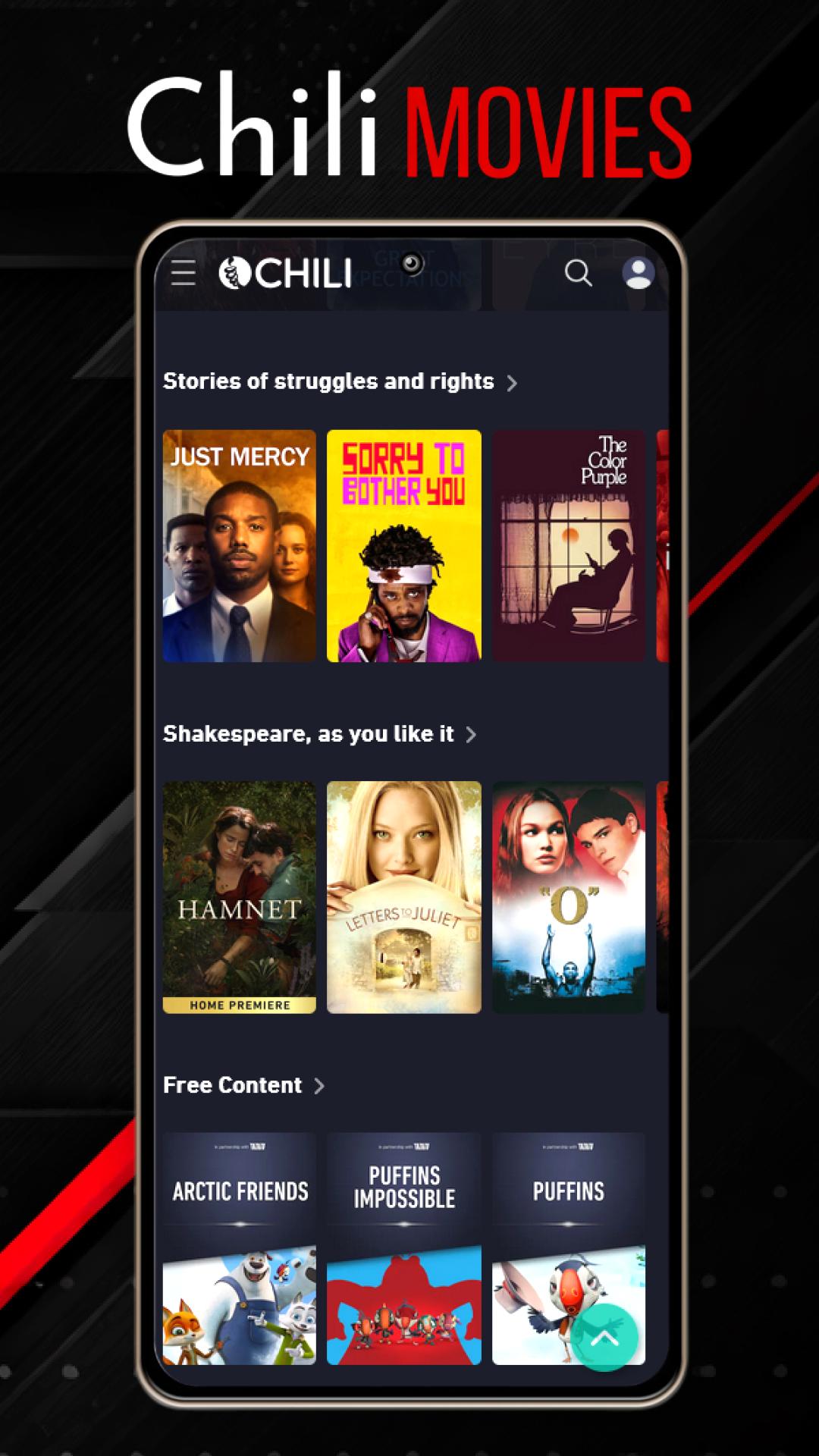
Chili vid+ is a versatile Android media app designed for playing, organizing, and managing video content on mobile devices. It blends fast playback, subtitle support, and convenient download options into a compact package, giving users intuitive controls and powerful features for everyday viewing and media organization.
Chili vid+ concentrates on core video tasks while adding extras that make media consumption smoother. The app supports a wide range of file formats, hardware-accelerated decoding for smoother playback, and adaptive streaming for network videos. Users can create playlists, pin favorites, and save videos for offline viewing with a single tap.
The user interface in Chili vid+ favors clarity and quick access. A clean main screen displays recent and local folders, while swipe gestures let you skip tracks, adjust brightness, or change volume without opening menus. Dark and light themes are available, and customizable shortcuts let you assign actions to on-screen buttons for one-handed operation.
Playback in Chili vid+ is flexible: speed controls let you watch at 0.5x to 2x, frame-by-frame stepping helps with detailed review, and a built-in equalizer adjusts audio profiles on the fly. Subtitle handling includes automatic detection, font sizing, timing shift, and multiple tracks management. For users who like precision, pinch-to-zoom and crop modes help fit content to any screen aspect ratio.
Beyond playing videos, Chili vid+ offers basic library management and light editing tools. You can tag files, create folders, and generate smart playlists based on file type or last played date. A simple trimmer and snapshot tool let you extract clips or stills without leaving the app, while batch renaming and metadata editing keep large collections tidy.
Connect Chili vid+ to other devices via Chromecast and DLNA for easy viewing on TVs or speakers. The app also integrates with popular cloud storage services to stream content without downloading and to back up playlists and settings. Adaptive streaming minimizes buffering by adjusting quality to match available bandwidth.
Optimized for Android phones and tablets, Chili vid+ leverages hardware acceleration to reduce CPU load and extend battery life during playback. It supports common containers such as MP4, MKV, AVI, and MOV, along with modern codecs including H.264 and H.265. External SD card support and USB OTG compatibility make it simple to access large libraries on the go.
Chili vid+ requests only the permissions necessary for its features and provides clear toggles to control access to storage and network functions. An offline mode prevents any background network activity when desired, and local-only indexing keeps your private files from being uploaded or shared by default.
Users appreciate Chili vid+ for its combination of speed and practical features: a responsive player that handles high-resolution content, easy organization tools for growing media libraries, and compatibility with streaming devices and cloud services. Whether you stream on the move or maintain a large local archive, the app focuses on reliability and straightforward controls.
Setting up Chili vid+ is quick: grant storage access, let the app scan for media, and customize playback settings to your preference. Explore the subtitle options and connect a casting device to test streaming. Regular updates add codec compatibility and performance tweaks, so keep the app current for the best experience.