
GOFAR All-in-1 Mileage Tracker
Version: 1.11.1.56
12.10MB
4.1
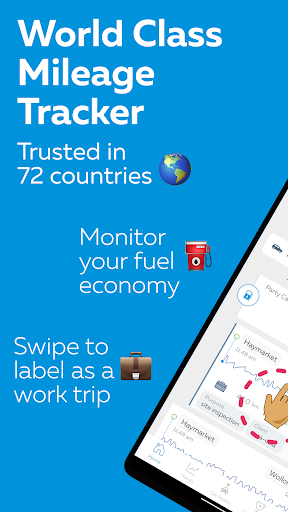
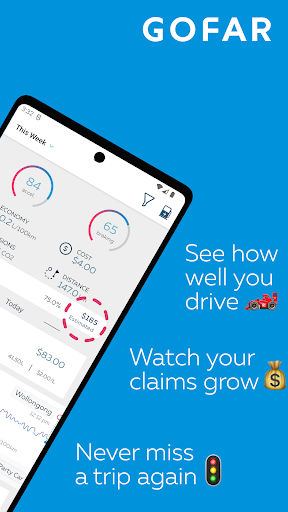
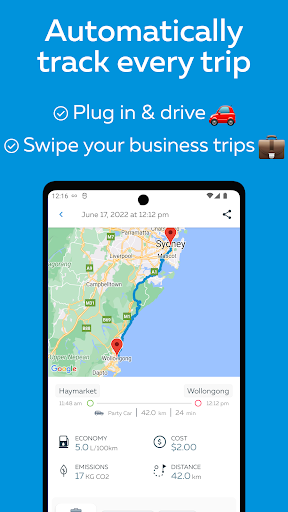
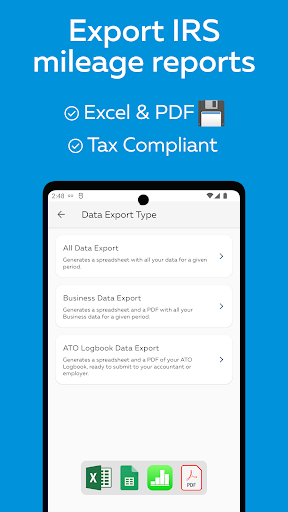
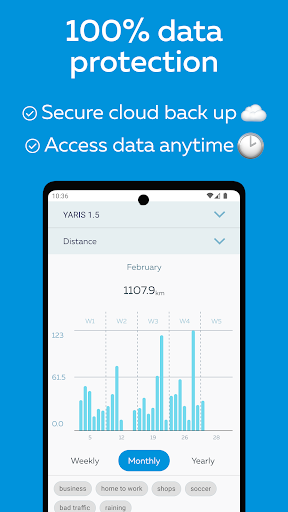
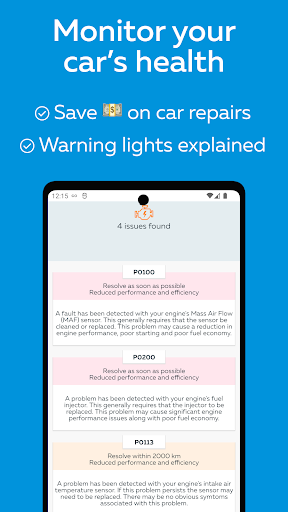
GOFAR All-in-1 Mileage Tracker helps drivers record trips, calculate deductions, and manage fuel expenses with automatic trip detection, manual logging, and IRS-friendly reports. The app streamlines mileage, reimbursement, and tax records into a single workflow suitable for contractors, small-business owners, and anyone who wants reliable, audit-ready travel logs.
GOFAR All-in-1 Mileage Tracker is built for people who move for work. It blends automatic GPS logging with easy editing and robust export options. Whether you track mileage for taxes, client billing, or company reimbursement, this app consolidates trip history, fuel entries, and expense receipts in one place to reduce manual bookkeeping.
The app uses optimized location sampling to detect journeys without draining battery. When movement starts, GOFAR All-in-1 Mileage Tracker logs the route, duration, and distance, then classifies each trip by purpose if you’ve set rules or recent patterns. Trips can be automatically categorized as business, personal, medical, or charity, saving time at month end.
Automatic detection is helpful, but real-world travel sometimes needs correction. You can split a long journey, combine two short trips, or change a trip’s classification. The app stores notes and client names for each entry, which is useful for invoices or audit trails.
The design favors clarity over clutter. Dashboards show monthly totals, recent trips, and fuel economy statistics at a glance. Maps display routes and allow zooming to verify recorded paths. Performance focuses on low battery use and minimal background data, while still delivering timely trip capture.
Generate monthly or yearly summaries to match bookkeeping schedules. The app builds IRS-friendly summaries and line-item exports for accounting software. Exports include dates, distances, durations, purposes, and any attached photos or notes, so records remain defensible during audits.
Backing up trip data keeps records safe across phone upgrades. GOFAR All-in-1 Mileage Tracker supports cloud sync and file export to common formats. You can share CSV files with accountants, upload PDFs for expense reimbursement portals, or transfer data to spreadsheet apps for custom reports.
Expect granular permission controls. Location access can be set to allow tracking only when necessary. Data export and deletion tools ensure you remain in control of your travel history and personal information, which is important for businesses handling employee data.
Start with automatic detection and review the first month of trips. Use notes consistently to capture client names or project codes. Once patterns emerge, automation and rules reduce time spent on administration.
Small-business owners and gig workers gravitate toward GOFAR All-in-1 Mileage Tracker because it minimizes paperwork, produces clear export files, and maintains accurate records for reimbursement and taxes. Reliability, ease of use, and audit-ready reporting are core reasons users adopt it into their workflow.
Install the app from your device store, grant required permissions for location, and configure basic settings like business rate and time zone. Import previous trips if you have them, or begin fresh with automatic tracking. Within a few days you’ll see how much time and effort the app saves compared to manual logs.