Radar Detector Sound
Version: 1.31
4.00MB
4.1
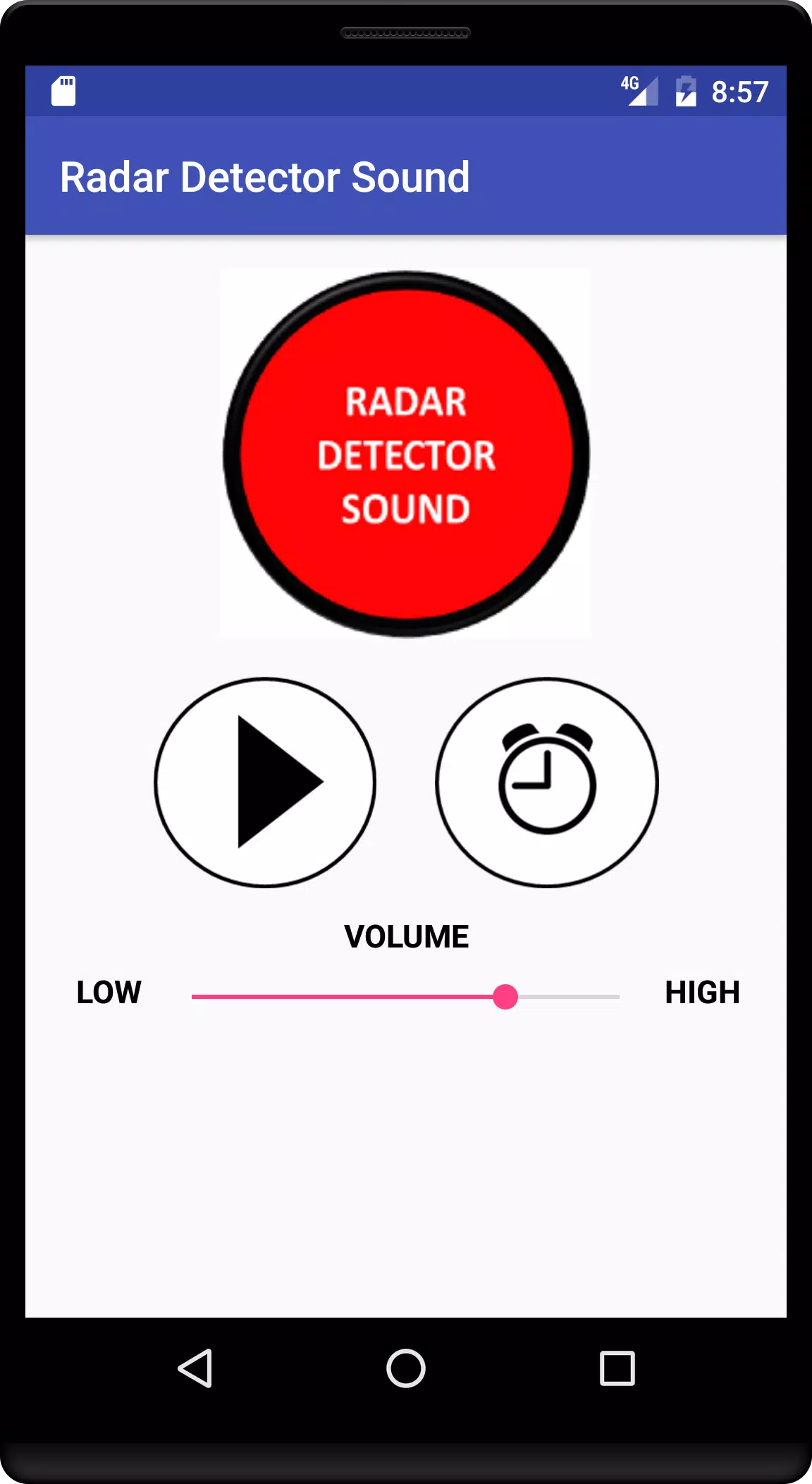
Radar Detector Sound is a compact Android utility that plays authentic radar-detector alert tones and signal simulations for training, testing, and audio reference. It offers a curated library of alert sounds, simple playback controls, and options to customize tones for lab and on-the-road audio checks.
Radar Detector Sound focuses on practical tools that help drivers, technicians, and hobbyists recognize and evaluate common detector audio signatures. The app includes a broad library of categorized tones, adjustable playback speed, looping, and a favorites list for quick access. File import and export are available for sharing custom tones with colleagues or transferring sets between devices.
The built-in library groups tones by type and frequency so you can quickly simulate specific scenarios. Categories include brief beeps, continuous alerts, voice prompts, and manufacturer-style signatures. Each sound entry shows duration and a waveform preview so you know what to expect before playback, making it simple to compile playlists for practice sessions or demonstration purposes.
Playback is designed to be responsive and low-latency on a wide range of Android devices. Choose a single tone or sequence multiple files in a playlist, then adjust volume and loop settings. A lightweight audio engine keeps CPU and battery impact minimal, so you can run the app in the background while conducting in-car audio tests without excessive drain.
The app presents a clean, touchscreen-friendly interface that emphasizes quick access. A simple search bar helps you locate tones by name or tag. Long-press options let you rename items, add notes, or move files between folders. The layout supports both short checklist-style sessions and longer scripted demonstrations.
Radar Detector Sound is optimized for Android smartphones and tablets running modern OS versions. The audio engine uses standard codecs to maintain sound fidelity across devices. Memory usage is kept modest so the app can coexist with navigation or diagnostic apps. Users can toggle an energy-saving mode for extended in-car sessions.
Export features allow you to bundle a set of tones and presets into a single package for transfer or backup. Shared packages can be opened on other devices running the app, streamlining collaboration between installers and testers. Integration with file managers and cloud storage services simplifies importing custom recordings captured with external hardware.
After installation, grant any requested storage or media permissions to enable file imports. Browse the library to hear sample tones, then add a few favorites to a playlist. Use the preset feature to save your preferred test setup, and try exporting a package to keep a reliable backup. Help tips and quick tutorials are accessible from the settings menu for hands-on guidance.
Radar Detector Sound balances utility with simplicity: it provides a focused set of sound tools for audio verification, education, and troubleshooting. With customizable playback, exportable presets, and efficient performance, the app serves as a practical resource for anyone who needs consistent, repeatable radar-detector audio simulations.