
iDental Care App
Version: 1.0
11.50MB
4.5
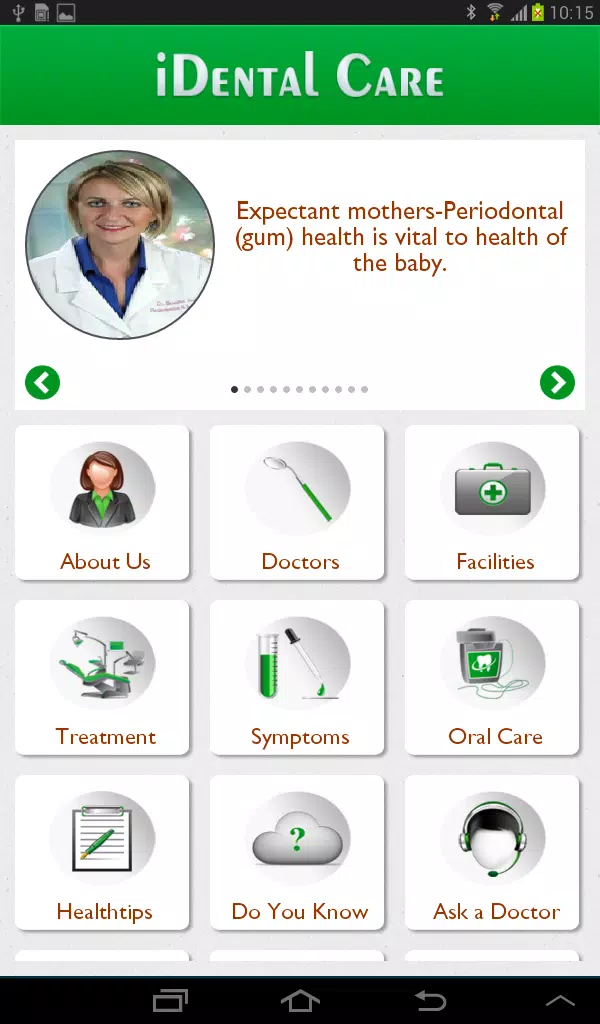
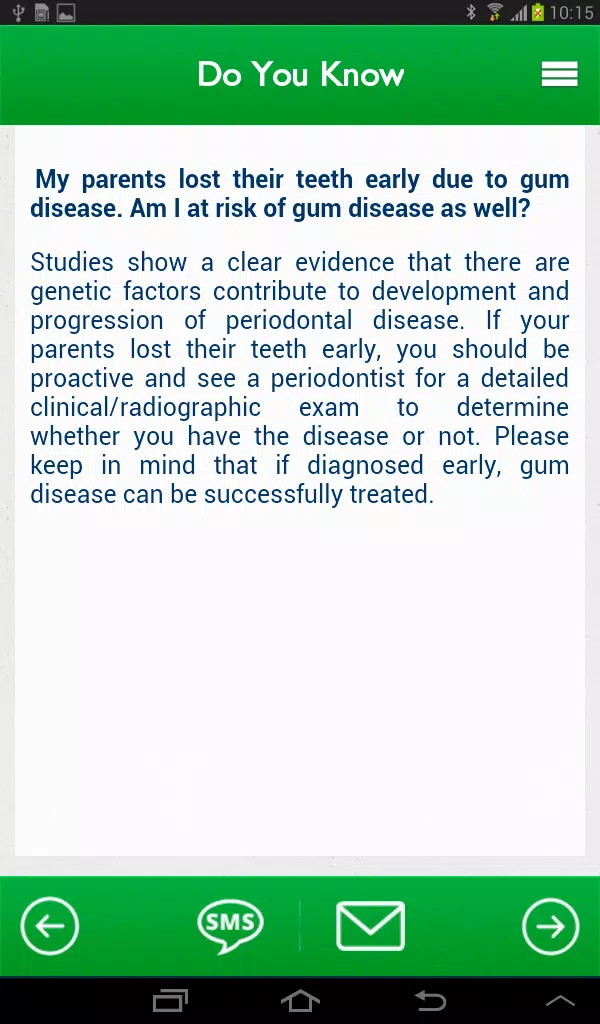
The iDental Care App is a mobile tool designed for dental professionals and patients, delivering appointment management, treatment tracking, and oral health education in one interface. It streamlines clinical workflows, supports secure records, and offers intuitive patient engagement features to simplify daily practice operations and follow-up care.
iDental Care App positions itself as a lightweight but capable assistant for clinics, solo practitioners, and patients who want clearer communication. The app focuses on connecting administrative tasks, clinical notes, and patient reminders through a single dashboard that reduces duplicate work and improves appointment adherence.
After signing in, users create or import patient entries and assign appointments using the visual calendar. Clinicians record notes and attach files to visits; the app timestamps entries so teams can follow a chronological treatment trail. For patients, appointment confirmations and aftercare instructions appear as clear messages, improving compliance and reducing post-procedure confusion.
The app supports exportable reports and CSV downloads for billing and accounting systems. Data synchronization runs in the background to keep devices up to date without manual refreshes. When multiple users access the same account, role-based permissions help keep clinical data secure while allowing assistants to handle scheduling and front-desk duties.
iDental Care App favors a clean, minimal layout that highlights high-frequency actions: book, view, and update. Buttons are sized for quick taps and the color palette emphasizes readability under clinic lighting. Performance is optimized for low-latency navigation even on mid-range devices, and the app minimizes battery and data use by compressing file attachments and queuing large uploads for Wi-Fi.
Clinics can customize appointment lengths, add service categories, and configure reminder timing. Localized templates let practices create custom intake forms and consent documents to reflect regional regulations and languages. These options help teams enforce consistent workflows without locking them into a single process.
New adopters often find that dedicating a short training session to administrators and a separate quick-start for clinicians pays off. Even modest configuration saves significant time within weeks of active use.
The app employs basic encryption for stored records and supports PIN or biometric protection at the device level. Role-based access helps limit who can edit sensitive fields. Clinics should review local data-protection laws and use the app alongside approved backup policies to meet regulatory requirements.
Many practices choose iDental Care App for its balance of practicality and affordability. The modular features let small teams adopt scheduling and reminders immediately, while larger clinics can expand usage to full record management. Users praise the app for cutting administrative time and improving patient communication without a steep learning curve.
Download the app from your device store, create a clinic account, and run through the setup wizard to define basic services and staff roles. Import existing patient lists via CSV if needed, then invite team members with role assignments. Regularly update the app to receive performance patches and feature enhancements.
For clinics aiming to modernize operations without heavy IT investment, iDental Care App offers a pragmatic toolset that supports daily dentistry tasks while keeping patient interactions clear and trackable.