
IW-Mobile
Version: 11.6
11.50MB
4
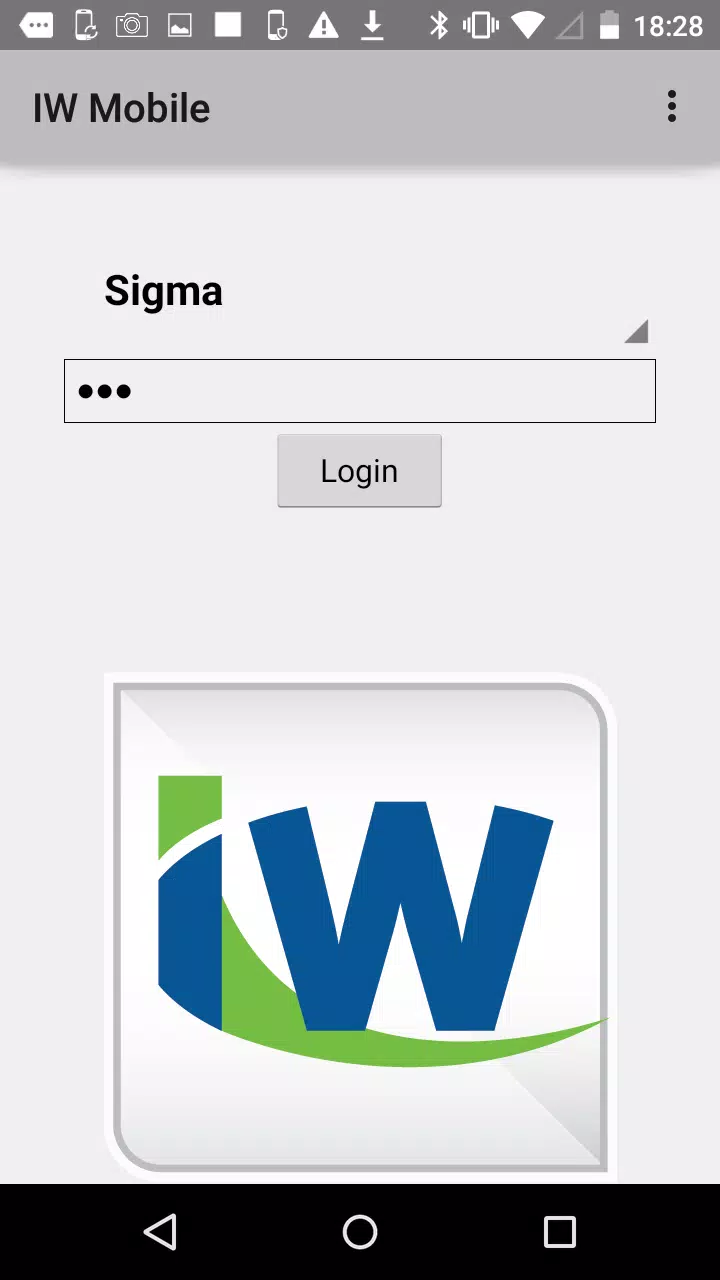
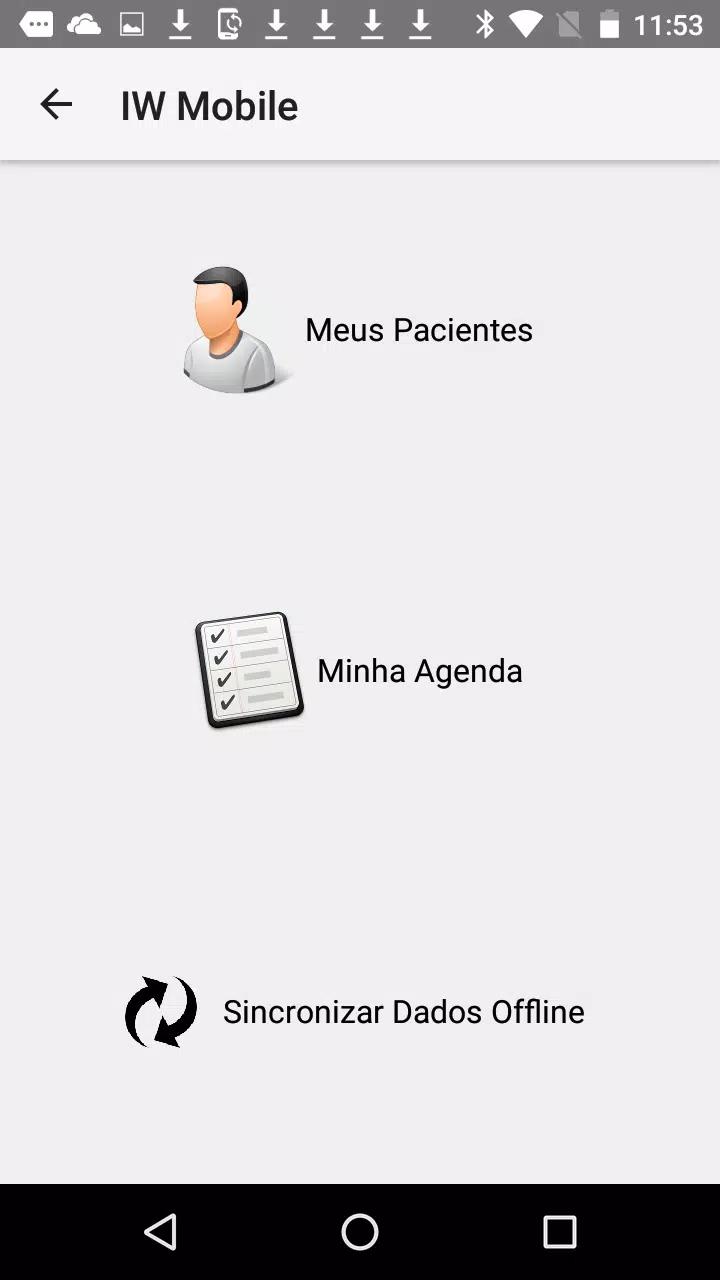
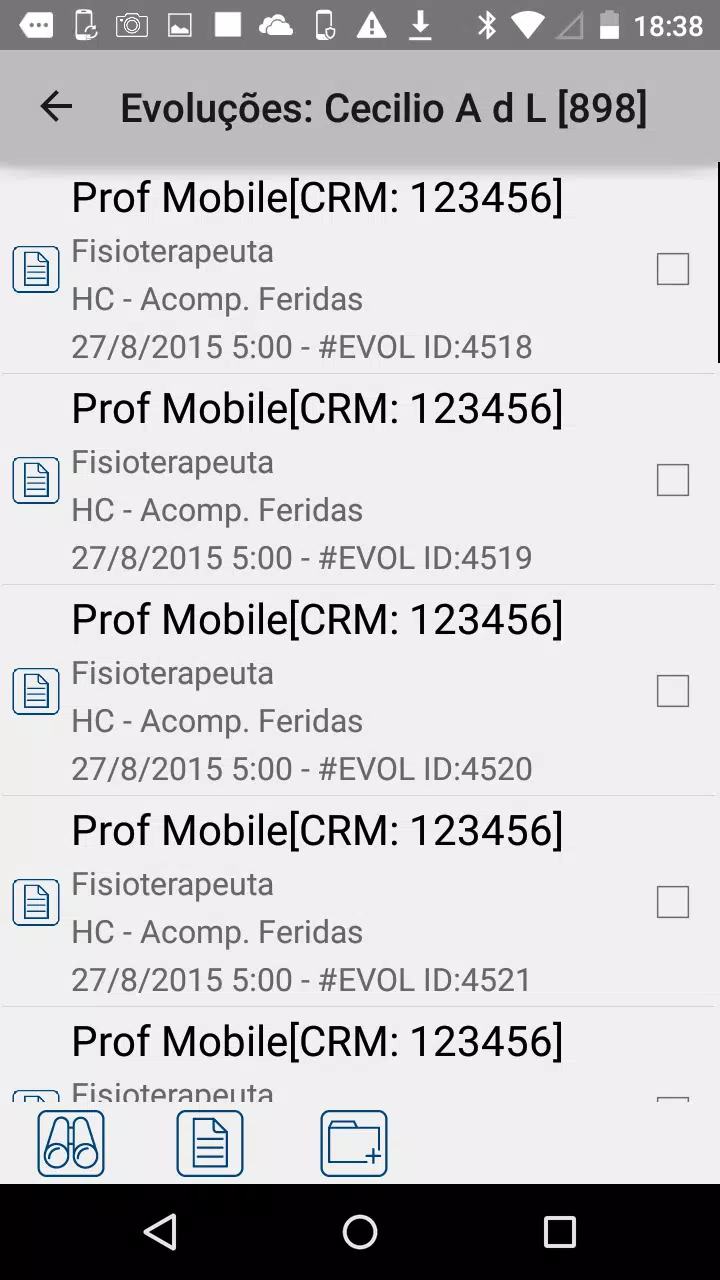
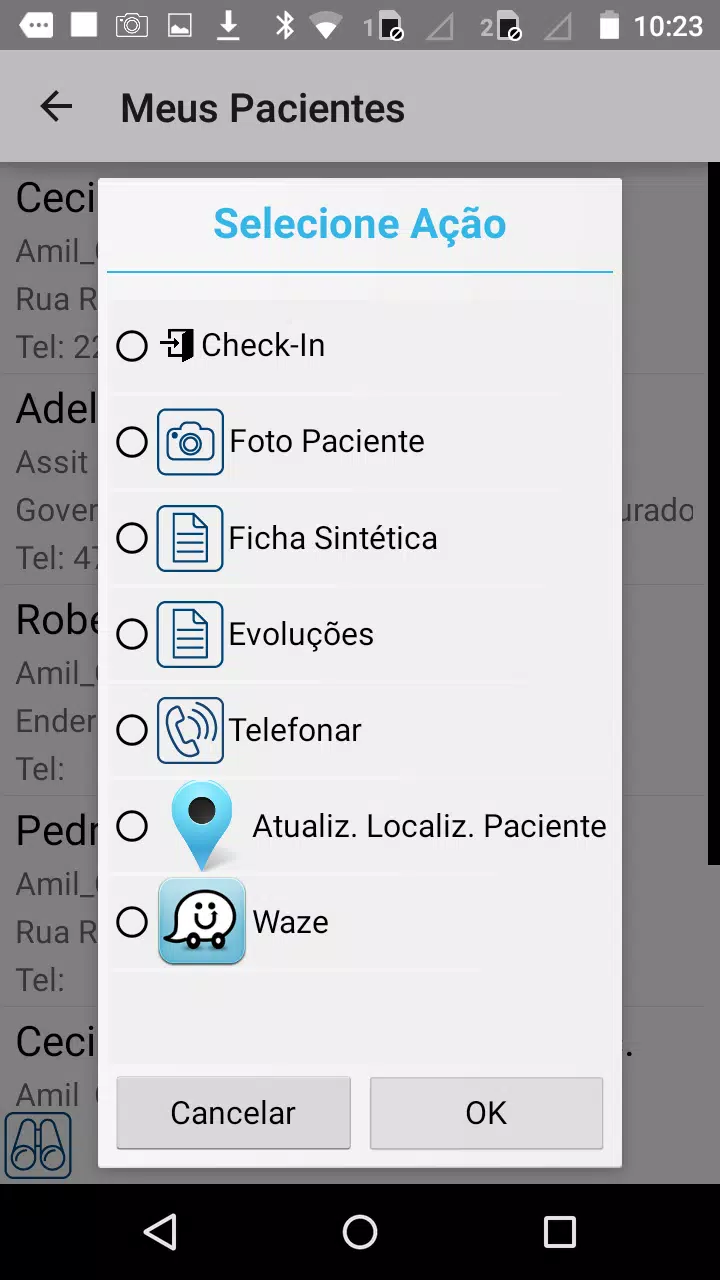
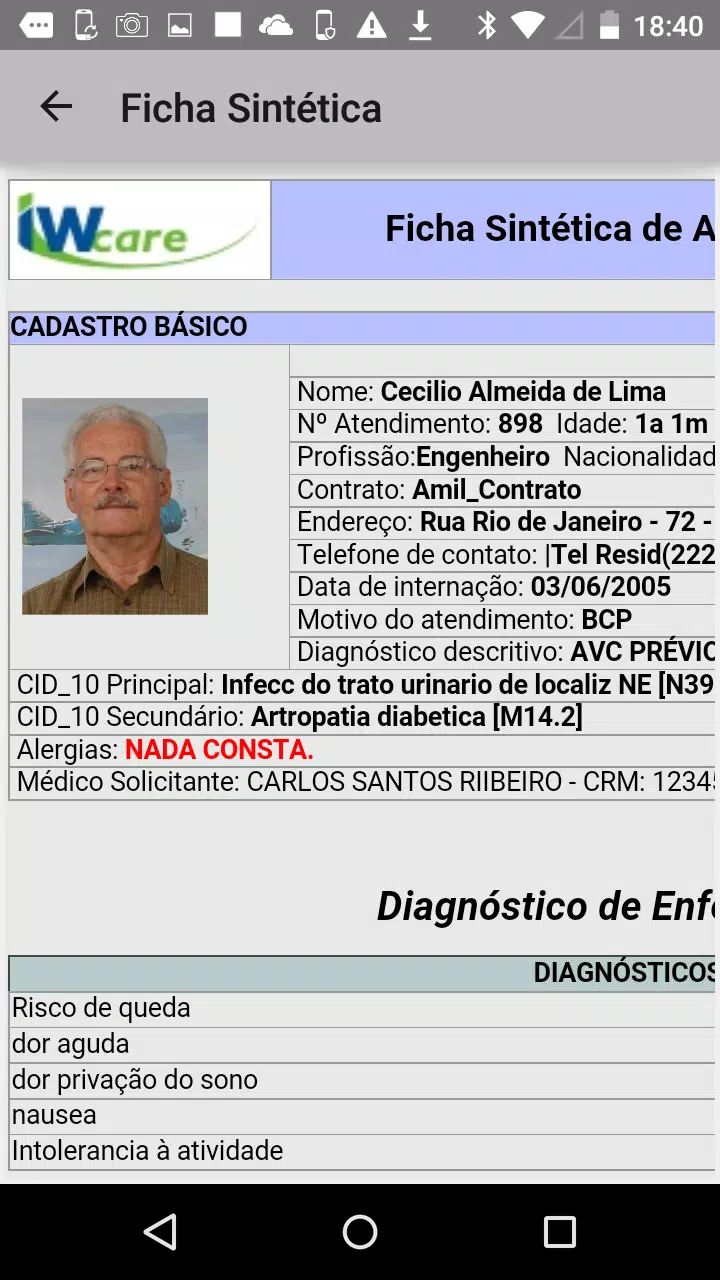
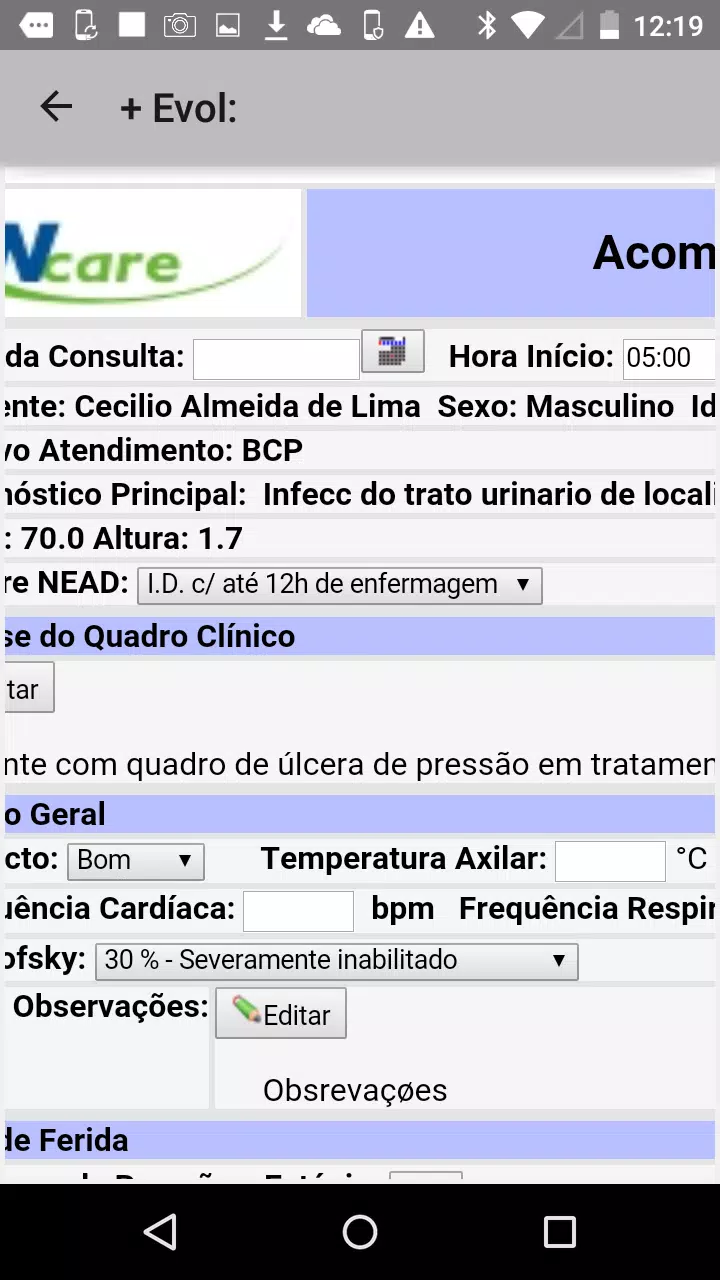
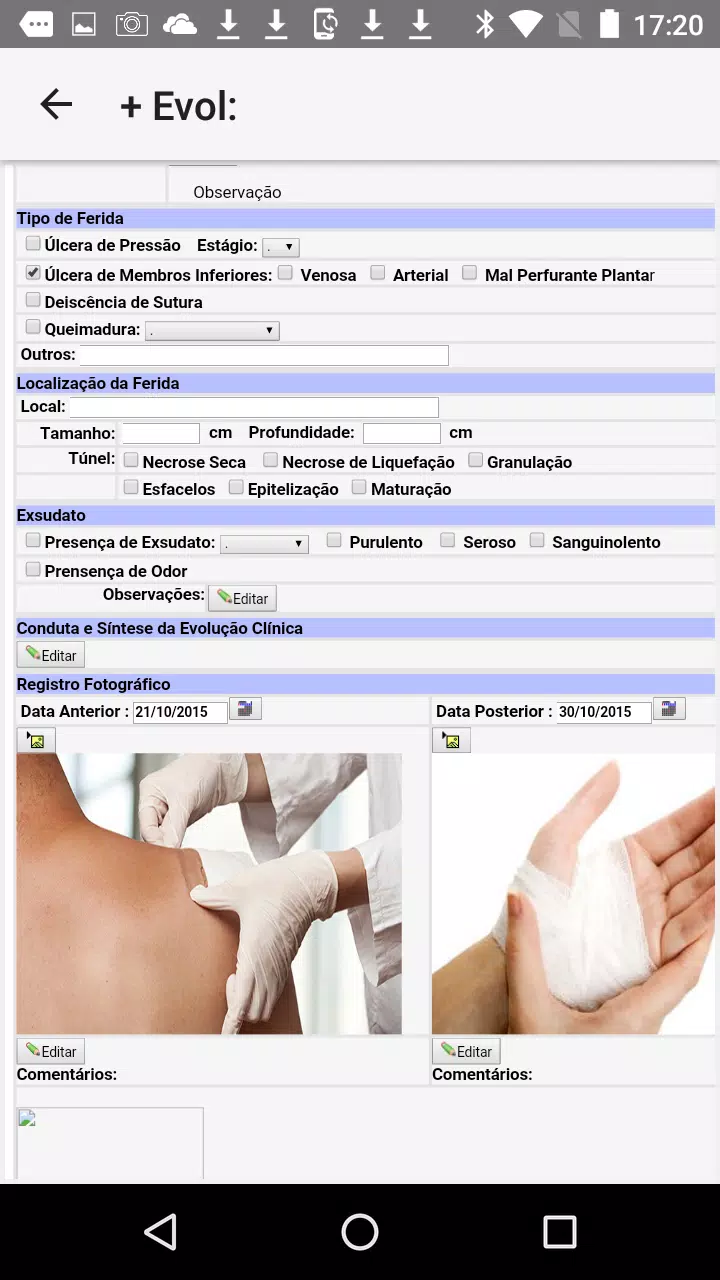
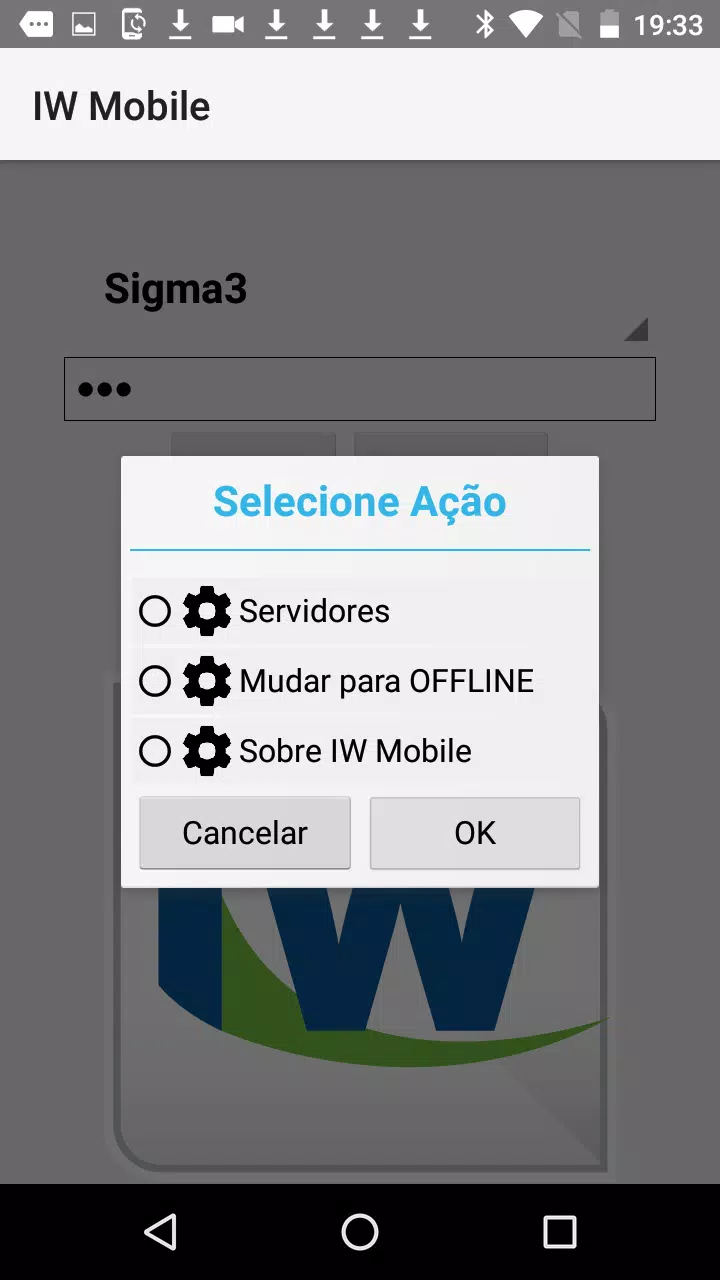
IW-Mobile is a compact productivity app designed to centralize communication, scheduling and task tracking for mobile teams. With streamlined navigation and quick access to shared resources, IW-Mobile helps professionals reduce friction in daily workflows and keep projects on track from a single, responsive interface.
At its core, IW-Mobile brings together messaging, calendar management and task lists into a single mobile experience. The app focuses on minimizing context switching: users can assign tasks, update statuses and consult project timelines without opening multiple tools. Notifications are prioritized and grouped so teams can respond to what matters quickly.
IW-Mobile adopts a card-and-list structure that is familiar to users of modern collaboration platforms but optimized for touchscreens. Projects appear as lists while tasks are presented as cards with status markers and attachments. Swipe gestures let you progress tasks across stages, and a compact header provides at-a-glance status summaries.
Notifications in IW-Mobile can be customized by project, type and urgency. The app automatically groups related alerts and surfaces high-priority items on the home screen. That reduces notification noise and helps users focus on actions that move work forward.
Design choices emphasize clarity and speed. The UI uses contrast and concise typography to make dense information readable on small screens. IW-Mobile loads content incrementally to keep transitions smooth and conserve device battery life. Animations are subtle and purposeful, maintaining a professional feel without distracting from productivity.
Security is presented clearly within the app: encrypted storage for sensitive items, option-based biometric unlocking and granular permissions for shared resources. Administrators can manage access levels and monitor activity logs, helping organizations meet compliance requirements without burdening end users.
IW-Mobile connects with common productivity services to streamline workflows. Integrations include calendar providers, cloud storage adapters and single sign-on solutions. These connections reduce duplicate work and let teams reference documents and timelines from a single app surface.
The onboarding process is concise and guided. New users are led through a short setup that configures notifications, links calendars and suggests initial projects to import. Templates for common workflows accelerate setup for teams that manage incidents, sales pipelines or field operations.
Many teams pick IW-Mobile because it balances robust features with a simple interface. It shortens the feedback loop between field staff and office teams and reduces the overhead of managing multiple apps. The combination of offline capability, tight calendaring and configurable notifications makes it particularly valuable for distributed and mobile-first workforces.
For teams looking to consolidate tools and boost on-the-go productivity, IW-Mobile offers a concentrated set of features that are easy to adopt and scale. Regular updates add integrations and incremental performance improvements, keeping the app responsive as organizational needs grow.