
СПЭС
Version: 2.1
4.90MB
4.2
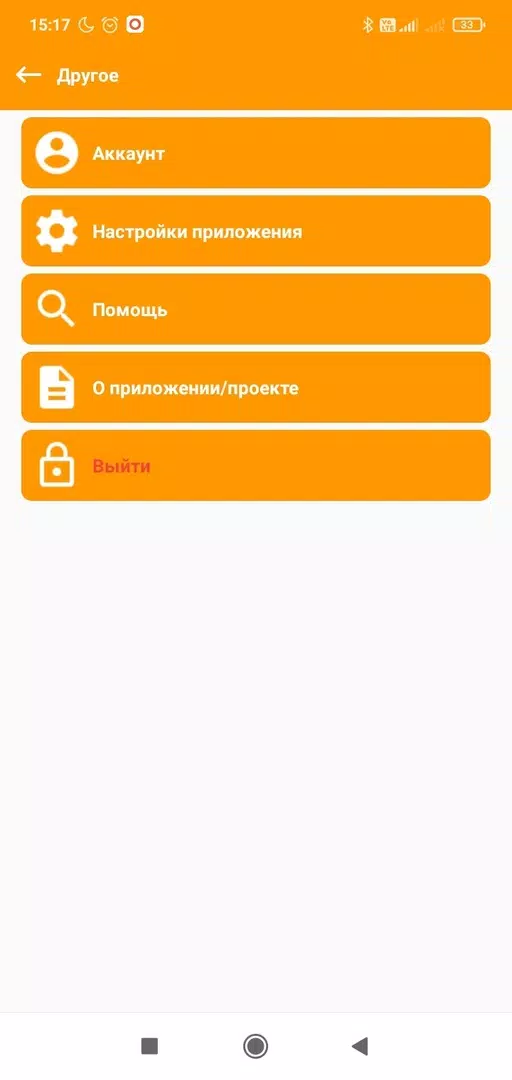

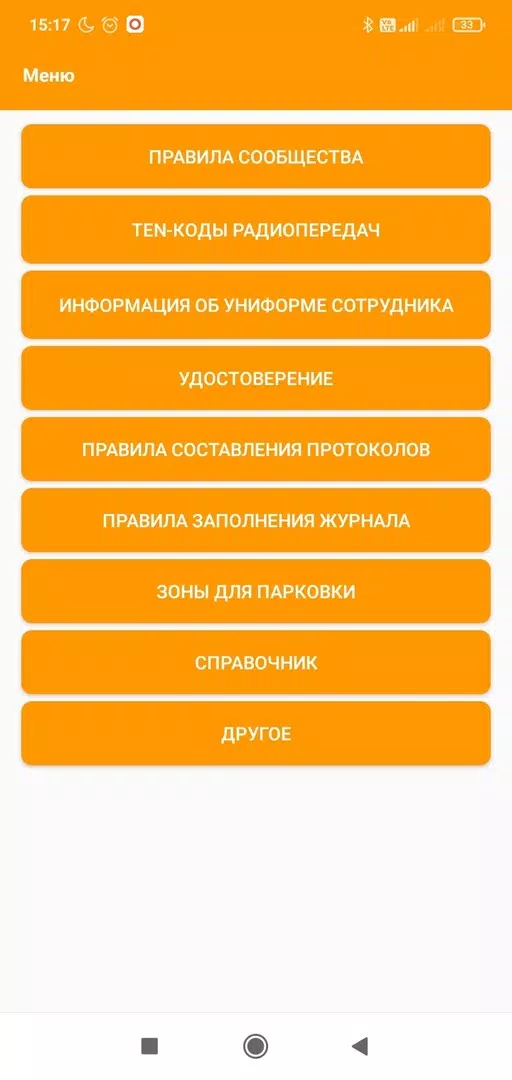
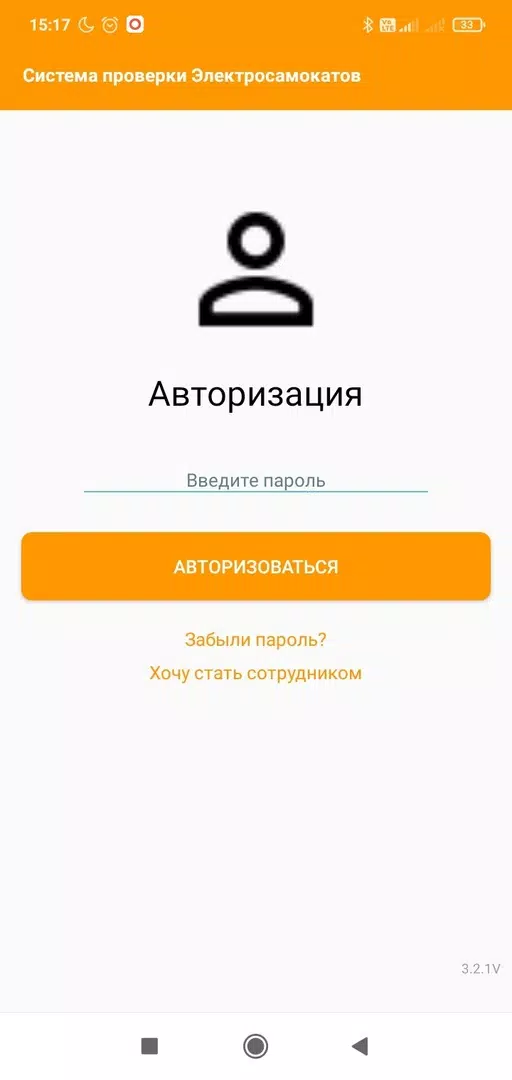
СПЭС is a compact Android utility designed for field teams and administrators, combining task scheduling, GPS-enabled reporting, document management, and offline synchronization into a single app. It aims to simplify workflows by providing customizable forms, live status updates, and secure data exchange for mobile workforces.
At its core, СПЭС focuses on practical mobile productivity: assign tasks, collect structured data, attach photos and signatures, and push results back to a central system. The app bundles common field needs into one interface so teams can reduce paperwork, shorten reporting cycles, and keep managers informed in near real time.
Workflow in СПЭС is straightforward. Administrators define templates and task lists via a web console or in-app settings. Field users receive assignments, complete forms on their devices, and submit entries. If network coverage is patchy, data is stored locally and transmitted as soon as connectivity returns. That design keeps records consistent without asking users to retry manual uploads.
The interface favors clarity: large buttons, clear labels, and a read-only preview that reduces data entry mistakes. The app uses a lightweight local database to minimize memory use and preserve battery life. On modern mid-range devices the launch time and form rendering felt snappy, and heavy media items are compressed before upload to reduce data costs.
СПЭС supports outbound API calls and common data export formats so it can fit into existing back-office systems. Authentication options include single sign-on and token-based sessions for automated deployments. Data stored on the device is encrypted, and the app keeps an audit trail of changes for traceability.
Administrators can tailor validation rules, mandatory fields, and branching logic inside forms. That means you can enforce standards for quality checks or make conditional questions appear only when relevant. Permissions are granular: limit who can edit templates, who can submit data, and who can view historical records.
From a user perspective, СПЭС minimizes friction. The main screen highlights active tasks and overdue items, while a history view makes it easy to search previous entries. Photo annotation and on-screen signature capture are practical when proof-of-work matters. Push notifications keep the team aligned without constant manual follow-up.
Teams that require reliable field reporting choose СПЭС for its blend of structure and flexibility. It removes repetitive manual steps while keeping data auditable and portable. The balance between lightweight performance on phones and enterprise-grade features such as API access and encryption makes it a practical option for inspections, maintenance, deliveries, and audits.
Installation is simple: download from your usual Android store, sign in with corporate credentials, and sync the initial template pack. Allow the app access to location and camera if you plan to use GPS stamping and photo attachments. New administrators should review permission settings and test a full round-trip from assignment to back-office export before onboarding large teams.
Overall, СПЭС presents a focused, secure mobile solution for field operations that value clean data, offline reliability, and configurable workflows. With attention to setup and a few process adjustments, it can shorten reporting cycles and make field teams more productive.