Private DIARY Free - Personal
Version: 7.6.3
5.00MB
4.2
Private DIARY Free - Personal is a secure journaling app. Private DIARY Free - Personal gives you encrypted local storage for notes, photos, and quick timestamps. Private DIARY Free - Personal combines a minimal editor with multiple lock options so your private records remain accessible only to you.
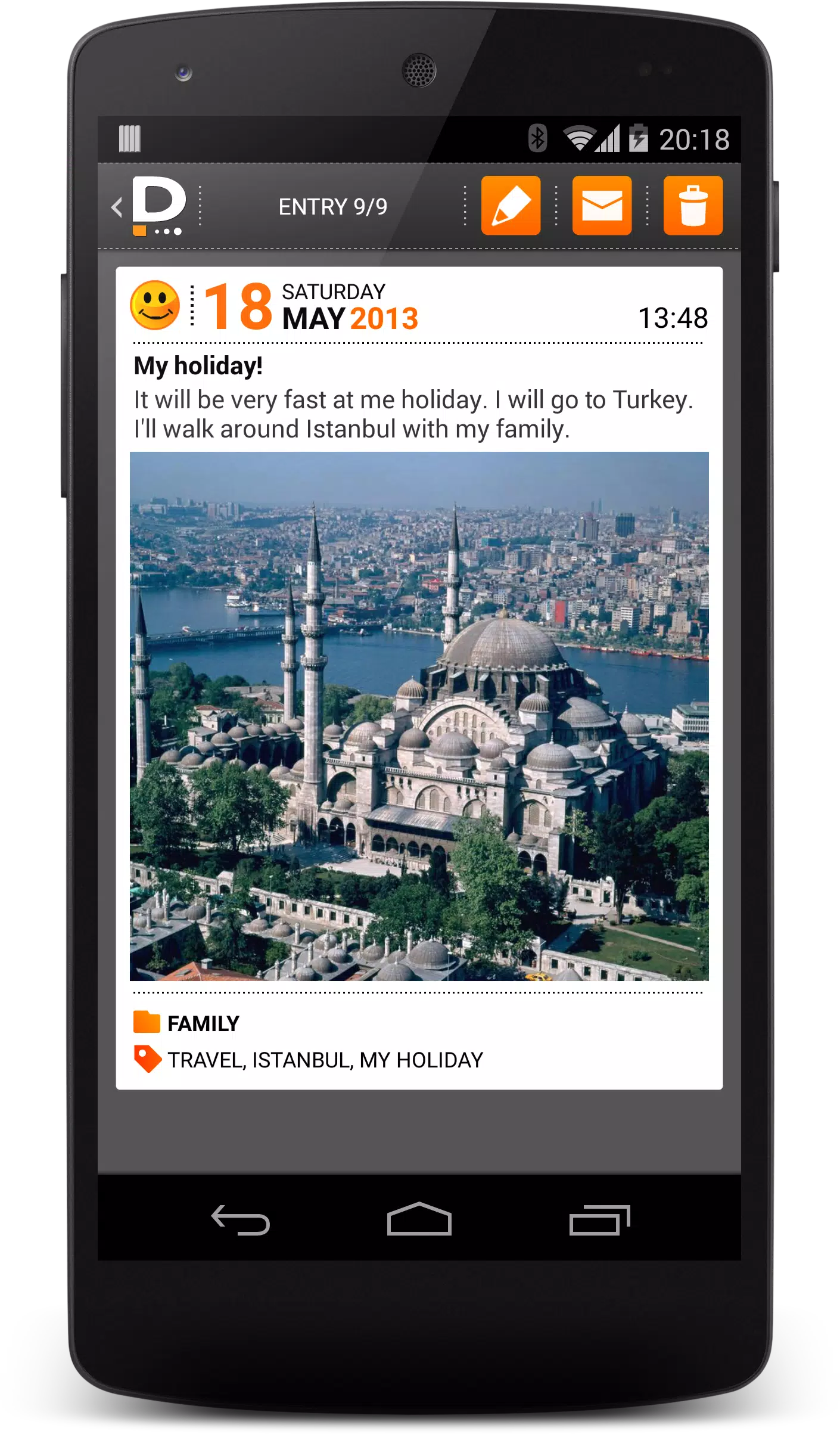
The app provides straightforward entry creation and flexible organization without unnecessary complexity. Create single-line notes for reminders or longer entries for reflections, attach images from camera or gallery, and use basic text formatting for clarity. Built-in search scans titles, body text, and tags so you can find a phrase or photo quickly. Notifications and reminders are available to encourage regular writing while the interface stays focused and fast.
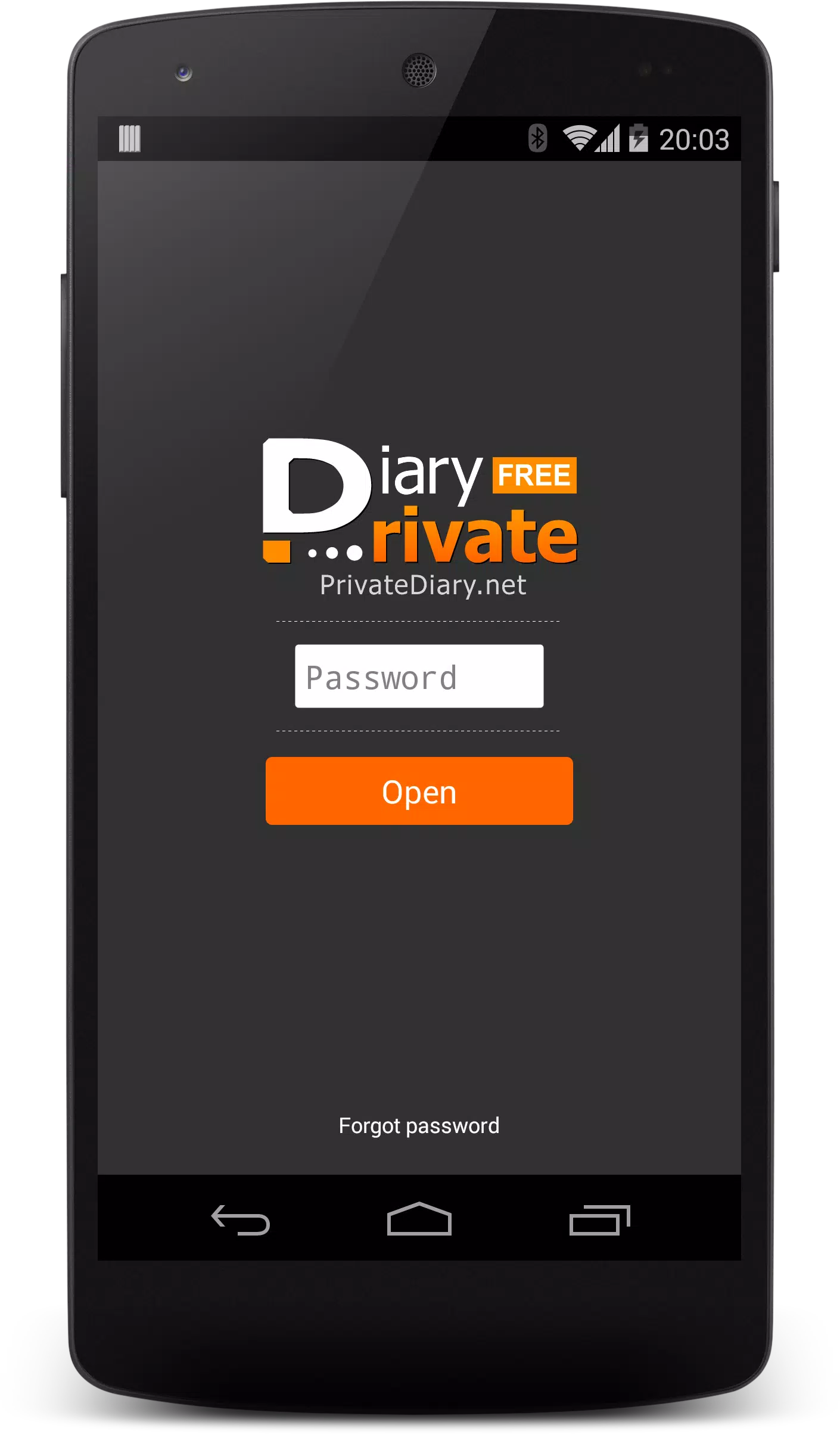
Security is central: set a PIN, pattern, or use device biometric unlock where available to prevent casual access. Entries are encrypted at rest to reduce the risk of unauthorized reading if a device is lost. Optional auto-lock and session timeout controls let you choose how quickly the app secures itself after inactivity. Private DIARY Free - Personal stores data locally by default to give you control over backups and transfers rather than relying on an automatic cloud service.
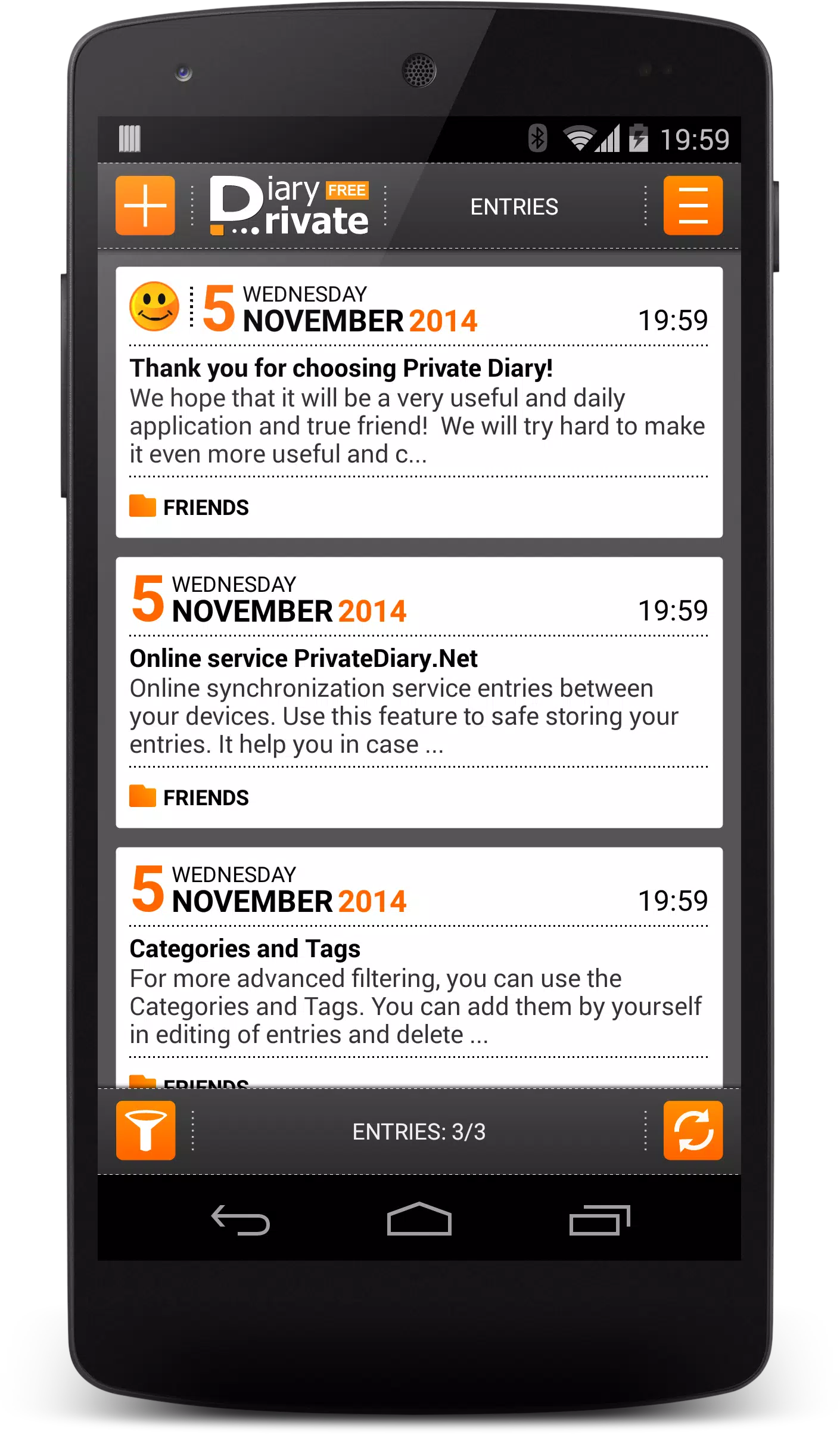
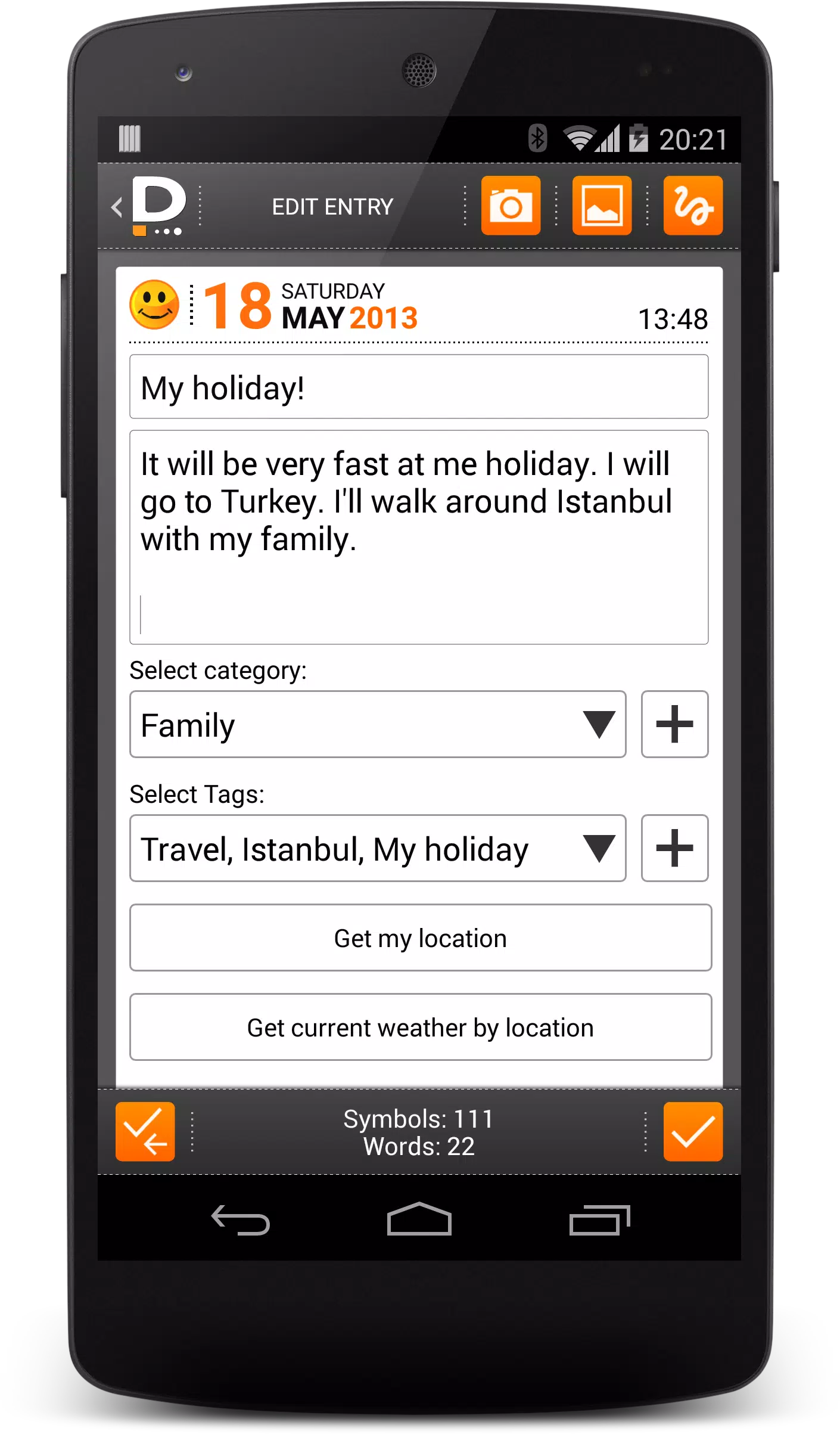
The editor is intentionally uncluttered to encourage frequent use. Tap the new-entry button or use a home-screen shortcut to open a fresh page, type or dictate text, and attach photos with a single tap. Draft autosave prevents accidental loss while you write. Quick-edit gestures and an intuitive toolbar make basic formatting and timestamp insertion straightforward, supporting a smooth workflow for both short notes and longer journal sessions.
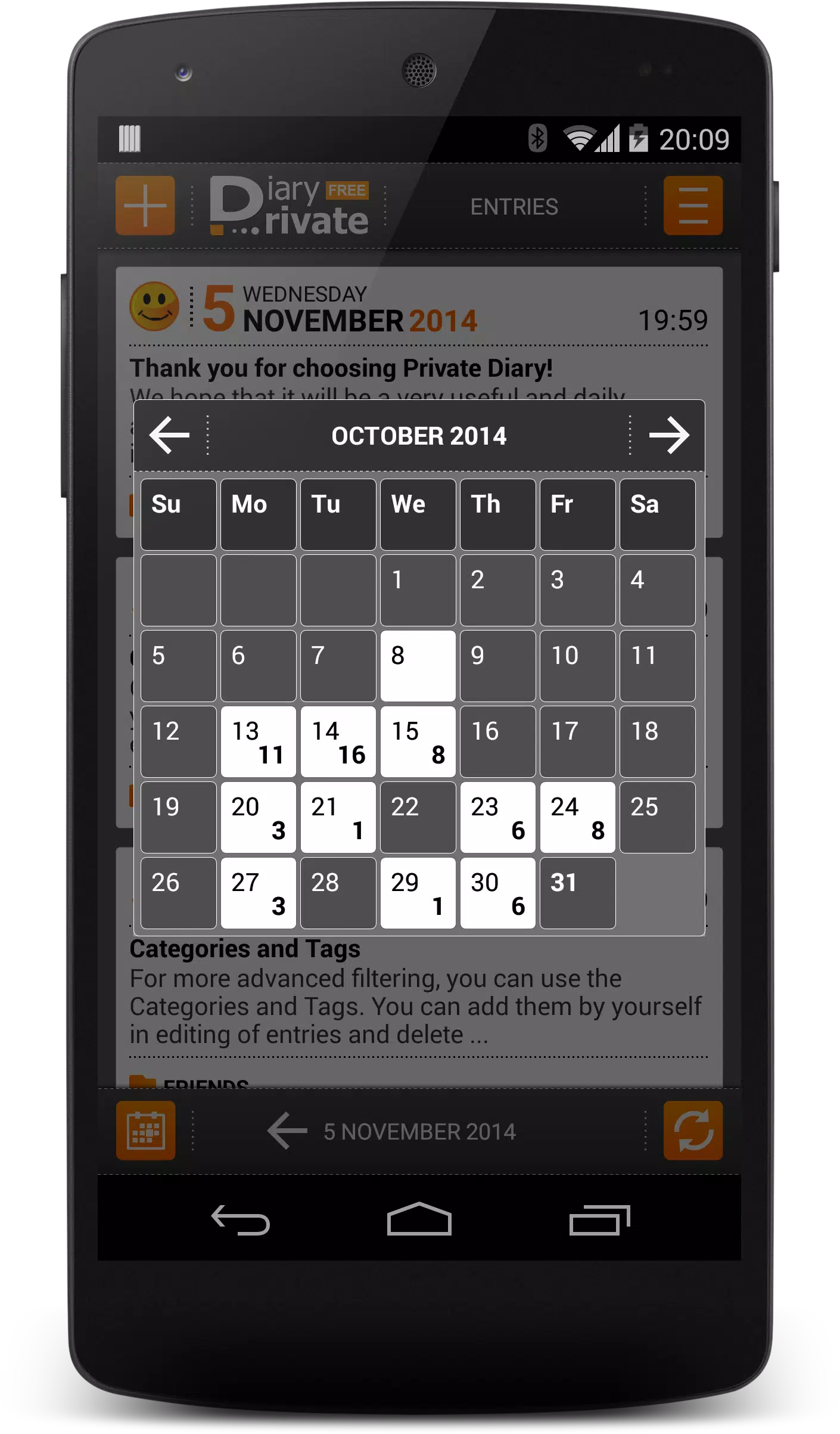
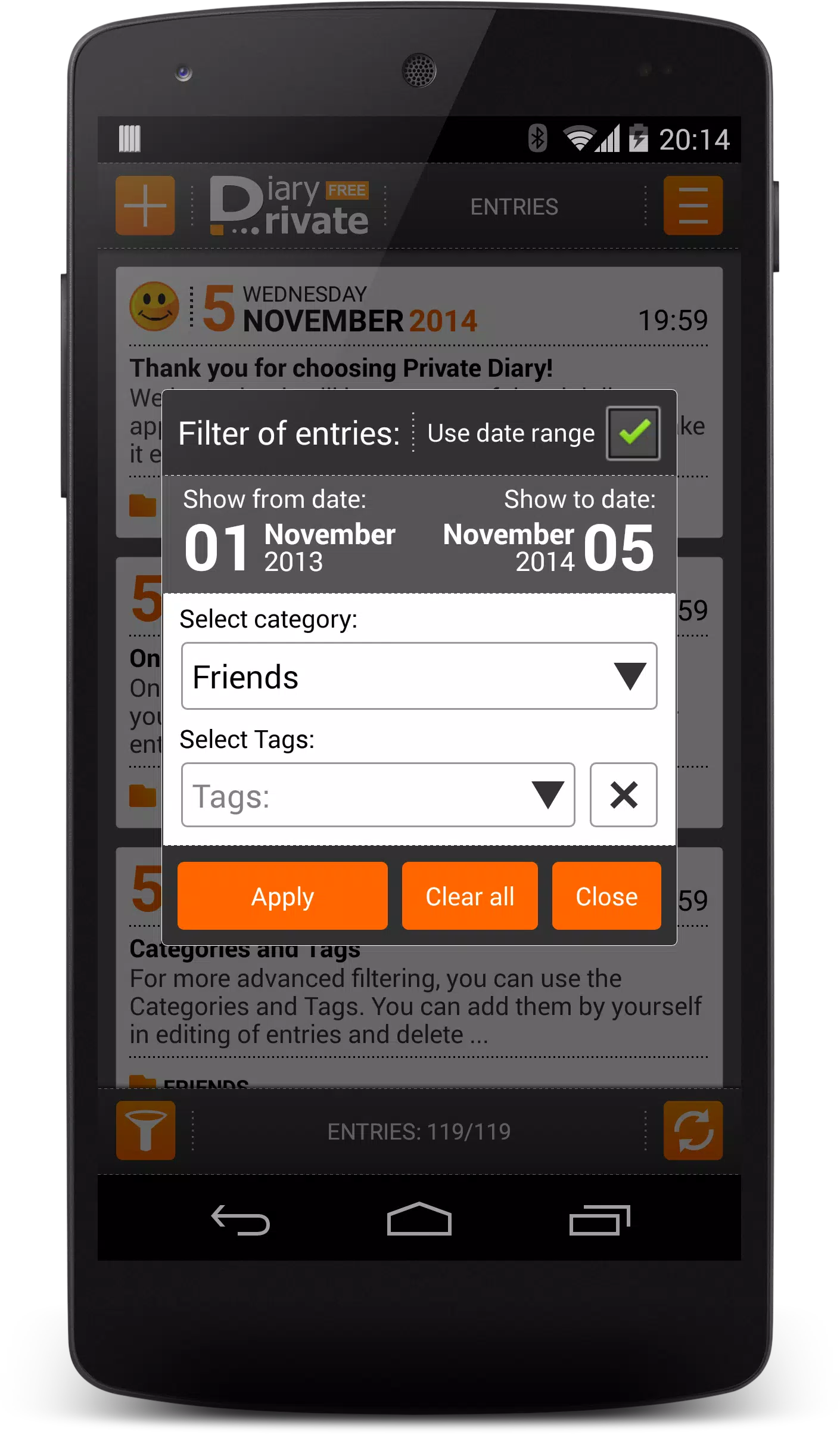
Organization options include folders, custom tags, and favorites so entries can be grouped by project, mood, or topic. The calendar view highlights days with activity to reveal patterns over weeks and months; combined with entry word counts and mood markers, the calendar becomes a way to track personal progress without gamification. Use tags and date filters as a lightweight progression system—follow themes, monitor consistency, and review habit changes across time.
Choose from several themes and adjust font sizes to suit daytime reading or night-time journaling. A compact entry list keeps the focus on content while an expanded view surfaces metadata like location (if enabled), mood indicators, and word count. These appearance options help tailor the app to different writing styles, whether you prefer a distraction-free canvas or a metadata-rich overview for reflection.
Private DIARY Free - Personal emphasizes local control for backups and exports. Save backups to your device, move files manually to other storage, or export selected entries in plain text or encrypted formats for archiving. The app runs fully offline by default, so writing and searching work without a network connection; manual transfer of exported files lets you sync across devices on your own terms.
Designed to be lightweight, the app performs smoothly on both recent and older Android devices. Indexing and background tasks run unobtrusively to avoid interrupting writing. Accessibility features include adjustable text size and clear contrast themes to support readers with different needs. Battery and data use are kept minimal so daily journaling fits into routine use without adding overhead.
The typical workflow is simple: open the app, start an entry, attach a photo if needed, add tags, and lock the app when finished. Use scheduled reminders to form a habit or to set periodic prompts for reflection; these gentle challenge systems encourage consistency without forced gamification. Quick search and favorites accelerate return visits to active projects or ongoing threads of thought.
People use Private DIARY Free - Personal for mood tracking, travel logs, work notes, and private reminders. The flexible tagging system suits both personal and professional uses, and calendar summaries help when reviewing months of activity. For accessibility, enable a larger font and high-contrast theme, and rely on the draft autosave to prevent loss during longer sessions.
Begin by choosing a secure unlock method and creating a short test entry to learn the editor. Establish a simple tagging scheme like Work, Personal, and Travel to make later searches intuitive. Regularly export backups and consider enabling auto-lock to protect your content when stepping away from the device. With its focus on privacy, offline use, and a clear writing experience, Private DIARY Free - Personal offers reliable tools to keep your daily notes and reflections organized and secure.