DIGITAL ELD
Version: 2.100.168
6.50MB
4.2
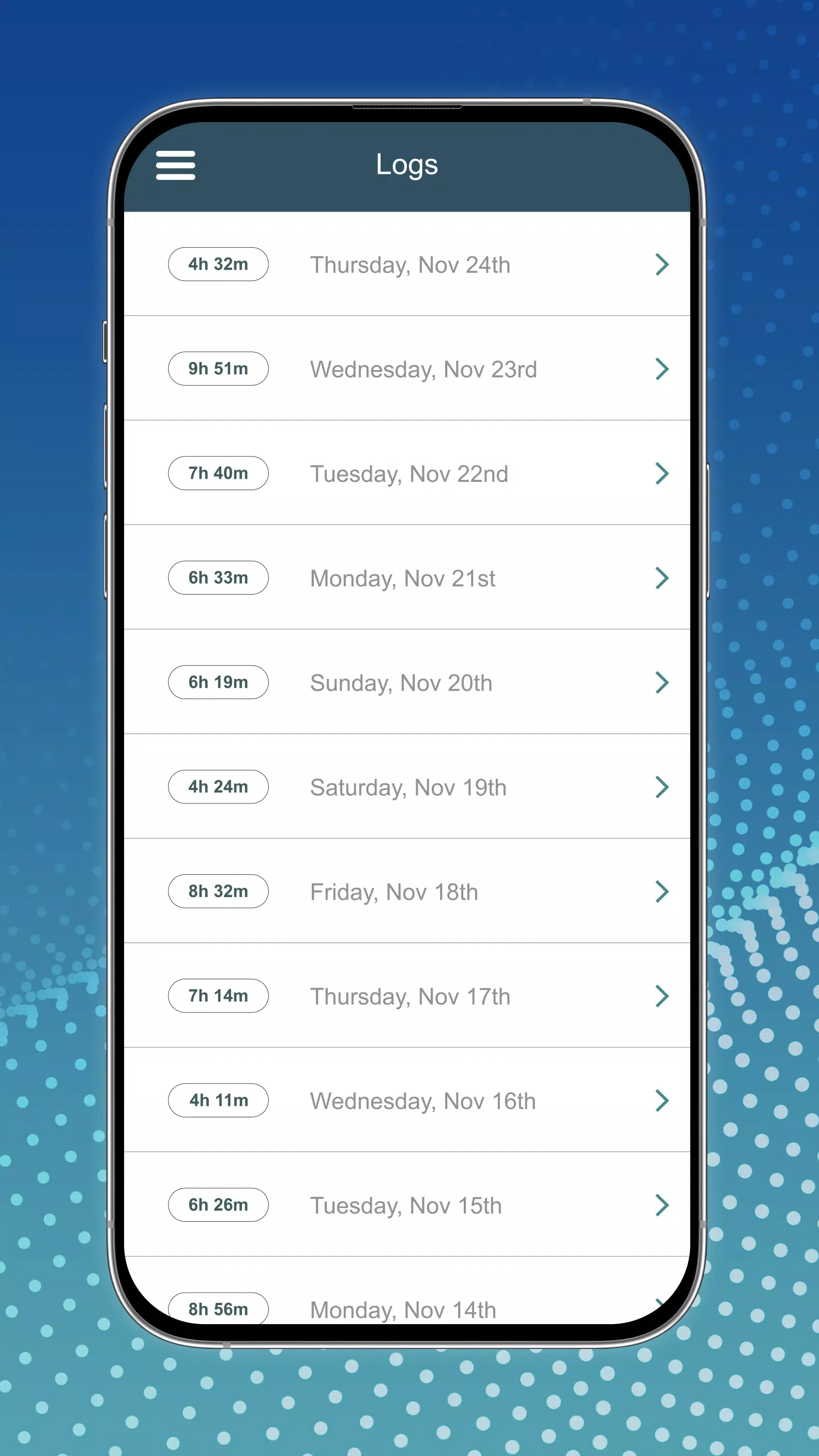
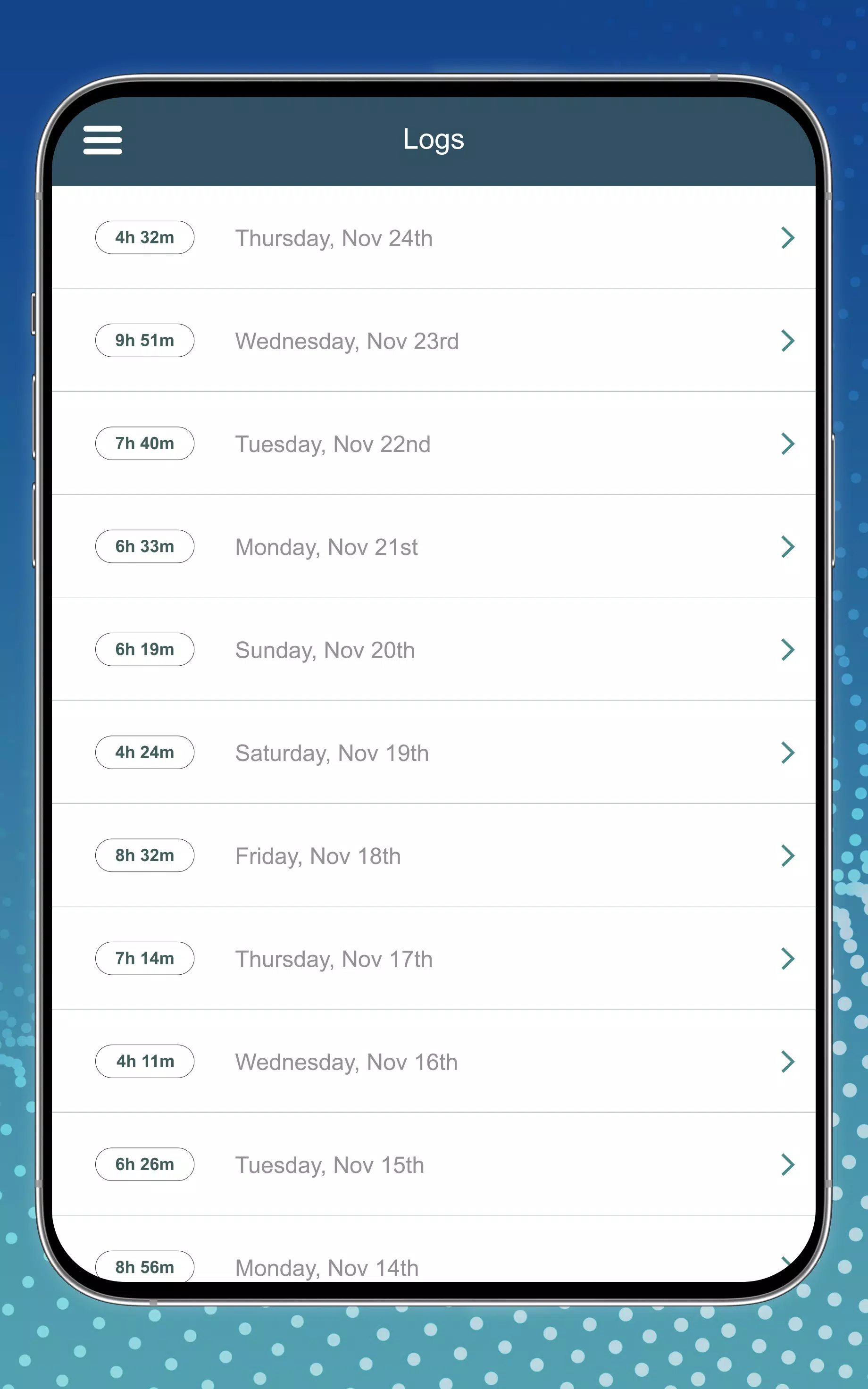
DIGITAL ELD is a mobile electronic logging solution designed to simplify Hours of Service tracking and fleet compliance for professional drivers and carriers. It streamlines logkeeping, vehicle inspections, and real-time reporting while offering a clear, user-friendly interface for on-the-road operations and office oversight.
The heart of DIGITAL ELD is automated electronic log capture that meets regulatory standards. The app records driving time, duty status changes, and location events with minimal driver input. It also supports shift summaries, automatic duty transitions, and tamper-resistant records that managers can retrieve for audits or routine reviews.
Design focuses on fast, distraction-free interactions. Drivers can view current HOS status, start or end trips, and certify logs in just a few taps. The dashboard prioritizes essential information—remaining drive time, recent duty changes, and active alerts—so users can correct issues quickly and continue operating safely.
Digital vehicle inspection reports (DVIR) are built into DIGITAL ELD to replace paper checklists. Drivers can complete pre-trip and post-trip inspections using customizable checklists, attach photos of defects, and flag items that need maintenance. Maintenance teams receive immediate notifications so repairs can be scheduled before issues escalate.
Fleet supervisors benefit from a suite of management features that integrate with the driver app. Real-time location tracking, log status monitoring, and automated exception alerts help dispatchers keep routes compliant and efficient. Historical logs and exportable reports simplify payroll reconciliation and regulatory submissions.
DIGITAL ELD generates detailed logs, violation reports, and utilization statistics. Reports are exportable in common formats for accounting systems and regulatory filings. Managers can filter data by driver, vehicle, date range, or specific compliance events to analyze patterns and reduce recurring violations.
The app supports connection to a variety of vehicle telematics systems and third-party fleet software, offering flexible integration options. GPS and Bluetooth connectivity provide accurate movement records and enable automatic synchronization with onboard devices. This compatibility reduces manual entry and protects data integrity across platforms.
Administrators can tailor DIGITAL ELD to match company policies and local regulations. Custom duty status labels, configurable alert thresholds, and permission controls allow fleets to align the system with operational procedures. The inspection checklist builder enables bespoke forms for special equipment or regional requirements.
Secure cloud storage and role-based access ensure that sensitive log data is protected. The app maintains an audit trail for all edits and certifications, and encrypted transmissions keep communications between drivers and back-office staff private. Compliance features are updated to reflect regulatory changes, helping carriers maintain adherence without manual tracking.
Onboarding resources in DIGITAL ELD include in-app guides, quick-start tutorials, and a searchable help center. Training modules cover common scenarios—log editing, inspections, and roadside inspections—so drivers and administrators can become proficient quickly. Dedicated support channels assist with setup, troubleshooting, and integration questions.
The app is optimized for reliable performance on a range of Android devices. It caches critical data to allow log editing and inspections when network connectivity is intermittent, then syncs changes automatically when a signal is restored. This ensures continuous compliance even in low-coverage areas.
DIGITAL ELD is suited for small owner-operators through large carrier fleets that need a dependable, regulation-compliant logging solution. By reducing paperwork, improving record accuracy, and streamlining communication between drivers and dispatch, the app helps lower administrative burden and enhances on-road safety.
Begin by installing DIGITAL ELD, completing the vehicle and driver profiles, and customizing inspection templates to reflect your workflow. Trial periods and demo setups are often available to evaluate features before rolling out fleet-wide. Regular updates keep the app aligned with industry standards and operational needs.
Key benefits: