Aurora FPV
Version: 1.0.1
62.60MB
4.3
Aurora FPV is a mobile application built to provide real-time first-person view (FPV) video streaming, telemetry visualization, and configuration tools for drone pilots. It brings live camera feeds, flight data overlays, and tuner utilities into one streamlined app so pilots can monitor performance and adjust settings on the go.
Aurora FPV offers a complete toolkit for managing an FPV setup from a phone or tablet. Core capabilities include low-latency video streaming, customizable on-screen display (OSD), and integrated telemetry panels. Pilots can record flights, capture snapshots, and export DVR files for later review. The app also supports multiple video sources and automatic failover between inputs.
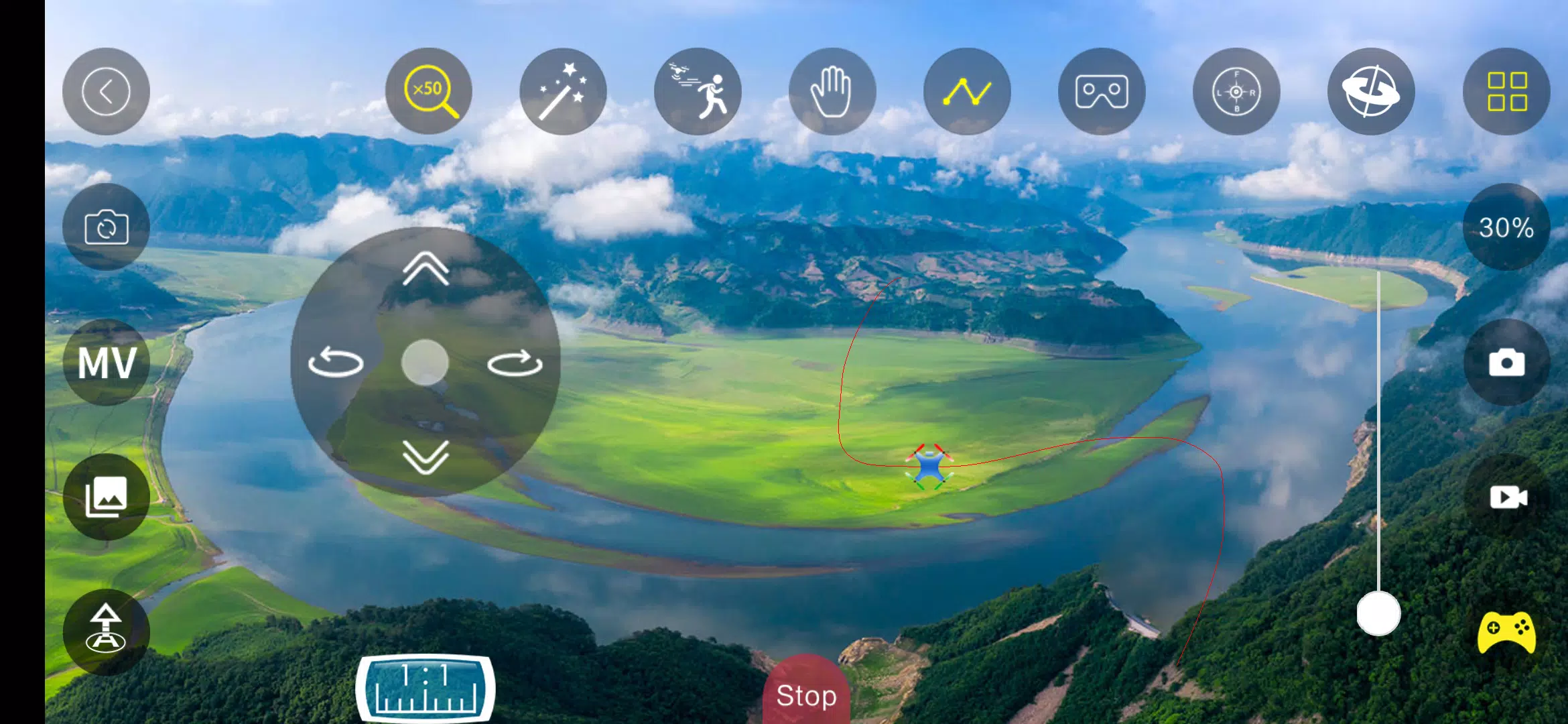
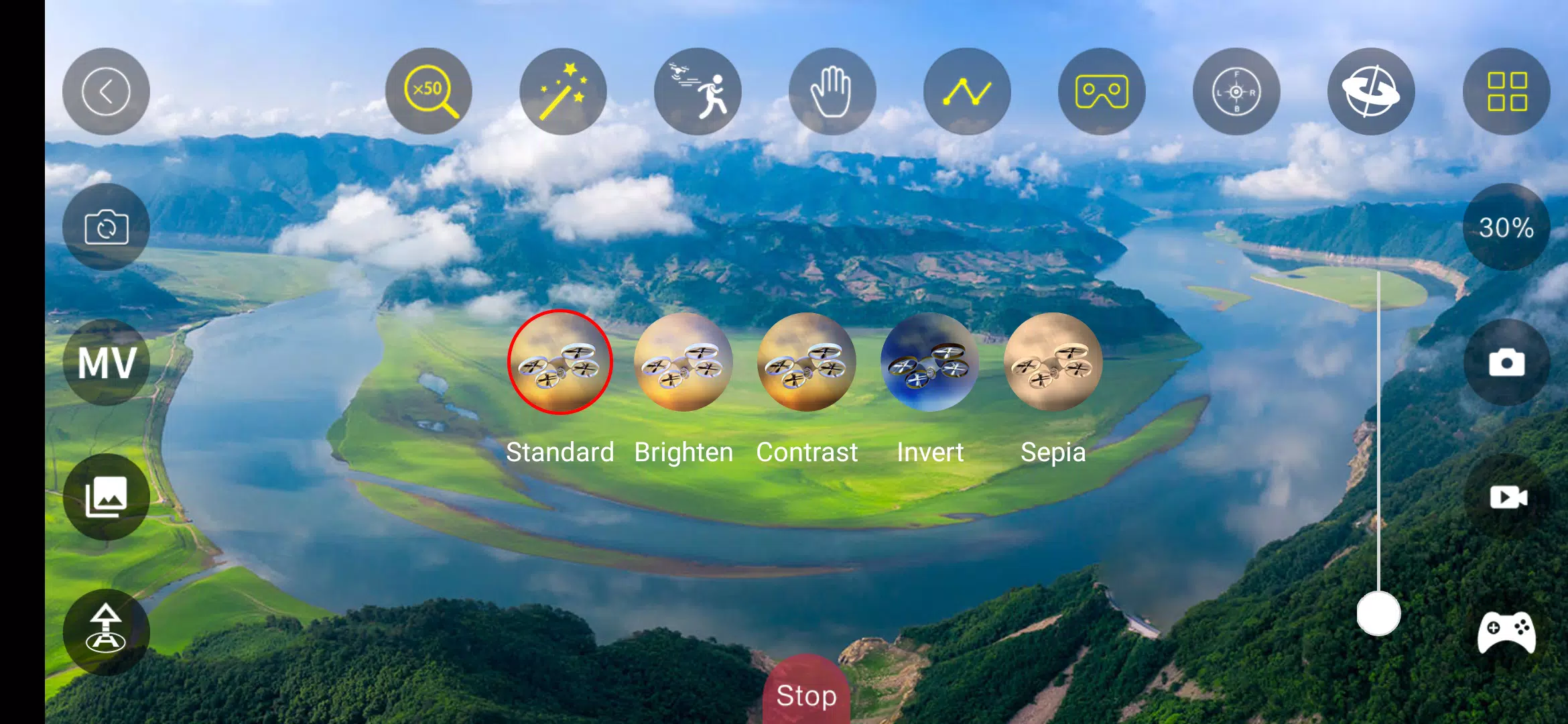
The interface is designed to keep critical information visible without cluttering the screen. A modular HUD lets users position speed, altitude, battery, RSSI, and other telemetry widgets where they’re most useful. Touch gestures provide quick access to camera controls and recording. Aurora FPV’s layout presets make it easy to switch between racing, freestyle, and inspection modes with minimal tapping.
Getting started with Aurora FPV is straightforward. Connect your video receiver via supported USB adapters or network streams, then pair telemetry over serial or Wi‑Fi depending on your flight controller. Built-in wizards guide users through basic calibration and OSD mapping. For advanced setups, the app exposes PID and filter parameters, enabling rapid tuning while monitoring behavior in real time.
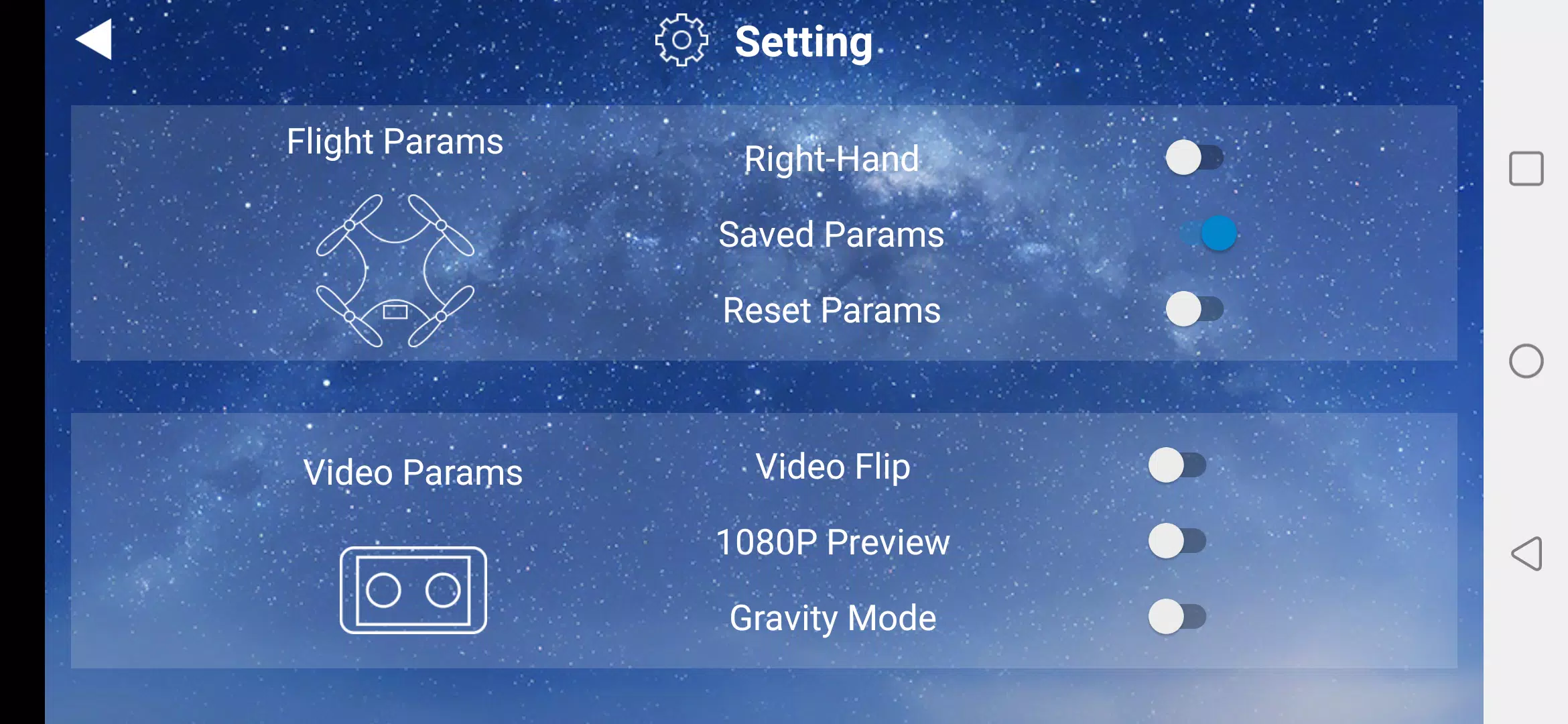
Customization is a strong point. Users can create multiple profiles that store HUD configurations, video settings, and telemetry thresholds for different airframes. Color schemes and font sizes are adjustable to improve visibility in bright sunlight or through goggles. The OSD editor supports conditional elements, so warnings only appear when metrics cross user-defined limits.
Aurora FPV supports popular protocols and hardware commonly found in the FPV ecosystem. It works with MAVLink and common flight controllers, and supports a range of receiver dongles and network bridge devices. The app also offers companion functionality with desktop tools for exporting logs and firmware-ready configuration files. Cross-platform stream compatibility allows feeds to be shared with teammates or recorded on a separate device.
Low latency and efficient decoding are priorities. Aurora FPV leverages hardware acceleration where available and adapts bitrate and resolution based on network conditions to maintain a steady display. The app includes automated reconnection logic and a buffered DVR to avoid losing critical moments during brief signal interruptions. Battery and heat monitoring reduce the risk of device throttling during long sessions.
Aurora FPV stores flight logs and DVR clips with metadata, making it easy to correlate video with telemetry. Export options include common log formats for analysis with third-party tools, and in-app playback lets pilots scrub through footage while viewing synchronized sensor readouts. This helps isolate issues like motor failures, signal dropouts, or tuning anomalies.
To maximize performance, use a device with recent hardware acceleration for video decoding and maintain ample free storage for DVR files. Calibrate sensors after hardware changes and create separate profiles for each aircraft to avoid configuration drift. Keep firmware and the app updated; many improvements target latency and compatibility with new video bridges.
Aurora FPV blends a focused toolset with flexible customization, addressing both casual flyers and competitive pilots. It centralizes streaming, telemetry, and tuning into a single app so pilots spend less time switching between devices and more time refining craft and technique. Robust logging and export features make it useful for learning and troubleshooting as well as live operations.
Whether adjusting PID values mid-session or reviewing a recorded flight to spot handling quirks, Aurora FPV aims to be the mobile hub for modern FPV flying. Regular updates expand device compatibility and add features requested by the community, keeping the app aligned with evolving hardware and pilot workflows.