ESA 2016 Annual Meeting
Version: 1.0.3
22.30MB
4.4
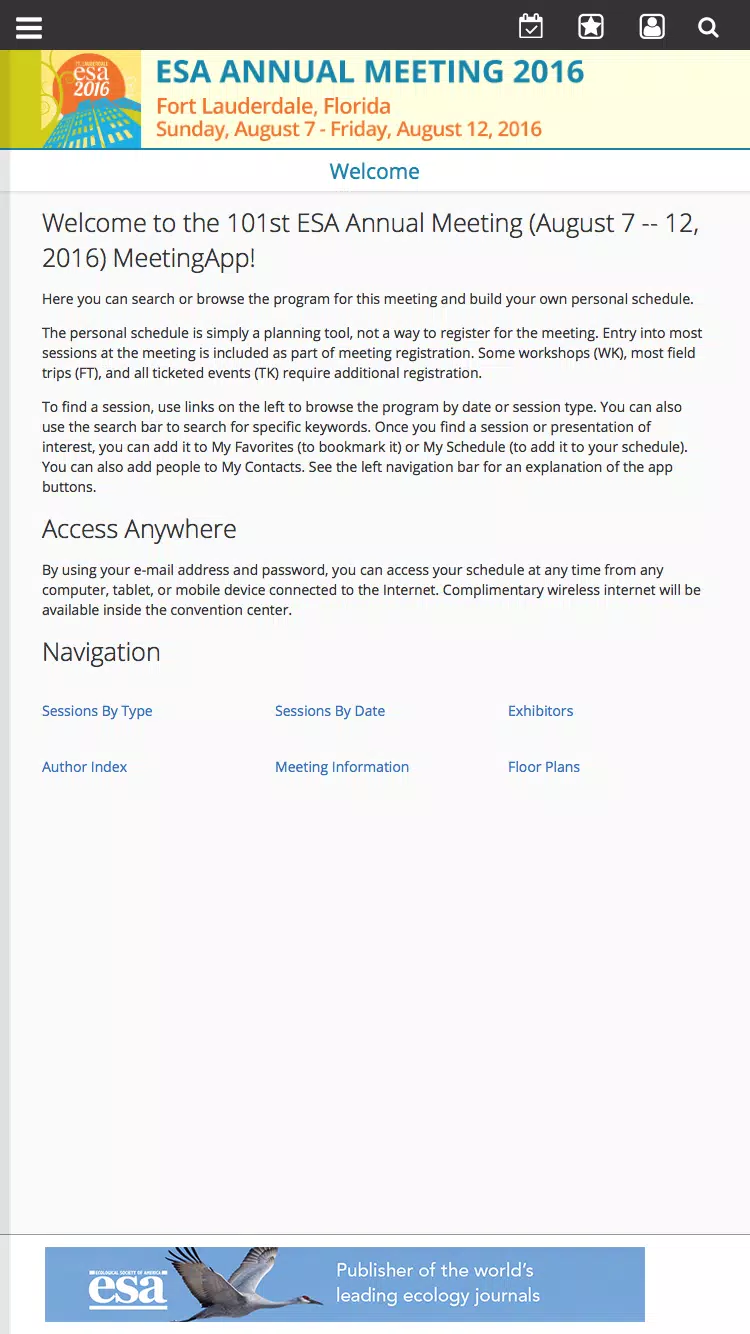
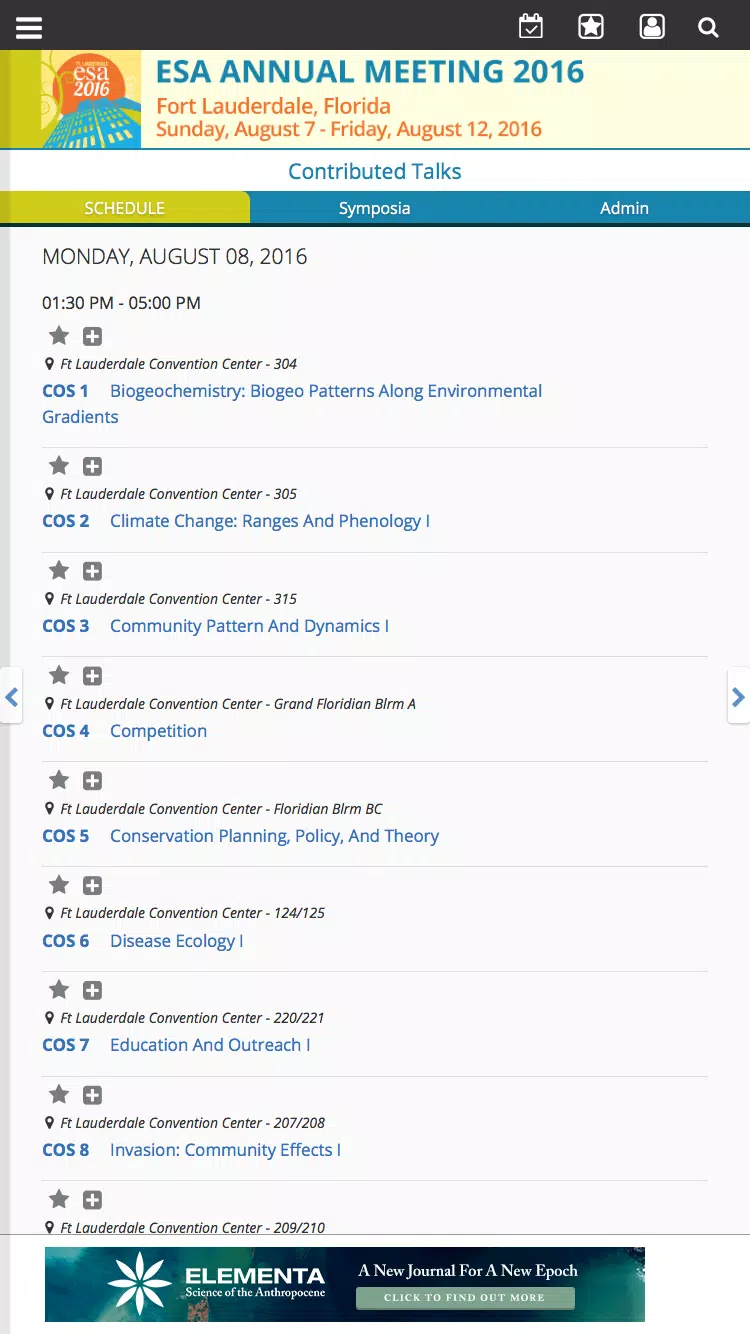
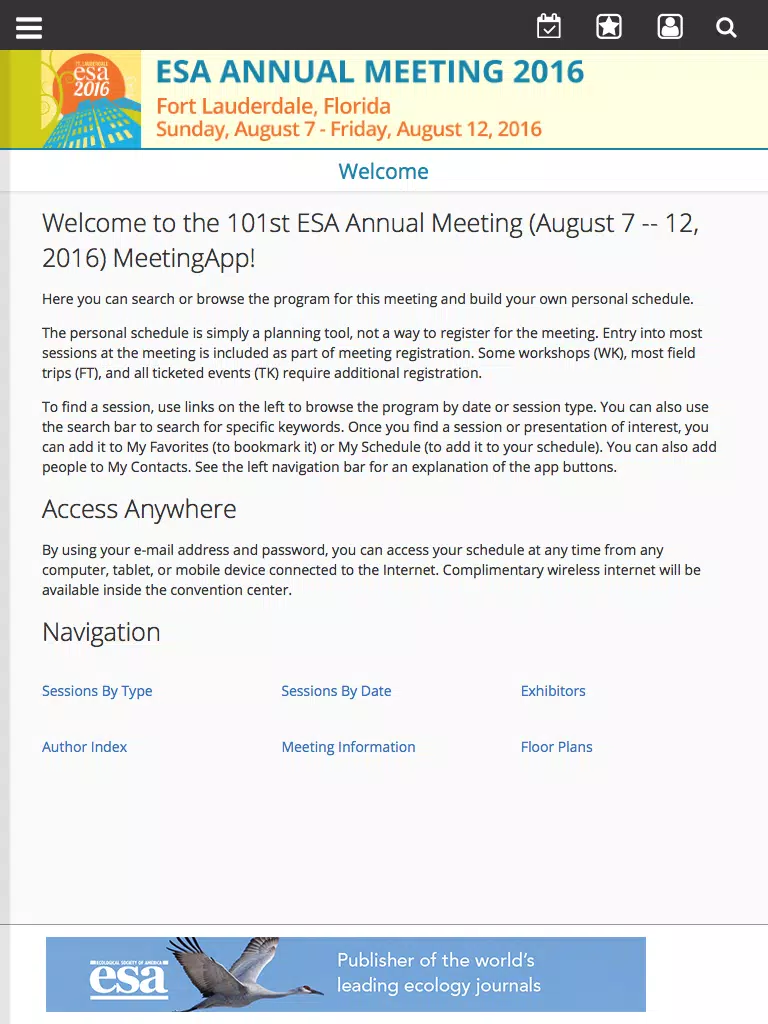
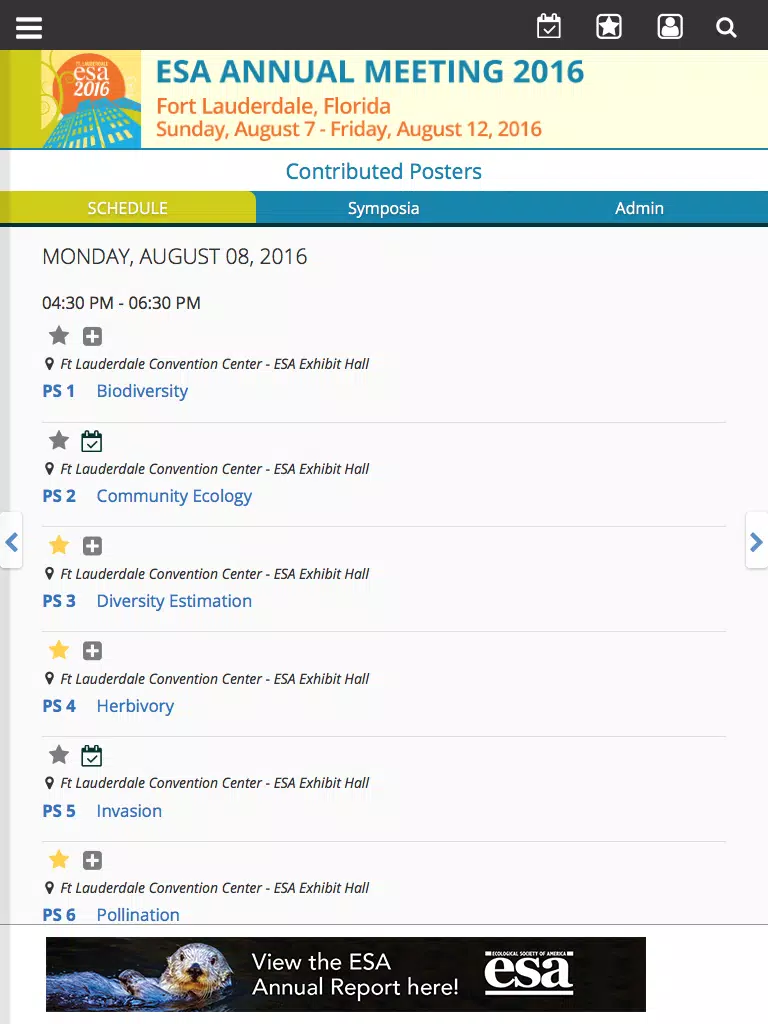
ESA 2016 Annual Meeting puts the full conference program, maps and attendee tools into a single mobile companion for participants of the Ecological Society of America’s 101st Annual Meeting in Fort Lauderdale (August 7–14, 2016). Designed to help attendees prepare before they arrive and to manage each day on site, the ESA 2016 Annual Meeting app makes it simple to browse session schedules, view room locations, save favorite talks and papers, and check attendee profiles for networking opportunities. The app also delivers real-time announcements and schedule updates so you can adapt quickly when sessions shift or rooms change.
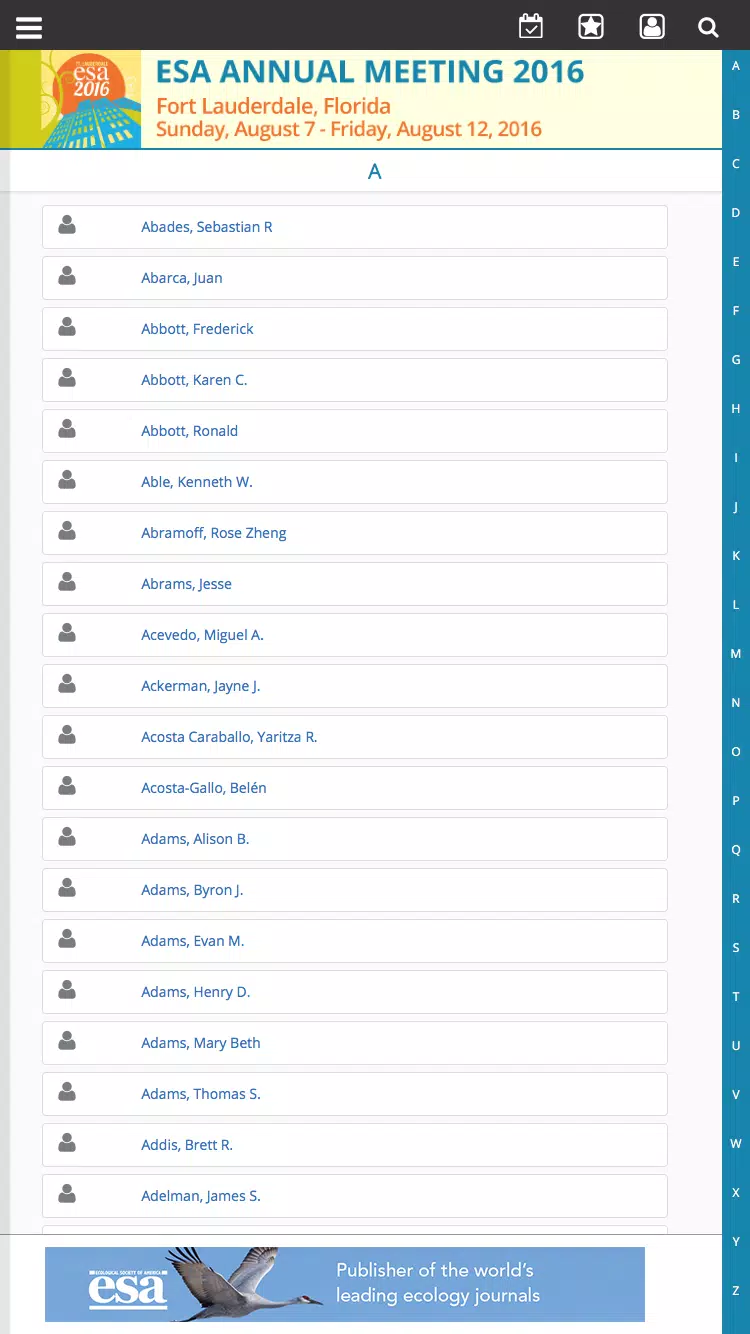
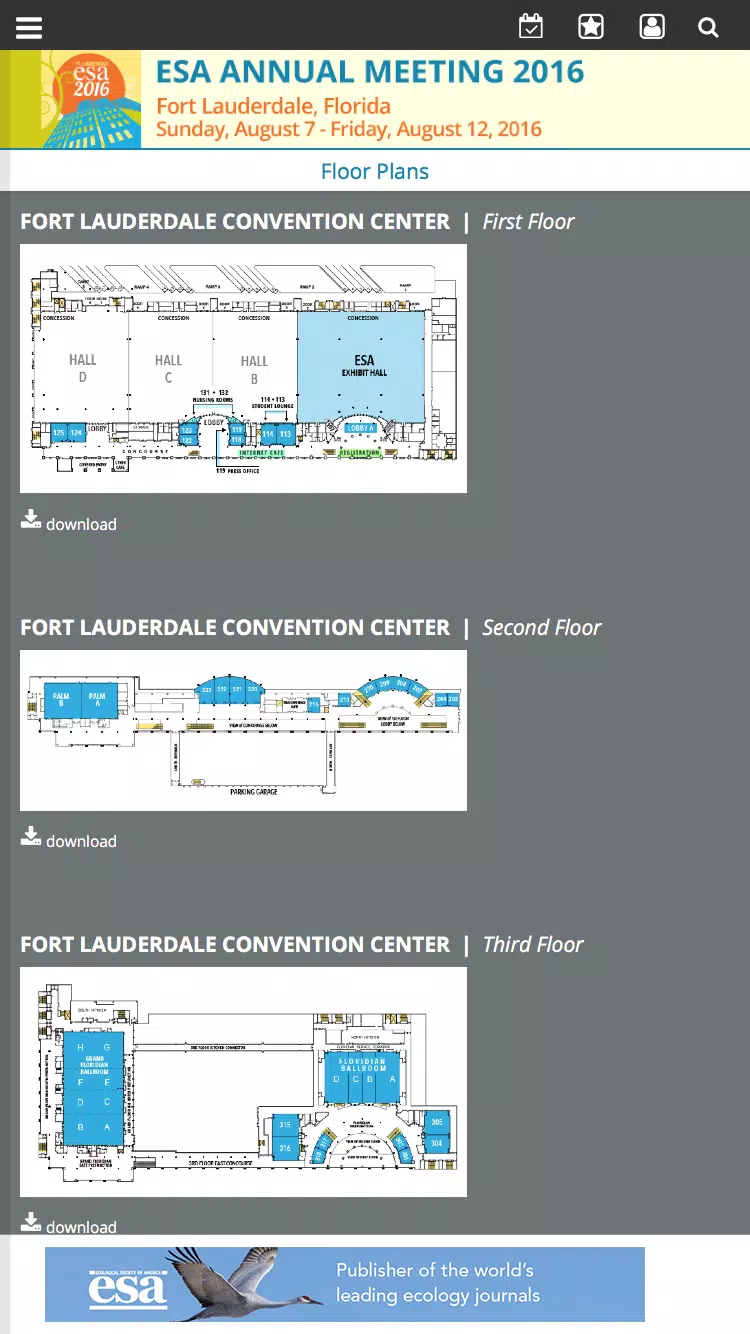
Quick access to a searchable program and session abstracts that let you filter by day, track, topic or presenter; intuitive session pages show presentation times, speaker names and short abstracts. Interactive venue floor plans help you find conference halls and meeting rooms with clear room identifiers and approximate walking distances indicated. Attendee profiles expose professional details that make it easier to identify colleagues and schedule casual meetups; profiles are viewable without creating a new account in many cases, while saving favorites and personal agenda items requires logging into the conference portal. The app also pushes real-time announcements from organizers and displays schedule changes right on the session pages so attendees see edits as they occur.
The interface focuses on straightforward mobile gestures: swipe to move between days, tap session tiles for full details, and use the search field to jump directly to authors, keywords or session IDs. Filtering controls allow you to narrow results by thematic track, presentation type or time slot. When you save a session it is added to a personal agenda view that consolidates your chosen talks into a single daily plan. Notifications are managed from within the app so you can opt in to announcement alerts or mute nonessential messages while you attend talks.
The meeting program is organized into parallel tracks and themed sessions; think of these as layered progressions that let you follow a thematic path across multiple days. The app makes it simple to plan that progression by tagging sessions you want to attend, registering personal conflicts, and viewing overlaps at a glance. Presenters can confirm their scheduled time and room details while attendees can use the timeline view to sequence their day. Because sessions vary in format, the app distinguishes poster sessions, oral presentations and symposia so you know what to expect from each item on your schedule.
The visual design emphasizes legibility and quick scanning: clear typography for session titles, consistent iconography for room types and color-coding for tracks. Floor plans present venues as distinct levels with labeled rooms and entry points to reduce the time spent searching on site. Level structure mirrors the physical conference layout—ballrooms, breakout rooms and poster halls—so moving between locations follows the same hierarchy shown in the app.
Personalization centers on the saved agenda and attendee profile. By logging into the conference portal you can store favorite sessions and papers, which remain available across app restarts and help reconstruct your itinerary after the meeting. Profile fields let you summarize your research interests and institutional affiliation to support networking. Notification settings and filter presets allow you to tailor what information appears first in the program feed, creating a curated experience for your specific interests.
Recognizing that wireless service can be uneven at busy venues, the app caches core schedule data and floor plans so users retain access to key information even when offline. The layout and contrast are chosen to aid readability in bright daylight or dim session rooms, and the search function is optimized to return helpful results with partial names or keywords. The app’s usefulness depends on complete conference data from organizers, which is why timely updates from the event team improve accuracy during the meeting.
Although the ESA 2016 Annual Meeting app centralizes most logistical tools for attendees, saving sessions requires signing into the official conference portal, which introduces an extra step. The app is tailored specifically to the 2016 meeting program and therefore offers limited long-term use beyond those dates. Many features also rely on organizers providing full and timely schedule and venue information; when data is incomplete some session pages may show placeholders until details are supplied.
Conference speakers, early-career researchers and delegates coordinating multiple sessions will find the app especially helpful for reducing time spent locating rooms and reconciling parallel sessions. Organizers benefit from a single channel to push updates to attendees, and visitors to Fort Lauderdale can use the venue maps to plan efficient transitions between talks and social events. For anyone attending the Ecological Society of America meeting, the ESA 2016 Annual Meeting app aims to simplify logistics and support productive networking during the week-long program.