
BUD: Create, Design and Play
Version: 2.1.1
345.40MB
4.1
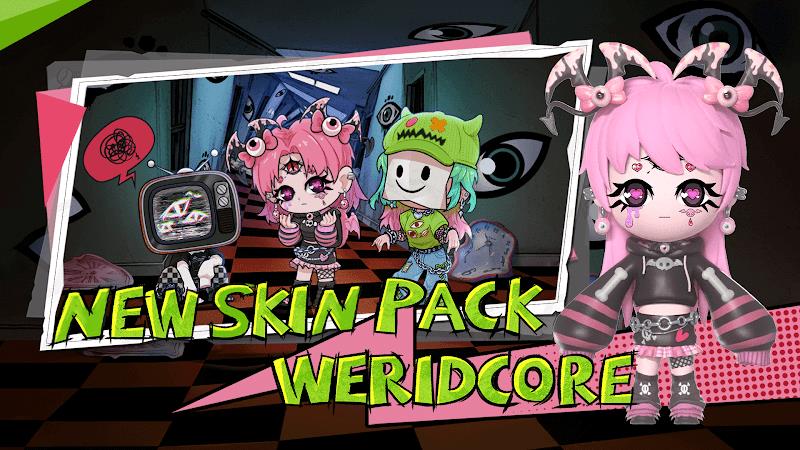


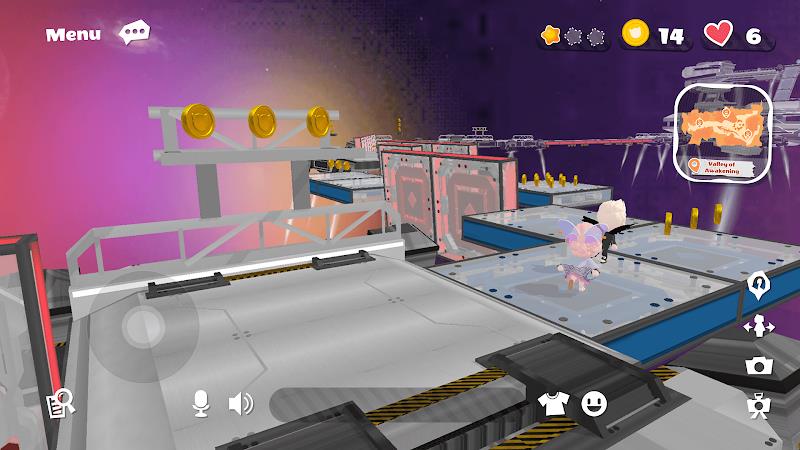
BUD: Create, Design and Play, BUD: Create, Design and Play and BUD: Create, Design and Play introduce a mobile sandbox that combines approachable building tools with immediate playtesting, letting creators design levels, tune object behavior and jump into a scene to observe results in real time. This editor emphasizes short creative loops and visible cause and effect so newcomers and experienced designers alike can prototype, iterate and share concepts quickly without steep learning curves or buried menus.
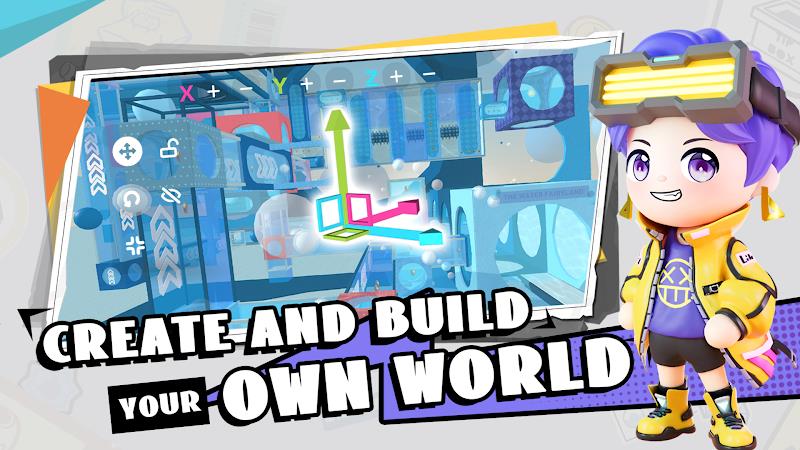
The experience alternates between construction and play modes: place modular pieces by dragging and dropping, wire interactive items such as switches, traps or movers, then switch to play mode to test physics-driven outcomes. Objects expose configurable parameters like mass, friction, elasticity and health so emergent interactions arise naturally; stacked platforms can wobble, timing devices can trigger cascade reactions, and moving actors will push, block or activate other parts of a level. Short, repeatable playtests encourage incremental change and rapid iteration so you can evaluate a tweak in seconds rather than minutes.
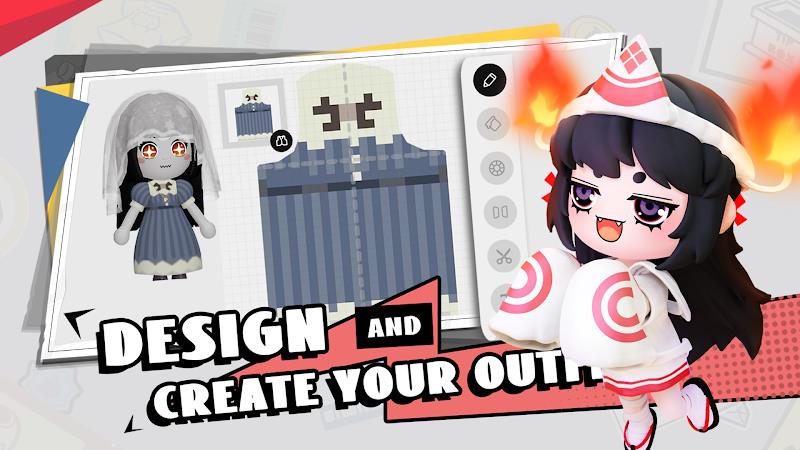
The level editor is arranged for clarity with tools grouped by task and an optional snap grid to aid precise placement. Property panels let you edit numeric values directly or use sliders for faster adjustments, and visual guides reveal collision bounds, event trigger areas and path previews while you build. Templates and prefabs speed up prototyping, an undo history and snapshot system protect earlier versions, and simple reskin and recolor options let you tune the look of objects. Small animated behaviors can be applied to items to strengthen feedback without overcomplicating the visual design.
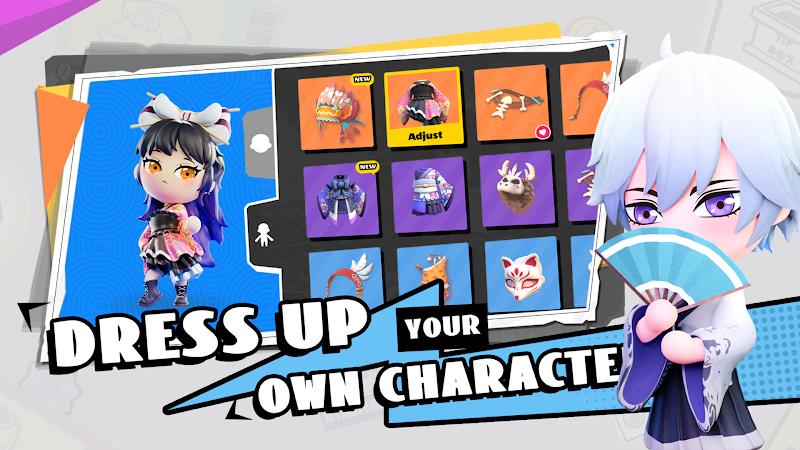
Progression focuses on expanding creative options rather than gating core tools. Completing in-app challenges, daily prompts or curated design tasks unlocks cosmetic items, new component types and functional gadgets that broaden your toolbox. Challenge varieties include time trials, survival-style obstacle sequences and puzzle objectives that teach mechanics through constraints. Achievements recognize efficient or inventive solutions, encouraging replay and experimentation by highlighting interesting approaches rather than imposing hard barriers.
The app ships with a range of starter maps from open arenas intended for large experiments to narrow corridors that emphasize precision and timing. Character templates cover different movement profiles—lightweight runners, heavier movers and manipulators with specialized interactions—so you can test a level across playstyles. Levels are structured to support short tests as well as longer runs: add checkpoints where needed, seed collectibles to guide pacing, and design branching paths for replayability. Built-in scenario presets provide quick starting points for common level archetypes.
Touch controls are optimized for mobile workflows: pinch-to-zoom, two-finger rotate and contextual toolbars keep the workspace uncluttered while building on phones or tablets. Control sensitivity and an alternate tap-and-hold workflow can be adjusted for players who prefer fewer gestures. Performance options include a graphics quality slider and object-count limits so the editor and play modes remain responsive across devices; particle and effect intensity is reduced automatically under high load. Accessibility settings such as larger UI elements, high-contrast palettes and simplified control mappings make the app more approachable for a wider range of users.
Publishing and browsing levels is a core part of the experience: creators can add descriptions, tags and difficulty indicators when they publish, and players can explore curated collections or remix public builds to learn new techniques. In-app tools for commenting, reporting and flagging help maintain a respectful community space, and creators can update published levels to iterate on feedback. Building and testing are fully available offline; publishing and browsing require an internet connection so you can work locally and choose when to share your creations.
New users are guided by short tutorial challenges that introduce object properties and essential interactions, then encouraged to begin with a compact course that focuses on one or two mechanics. Frequent playtesting is the recommended workflow: small, incremental additions reveal how new elements change a level’s feel and difficulty. Watching featured creator builds or using provided templates accelerates learning, while the combination of modular tools, unlockable components and community prompts sustains long-term replay through continual design possibilities.
The visual presentation favors clear silhouettes and readable color contrast so gameplay-relevant details remain easy to parse on small screens; optional visual effects can be reduced for performance or clarity. The app supports a broad range of Android versions and adapts resource usage to device capability, keeping both the editor and play modes responsive across hardware. Regular updates expand the component library and refine usability based on community feedback, ensuring the tool stays practical for creators working on short experiments or longer projects.