glassfuture
Version: glassfuture 1.1
6.60MB
4
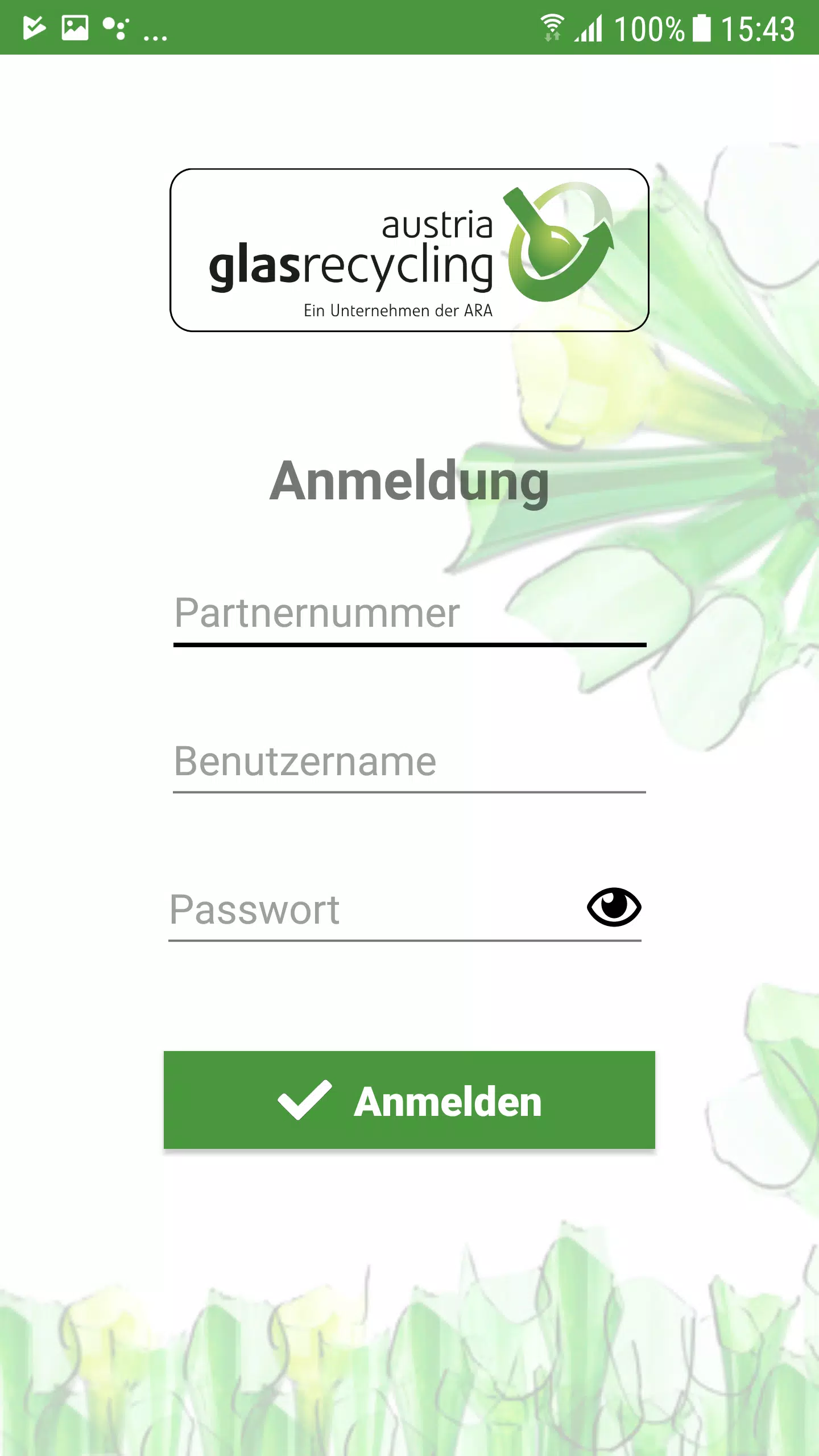
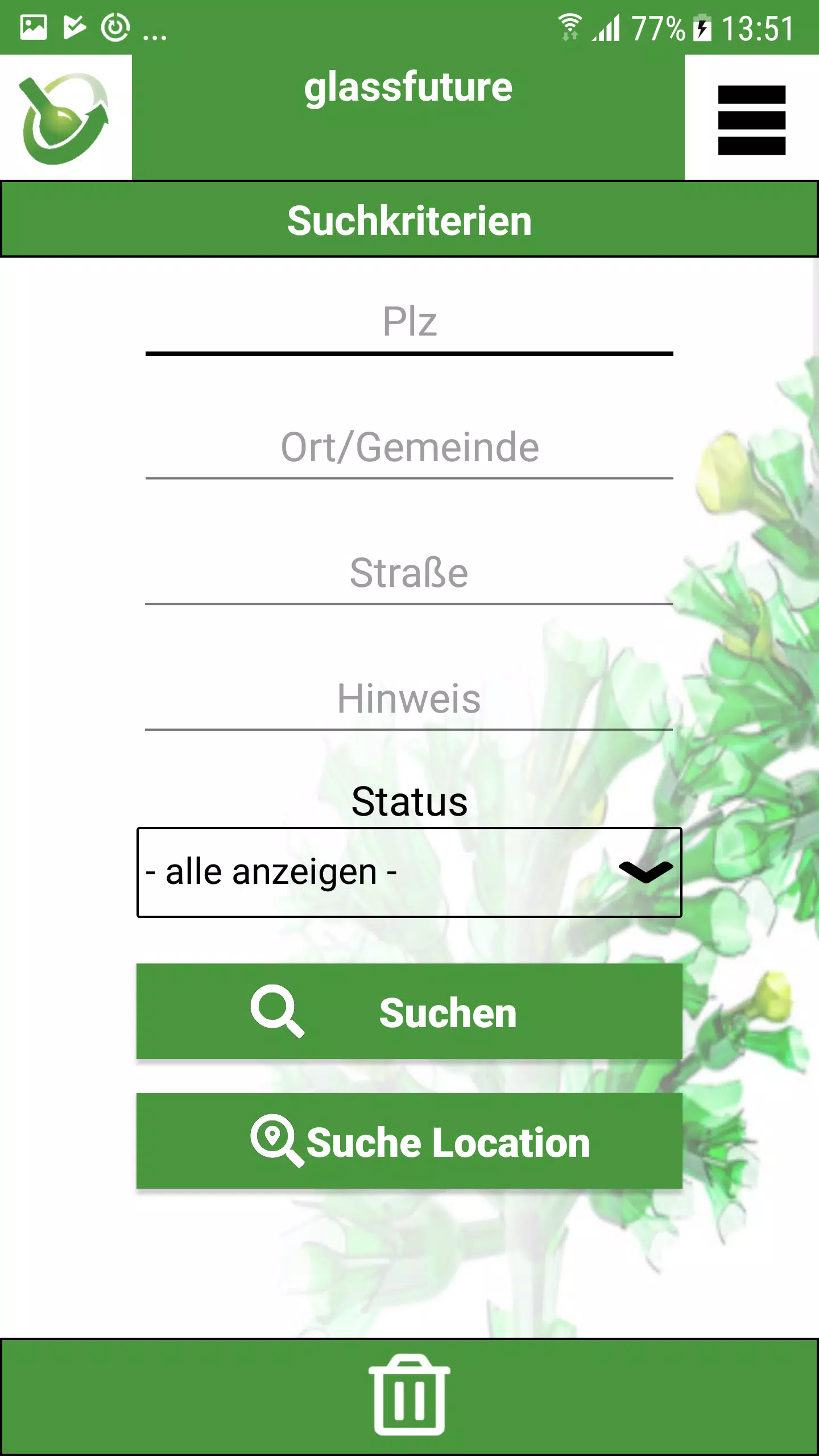

glassfuture is a lightweight Android utility that blends task management, quick capture, and minimal distraction design into a single workspace. It helps users organize tasks, sync calendars, and access contextual notes with gestures and widgets for faster daily workflows across devices.
Designed for people who want a clear, fast productivity surface, this app focuses on contextual access to your most important items. The interface reduces clutter and emphasizes immediate actions: create a task, pin a note, or jump to a calendar event without opening multiple screens. Battery and memory use are optimized for longer uptime on mid-range devices.
The backbone of the app is a compact toolset that combines reminders, quick-capture notes, and a lightweight calendar view. Items can be tagged and filtered instantly, and an always-available widget mirrors your top priorities on the home screen. Cloud sync keeps content consistent across devices while offline mode lets you work without interruption.
Open the app and you’re presented with three panes: Today, Inbox, and Archive. Add a task in seconds, assign a due date, or drop it into a project. The Today pane consolidates scheduled tasks and suggested actions based on time and location. Notifications are concise and actionable so you can complete or snooze tasks without losing context.
Minimalist visuals keep the experience fast and legible. Controls are thumb-friendly and responsive, suited to one-handed operation. Transitions are subtle to preserve battery life, while animations are disabled by default on lower-end hardware. The developers focus on smooth performance even with hundreds of items stored locally.
Users can tune how aggressive the app is at suggesting items and which data streams appear in the Today view. Themes include a light, dark, and high-contrast option. You can create custom quick-actions for recurring tasks and map gestures to launch frequently used features. This flexibility makes it possible to tailor the app for short-term sprints or long-term planning.
Local encryption is available for sensitive notes and the sync layer supports end-to-end encryption when enabled. Permissions are kept to a minimum: calendar, contacts, and storage access are requested only when required. A built-in export function lets you create encrypted backups or standard CSV files for migration.
The learning curve is short: spend an hour setting up your main projects and automations, then refine as your needs evolve. glassfuture encourages an iterative approach, letting you scale from a simple to-do list into a full workflow hub without overwhelming you.
Download, grant minimal permissions, and complete a brief onboarding that demonstrates capture gestures and widget setup. If you prefer, choose a guided tour that walks through syncing and encryption options. Plan to spend 10–20 minutes customizing the primary quick-actions—this pays back in saved time every day.
For users who want a focused, efficient workspace on Android, glassfuture delivers a compact set of tools that respect device limits while enabling meaningful productivity gains. It is a practical choice for people who value speed, clarity, and private synchronization across devices.