Eurotronic Smart Living 2.0
Version: 1.4.6
59.20MB
4.5
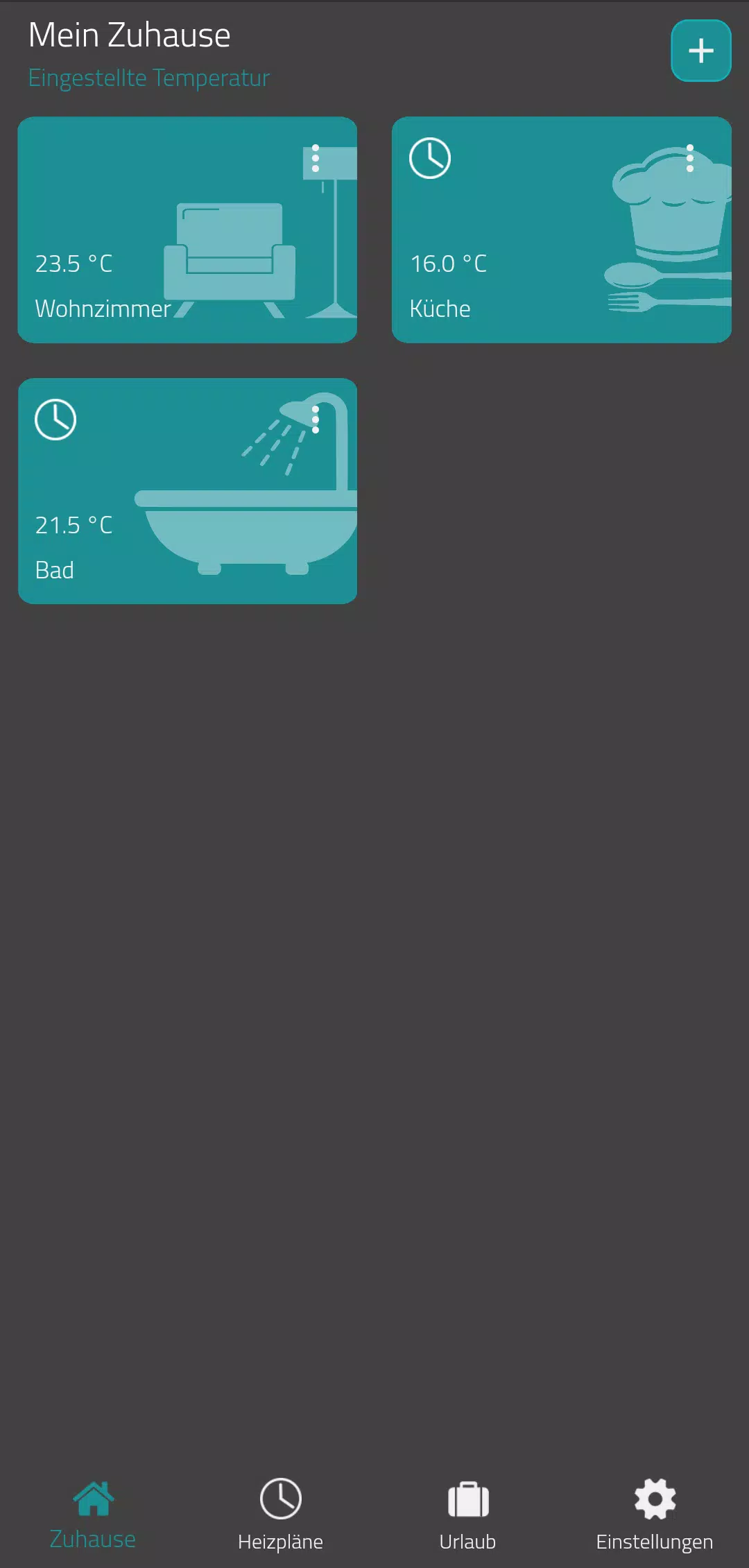
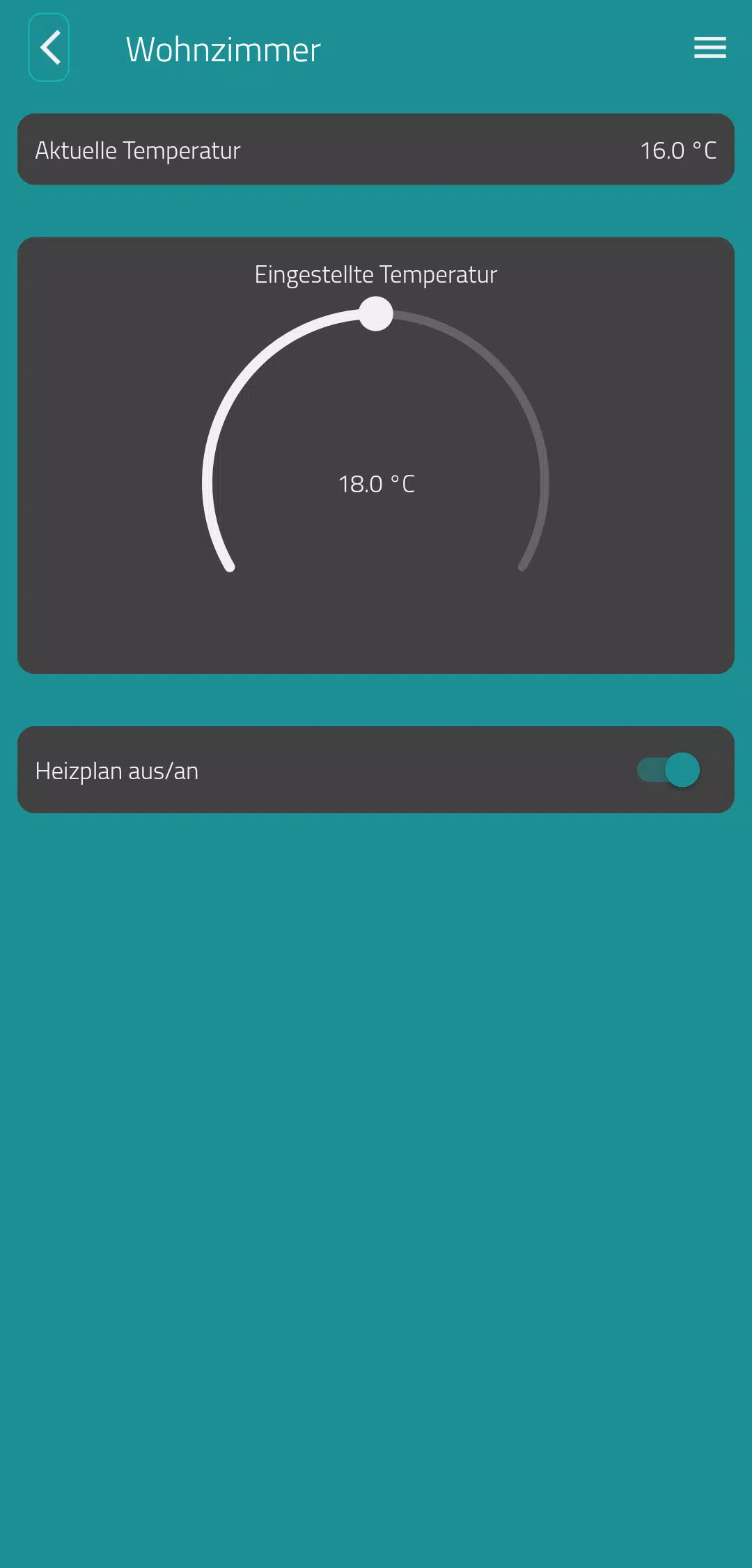
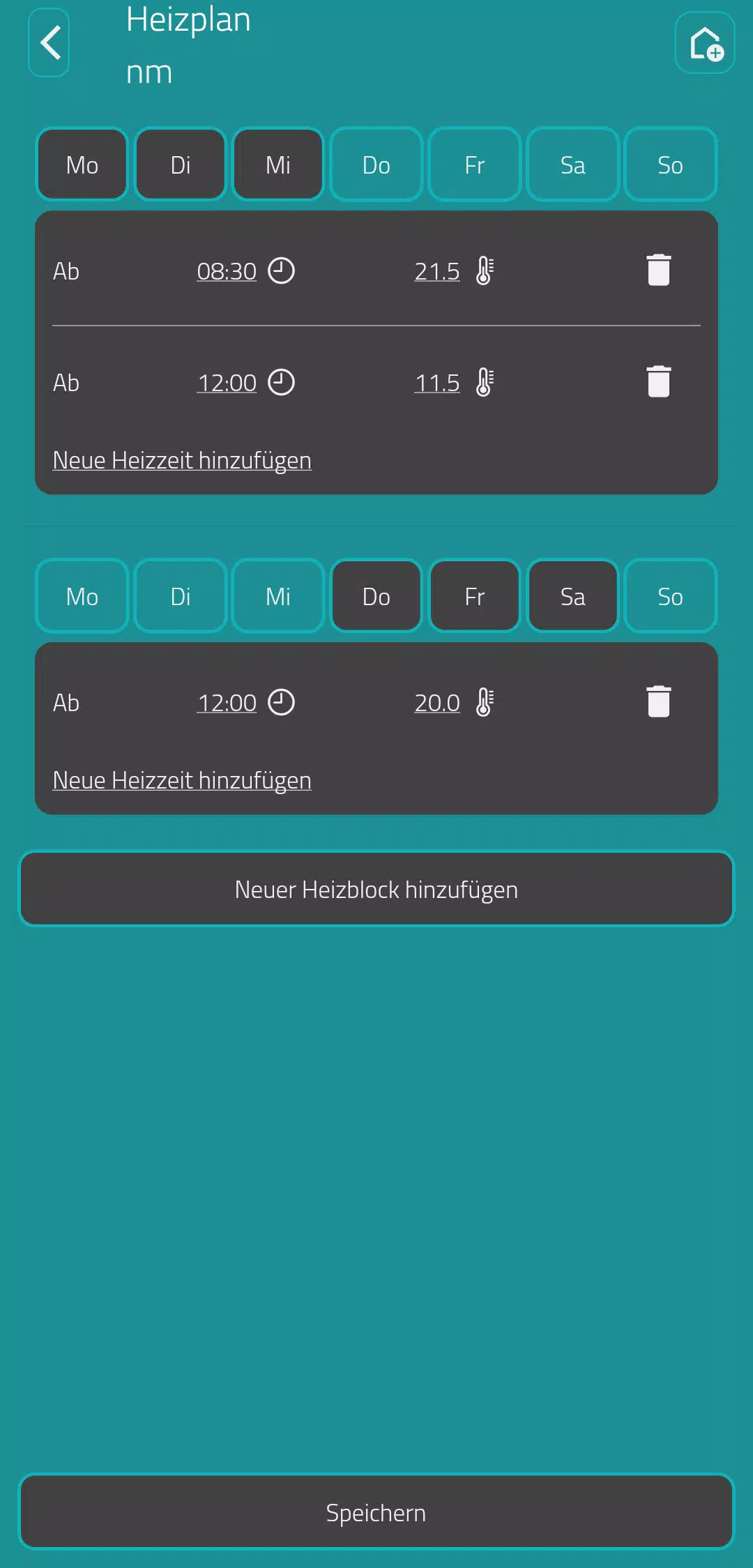
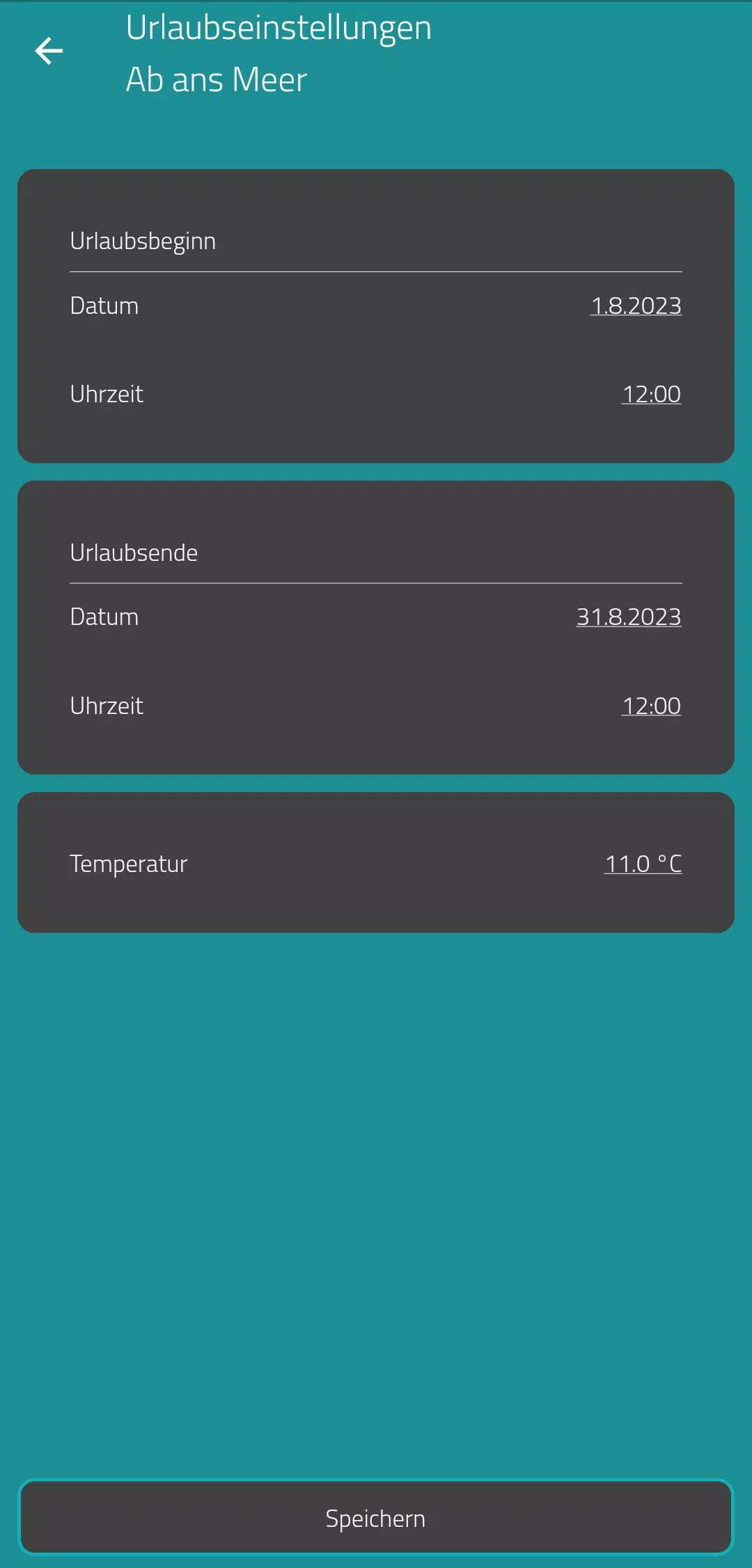
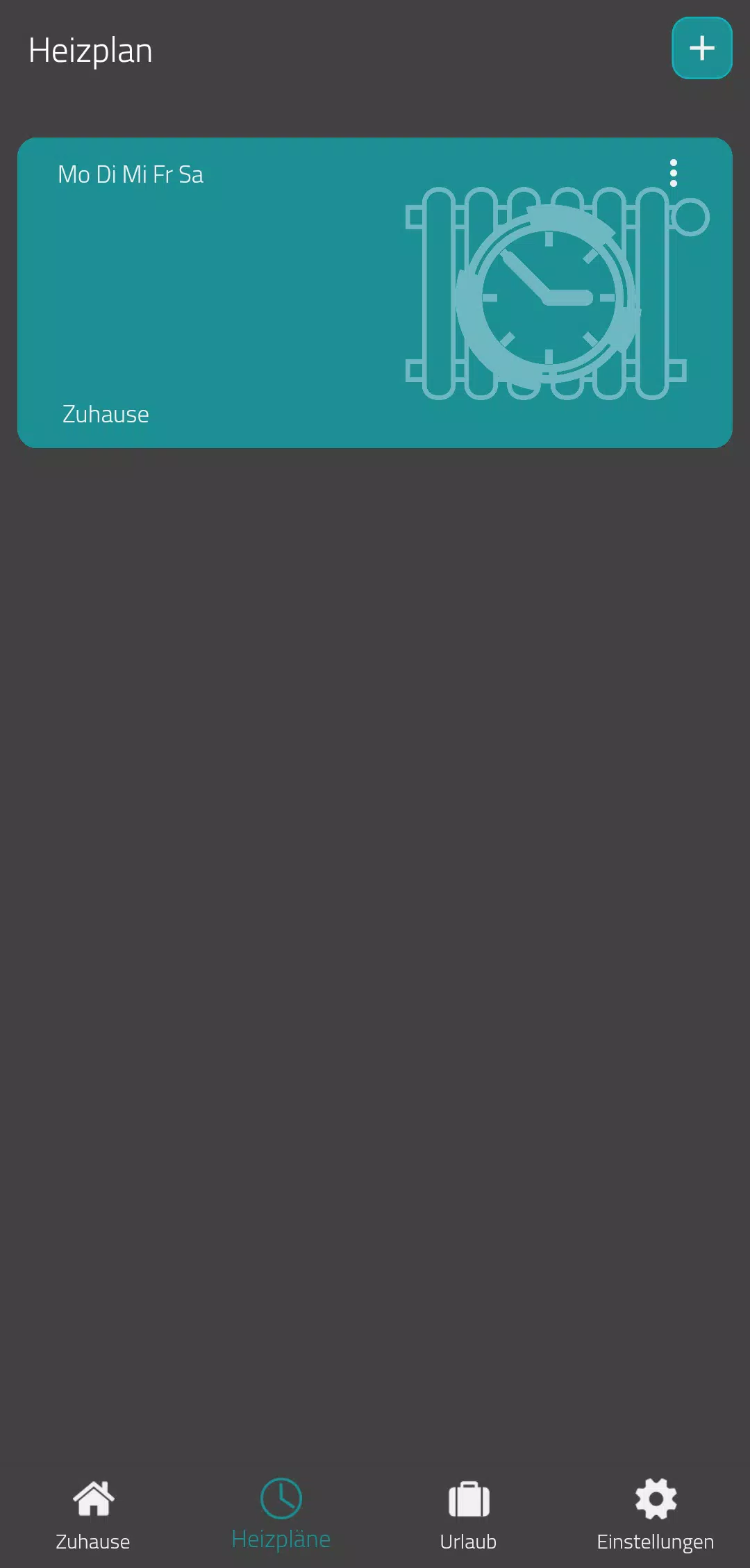
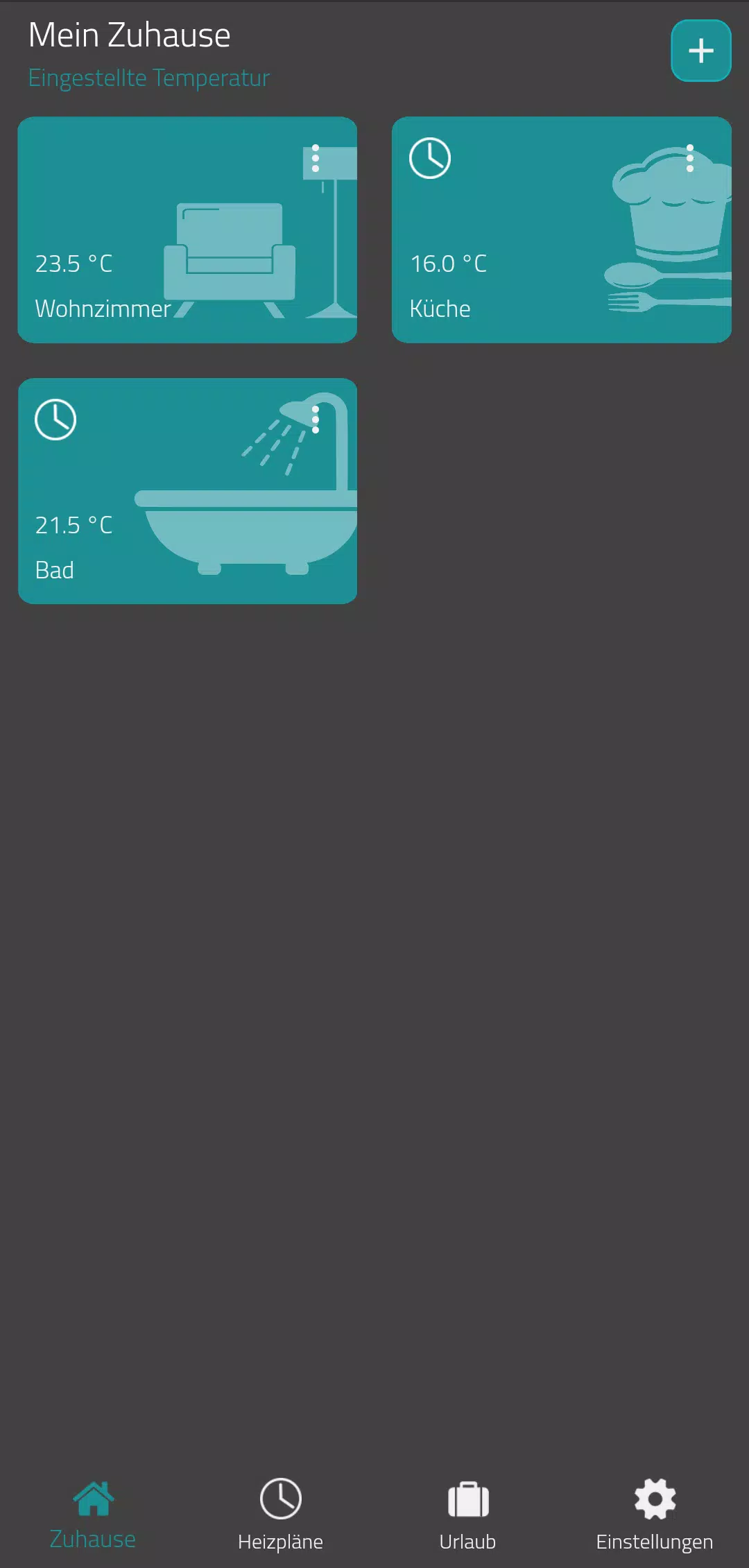
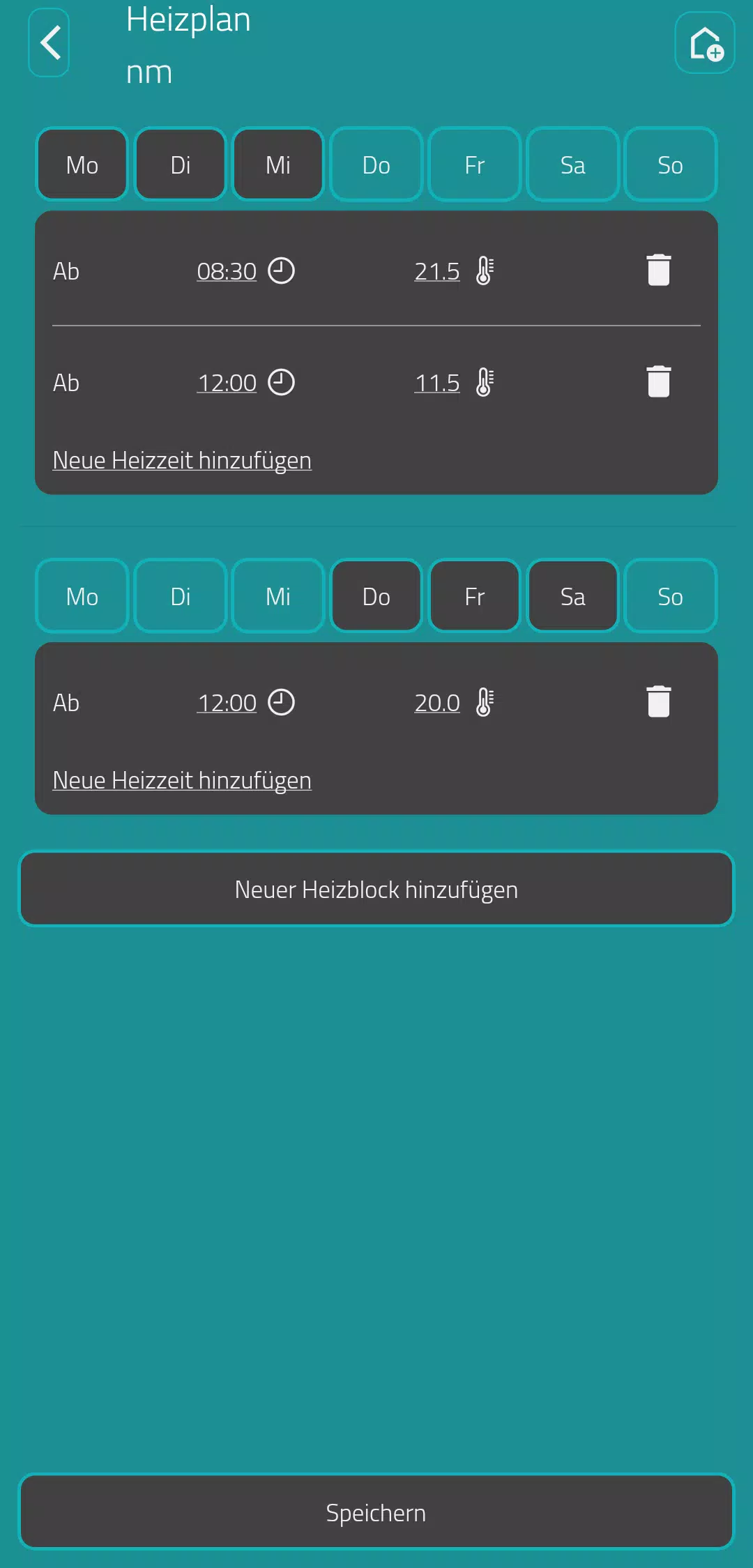
Eurotronic Smart Living 2.0 centralizes control of heating and smart devices into one intuitive app, offering scheduling, remote access, and energy reports for modern homes. Designed for quick setup and reliable automation, it connects radiators, valves, and sensors to simplify climate control while cutting energy waste and improving comfort.
Eurotronic Smart Living 2.0 is a mobile platform built for homeowners and small offices who want precise temperature management without complicated hardware setups. The app acts as the hub for connected thermostatic valves, temperature sensors, and smart relays. Its design emphasizes reliability, predictable behavior, and clear feedback so daily routines run without intervention.
After pairing valves and sensors, the app adapts to your schedule. Temperature setpoints can be assigned per room and adjusted automatically when a presence sensor detects occupancy. For example, morning heat can be enabled only in bathrooms and bedrooms while living areas remain cooler, and then the pattern reverses in the evening. Automation rules reduce manual adjustments and preserve comfort.
The setup process is designed for non-technical users: mount the valve, wake the device, and follow in-app pairing steps. Eurotronic Smart Living 2.0 supports both Bluetooth and IP-based gateways, so you can choose a local-only configuration or add cloud features. The app guides you through firmware updates and device naming to keep a tidy layout.
The interface prioritizes clarity: large temperature tiles, easily accessible schedules, and a visual timeline for upcoming events. Performance is focused on responsiveness; simple commands like manual overrides or preset activation respond within seconds. When operating over low-power connections, the app queues changes and synchronizes devices efficiently to avoid unnecessary retransmissions.
Start by zoning your home into logical groups and assigning reasonable setpoints rather than extreme temperatures. Use the schedule wizard to mirror your weekly routine and enable adaptive setbacks for periods of absence. Regularly check battery levels and allow occasional firmware updates to keep reliability high. If you want tighter control, add temperature sensors in the areas that matter most rather than relying solely on valve-mounted sensors.
Common support topics include connectivity between valves and the gateway and understanding notification prompts. Eurotronic Smart Living 2.0 includes diagnostic tools to check signal strength and history of commands. For intermittent issues, re-pairing a device or relocating the gateway usually resolves communication gaps.
People select Eurotronic Smart Living 2.0 for its focused feature set: it does heating and zone management well without unnecessary complexity. The combination of scheduling flexibility, energy reports, and seamless grouping makes it practical for renters and homeowners who want effective climate control. Responsive controls and straightforward setup reduce the learning curve compared with larger smart home suites.
Download the app, create an account if you want cloud synchronization, and follow the guided pairing steps. Keep your gateway near a central area and add sensors in representative rooms for better regulation. With a short configuration session you can have reliable, automated heating that adapts to real occupancy and reduces waste.