
Screen Mirroring & TV Casting
Version: 1.0.56
37.80MB
4.4
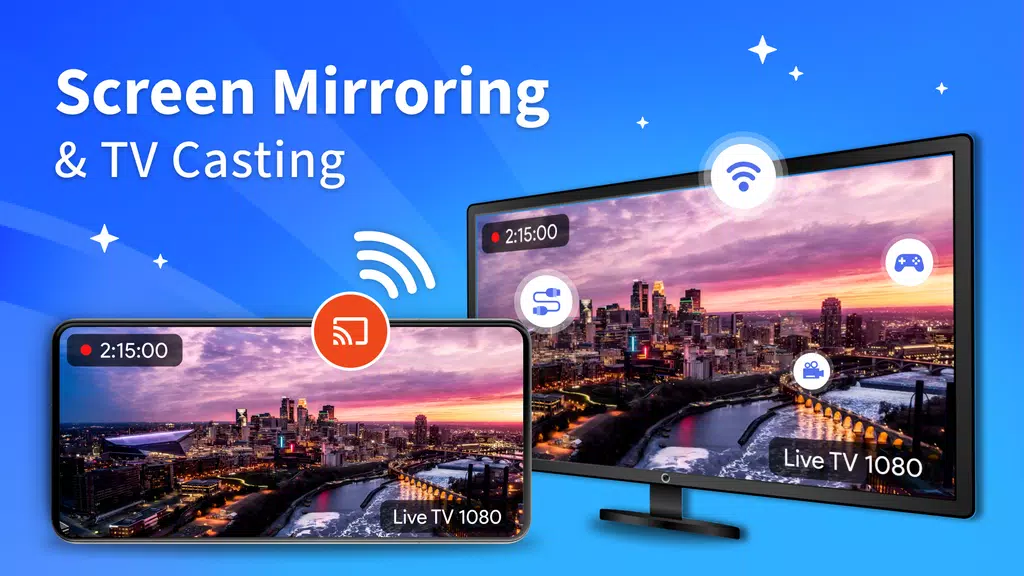
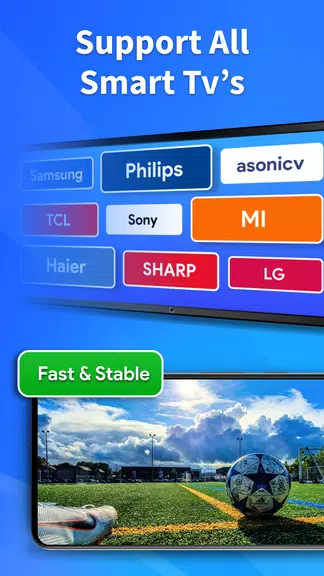
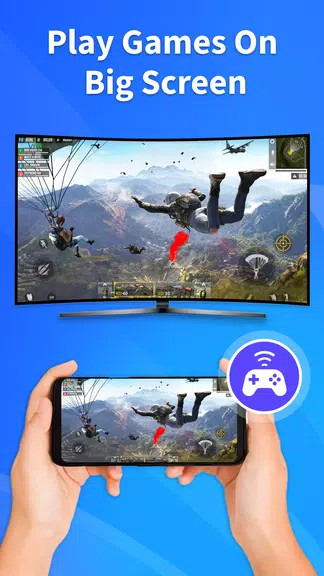
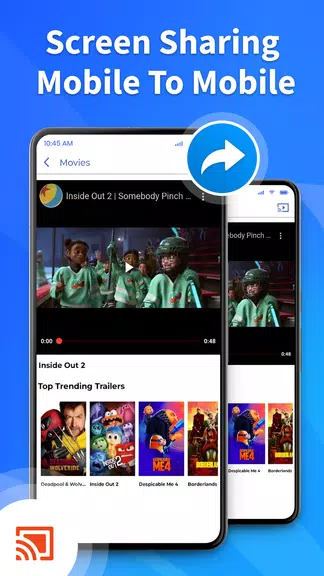
Screen Mirroring & TV Casting brings mobile screens to TVs and other displays with a minimal setup and wide device compatibility. It enables fast wireless mirroring, video casting and one-tap connection for streaming apps, photos, presentations, and games across Chromecast, DLNA and Miracast-capable hardware.
Designed for users who want to move content from a pocket-sized device to a larger display, Screen Mirroring & TV Casting focuses on reliability and clarity. It supports multiple protocols and handles both video and screen replication, so you can share apps, slideshows, and live demonstrations without messy cables or complex configuration.
At its core, the app discovers compatible receivers on the same network and establishes a streaming session. For many devices it uses native casting standards to keep latency low and picture quality high. The interface emphasizes quick pairing and a persistent connection so media playback and screen updates remain smooth while navigating your phone.
The UI is uncluttered, prioritizing big action buttons and clear feedback during connection. Status indicators show signal strength and available targets, while a simple device list helps manage multiple screens. Performance is solid on modern hardware; typical use shows low latency for presentations and acceptable delay for casual gaming.
Start by enabling Wi-Fi and launching the app. Screen Mirroring & TV Casting scans the local network and lists compatible devices. Tap a target to start mirroring, or choose a specific media file to cast. During playback you can pause, seek, or stop the session from the phone. For presentations, rotate the phone for landscape mode and enable notifications suppression to avoid interruptions.
Advanced users can tweak bitrate limits and resolution preferences to suit their network. The app also exposes options for audio routing and subtitle rendering when casting local files. A favorites list lets you pin frequently used displays for instant access, and a history view helps reconnect to recently used screens.
Screen Mirroring & TV Casting fits a range of scenarios: delivering slide decks during meetings, sharing photos at family gatherings, streaming web videos to a larger display, or testing mobile UI in real time during development. Its flexibility makes it useful for both casual consumers and professionals who need quick, reliable screen sharing.
For anyone who wants to eliminate cables and simplify display sharing, this app delivers a pragmatic balance of features and ease-of-use. Frequent updates and clear device discovery reduce friction, while the settings let you optimize performance for different environments. If your workflow often jumps between small and large screens, this tool meaningfully speeds that transition.