
Spotify Web
Version: 1.6.9
4.70MB
4.4
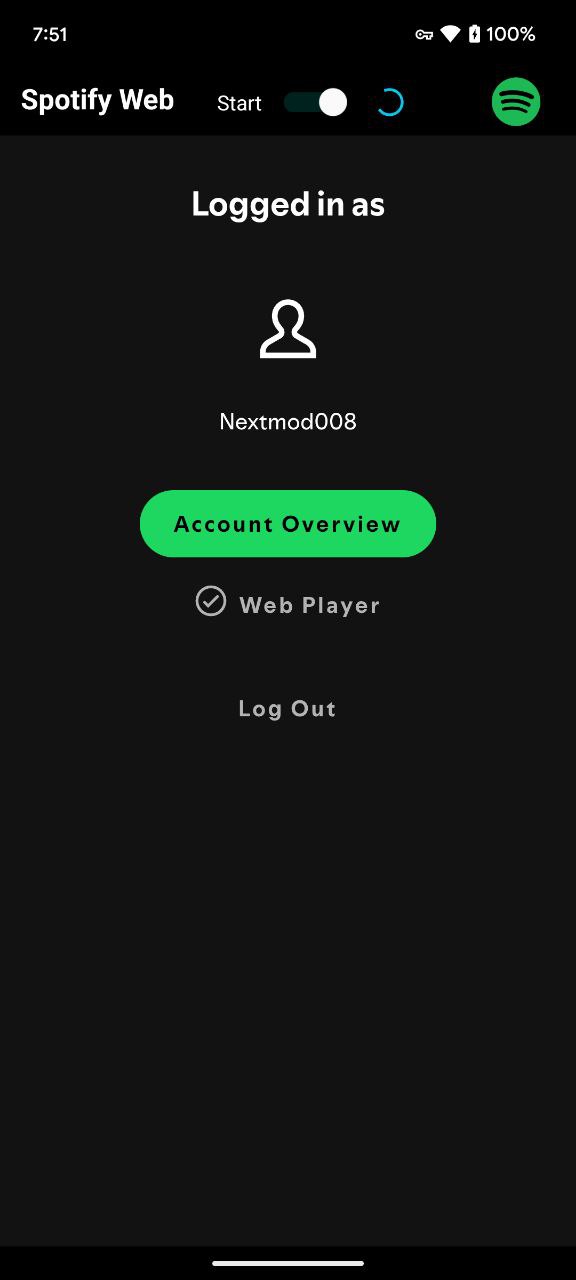
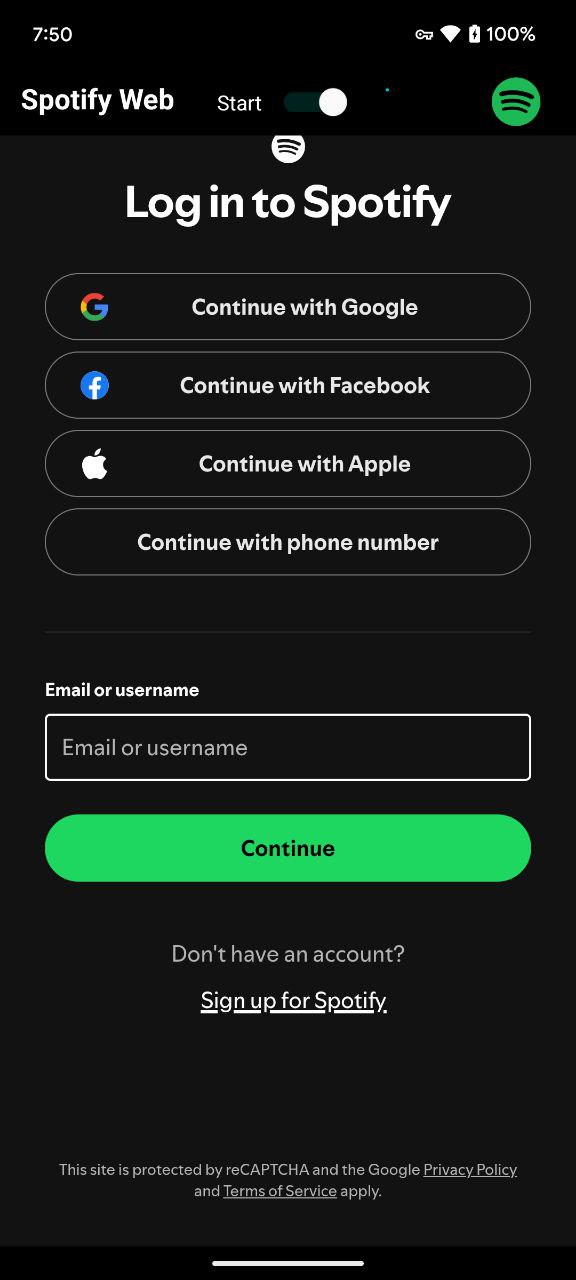
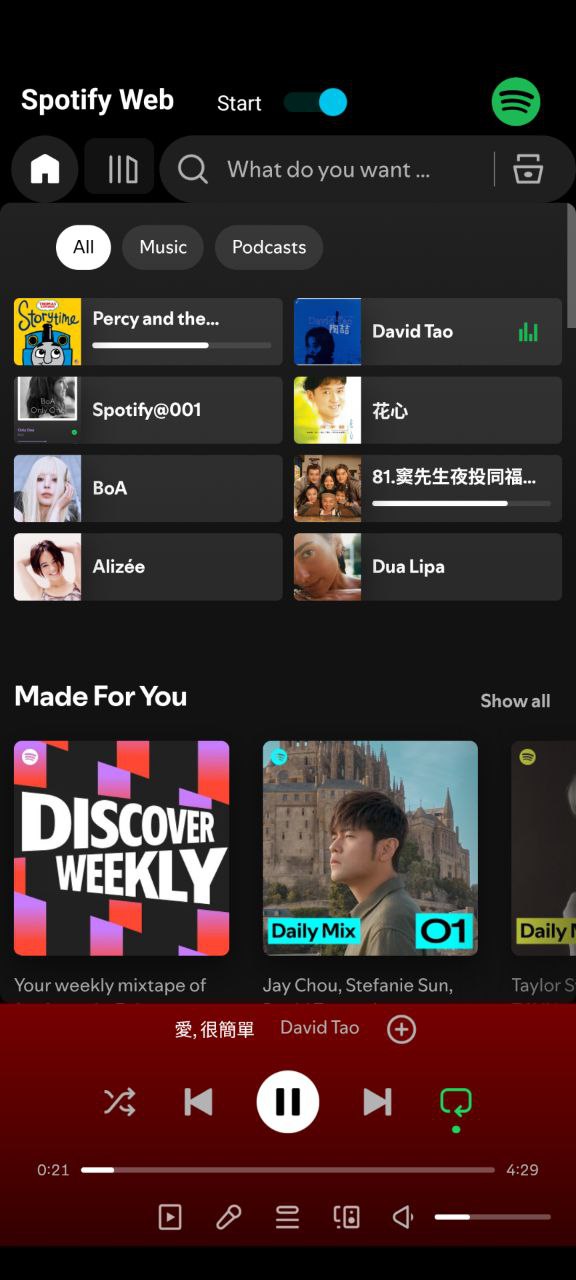
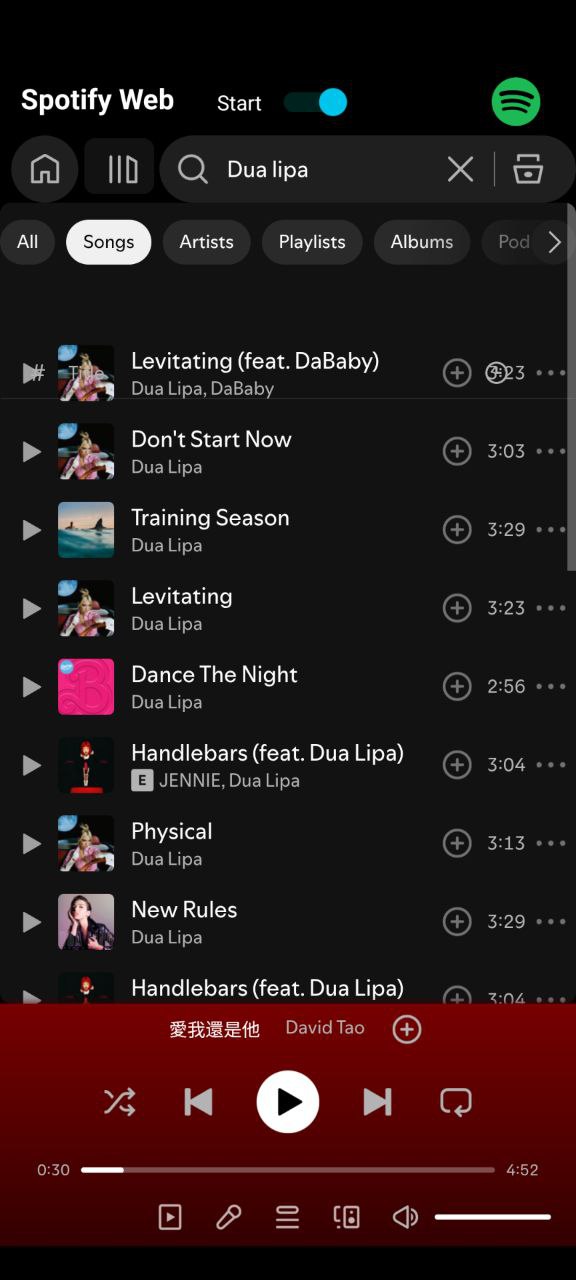
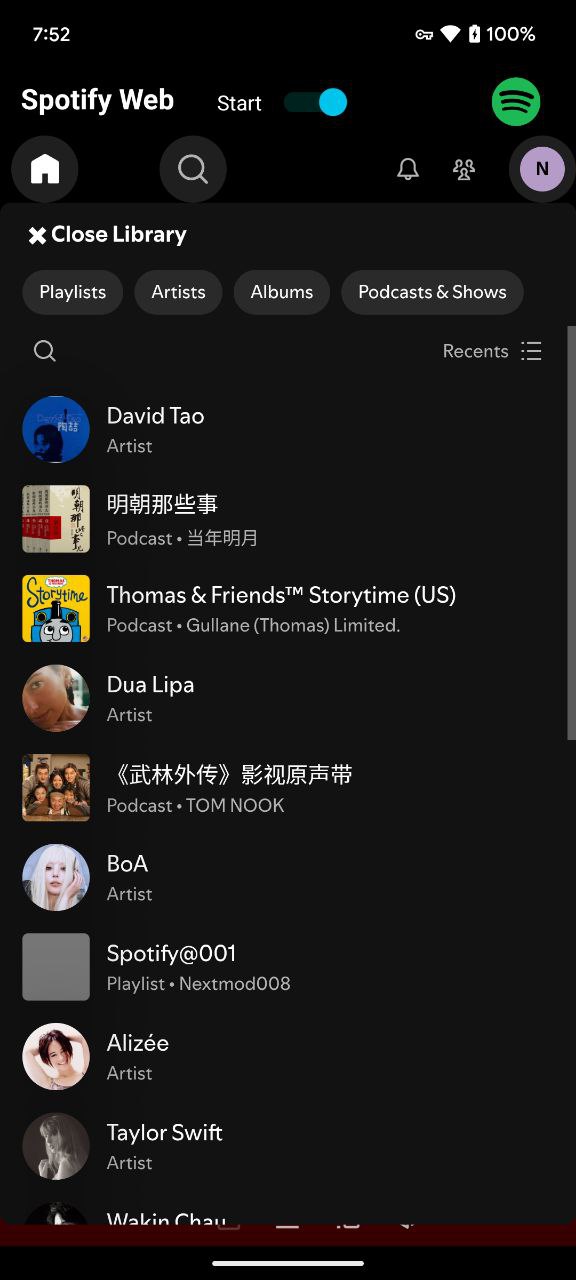
Spotify Web lets you run the Spotify web player in a desktop-style window on your phone, providing a familiar desktop interface and a simple built-in audio ad-blocker for a cleaner listening experience. The app uses a modified webview to emulate a PC browser so the full web player fits mobile screens, which is useful for anyone who prefers the web UI or wants an alternative to a native client. On first run you sign in with your account and wait while interface tweaks load; because this is an adapted web player, the experience can be slightly less smooth than a native app.
⭐ Spotify Web opens the full desktop web player inside a mobile webview for a PC-like interface on phones.
⭐ A modified webview emulates a desktop browser so desktop layout and controls are available on small screens.
⭐ Simple built-in audio ad-blocker that reduces interruptions during playback.
⭐ CSS hack UI is enabled by default with an alternative Wide Window option for different layouts.
⭐ Lightweight standalone player that runs independently while preserving most web player functionality.
✅ Spotify Web brings a full desktop interface to mobile devices, making navigating playlists and libraries easier.
✅ Reduces many audio ads for a more continuous listening session.
✅ Straightforward setup: sign in, wait briefly for the UI tweaks to apply, then start listening.
✅ Compatible with Android 5.0+ provided the device has a recent Android System WebView for best stability.
❎ Playback can feel jerky at times because the app is an adaptation of the web player rather than a native client.
❎ The first track may freeze on startup or after a service restart; waiting briefly usually lets the built-in unlocker recover playback.
❎ Requires an up-to-date Android System WebView; older system components can prevent login or cause continuous page refreshes.
❎ Accounts created with disposable email addresses may face automatic restrictions that affect playback.