
Xiptv Pro
Version: 1.0
19.50MB
4.1
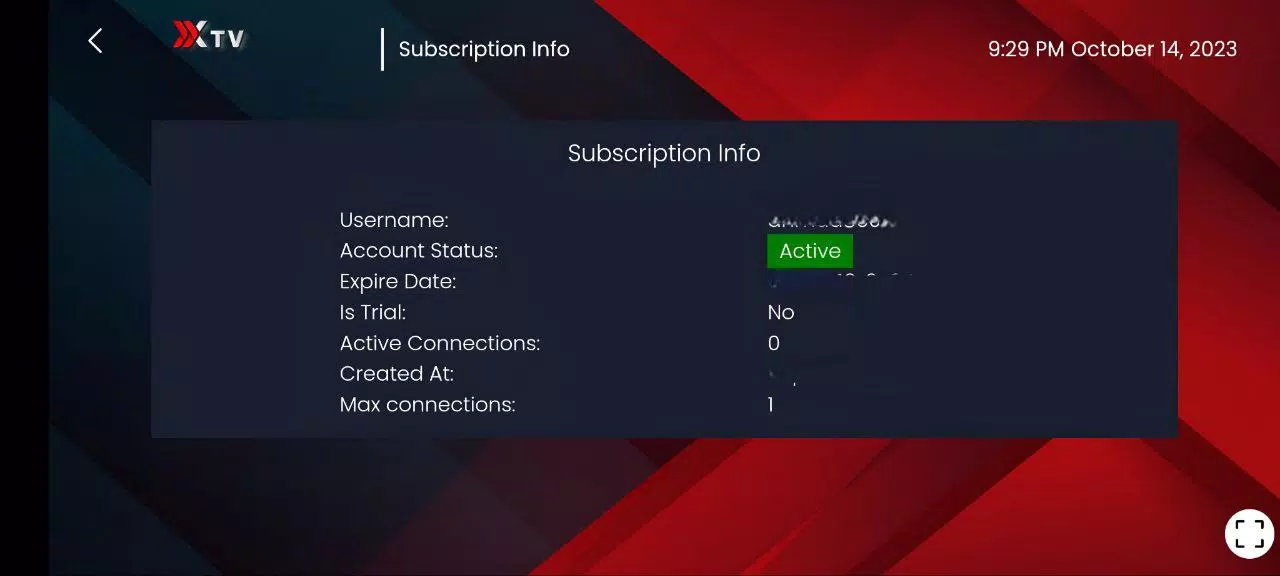
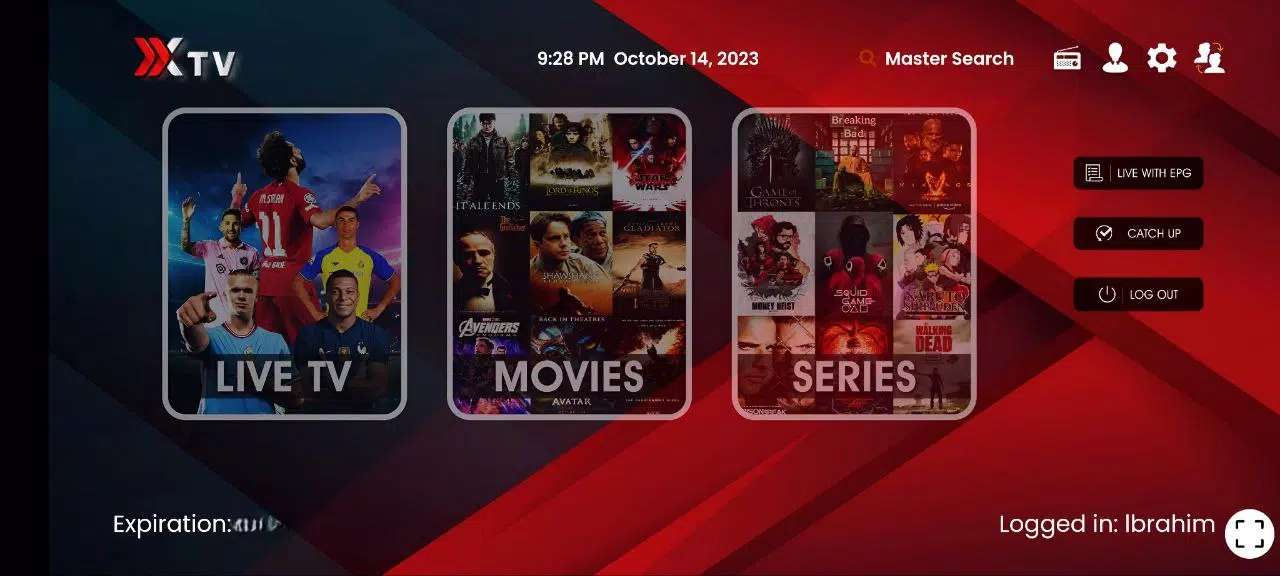
Xiptv Pro is a versatile IPTV player for Android that brings live TV channels, movies and series together in one adaptable app. Xiptv Pro supports multiple stream formats and lets you manage different provider feeds, organize playlists and pin favorite channels for quick access. Designed for people who want precise control over playback, the app balances straightforward navigation with advanced settings so you can tailor viewing to your connection, device and schedule.
The app accepts common IPTV list types and streaming protocols—M3U playlists, HLS streams, and other widely used container formats—so you can import content from many sources without complex conversion. Built-in on-demand libraries let you browse series and movies by genre or search terms, while the integrated EPG supplies program guides and metadata. Offline download tools allow selected items to be saved to device storage for later viewing, and parental control options help restrict access to mature material.
Playback is configurable with resolution selection, playback speed control and basic buffering options to improve performance on slower networks. Subtitle support, selectable audio tracks and the ability to hand off streams to external media players provide flexibility for different file types and user preferences. Remote and touch navigation are both supported on typical Android TV remotes and phones, and the app preserves play position so you can resume episodes or movies where you left off.
Instead of a linear progression system, Xiptv Pro emphasizes personal progression through content organization: create multiple playlists, tag channels or episodes as favorites and maintain a watch history to track what you’ve seen. Playlists can be grouped by provider, genre or custom labels, which helps when you follow a long-running series and want quick access to the next episode. These organizational tools act like a progress tracker for serialized content without requiring online accounts or cloud sync.
The interface favors clarity and legibility with a clean layout that highlights channel thumbnails, program titles and key metadata. Grid and list views are available so you can choose a compact or more visual browsing experience. On Android TV devices the UI adapts to larger screens, while mobile phones present a touch-optimized layout with easy-to-reach controls. Color and text size are designed to remain readable across devices and lighting conditions.
Channels and on-demand items are arranged into logical categories: live channels, movies, series and recorded items. Within those areas, genre filters and keyword search speed up discovery. The program guide breaks content into time slots and allows you to jump forward or back to see upcoming episodes, helping you plan viewing sessions. For people who like to sample new sources, quick playlist switching makes testing different providers simple.
Users can customize playback defaults, select preferred subtitle styles and configure parental controls with PIN protection to limit access to mature channels. Accessibility features such as larger fonts and clear contrast improve usability for viewers with visual needs. Because the app depends on external feeds, safety features focus on controlling what content is available locally and giving parents tools to manage access.
Offline download functionality supports saving eligible on-demand videos for later viewing without an internet connection, including options for download quality to manage storage. Built-in recording and scheduling let you capture live broadcasts when the source allows it; recording settings and storage management options help you prioritize what to keep. Performance will vary with network conditions and source quality, so the app includes buffering and adaptive playback options to reduce interruptions.
Xiptv Pro is built to handle diverse provider setups and file types while offering basic diagnostic information to troubleshoot stream issues. If a channel stutters or fails to load, adjustable buffering and fallback playback methods can improve stability. The app works with common external players and supports hardware-accelerated decoding where available to reduce battery use and improve playback smoothness on capable devices.
Regular users will find that Xiptv Pro scales from a simple live-TV viewer to a full-featured media toolbox: organize playlists as your library grows, rely on the EPG and reminders to keep up with shows, and use downloads when you expect to be offline. The design avoids unnecessary complexity while providing enough depth for power users who want customization and control over their streaming experience.