
KC Tv
Version: 5.0
8.40MB
4.4
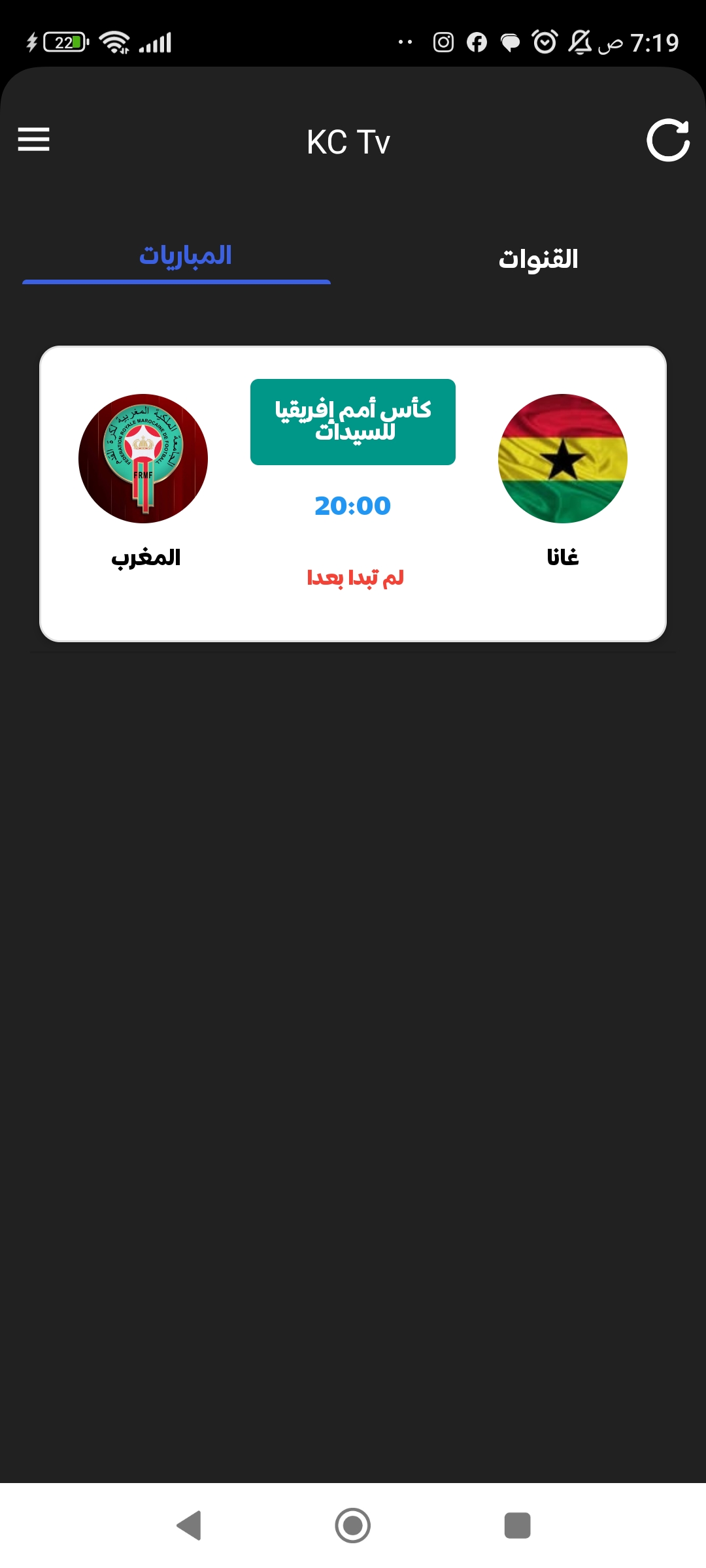
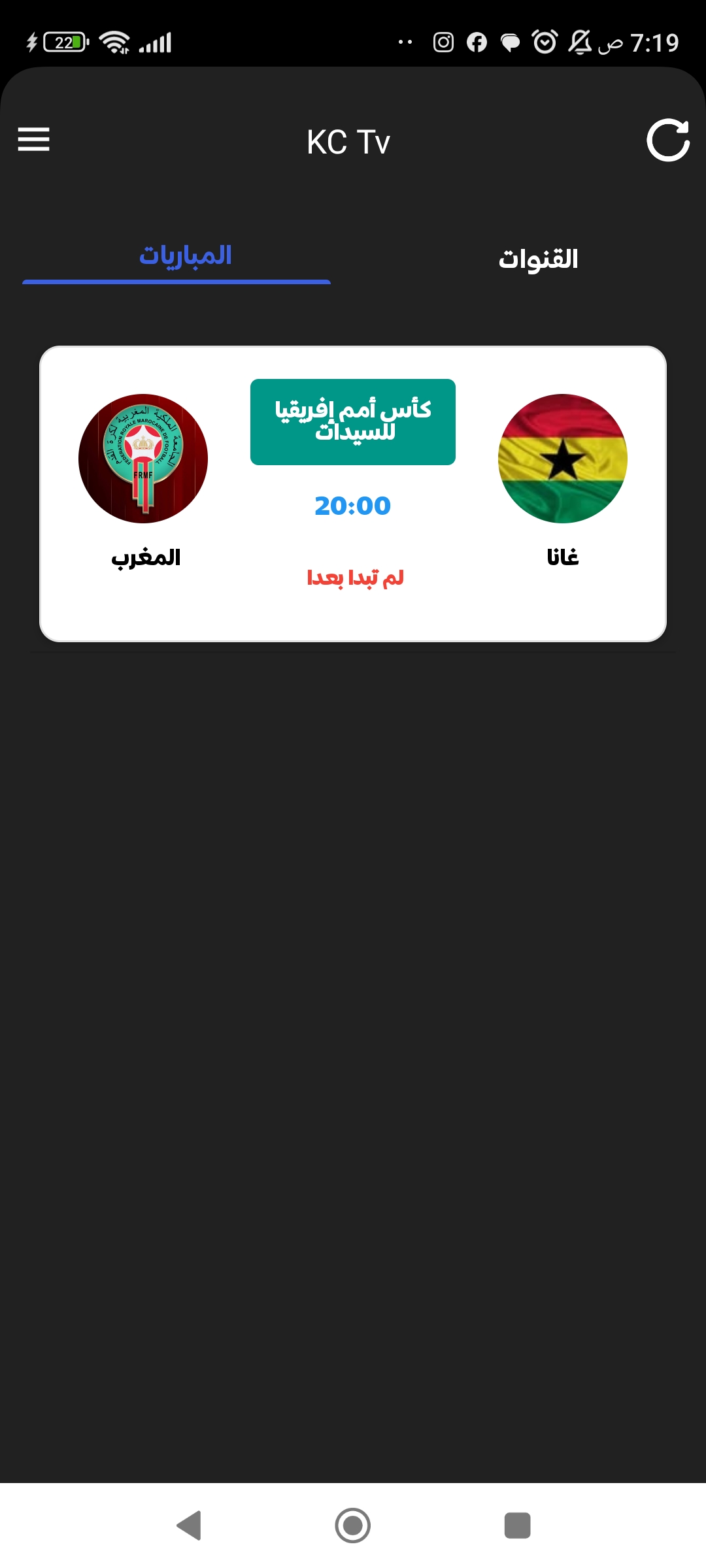
KC Tv is a lightweight Android app that brings live television channels and on-demand video to mobile devices, combining a simple, touch-friendly playback interface with straightforward browsing tools so viewers can tune into regional and international programming without complicated setup. KC Tv puts quick access and uncluttered navigation first, making it easy to find live streams or recorded shows, build a personal channel lineup, and pick up where you left off on a phone or tablet. For people who prefer a practical streaming experience instead of an over-featured platform, KC Tv delivers core functionality with minimal resource use and a clear focus on consistent playback and day-to-day reliability.
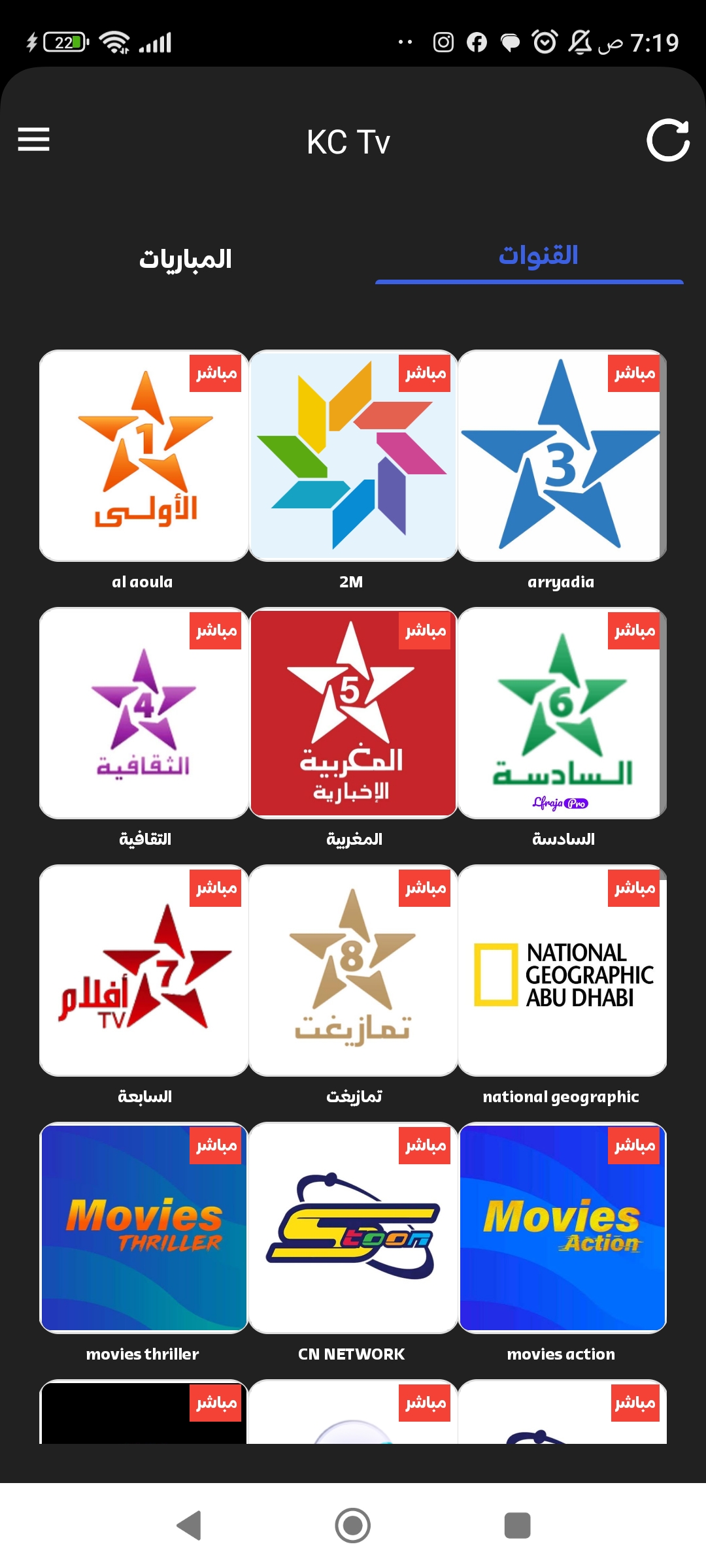
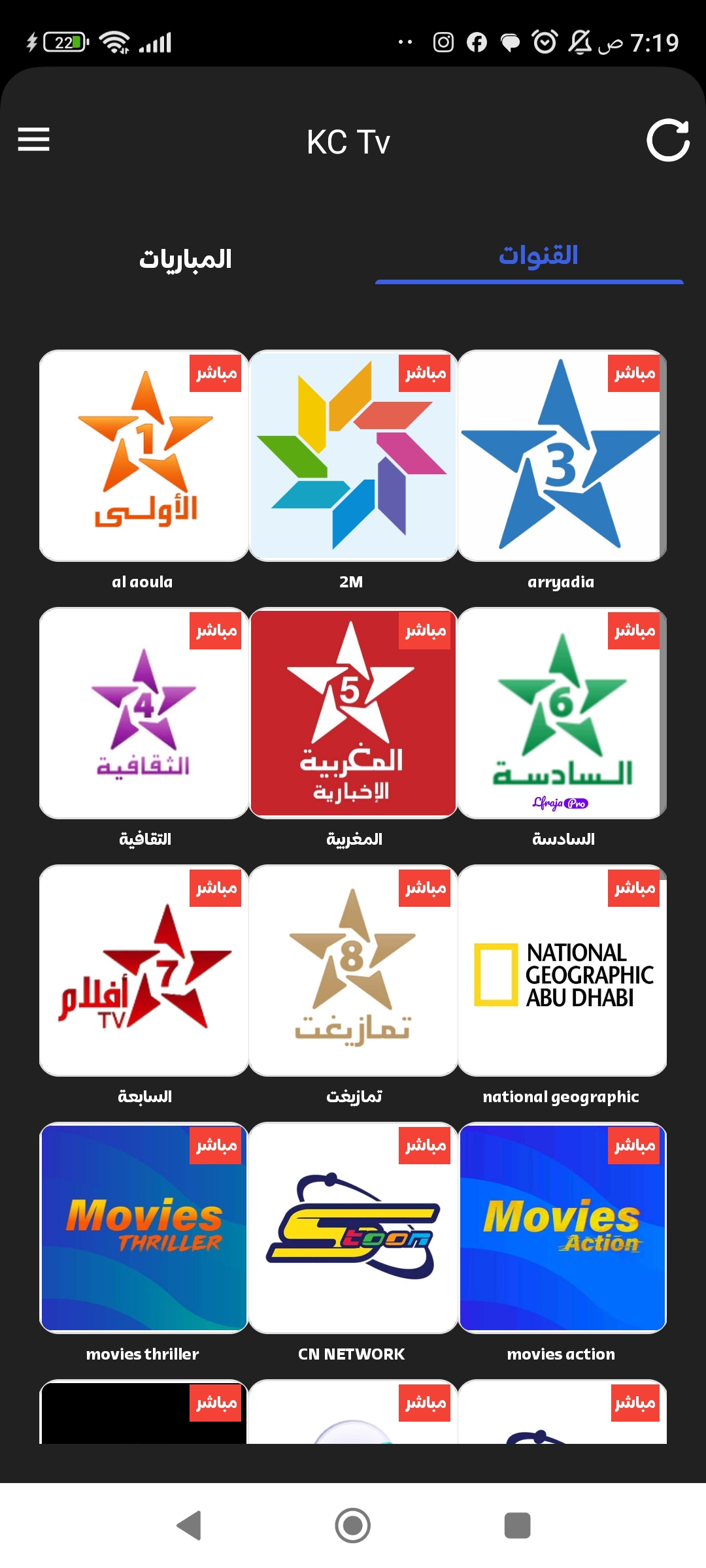
The app supports live channel streaming alongside on-demand playback for recorded shows and clips, presented in a compact interface that emphasizes large thumbnails and readable labels. Channel lists are customizable so you can hide, reorder, or group channels according to region or genre, and basic playback controls cover the essentials: play, pause, seek, and volume. On-demand content includes resume position and a simple history that helps you continue series without hunting through menus. The design avoids deep nested settings, favoring direct access to tuning and playback so most viewers can get started with minimal learning.
KC Tv uses a clean, touch-optimized control set that works well on small screens and tablets alike. Channel browsing is handled with horizontal and vertical swipes and clear tap targets for quick tuning, while playback controls remain visible during viewing to reduce accidental taps. Search and category filters are present to narrow results by language, country, or type of programming, and channel sorting can be adjusted for fast access to favorites. The app is intended for intuitive operation: simple gestures and visible labels make finding and switching channels straightforward for casual viewers.
Playback focuses on smooth, uninterrupted viewing; the player adapts to the available stream and uses basic buffering to reduce stutter on variable networks. For on-demand items, the player saves resume points so you can pick up an episode later, and the app keeps a short watch history to surface recent content. While KC Tv avoids complex editing or recording tools, it provides dependable playback controls and a predictable timeline experience that works across many content sources, keeping the viewing flow consistent from live channels to catch-up clips.
Channel management in KC Tv is lightweight but effective: you can create a personalized channel list, reorder channels for quick access, and mark favorites to build a short menu of preferred streams. Sorting and grouping help when you follow regional news, sports feeds, or entertainment channels from different countries. The app does not try to replace full-featured media center software; instead, it offers practical tools for organizing what matters to you so the channel lineup feels tailored without intricate configuration steps.
The visual approach favors high-contrast text, large artwork, and uncluttered screens to make scanning and selection fast on the go. Controls are sized for touch, and the interface follows platform conventions so system-level accessibility tools like font scaling and screen readers remain effective. Where source streams include closed captions or subtitle tracks, the player presents them according to the stream metadata; the app does not manufacture subtitles but respects what the content provider supplies. This keeps the UI simple while still supporting common accessibility needs.
KC Tv is designed to be gentle on device resources and network usage by avoiding heavy background processing and by using efficient playback buffering. On-demand items are optimized for smooth viewing within the app, and thumbnails or program metadata may be cached temporarily to speed navigation. Full offline downloads are not the primary use case; instead, the app focuses on minimizing data waste during normal streaming and on maintaining stable playback when network conditions vary.
Because KC Tv makes it easy to tune into live events, revisit recorded segments, and maintain a short list of favorite channels, it encourages repeat use for everyday viewing. The app is useful for commuters who want to catch headlines, for expatriates tracking regional broadcasts, or for casual viewers who prefer a simple, reliable TV-on-phone solution. Regular use is supported by quick tuning, easy browsing, and the ability to resume recent content without re-searching.
Users should be aware that KC Tv intentionally omits advanced features such as integrated recording schedules, programmable DVR functionality, or deep personalization engines found in large streaming platforms. Support and update cadence may vary depending on the app's distribution source, and compatibility with every stream format cannot be guaranteed. These trade-offs are part of the lightweight approach that prioritizes straightforward playback and modest device impact.