Casual Man Suit Photo Maker
Version: 4.5
7.40MB
4
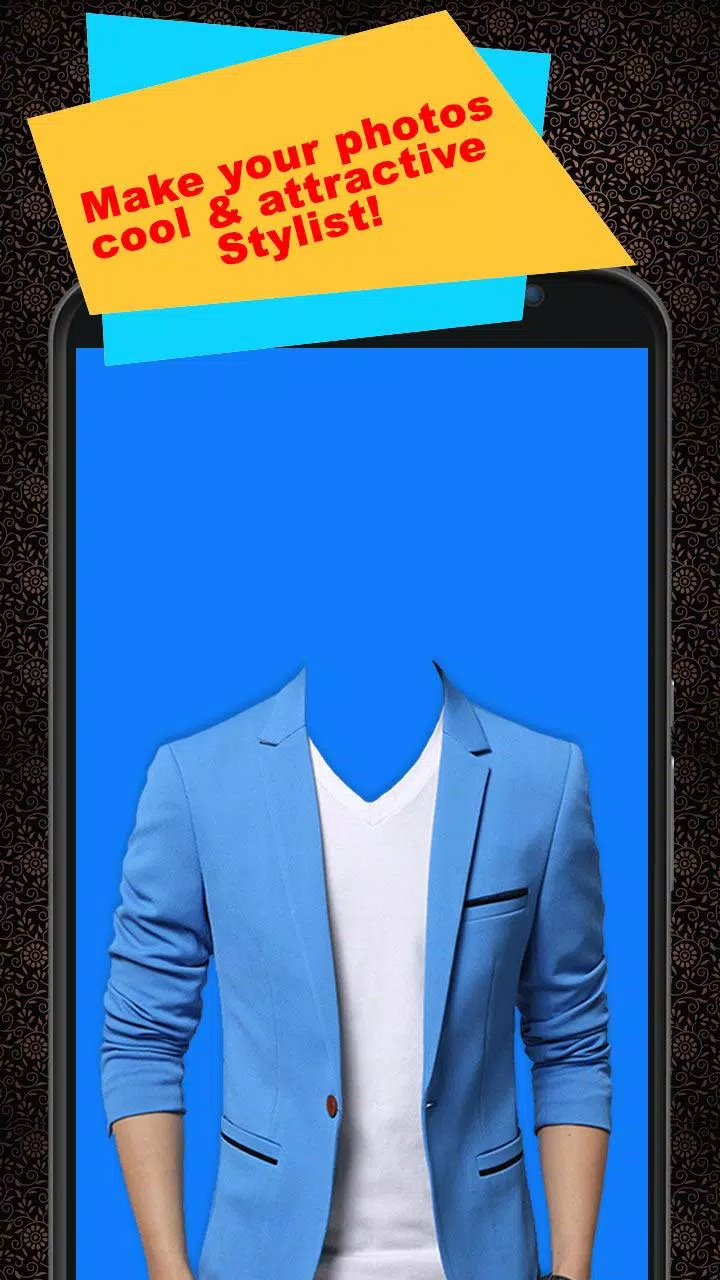
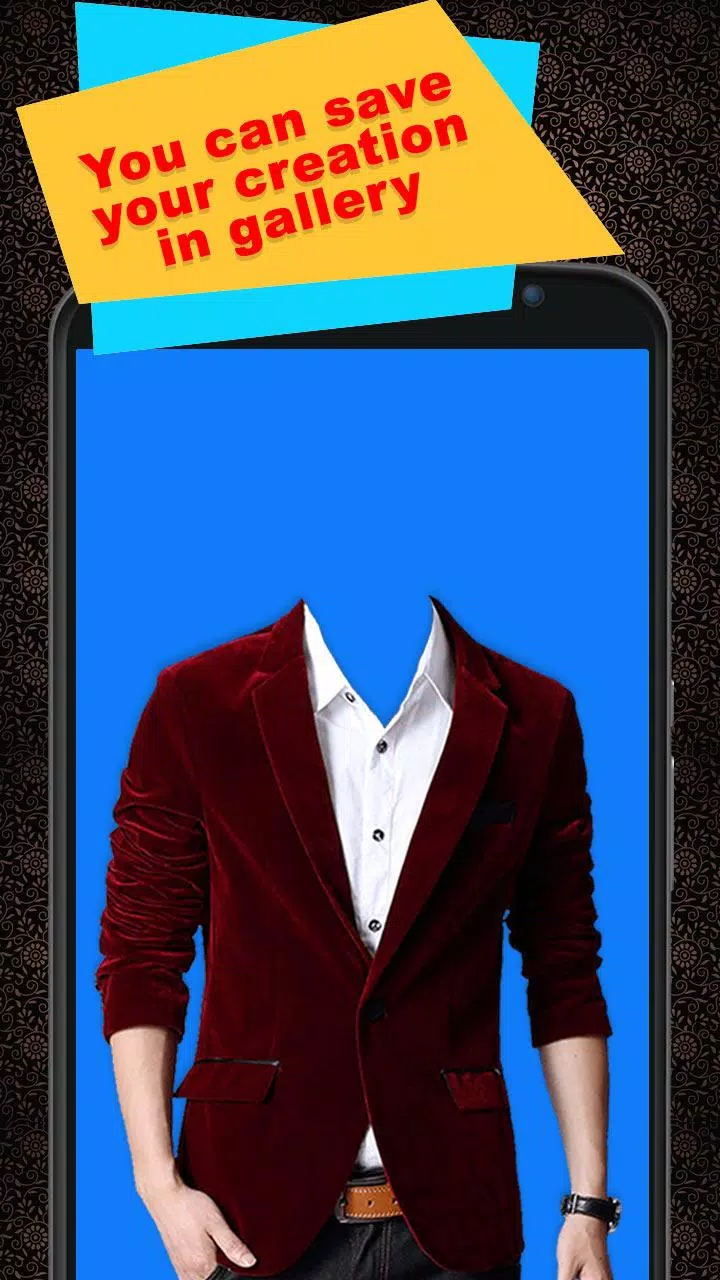
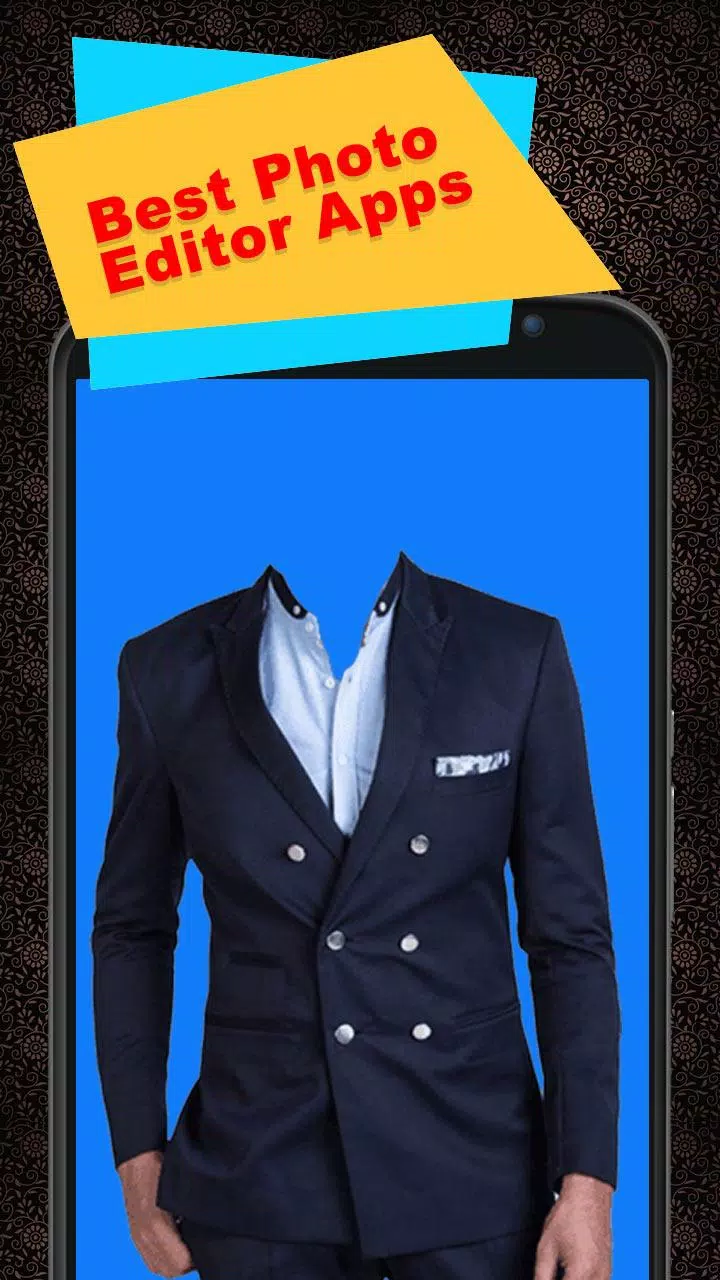
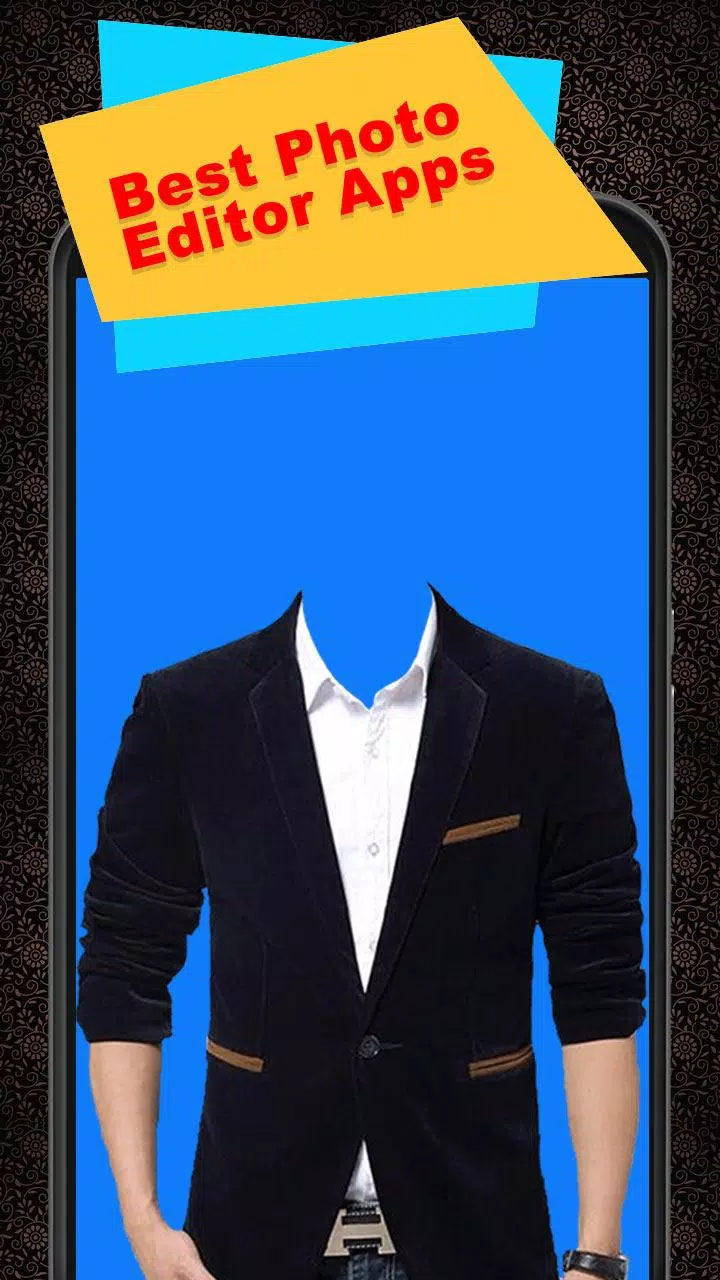
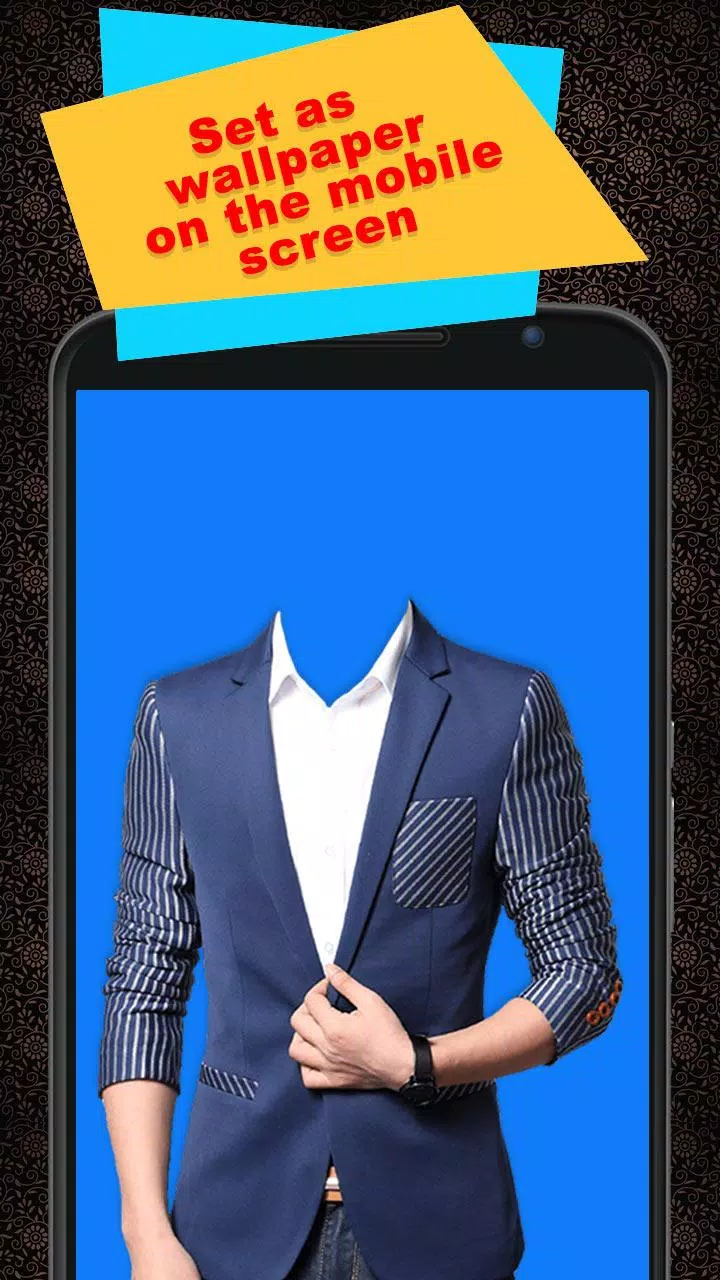
Casual Man Suit Photo Maker is a practical photo-editing utility designed to help you preview casual suit styles on portrait photos before you buy or style them in real life. The app focuses on quick, intuitive edits: import a front-facing portrait, choose a suit template, and adjust size, rotation and color until the overlay looks natural. This introduction explains how the app works, what controls are available and how to get the most realistic previews from your own photos.
The core feature is a photo suit generator that places carefully crafted casual suit templates over portrait images. Templates represent a range of everyday cuts and colorways, from relaxed blazers to unstructured jackets, and include accompanying color swatches so you can test combinations quickly. A built-in editor provides essential tools such as layer opacity, simple lighting tweaks and a text tool for captions. You can add stickers from a curated set to personalize images, save finished edits to your device gallery, set them as wallpaper or share copies through your preferred messaging and social apps.
Editing follows a step-by-step workflow to keep the experience approachable for users with any skill level. Start by importing a selfie or a portrait, then select a template and position it roughly over the torso. Use familiar multi-touch gestures — pinch to scale, two-finger rotation and one-finger drag — alongside small sliders for precision alignment. Layer order, opacity and a simple snap-to grid help the suit overlay blend with the underlying photo without demanding detailed manual masking. The same touch-based controls apply to text and sticker placement so composition remains direct and visual.
Customization is focused on the visual decisions that matter when comparing styles. Templates come with color swatches and subtle presets for contrast, brightness and temperature so the overlay reads correctly against different lighting conditions. Minor lighting adjustments and edge-softening options help the suit integrate more naturally with photos taken in varied environments. The visual approach intentionally avoids heavy, real-time effects; templates are rendered to look realistic while keeping processing lightweight for a broad range of devices.
Instead of a gamified progression system, Casual Man Suit Photo Maker encourages gradual exploration through personal collections and repeated experimentation. Saved edits build a private gallery where you can compare looks over time, reuse a past edit as a starting point, or create seasonal variations from the same photo. This manual progression — growing your own reference library and refining templates to match your preferences — creates organic replay value and helps you track changes in taste or fit across months and seasons.
There are no levels or competitive rankings; the app's structure is task-oriented and user-directed. For people who like a bit of structure, optional self-imposed challenges work well: try creating five distinct looks from a single photo, or match a suit palette to a planned outfit for the week. These lightweight challenges are designed for personal improvement and inspiration rather than in-app rewards, and they help users learn how small adjustments in scale, rotation and light affect perceived fit.
The interface emphasizes clear icons, legible labels and a minimal learning curve so newcomers to photo editing can get useful results quickly. Most editing actions run locally on your phone or tablet, so basic use is available offline with photos stored on your device. Performance has been optimized by keeping the toolset focused and avoiding heavy real-time rendering, which helps maintain responsiveness on older hardware while still delivering realistic overlays on modern devices.
Casual Man Suit Photo Maker specializes in casual men's suit previews and does not attempt to replace a professional fitting or cover every garment type or bespoke tailoring detail. The app generates image-based previews that are useful for visual decision-making but not for precise measurements; lighting, camera angle and individual body proportions will affect how a real garment fits. For best results, use a clear, front-facing portrait with visible shoulders and chest, and take a moment to refine scale and rotation for the most natural-looking overlay.
To get started, choose a recent photo with good lighting, select a template that matches your body type, and make small incremental adjustments rather than large jumps. Save multiple versions in your gallery to compare side by side before sharing. The app stores edited pictures locally so you retain control of your images, and basic features are available without complex setup. Casual Man Suit Photo Maker is intended as a practical, no-friction tool for exploring looks and creating shareable previews; it complements real-world fitting and professional advice when you decide to purchase garments.