
Reservations Manager.
Version: free
2.40MB
4.3
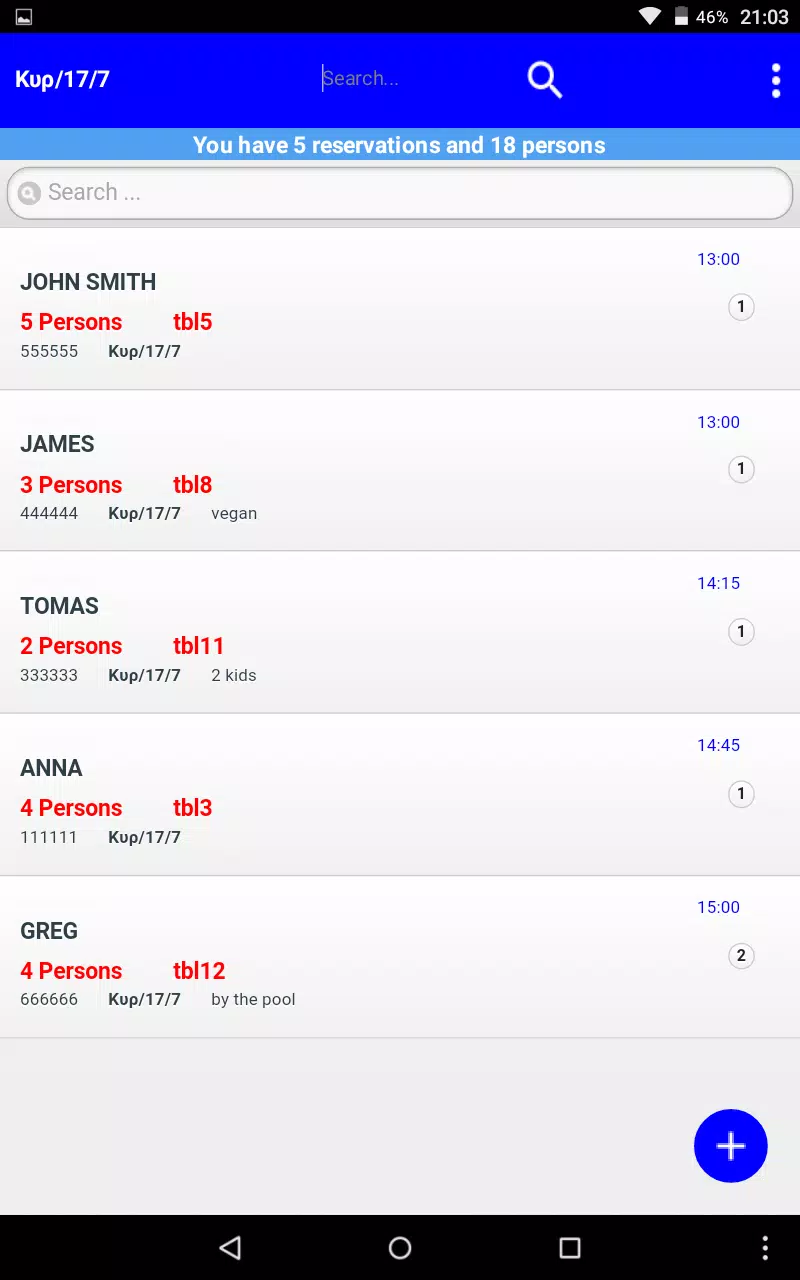
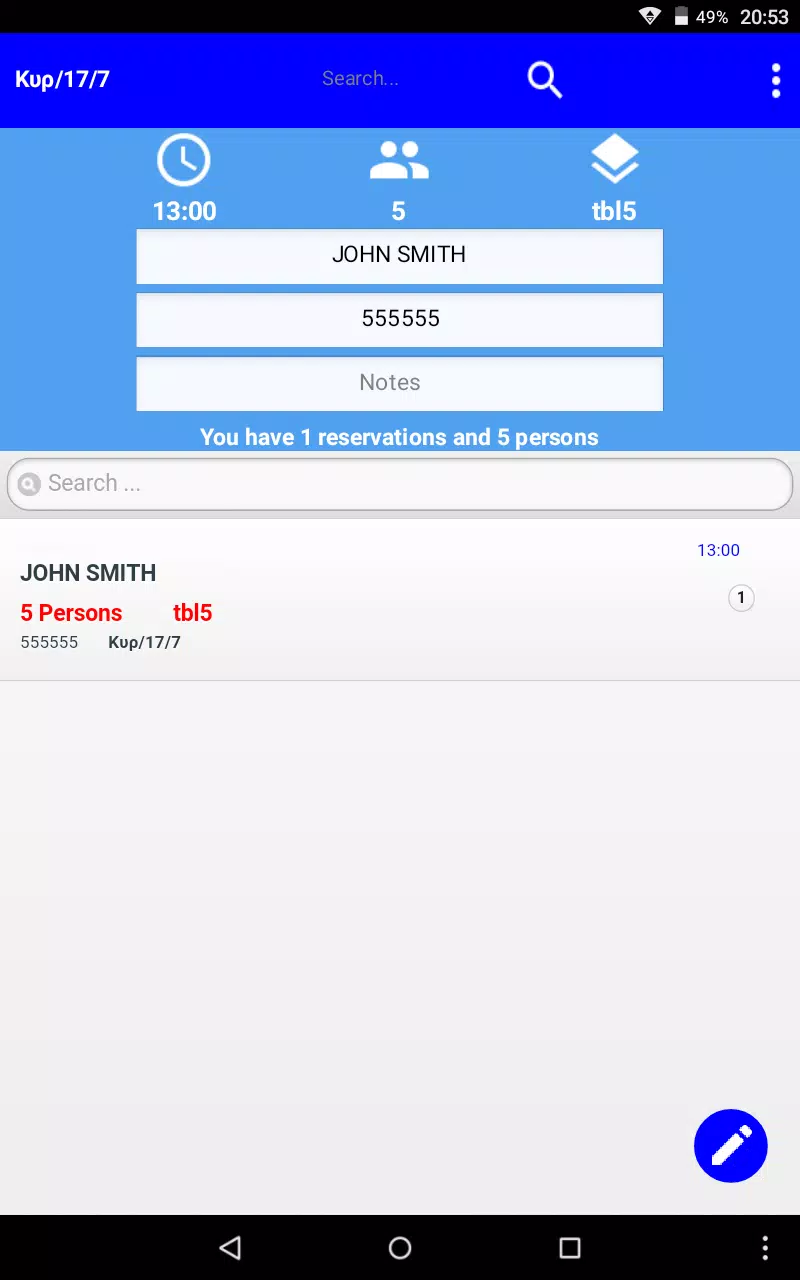
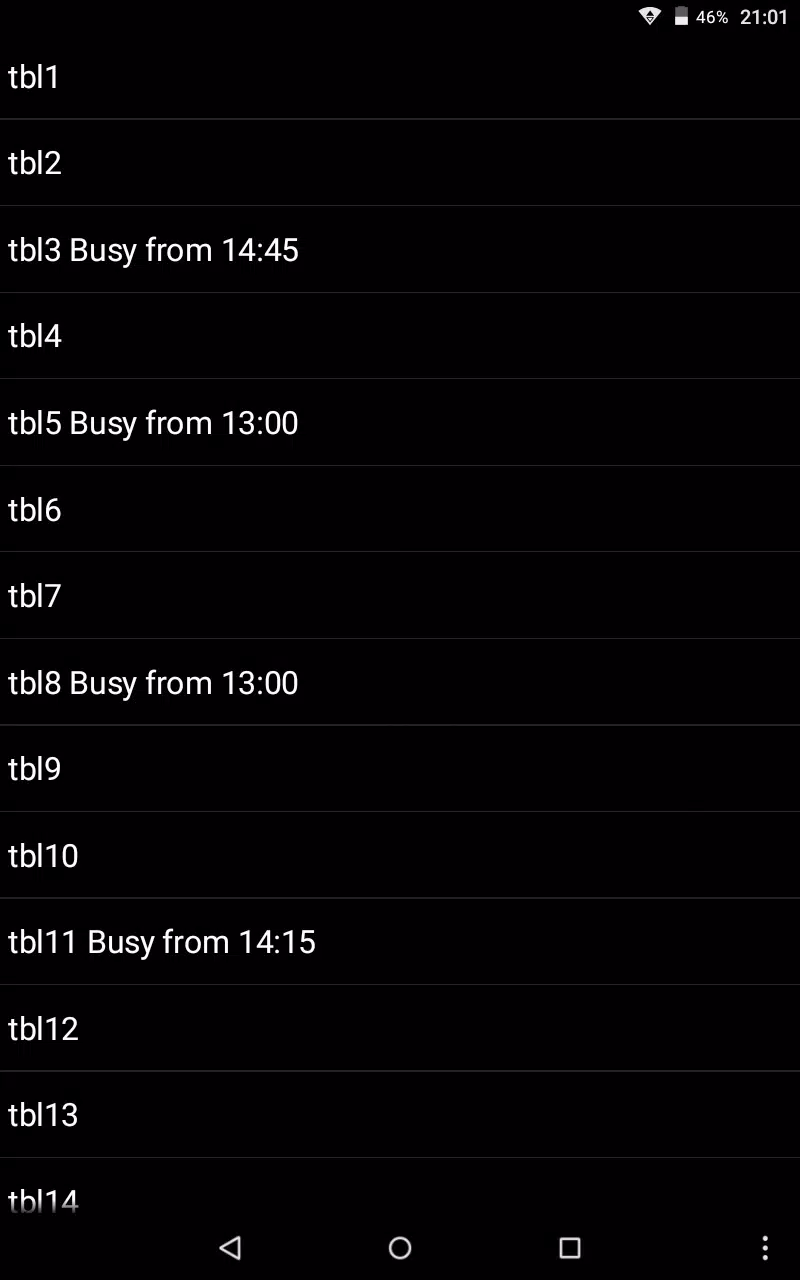
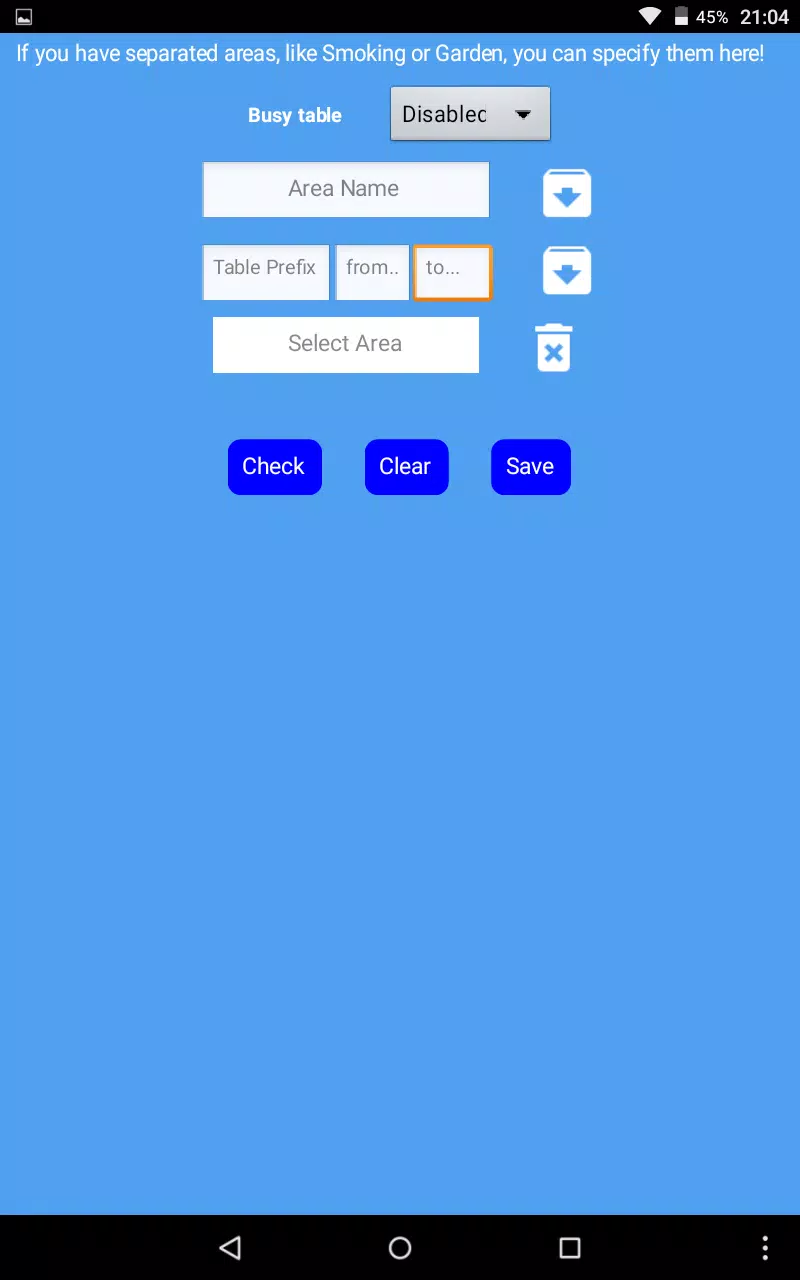
Reservations Manager. is a practical reservation and customer-management app built for restaurants, bars, clubs and catering services that need a straightforward, reliable way to handle bookings and guest records. The app streamlines the reservation workflow so staff can create bookings step-by-step, maintain a searchable customer database, check table availability from a calendar view and preview seating with an interactive floor map. Designed to reduce phone interruptions and to operate without constant internet access, Reservations Manager. focuses on speed, clarity and local data control for busy venues.
The core of the app centers on a guided reservation creation flow that keeps staff focused during phone calls: add party size, select date and time from a calendar picker, choose a table in the venue layout and attach an existing or new guest profile. The searchable guest database stores contact details and notes such as dietary requirements or special occasions so teams can offer personalized service. The day list view provides an immediate rundown of all bookings for the current shift, while calendar navigation makes it easy to inspect future availability and move or edit reservations without losing context.
Reservations are made step-by-step to prevent missed information: the app prompts for essential details in a fixed sequence so even new staff follow the same process. Table availability is checked against existing bookings to avoid conflicts, and the interactive preview of your venue helps hosts visualize seating across sections. For quick handling, you can open a customer profile from a call, update preferences in real time and add the reservation to the same workflow without switching screens. These well-defined steps aim to reduce interruptions and speed up front-of-house operations.
The interface uses clear, touch-optimized controls that work well on phones and tablets. Tapping a date opens the calendar, tapping a table highlights its status and tapping a guest name opens a detailed profile. Common actions such as editing, canceling or confirming a booking are placed where staff expect them, minimizing training time. Visual cues — like color-coded table states, simple icons and concise labels — help teams see the room at a glance during busy service periods.
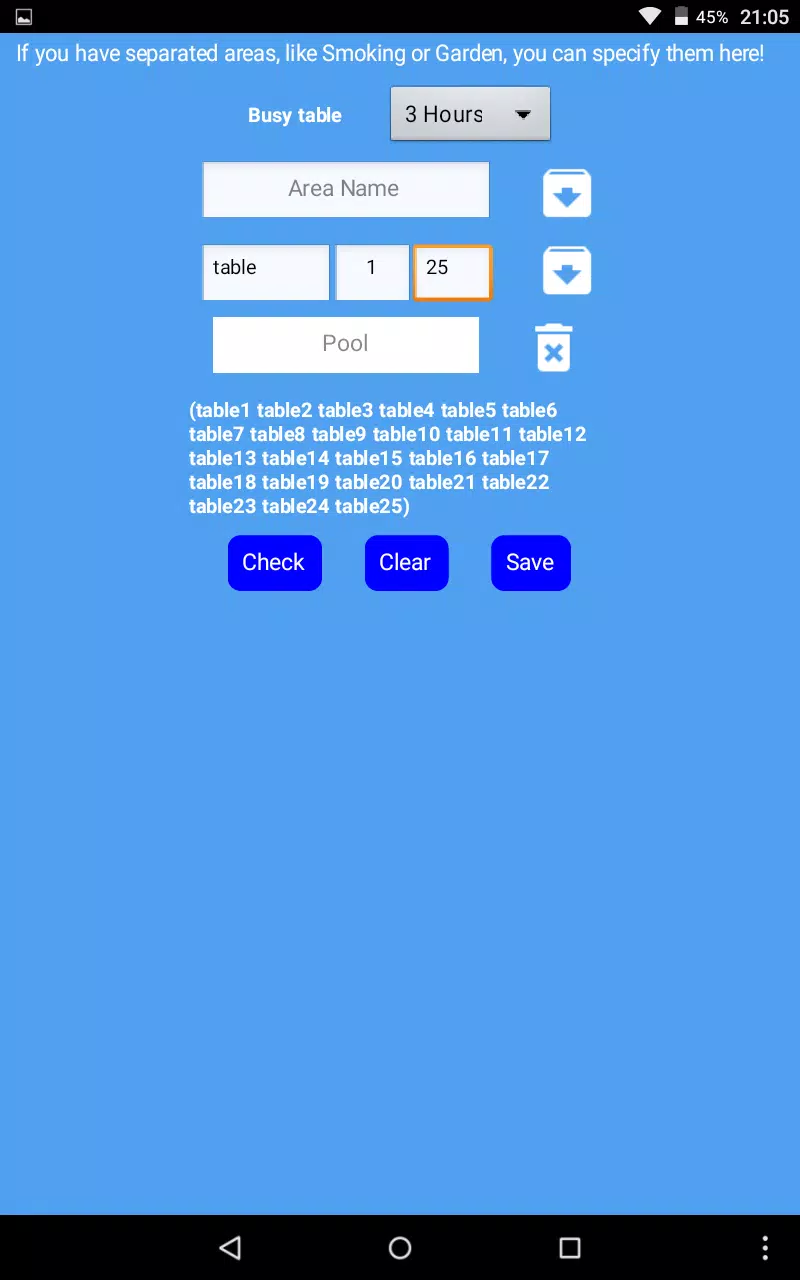
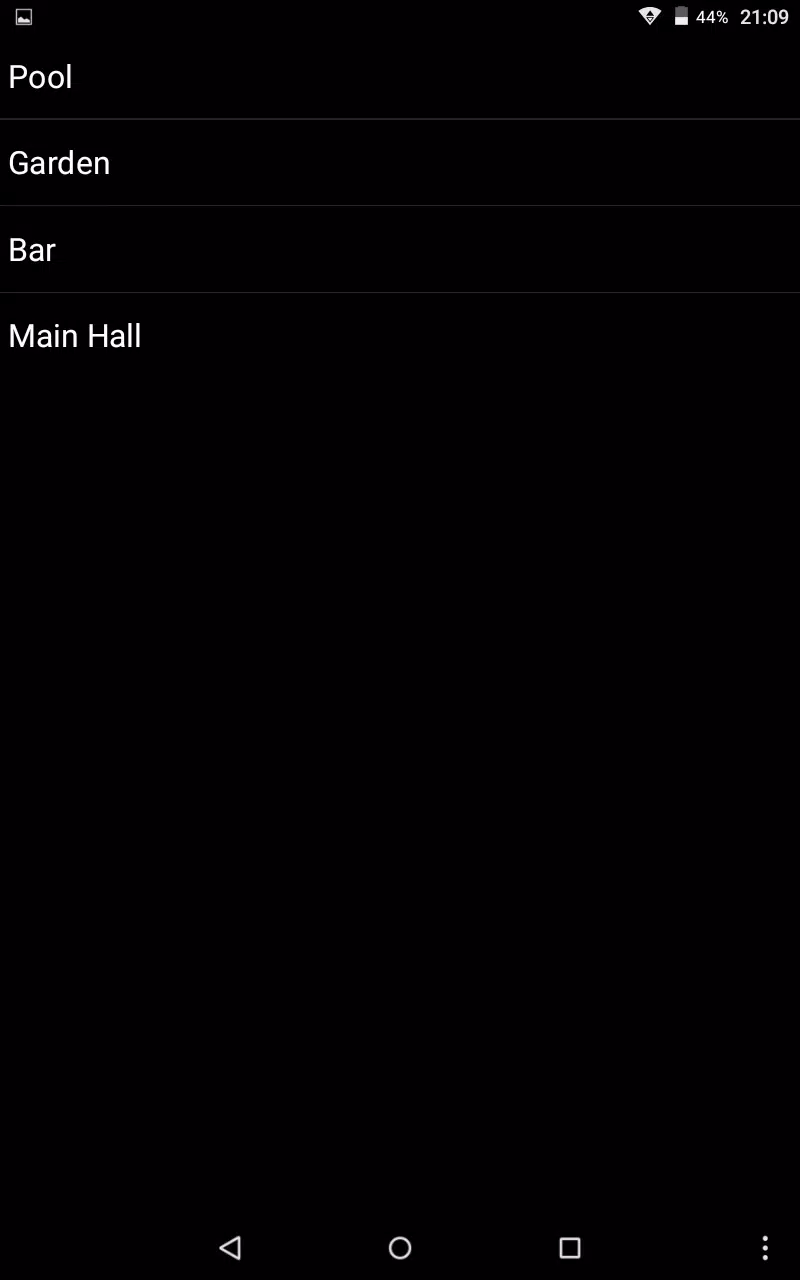
During initial setup you define your venue layout by dividing the space into sections and entering table capacities, which determines the seating logic used throughout the app. You can tailor guest profile fields to capture the details most relevant to your business, for example preferred seating, allergies or VIP notes. These custom fields help create a consistent progression from call handling to table assignment and post-service follow-up, making the system adaptable to restaurants of many sizes and service styles.
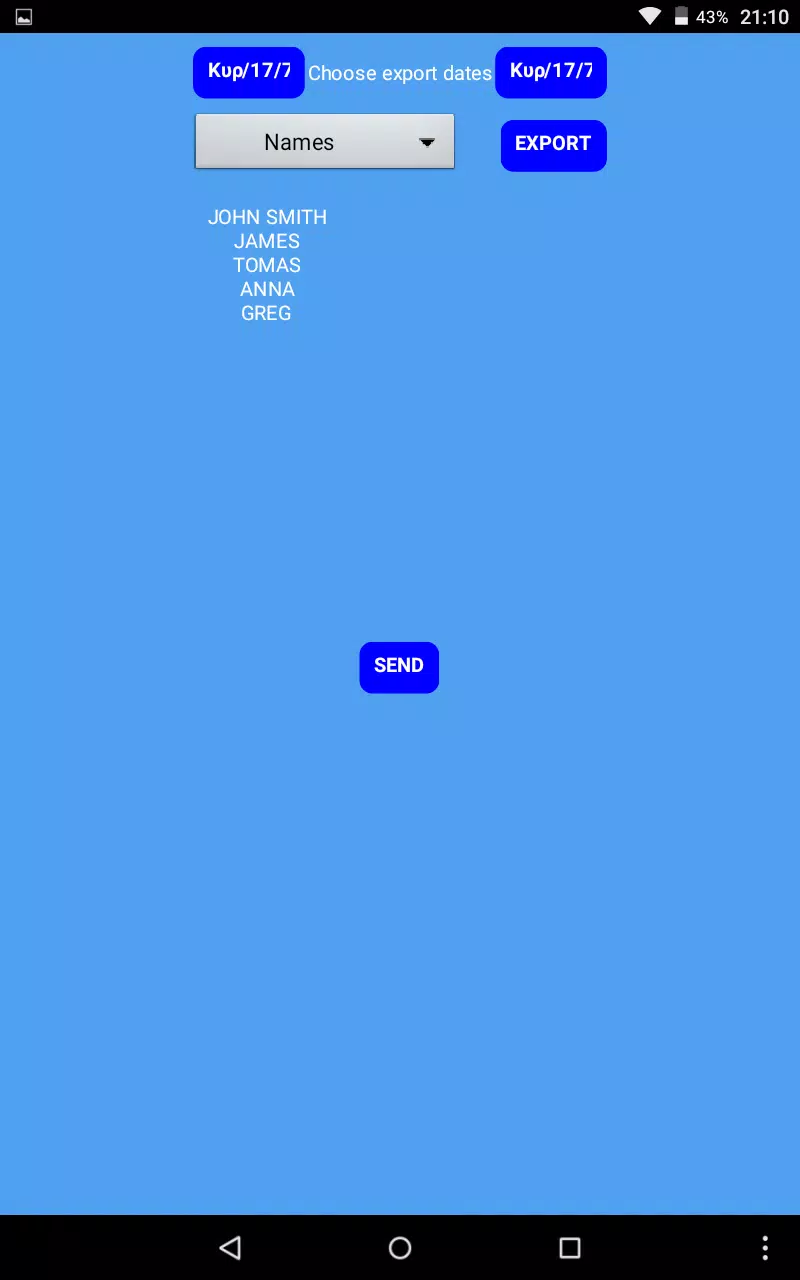
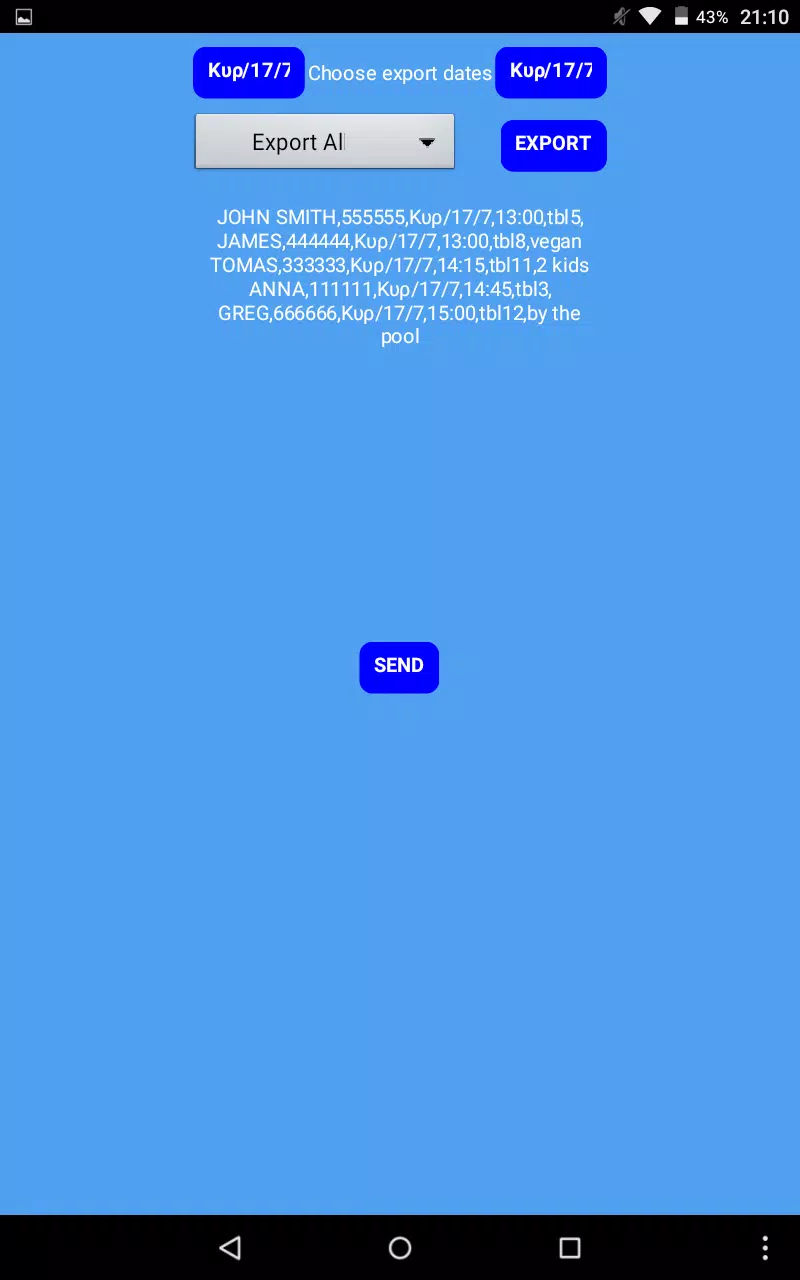
Reservations Manager. is built to work reliably when connectivity is inconsistent. Core operations — creating and editing bookings, looking up guest records and viewing the day list — are available offline by default. When you do need to move data outside the device, the app supports export options in common formats so managers can import reservation records into external reporting tools or backup systems. Because the app prioritizes local control, businesses that need automatic cross-device syncing should plan for manual export/import or third-party synchronization solutions as part of their workflow.
The app emphasizes responsiveness and low resource use so it performs on a wide range of Android devices. Clear text, high-contrast elements and straightforward navigation improve accessibility for staff with varying levels of tech experience. Built-in onboarding tips and a short setup checklist help new users learn the main tasks quickly, and the predictable step-by-step reservation flow reduces errors during busy shifts.
To help avoid double bookings, the app warns when a selected table is already reserved for the same time window and suggests alternative tables or time slots. That conflict detection is part of the app’s challenge-handling design: it highlights capacity constraints and encourages hosts to reassign or reschedule responsibly. Note that Reservations Manager. is not primarily cloud-based, so automatic real-time syncing across multiple devices is not provided without additional export or third-party configuration. Integration with other systems likewise relies on manual export in supported formats rather than built-in API connections.
This revised description presents the practical capabilities of Reservations Manager. for venue operators who want a dependable, offline-capable reservation tool with a clear workflow, searchable guest records and a visual seating overview that keeps front-of-house teams organized and responsive.