Style Shifter
Version: 1.0.0
72.80MB
4
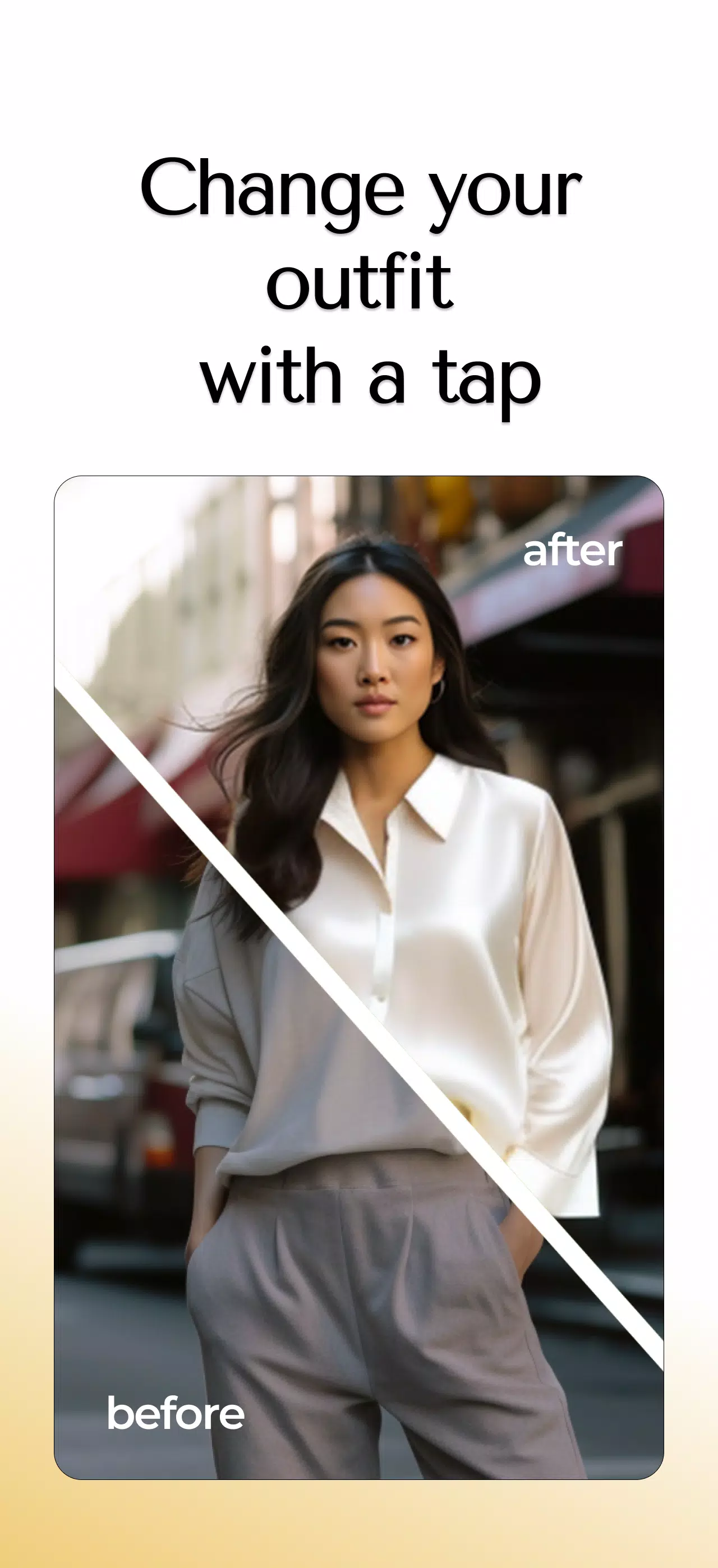
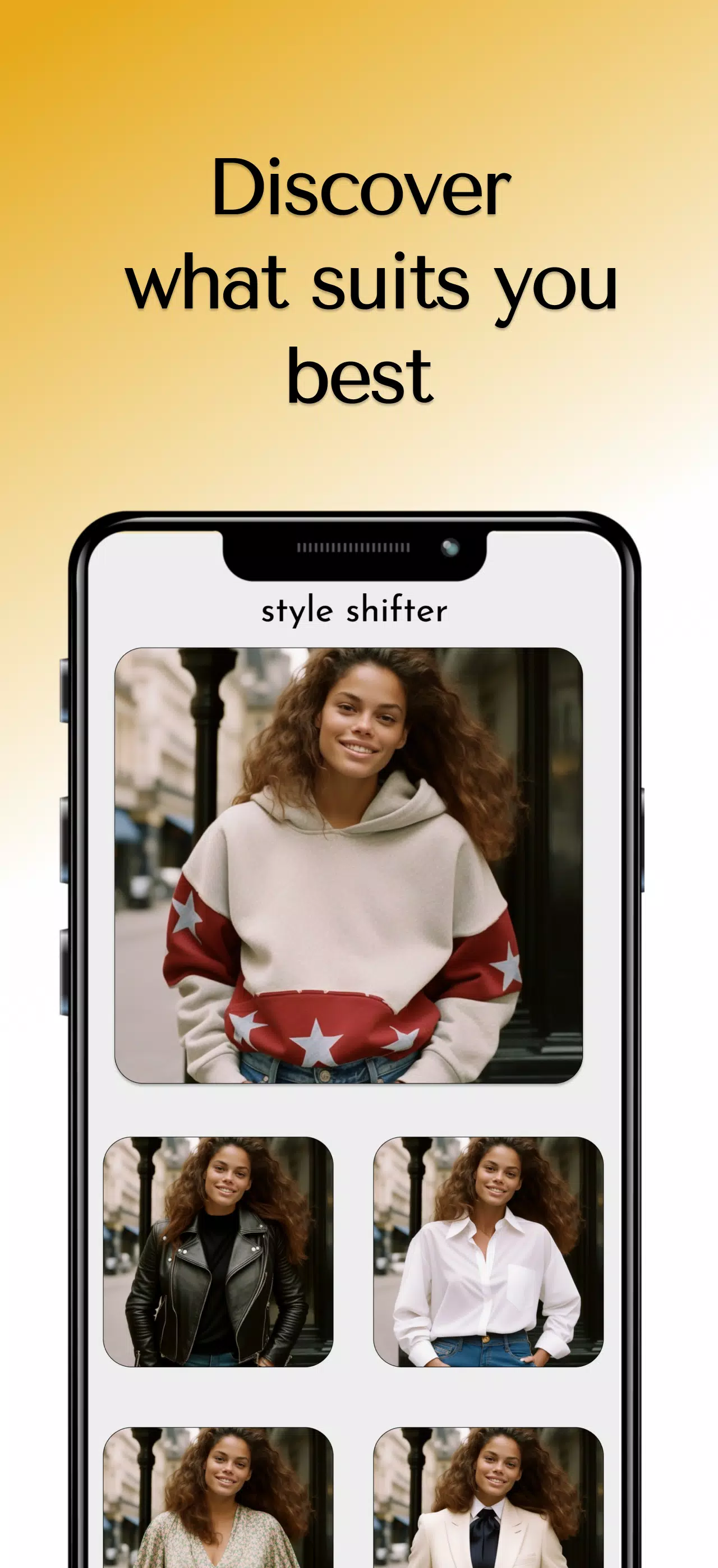
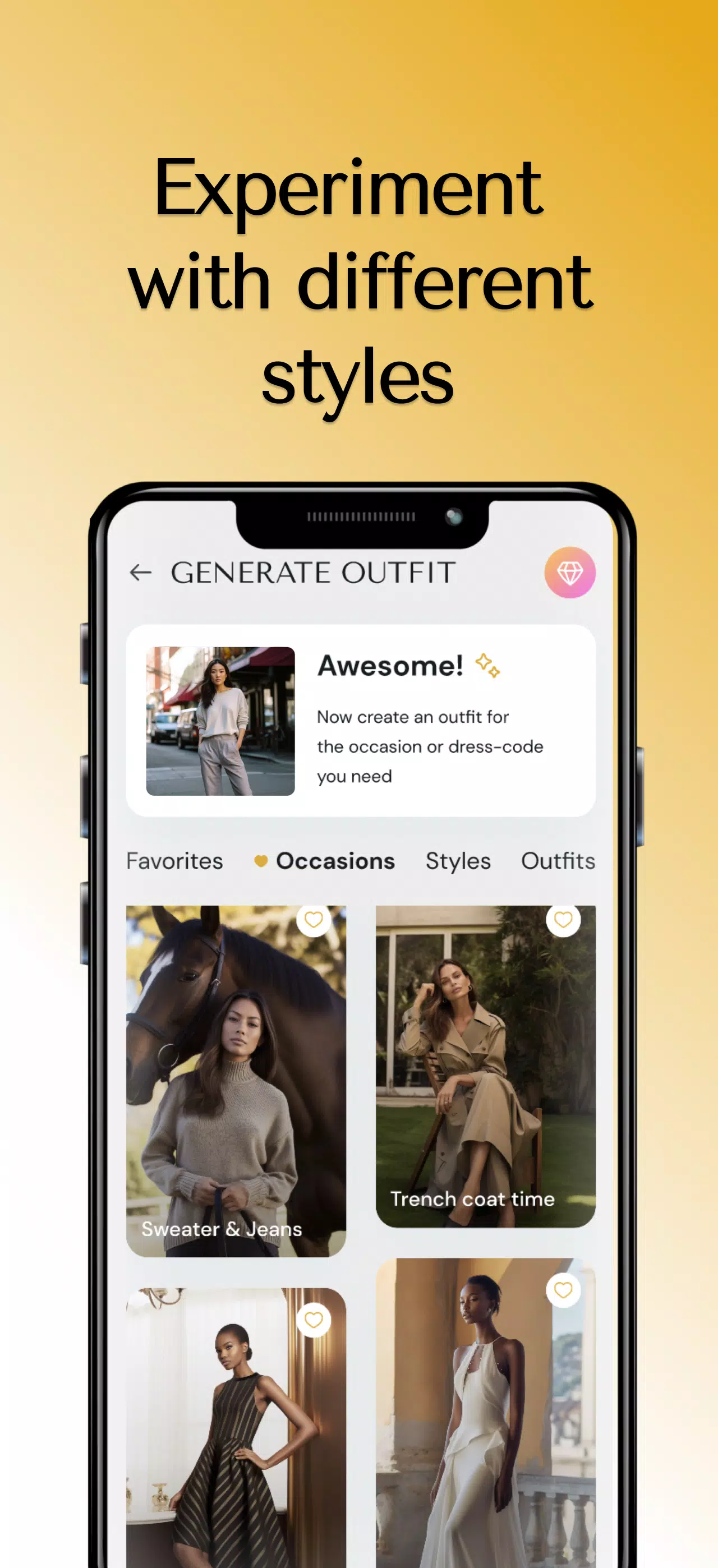
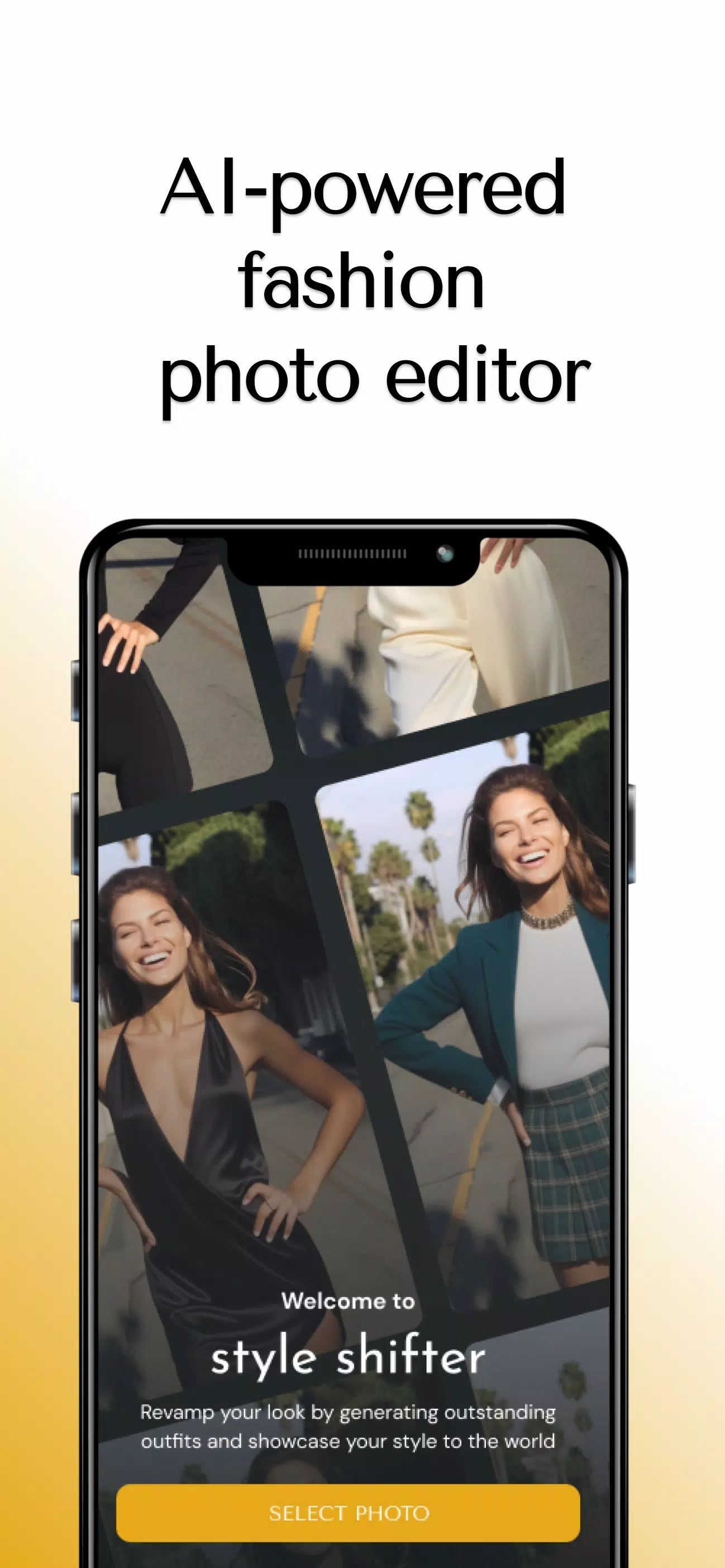
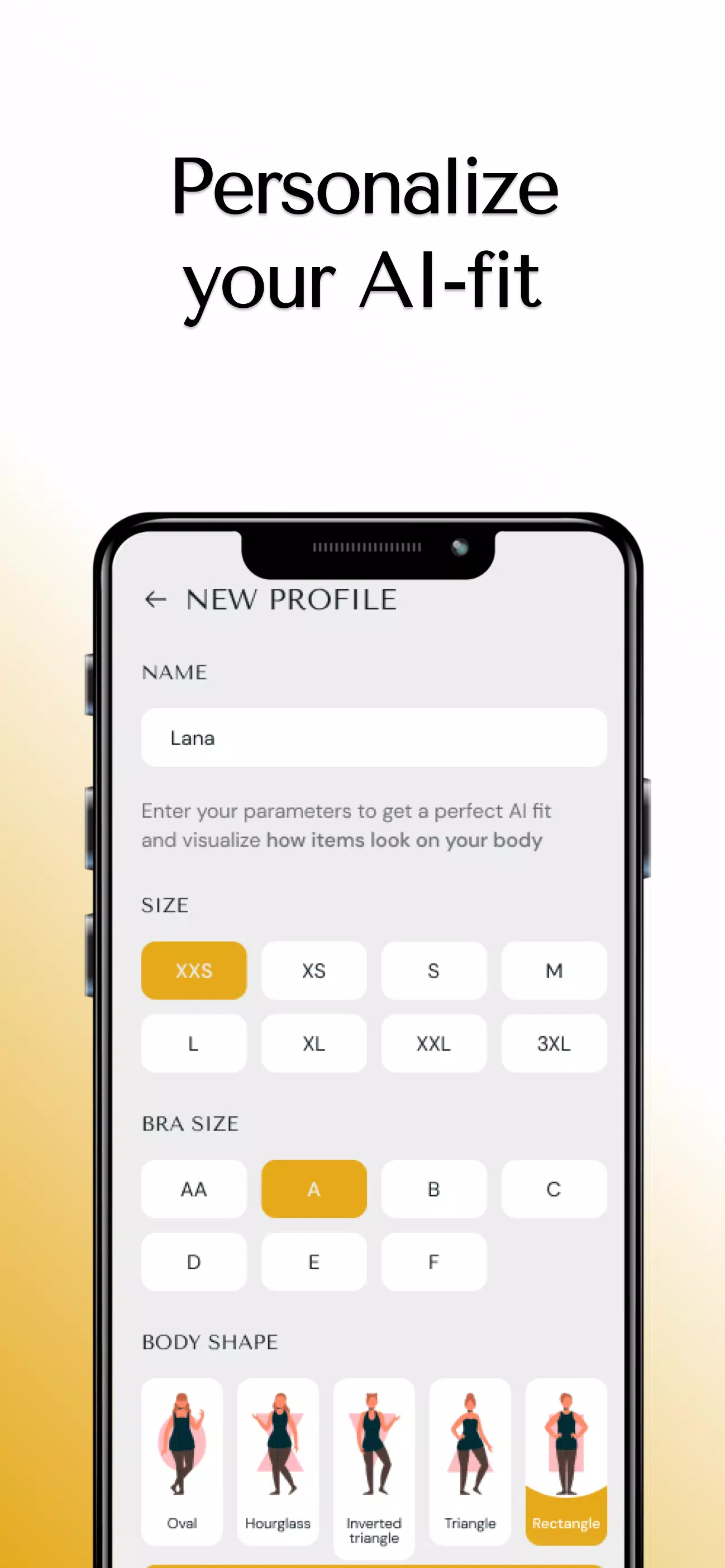
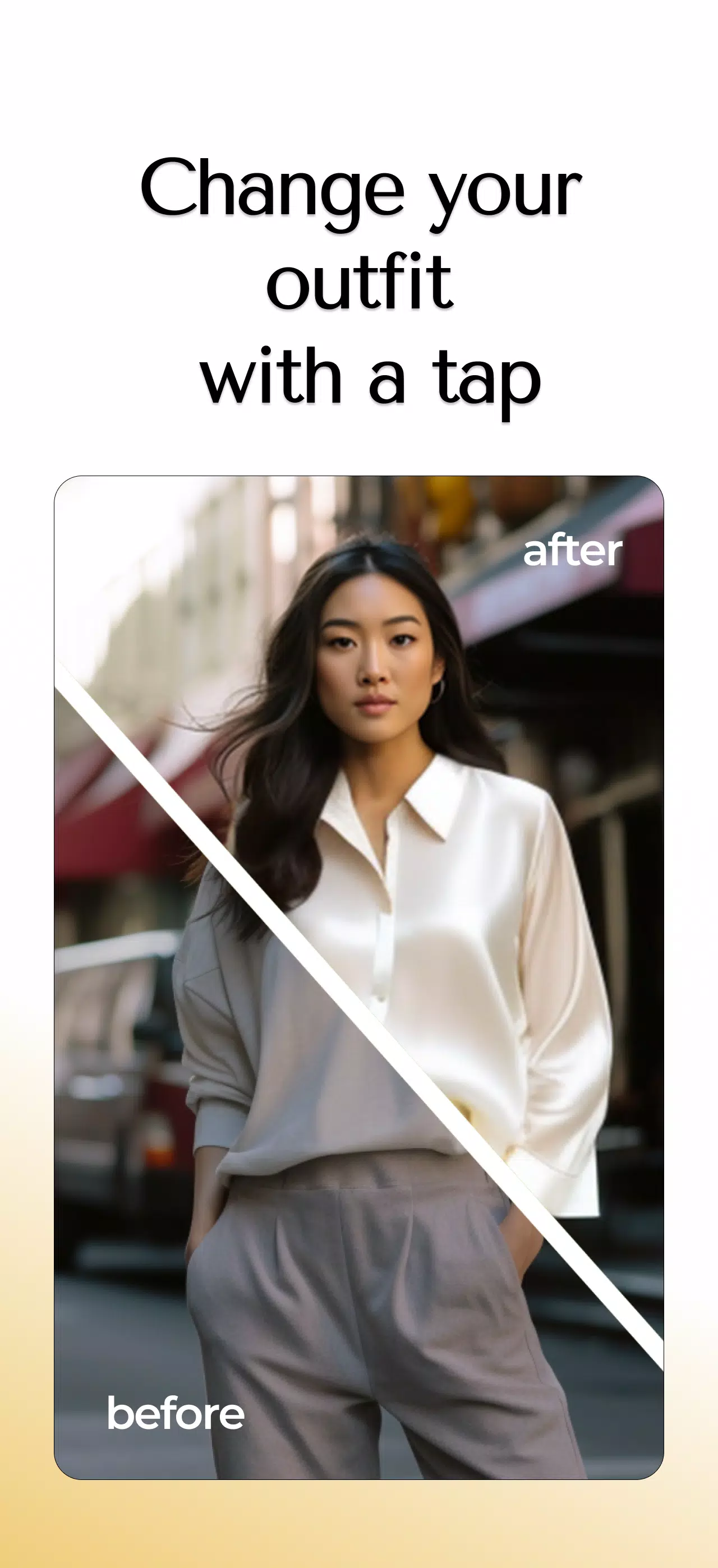
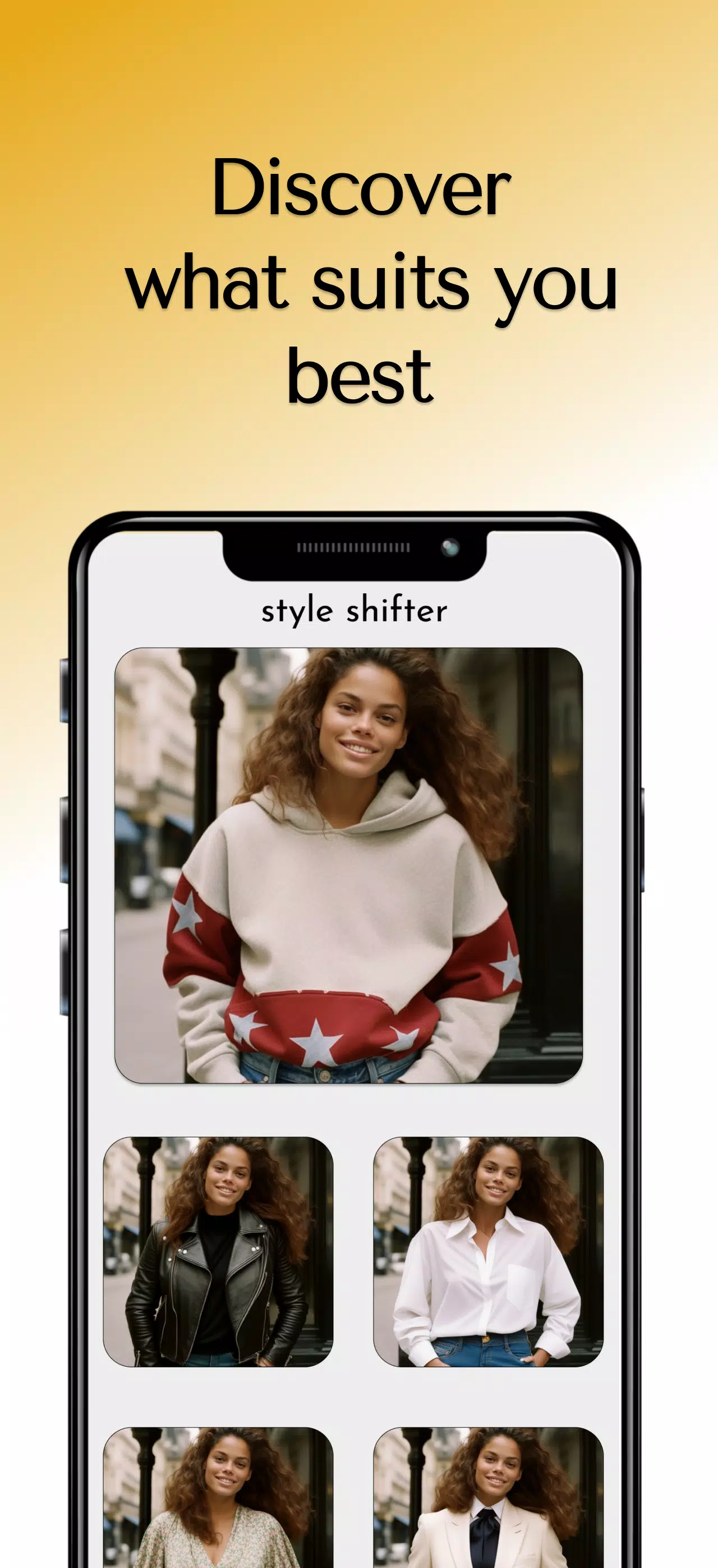
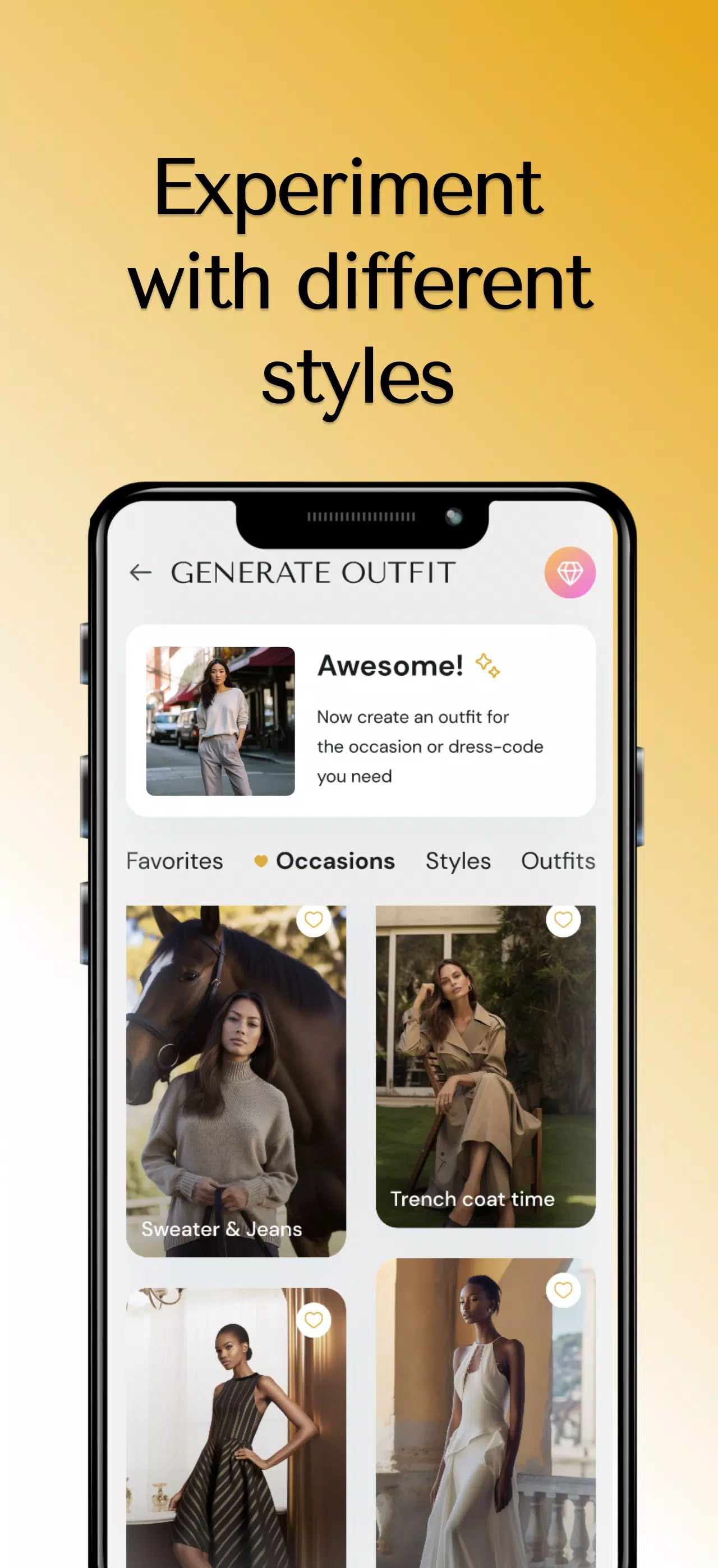
Style Shifter is a lightweight personalization tool that helps you change the look and feel of apps, mockups and on-device content quickly and safely. Designed for people who want to experiment with visuals without a technical background, Style Shifter places real-time previews and easy controls at the center of the experience so you can try different themes, fonts and color palettes and decide what fits your taste in minutes.
Style Shifter provides immediate visual feedback: when you adjust a color, font size or spacing control you see the result in a live preview that represents common interface elements such as headers, lists, dialogs and cards. The app includes a collection of prebuilt theme templates that act as starting points for a minimal, classic or bold look; each template can be tuned further through a layered editor so you can modify base colors, accent tones and typographic scales. Controls are presented as sliders, pickers and toggles so changing weight, contrast or line height is direct and predictable, and a built-in history lets you undo and redo steps while you experiment.
Customization in Style Shifter goes beyond single adjustments. You can create named profiles that store a set of theme values and switch between them to compare results across different app mockups. These profiles create a simple progression: begin with a template, make incremental changes, save intermediate versions, and keep refining until the style meets your needs. Export and import support lets you save configurations as files that can be archived or shared with colleagues using standard Android sharing methods, while an option to revert to defaults returns the interface to a known baseline if you want to start over.
The controls in Style Shifter favor clarity over complexity. Color pickers offer hex and visual input, sliders control font sizes and spacing with precise numeric feedback, and preview panels show the result in context so you understand how a change will appear in everyday use. Touch interactions are optimized for both phones and tablets and common gestures like pinch-to-zoom for preview scaling are supported. The user experience focuses on low friction: changes are non-destructive until you apply them, and unsaved edits are preserved while you work so you won't lose progress by accidental navigation.
Visual style tools are built to illustrate hierarchy and readability. Sample screens demonstrate headers, body text, buttons and form controls so you can judge contrast and spacing at a glance. The app is arranged into logical sections—Templates, Editor, Profiles and Export—so you move from broad choices to detail tuning in a predictable sequence. This structure helps users of different skill levels: beginners can rely on templates and simple adjustments, while more experienced users can explore layered settings for fine-grained control.
Style Shifter encourages repeated use by making experimentation rewarding rather than risky. The value comes from exploring different visual directions, comparing saved profiles, and iterating until a preferred look emerges. For users who enjoy a guided approach, the app offers suggestion prompts that recommend adjustments focused on contrast, legibility or color harmony; these prompts act as lightweight challenges that help you improve a design incrementally without requiring design training.
Accessibility is an integral part of the design: the app includes large-text options, high-contrast presets and label support for screen readers so people with different needs can customize interfaces confidently. Most features work entirely offline because theme edits, previews and profile management are stored locally on the device. This makes Style Shifter useful when you are without a network connection and keeps sensitive preference data under your control.
Style Shifter aims to be broadly compatible but some features depend on device settings and installed fonts; certain advanced typography options may vary across Android versions or manufacturer skins. Advanced users who need pixel-perfect, platform-level theming might prefer specialized design tools, but Style Shifter is intended as a practical, accessible tool for everyday personalization. Performance has been balanced so previews remain responsive on mid-range hardware, and file-based export/import provides a straightforward way to move configurations between devices without cloud services.
If you want a fast way to try different palettes, tune typography, or build reusable visual profiles for testing and presentation, Style Shifter offers a compact, approachable toolbox. It is particularly useful for designers prototyping ideas, educators demonstrating color and layout principles, and everyday users who want a tailored interface without a deep technical setup. By combining instant feedback, profile management and safe undoable edits, Style Shifter makes personalization an approachable part of your regular workflow.