FLIP
Version: 1.22.26
81.50MB
4.2
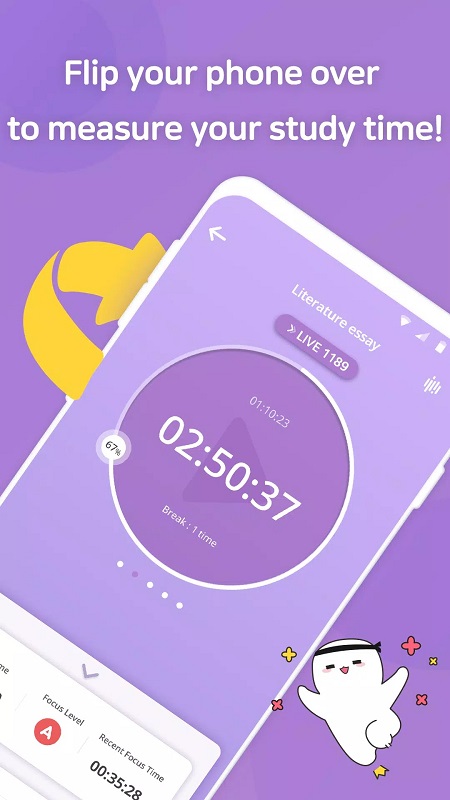
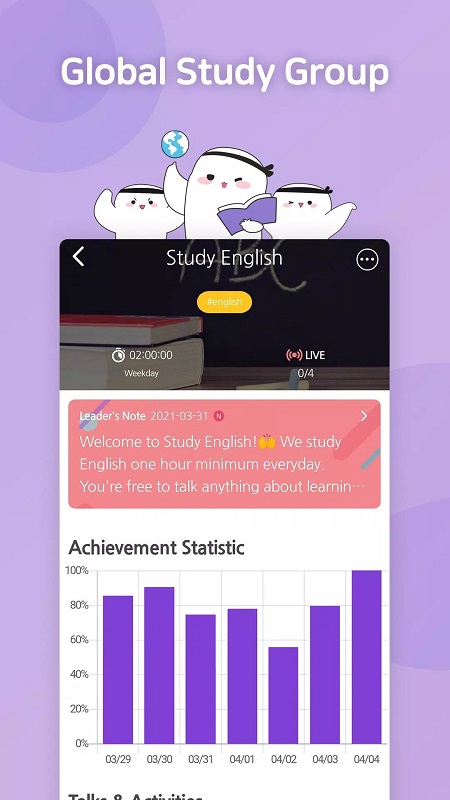
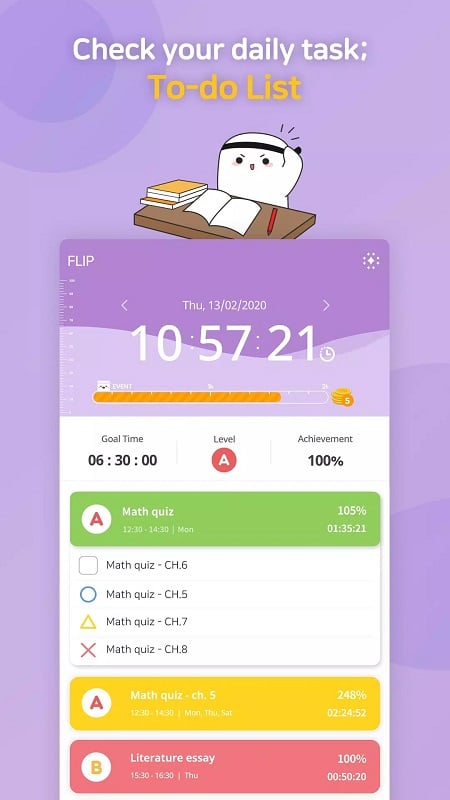
FLIP is a minimalist focus app designed to help students and self-directed learners measure real attention time and build consistent concentration habits. FLIP counts only uninterrupted minutes spent actively within the app and immediately discards any session if you switch away, so your totals reflect genuine focus rather than background timers or guessed productivity. To use FLIP you pick or create a task, tap to start a session, and flip the phone face down to keep a discreet running time visible while you resist app switching.
The core mechanics are intentionally simple: a task-based timer that records only continuous focus, subject-based goals that let you organize study material by course or topic, and a focused to-do list where each item becomes a session you can start with a single tap. FLIP removes partial or fragmented time by deleting sessions when the app is left, which enforces accurate tracking. Visual summaries show accumulated minutes per subject and across all sessions, and milestone titles reward longer-term consistency as you reach predefined total-time thresholds.
Interaction is tactile and minimal: tap a task to begin, flip the phone face down to check the running time without navigating the interface, and return to the task list to end or rename items. There are no complex menus to learn; the app focuses on large, clear controls that work smoothly on phones and tablets. Because sessions are valid only while the app remains in the foreground, the control model itself becomes the behavioral tool: staying on task is the only way to record progress.
Progression in FLIP is based on accumulated focus time and subject-level goals rather than levels, points, or competitive ranking. You set targets for each subject and watch your totals grow as sessions are completed. Titles act as milestones that acknowledge persistence and provide gentle motivation to keep a streak of meaningful sessions. Over weeks and months, the subject summaries help you identify imbalances so you can adjust study priorities and set realistic, incremental goals.
FLIP uses a restrained, distraction-free visual design that highlights the timer and your active task. The interface emphasizes clear typography and high-contrast elements so the running time is readable at a glance when the phone is face down. Visual summaries and charts are presented as simple aggregates rather than dense analytics, making it easy to understand where your time went without sifting through complicated graphs.
You can customize subjects and task names to match your courses or personal projects, giving each study block a clear context. Tasks can be reordered and grouped under subject goals so your to-do list reflects real study priorities. Titles and milestone names are attached to accumulated totals, and simple naming and grouping tools make it straightforward to track progress across multiple topics over time.
FLIP is built for daily repetition rather than one-off sessions: the app is most valuable when used consistently to form a habit. The strict discard rule makes every session meaningful and encourages a disciplined approach to studying. Because the workflow is short and repeatable, users often return to start multiple sessions each day, which supports steady progress and habit formation over months.
The app prioritizes clarity and ease of use for a wide audience: large touch targets, straightforward labels, and minimal steps to begin a session reduce friction for users with varying levels of technical comfort. The removal of unnecessary options keeps the interface approachable, and the reliance on basic phone gestures—tap and flip—means the learning curve is shallow for new users.
FLIP’s essential functions operate without requiring an internet connection, so tracking and summaries remain available when you study offline or in locations with limited connectivity. Because the app focuses on local session timing and aggregated totals, it is suitable for users who prefer private, device-contained tracking of their attention and study time.
The defining limitation of FLIP is its strictness: any accidental app switch will erase the current session, so it demands careful use and may feel unforgiving at first. There is no automated scheduling or remote synchronization in the basic workflow; the app relies on deliberate, manual session starts and clear subject organization. For users who want a lightweight, accountability-driven tool to measure authentic focus, FLIP provides a direct, no-frills approach that makes recorded time a true reflection of attention.