Drums Maker
Version: 3.1
12.83MB
4
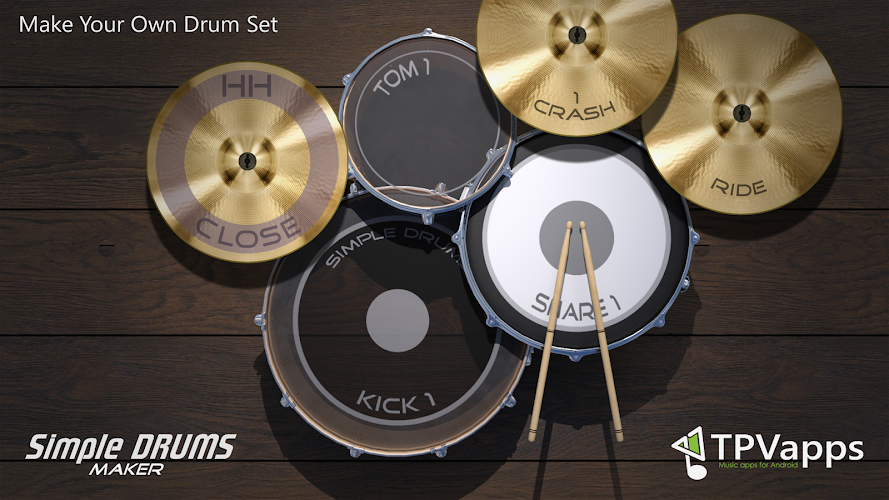
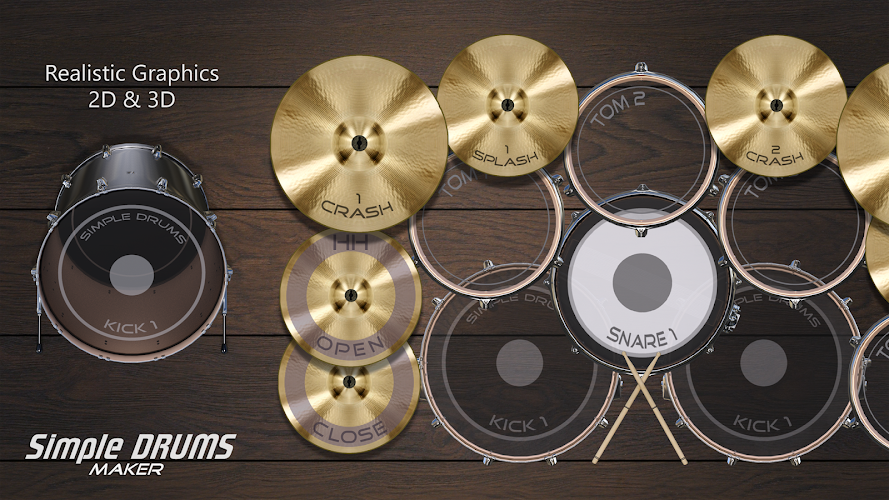
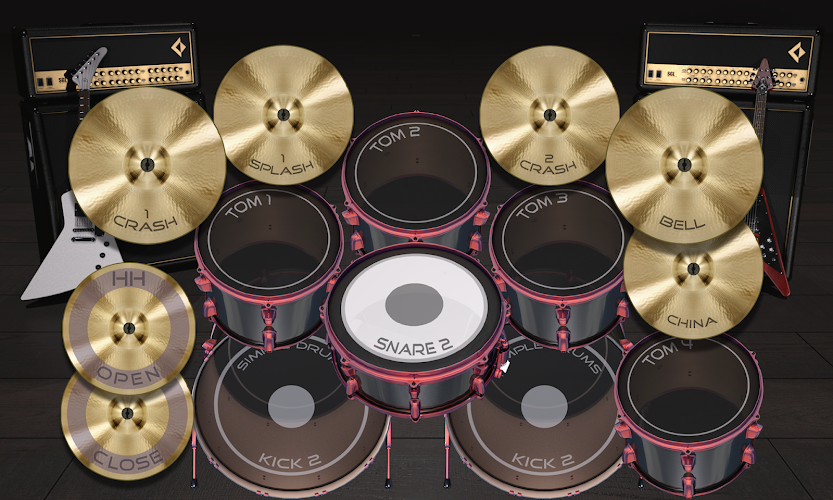
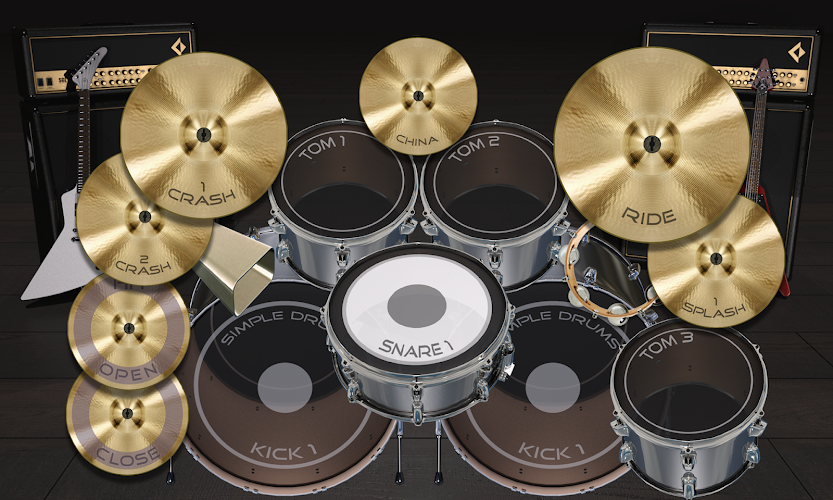
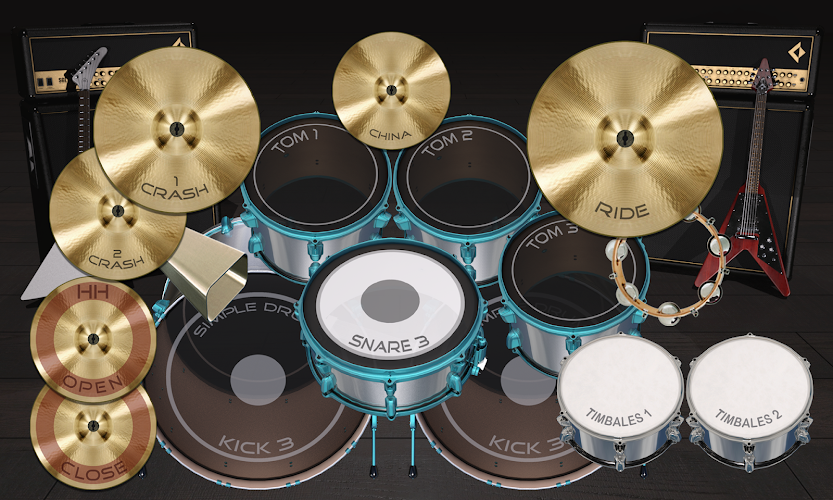
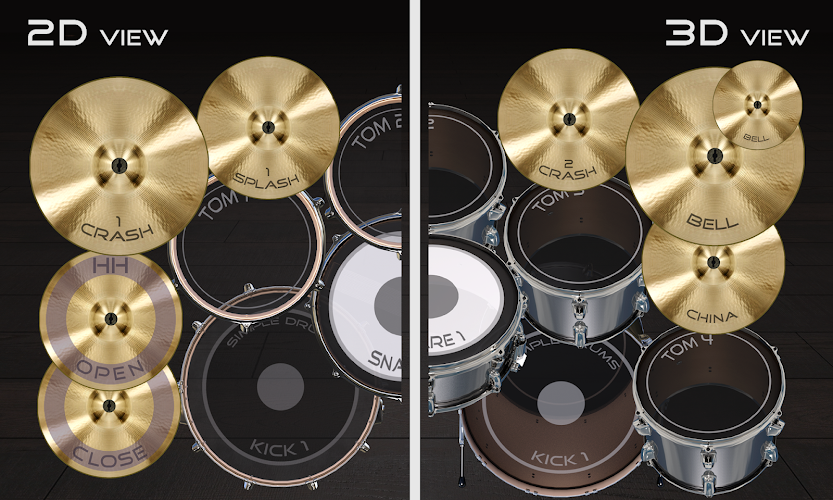
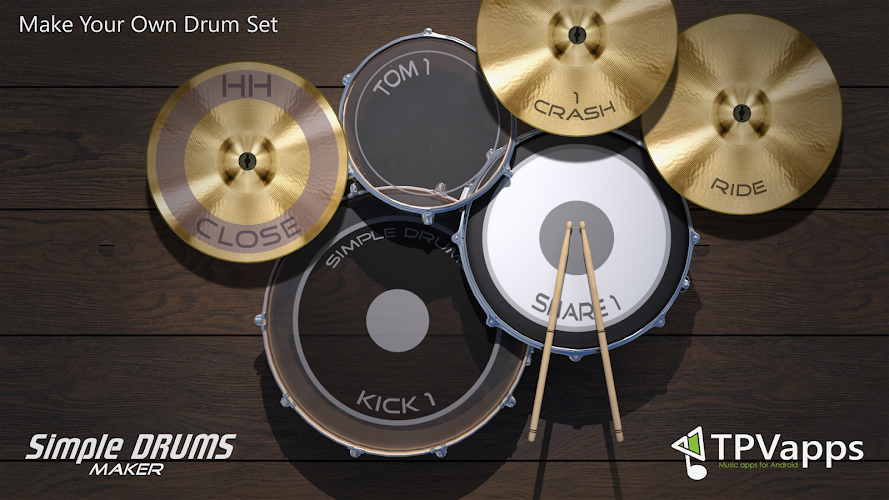
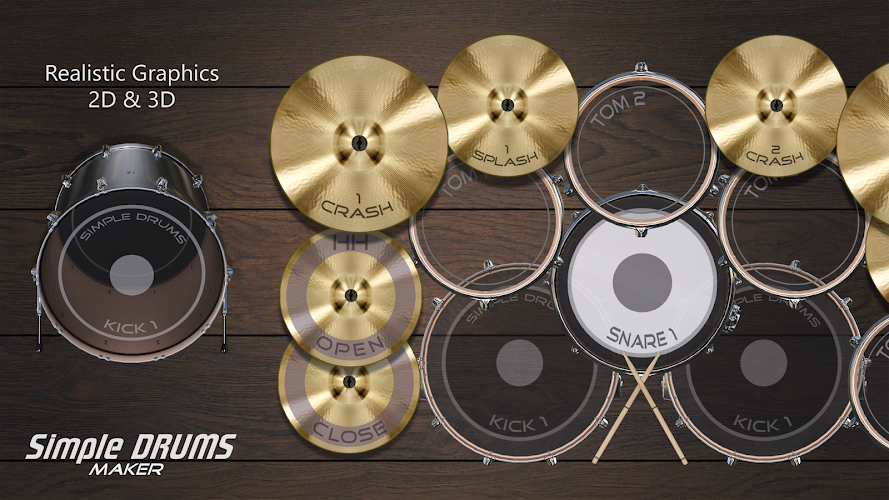
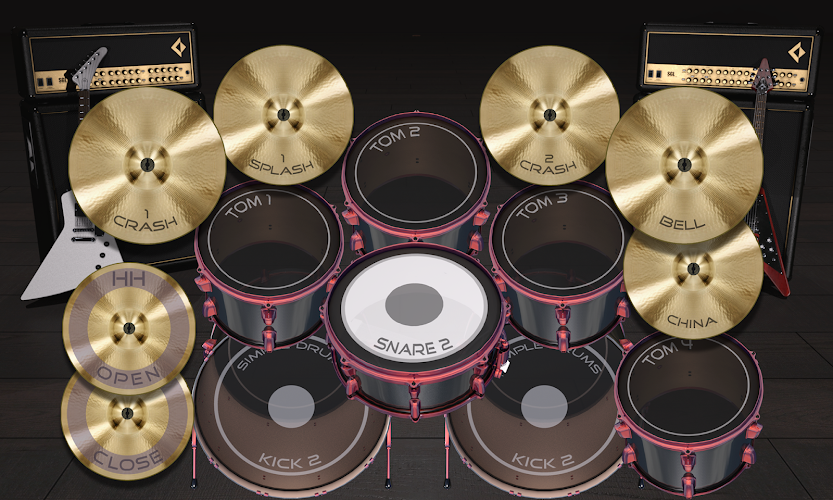
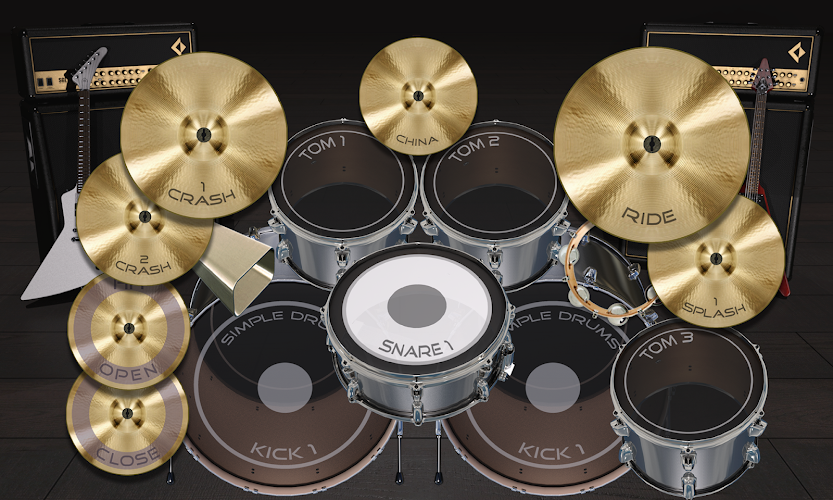
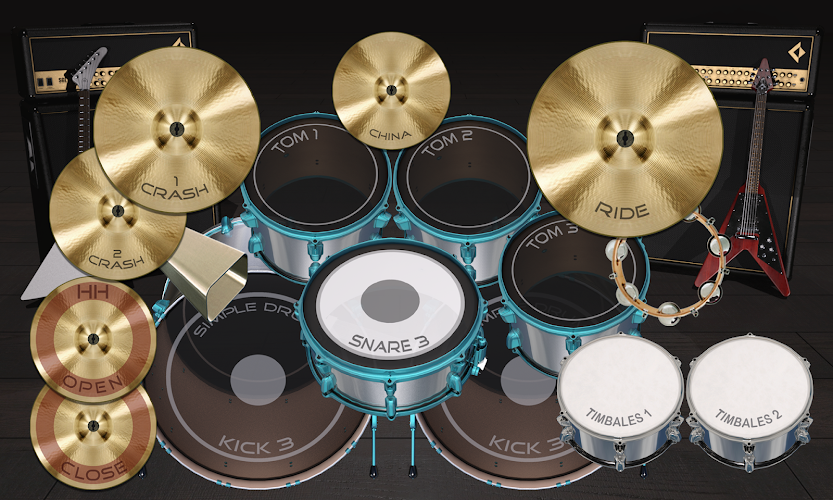
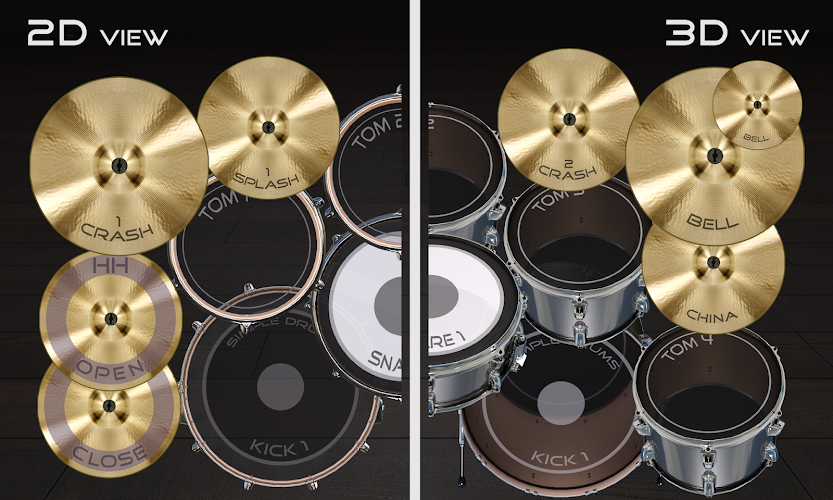
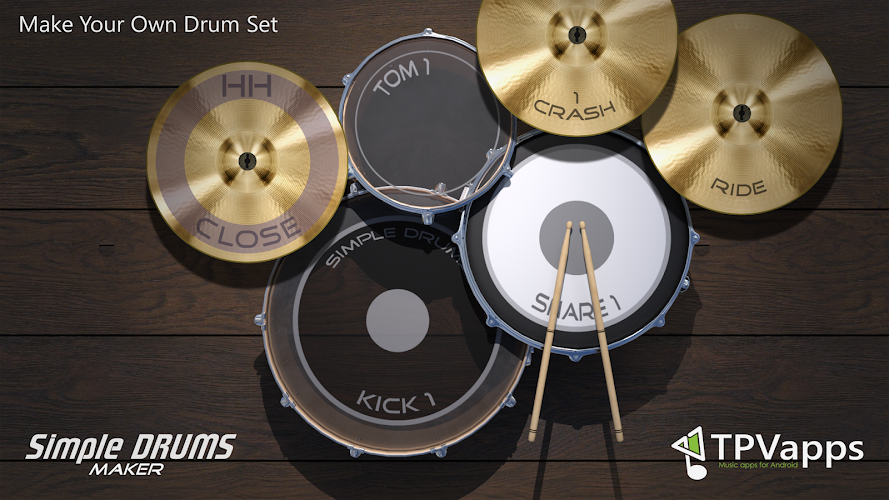
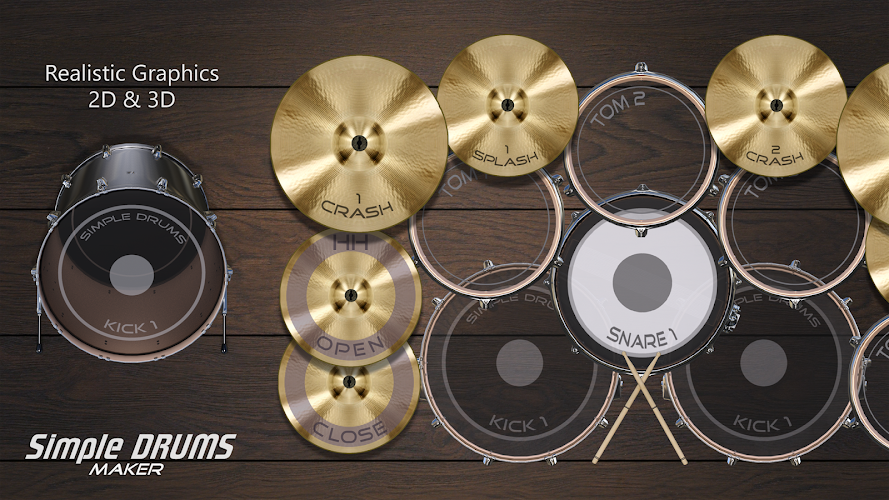
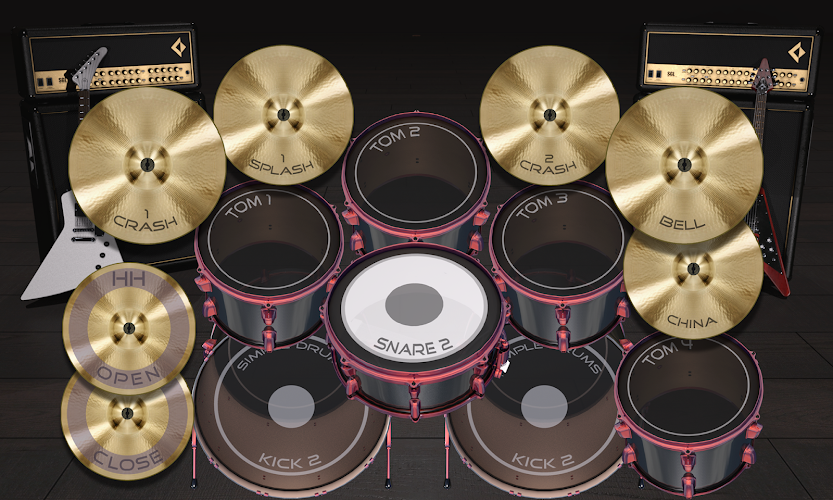
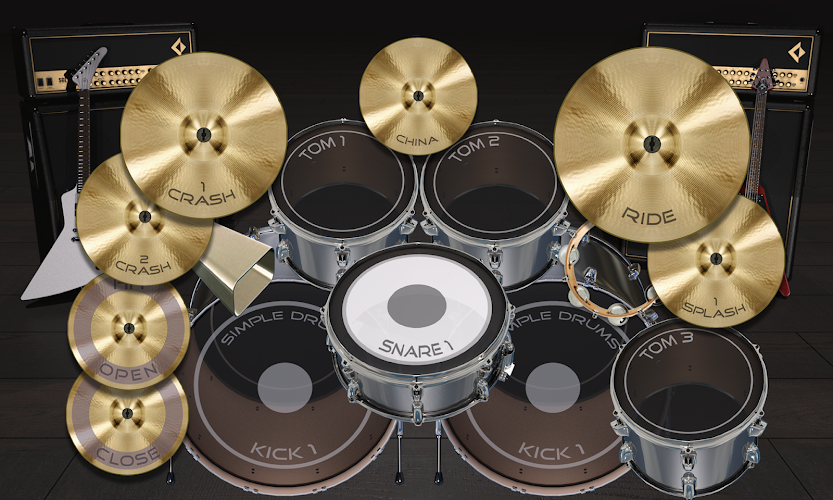
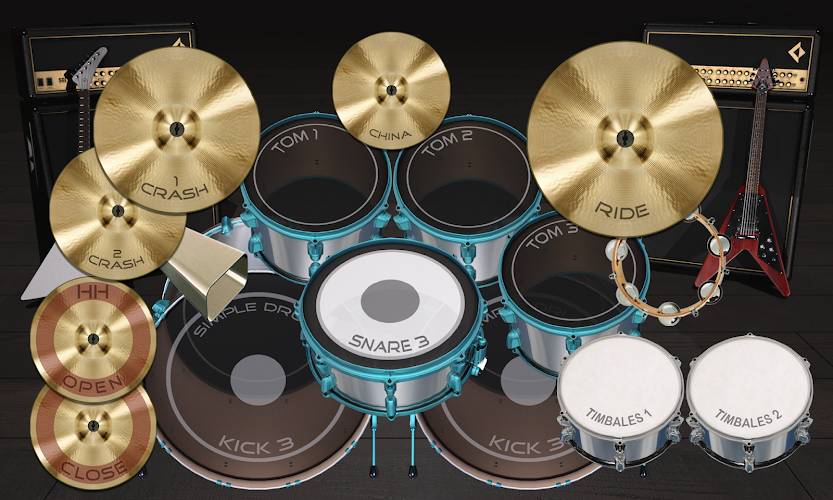
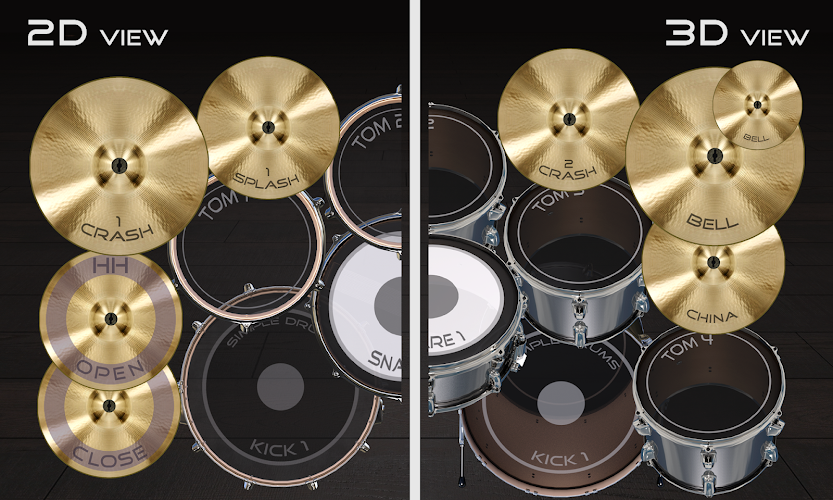
Drums Maker is a customizable virtual drum studio that puts a portable, practice-ready drum kit into your pocket. Designed for musicians, producers and beginners alike, Drums Maker combines high-quality percussion samples, responsive touch controls and simple editing tools so you can arrange cymbals and drums where they feel natural on your screen. The app supports multi-touch play, low-latency response and both 2D and 3D visual options to create a convincing and immediate drumming experience whether you’re sketching ideas or warming up for a session.
The core gameplay revolves around playing a configurable drum kit with percussion laid out to match your hand positions and device size. You can tap, roll and use multiple fingers at once to create realistic grooves; velocity-sensitive samples and careful timing provide dynamic response across hits. Built-in loops and an integrated metronome let you practice with a steady pulse or play along with preloaded patterns, which helps you develop timing and coordination. While there are no competitive leaderboards, the open-ended setup encourages iterative practice: record a take, listen back, adjust kit layout and try again to improve your groove.
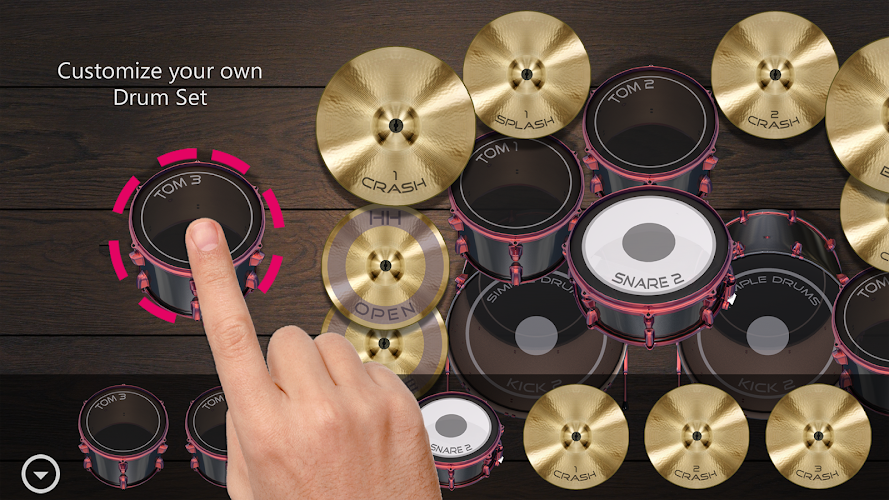
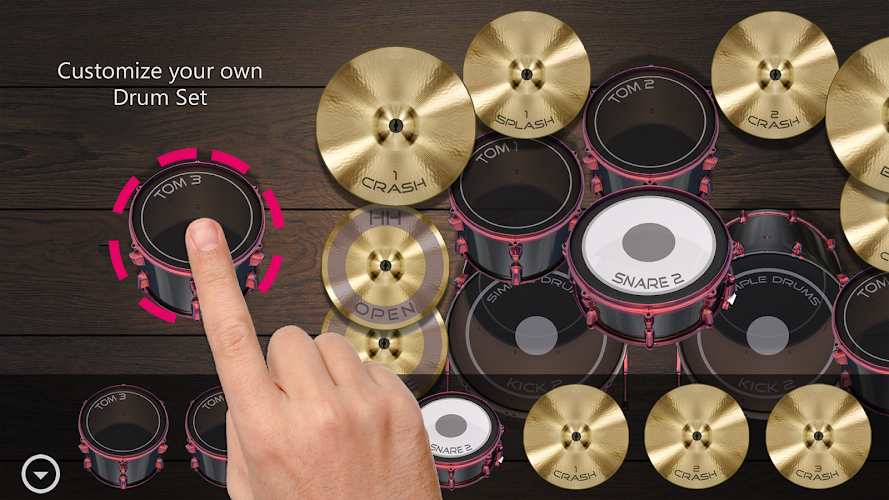
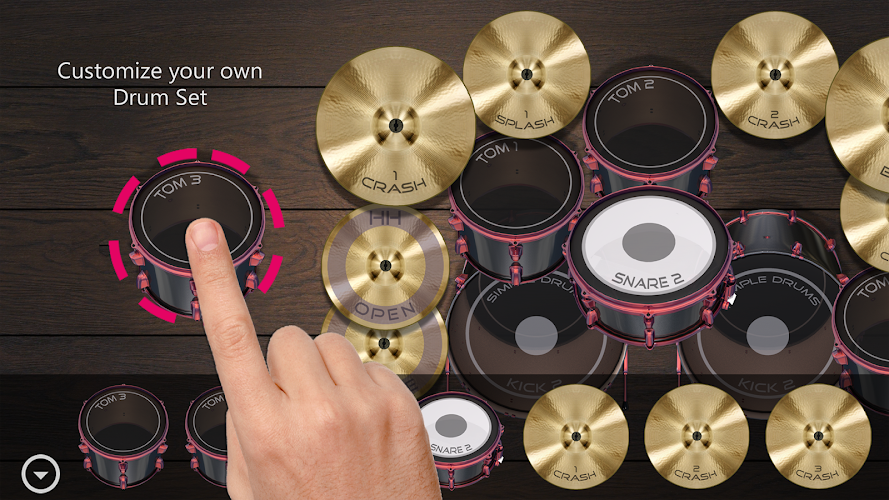
Controls are focused on touch interaction: Edit Drums mode uses touch-and-drag to reposition cymbals, snares and toms on the kit surface so you can design a layout that mirrors your real playing style. Play mode supports simultaneous multi-touch inputs and delivers low-latency feedback on compatible devices. A visual hit indicator and subtle animations give immediate confirmation of each strike without distracting from performance. The interface is intentionally uncluttered: common controls for volume, metronome and playback are accessible from the main screen so you can keep playing while tweaking sound balance.
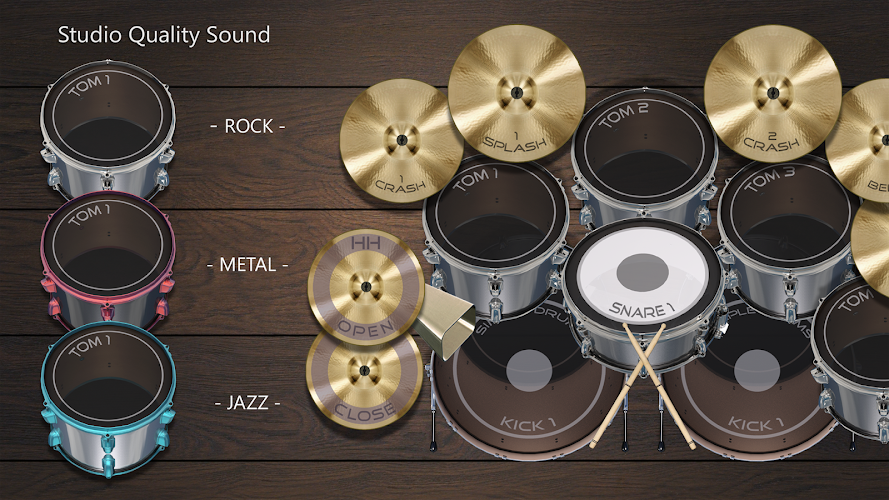
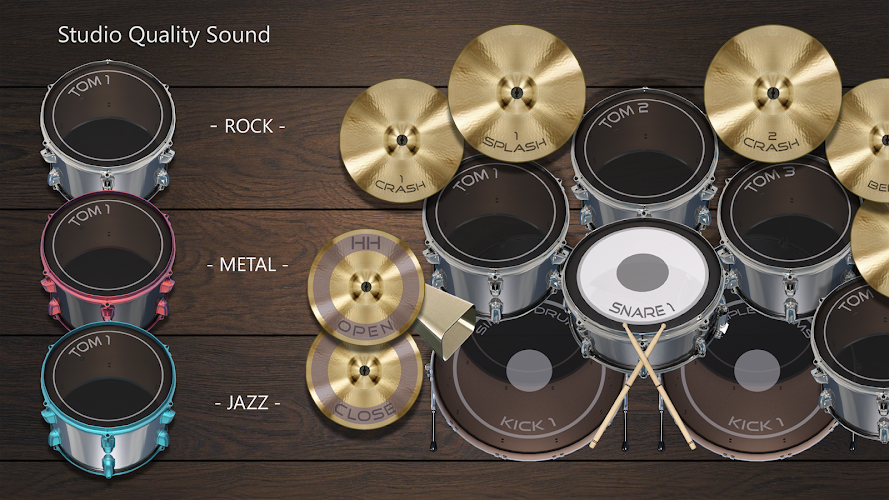
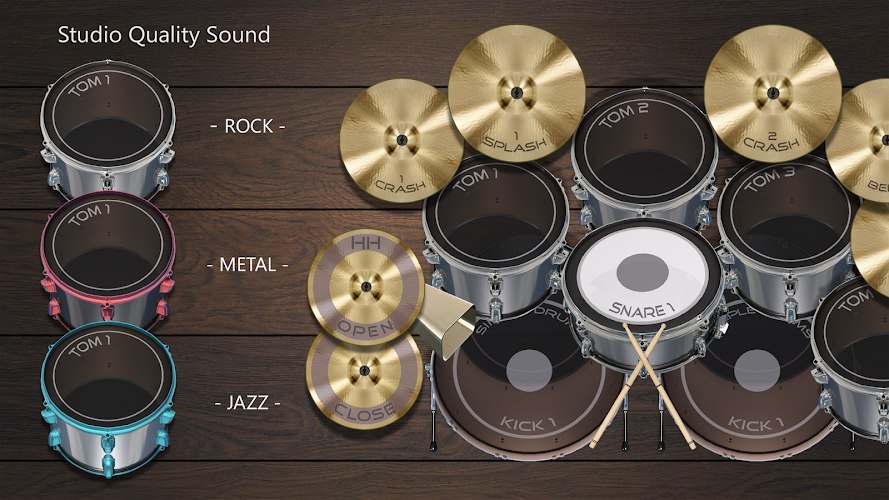
Drums Maker includes three full kit styles—Rock, Metal and Jazz—with high-quality samples for bass drum, snare, multiple toms and a wide range of cymbals and auxiliary percussion such as tambourine, cowbell and congas. Each element can be moved, resized and adjusted in volume to create hybrid kits or ergonomic layouts for tablets and phones. You can save and reload custom kits and multiple kit presets, so experimenting with different sounds and arrangements is fast and repeatable. The app’s mixer allows per-instrument volume adjustment and basic EQ-like balance to help each part sit properly in the overall mix.
Recording and playback are central to the workflow: capture performances locally, save them as sessions and replay them for critique or layering. The recorder preserves timing and relative dynamics so you can monitor improvements over time. Play-along functionality supports songs stored on your device plus built-in loops; combine these with the metronome to create structured practice sessions. While the recorder is designed for one-shot takes rather than multitrack production, it provides a straightforward way to collect rhythmic ideas and export them by re-recording from device audio if needed.
Rather than a linear level system, progression in Drums Maker is player-directed: you set tempo goals with the metronome, increase loop complexity and extend play time to build stamina and timing. The app encourages incremental improvement by letting you compare recordings, refine kit placement for faster reach, and work with different kit styles to broaden technique. Replay value comes from the creative freedom to assemble kits, the variety of percussion available and the ability to practice with different loops and tempos to keep sessions fresh.
Visual styles include realistic 2D and slightly more immersive 3D views with smooth animations that reflect hits and cymbal movement without overwhelming the interface. Accessibility options focus on input preferences and layout: you can enlarge hit targets, reduce visual effects for clarity and choose a simple control layout for one-handed use. Drums Maker performs best on touch-capable devices; however, basic interaction via mouse or keyboard is possible for desktops, though positioning and multi-finger playing are less intuitive in those modes.
All sounds and core functionality are available offline so you can practice without a network connection. Audio performance and latency depend on device hardware and current system load, so for the lowest latency use a modern device and close background apps. Note that Drums Maker is focused on percussion and recording single performances; it is not intended to replace full multitrack DAW software. Expect the best experience on touch-screen smartphones and tablets where multi-touch and gesture positioning are fully supported.