Moonlight
Version: 12.1
6.50MB
4.3
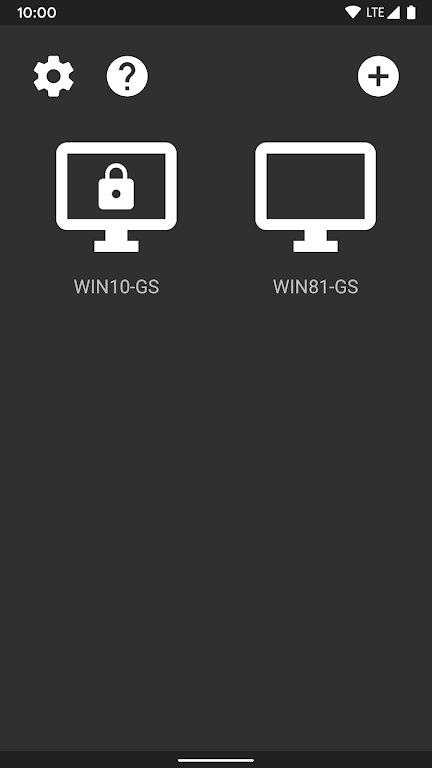
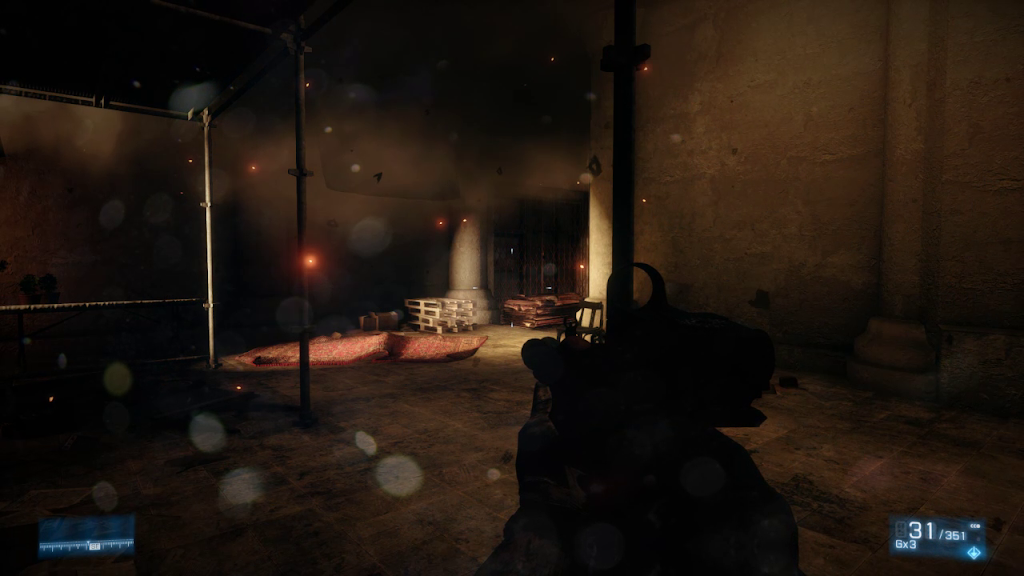
Moonlight lets you stream games, desktop applications, or a full PC desktop to your Android device while sending keyboard, mouse, and controller input back to the host. Moonlight is an open-source client focused on low-latency, high-quality video and audio streaming across a local network or the Internet, making it possible to play PC titles, test software, or use productivity tools remotely without moving your PC. The app is free to use and designed for users who want configurable streaming options, broad input compatibility, and support for high frame rates and multichannel audio when the host hardware permits.
Moonlight supports high-performance streaming up to 4K and high frame rates when your host and network allow it, with optional HDR and multi-channel (7.1) audio for immersive playback on compatible devices. It supports multiple modern codecs including H.264, HEVC, and AV1; note that AV1 requires a compatible host GPU and host software. Keyboard and mouse are fully supported for desktop workflows, while PlayStation, Xbox, and many Android gamepads are supported for gaming. The client also accepts stylus input for apps that benefit from precise pointing, and newer Android versions can pass through motion input and force feedback where the host setup enables it. Local co-op is possible by connecting multiple controllers to the Android device, subject to host limitations.
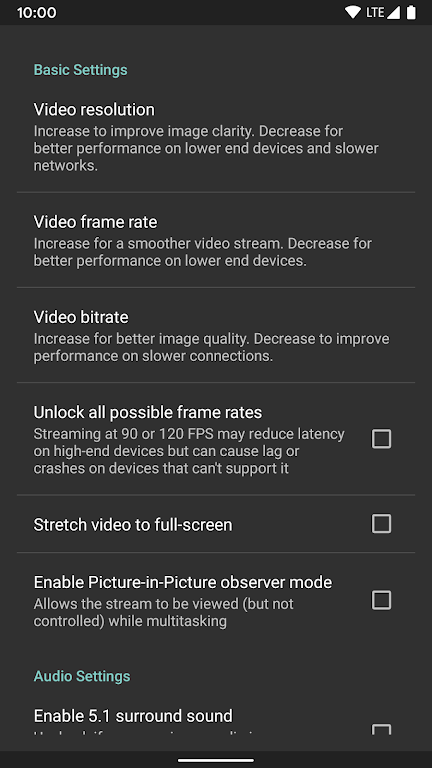
Moonlight connects to a host PC that runs compatible streaming software or drivers; once paired, the host sends compressed video and audio while receiving your input events. You can stream over a LAN for the lowest latency or over the Internet when away from home—quality and responsiveness scale with your network. The app exposes options to choose resolution, frame rate, and bitrate so you can balance visual fidelity against bandwidth and battery use. Since Moonlight is a remote-display client rather than a standalone emulator, it relies on the PC to run the actual application or game and only transmits the rendered output and input signals.
Control mapping is flexible: physical controllers map to standard gamepad layouts, while the on-screen controls and keyboard support let you operate desktop applications without an external device. You can use a Bluetooth mouse, keyboard, or stylus to interact with windows and menus as if you were sitting at the host PC. Many users customize controller button mappings and sensitivity within the host or via the Android device settings to improve responsiveness for different genres and applications. Touch-friendly overlays and configurable input dead zones help tailor the experience for both fast-paced games and precision-oriented desktop work.
Moonlight offers several quality presets and manual tuning options so you can prioritize smooth motion, high resolution, or efficient bandwidth use. When your host supports hardware encoding, you can enable HEVC or AV1 to reduce bitrate for a given visual quality; H.264 provides broad compatibility on older devices. HDR streaming imposes additional requirements: the host GPU, host software, and client display must support the HDR format used by the game, and some HDR modes require an HDR display attached to the host. Performance depends on the combined capabilities of your host GPU, network, and Android device, so expect the best results on modern hardware and wired or high-quality wireless networks.
Initial setup typically involves installing compatible server software on the PC and pairing the Android client; detailed instructions vary with the host platform and drivers used. Compatibility covers a wide range of gamepads and input devices, but specific features like AV1 or HDR require supported host hardware. Network security is determined by your host configuration: some streaming setups include encrypted connections or require local network access and authentication; review your host settings to understand how connections are authorized and protected. Because Moonlight depends on a host PC, it is not an offline game player and requires the host to be powered and reachable to stream content.
Moonlight is designed to support varied use cases from casual gaming to remote productivity. Accessibility options include keyboard support, stylus precision for certain apps, adjustable controller mappings, and configurable on-screen UI sizes to improve readability. For the best experience, use a wired connection or a 5 GHz Wi-Fi network, keep both host and client drivers up to date, and select a bitrate that your network can sustain to reduce stutter. If you encounter latency or visual artifacts, try lowering resolution or frame rate and verify the host’s encoder settings. Community-driven development means updates and troubleshooting tips are available from contributors and documentation maintained alongside the project.
While Moonlight enables a near-native streaming experience in many setups, actual performance varies with hardware and network conditions. Advanced features like HDR or AV1 are only available when both host and client meet the necessary requirements. Local co-op and multiple-controller setups may be constrained by the host operating system or streaming server. This app is intended as a client for remote streaming and does not include built-in single-player content; it depends on the host PC to run the games and applications you want to access.