Guess the Chords
Version: 1.0.11
154.20MB
4.4
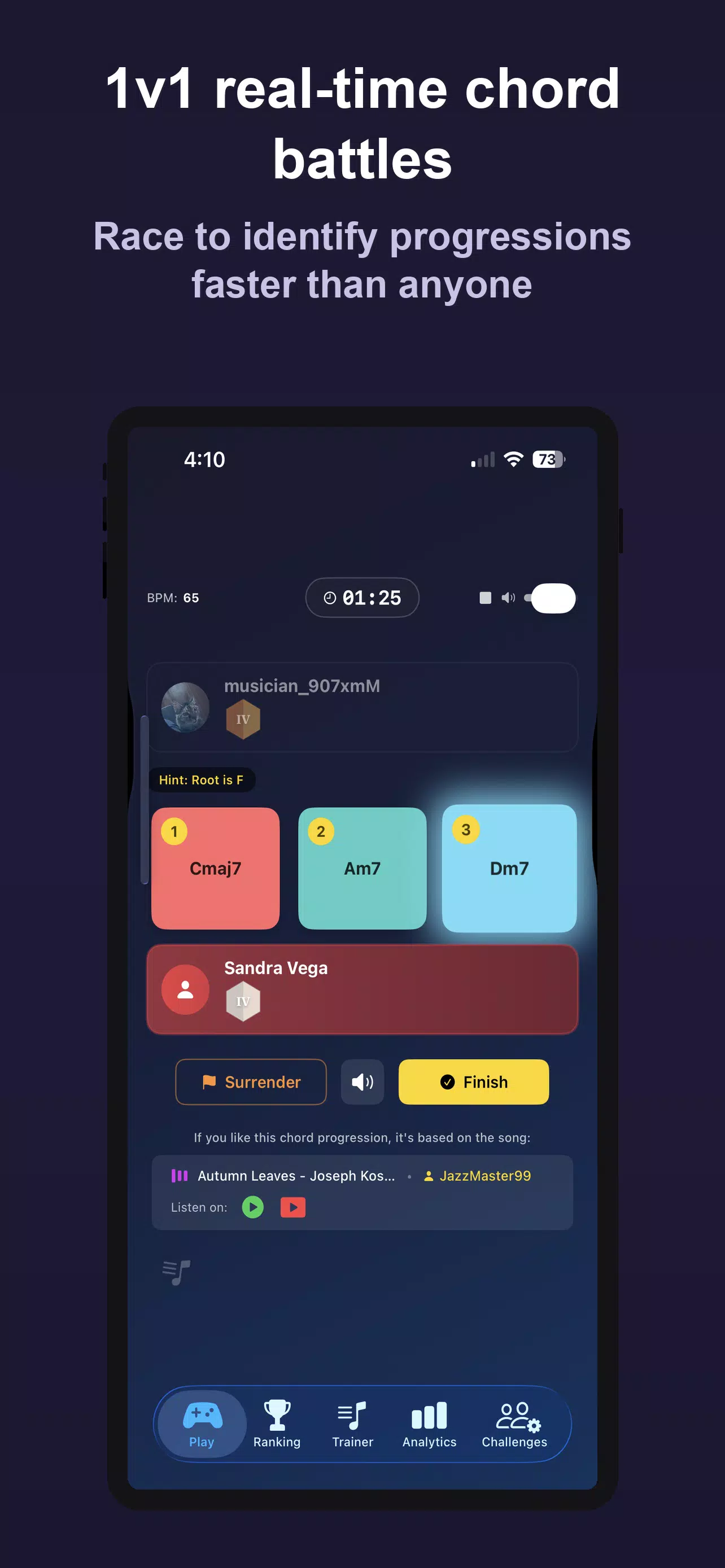
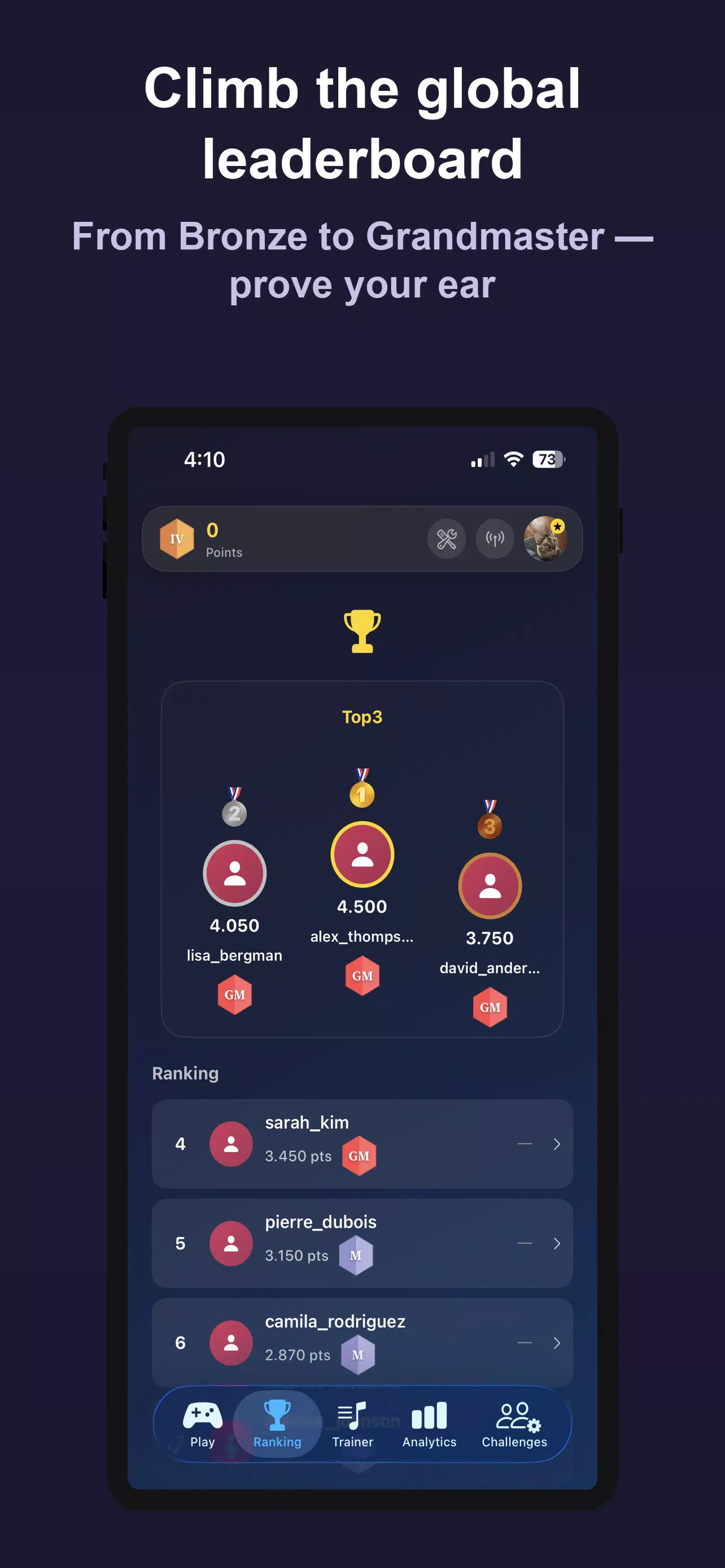
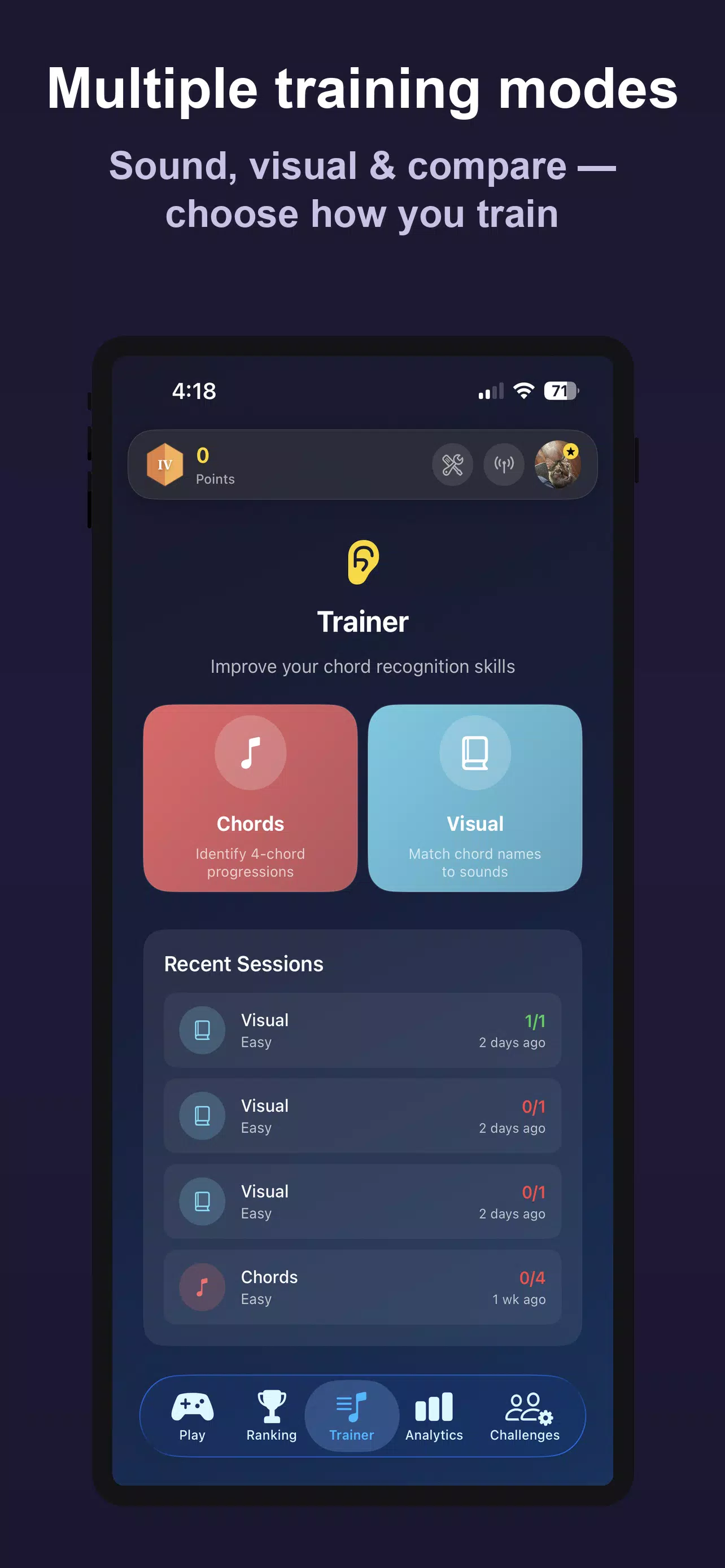
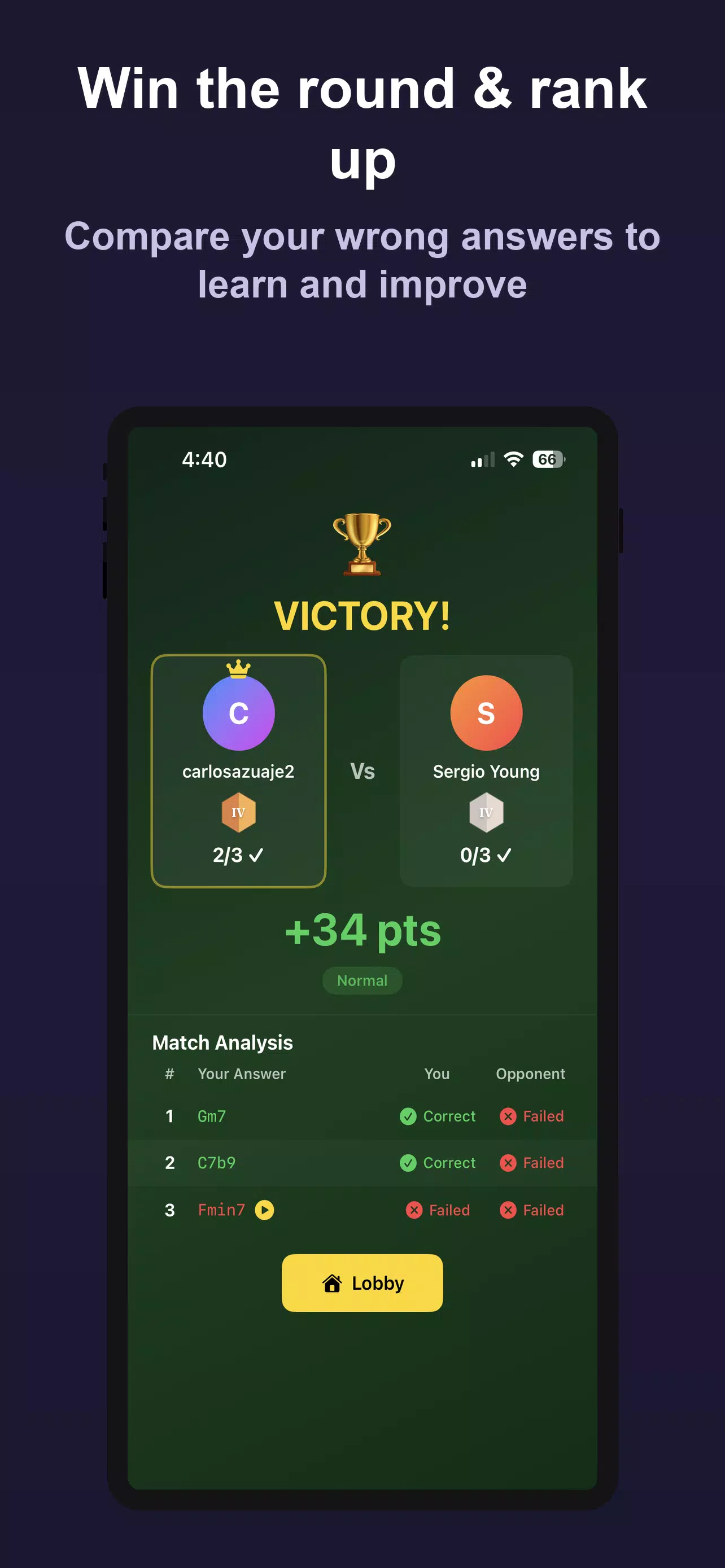
Guess the Chords is a music education and ear-training app designed to help musicians, producers, and students improve harmonic recognition through listening, comparison, and timed practice. As an ear-training and practice tool, Guess the Chords blends focused drills, visual references, and optional competitive matches so users can work on chord identification at their own pace and track measurable progress.
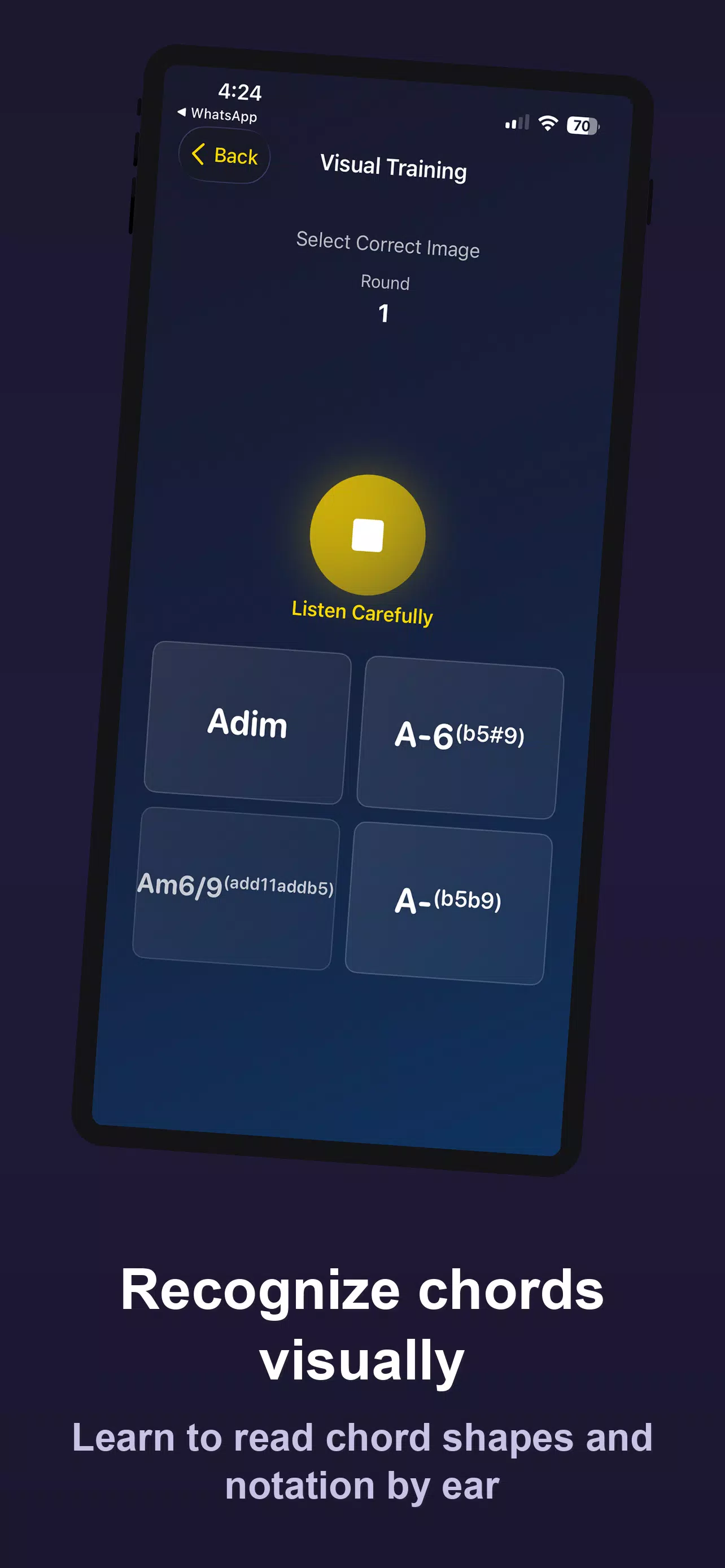
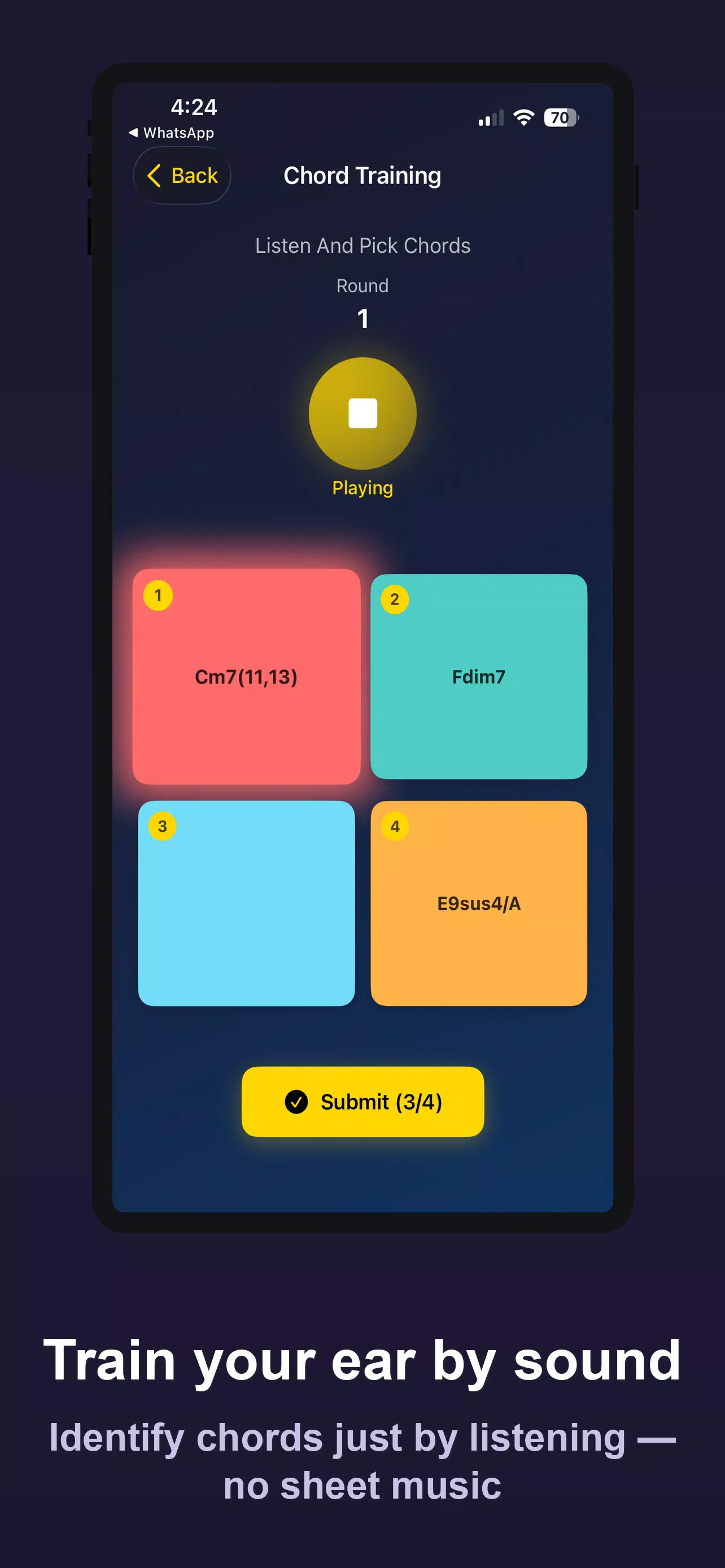
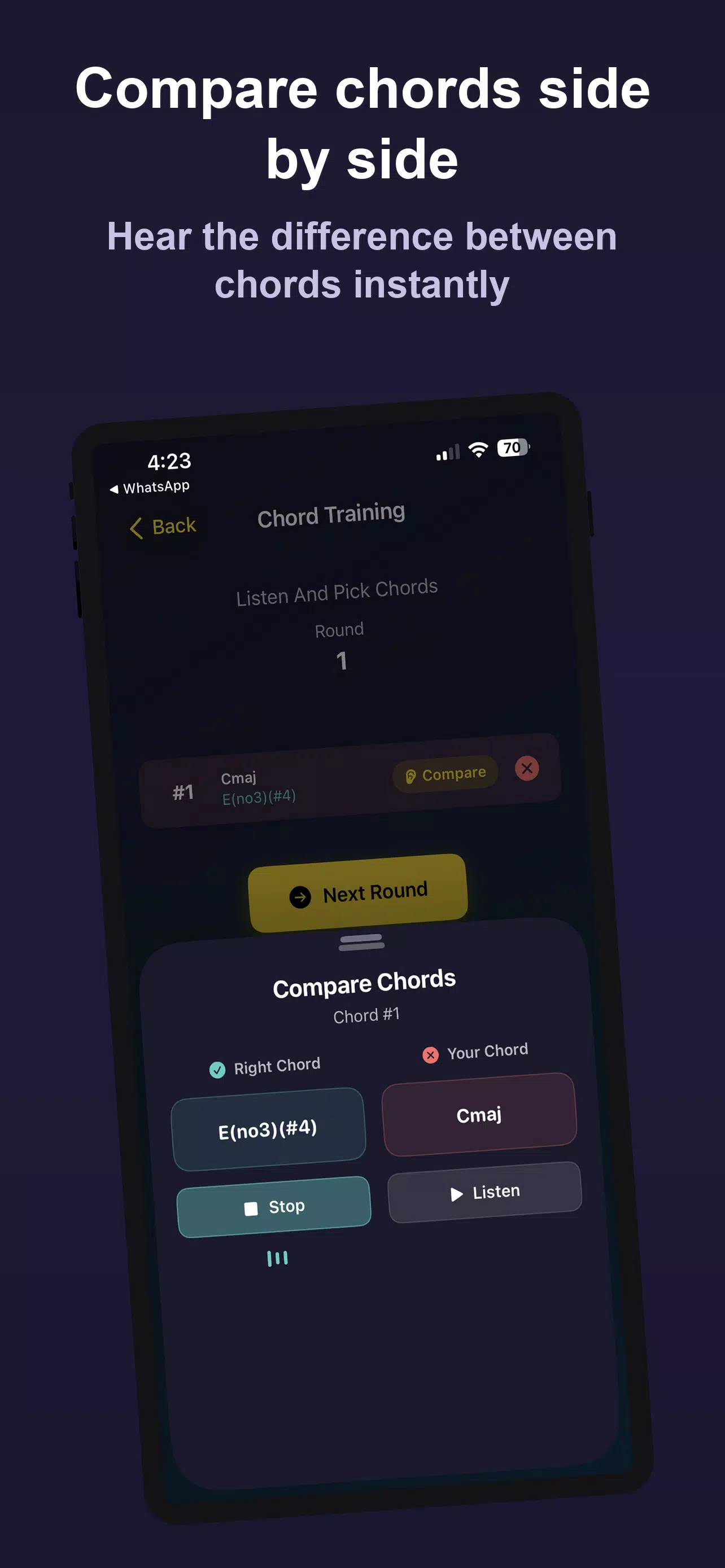
Gameplay centers on short rounds where a chord or a progression is played and you identify the harmony by ear. In Sound Training mode the app presents audio-only examples so you rely entirely on listening; Visual Training pairs the audio with chord shapes, voicings, and notation to strengthen the connection between sound and fingering. A Compare Chords mode plays two chords back-to-back so you can hone attention to small spectral or voicing differences. Controls are kept simple: tap the answer buttons, swipe to reveal alternate voicings, and use on-screen transport and loop controls to repeat passages. Rounds are typically short and iterative to encourage repeated practice rather than long passive listening sessions.
Progression in Guess the Chords is driven by a point-based scoring system that rewards accuracy and speed in timed rounds. The app organizes difficulty by chord families—basic triads, sevenths, extensions, altered chords and common jazz voicings—so you can select targeted practice areas. A visible ladder from Bronze through Grandmaster reflects competitive ranking for users who opt into ranked matches; however, solo practice tracks, per-chord statistics, and practice streaks provide a steady progression path for learners who prefer non-competitive work. Difficulty scaling adapts the types of chords presented and the precision required for a correct response, allowing gradual improvement and clear short-term goals.
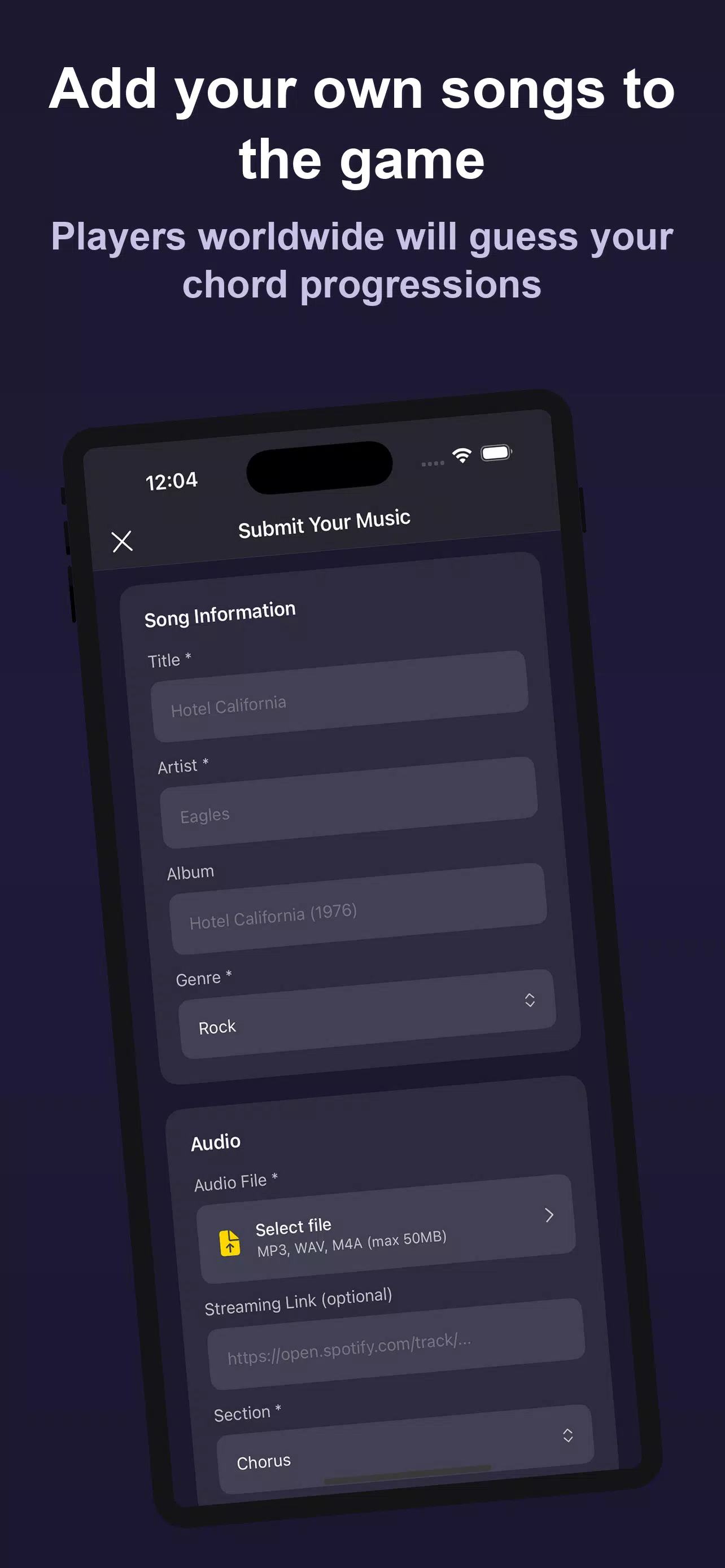
For players who enjoy head-to-head practice, Guess the Chords supports optional real-time ranked matches where two users compete to identify chords fastest in a short series of rounds. These matches are an optional layer on top of the core practice tools and can be disabled if you prefer a private study experience. Musicians can also upload their own songs so listeners can guess progressions while discovering new material; uploaded tracks include an optional streaming profile link to share artist pages or external streaming services, which helps contributors gain exposure without changing the core training focus of the app.
The interface is intentionally uncluttered, with clear chord labels, adjustable waveform and piano-roll previews, and large, high-contrast buttons for quick selection during timed rounds. Visual Training combines fretboard and keyboard diagrams with notation to link aural recognition to physical technique. Theme and layout options let you choose a compact view for quick drills or an expanded view with detailed voicing annotations for study sessions. The combination of audio cues, visual diagrams, and score feedback is designed to be accessible to both casual learners and experienced players.
Controls are touch-first and optimized for mobile devices: tap to answer, hold to preview a chord, and use pinch-and-zoom on diagrams for closer inspection. Customization includes adjustable playback speed, loop and repeat functions for slow listening, and the ability to select instrument voices (piano, guitar, synth) for the audio examples. Accessibility options include large-font mode, color-contrast settings, and the ability to disable time pressure for learners who need a more deliberate pace. These settings help the app serve a broad range of users, including beginners and those with specific learning needs.
The app is organized into short levels and practice sets that can be replayed to build mastery: drills focus on single chords, patterns, and common progressions; mini-tests simulate performance conditions with timed scoring; and review sessions aggregate missed items for targeted repetition. Replay value comes from adaptive selection of problem areas, daily challenges, and the option to load personal tracks for custom practice. While many social and ranked features require an internet connection, core practice modes, most chord libraries, and slow-down playback are available offline so you can continue training without connectivity.
Guess the Chords records detailed stats by chord type, difficulty, and mode so you can see which harmonic areas need more attention. Session summaries display accuracy, average response time, and common error types, and you can export or review long-term trends to guide practice decisions. The app emphasizes realistic, measurable improvement rather than only cosmetic milestones.
The app focuses specifically on chord identification and harmonic recognition rather than comprehensive music theory courses or instrument technique lessons. Beginners may prefer to combine Guess the Chords with a tutor or structured theory resources, while intermediate and advanced players will find targeted drills and chord library depth useful for performance preparation and ear development. The competitive element is optional and may not suit every learner’s style.