
MP4 to WMV Converter
Version: 1.0
138.60MB
4.2
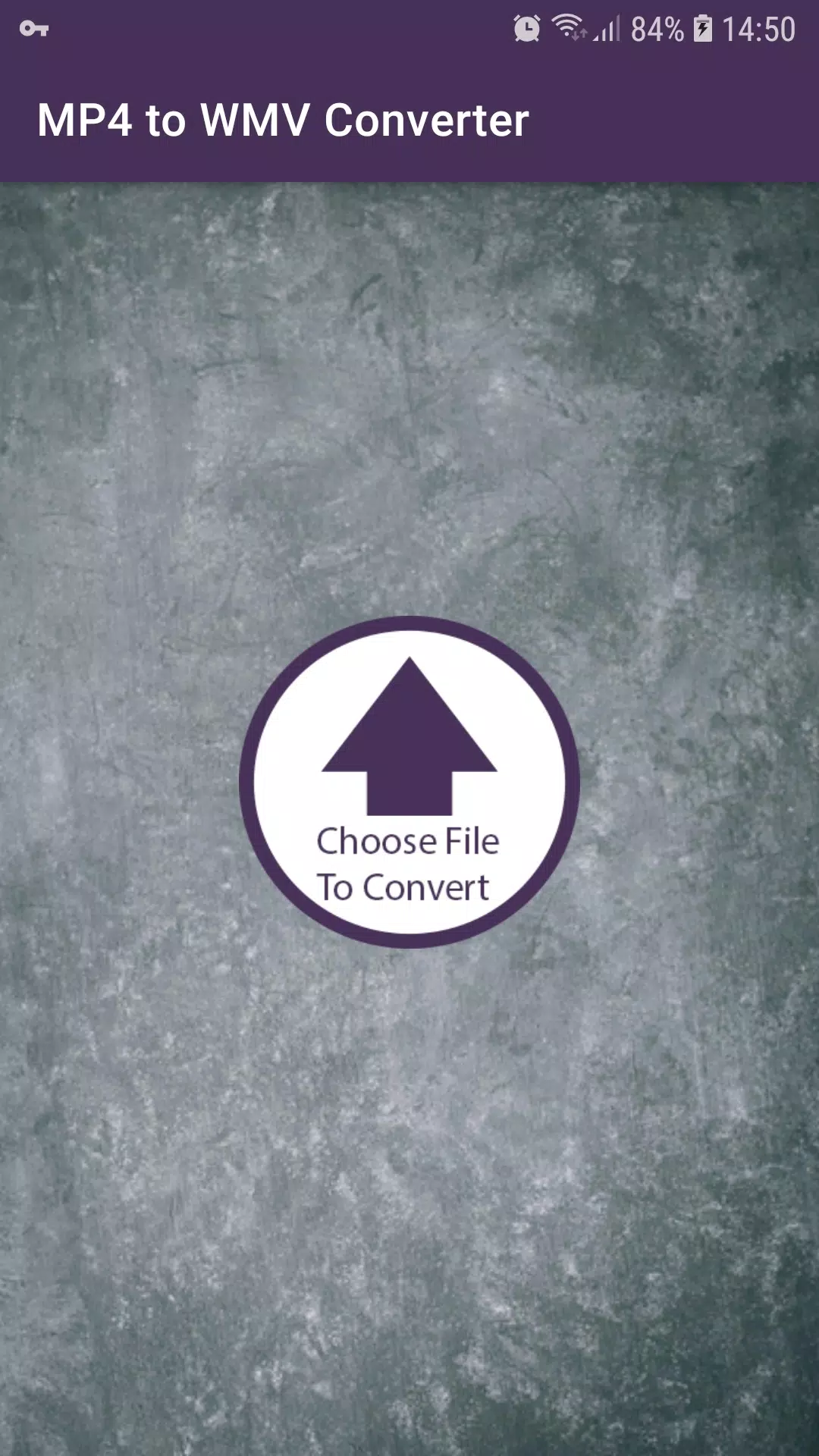
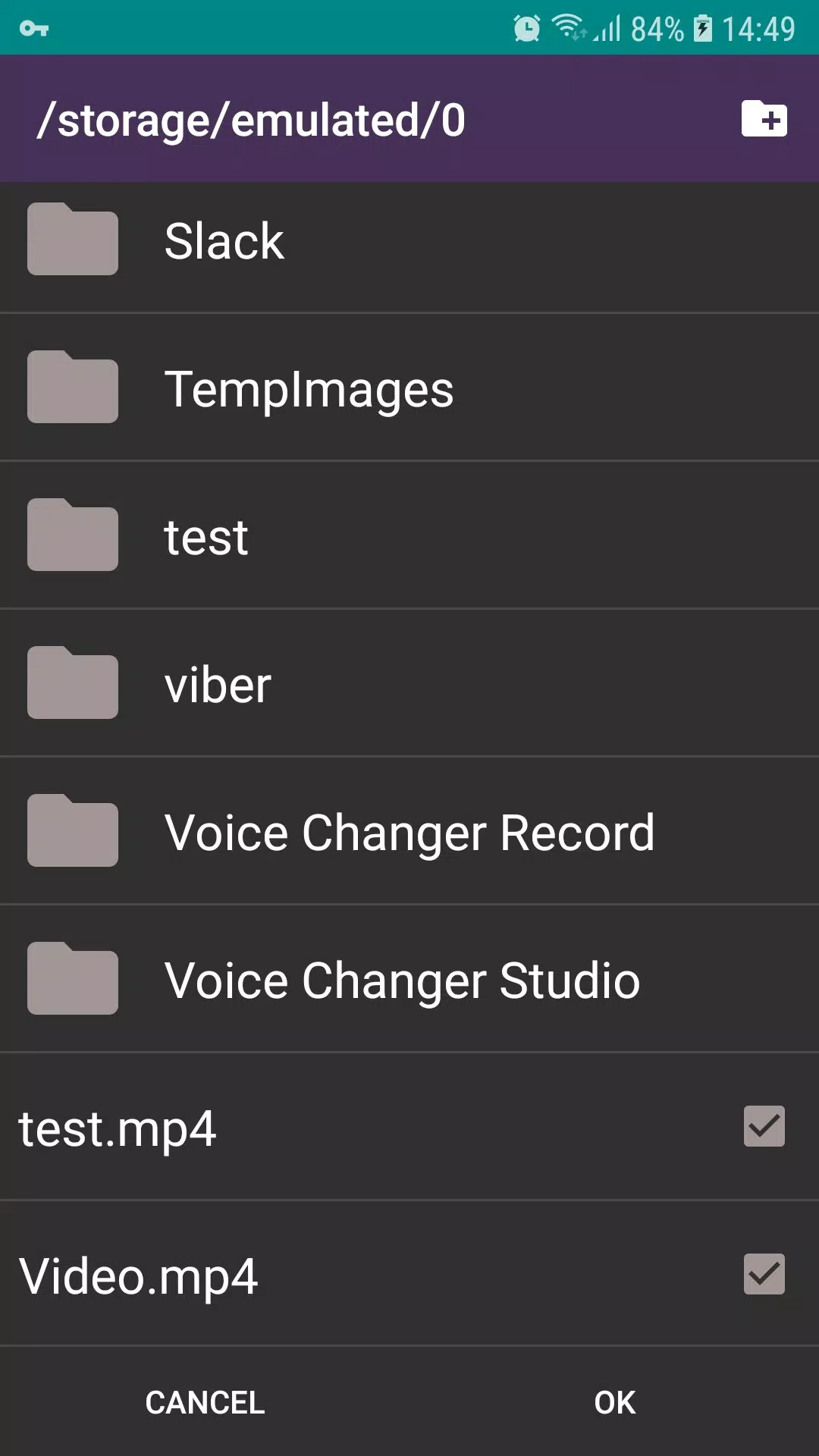
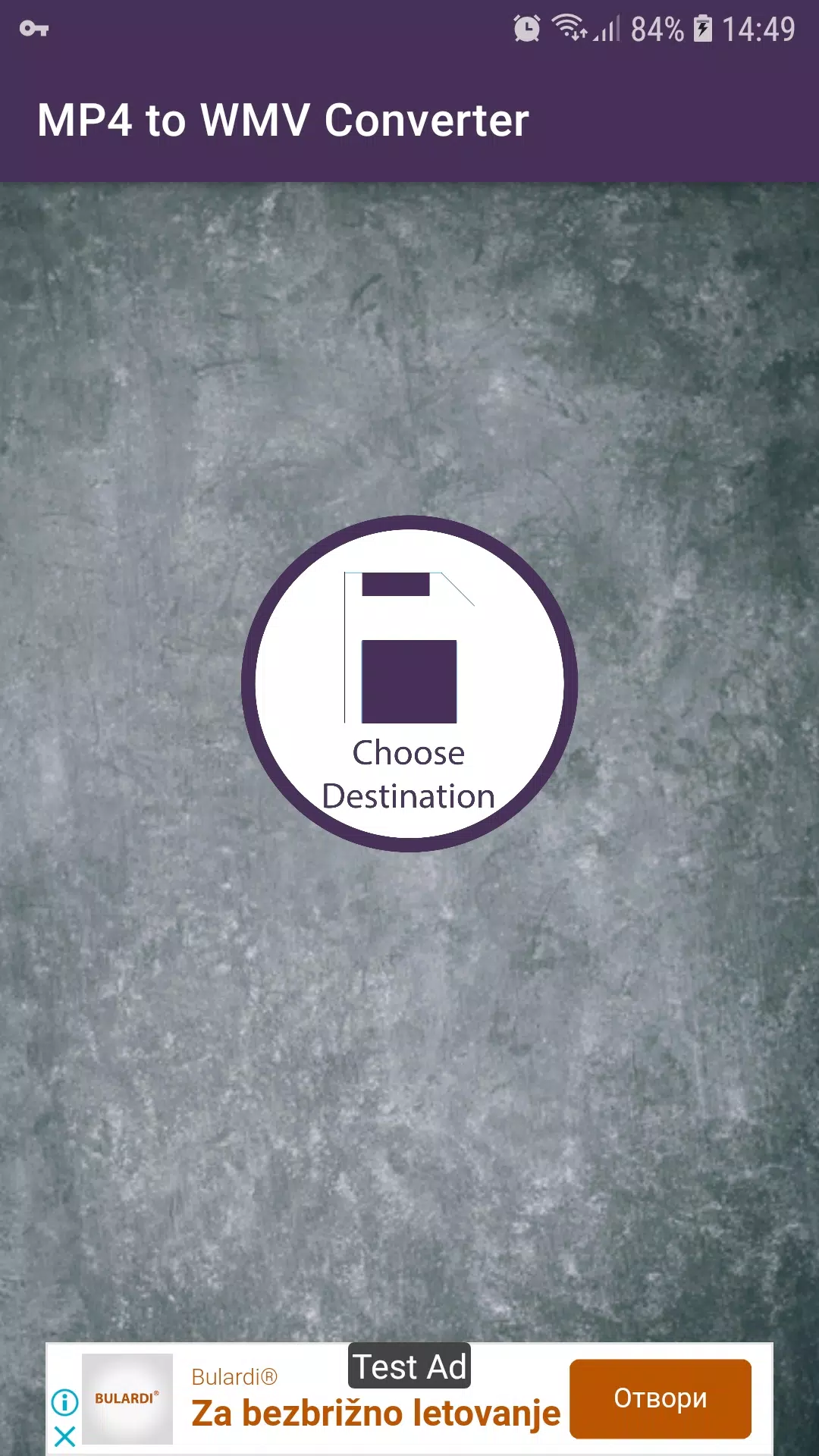
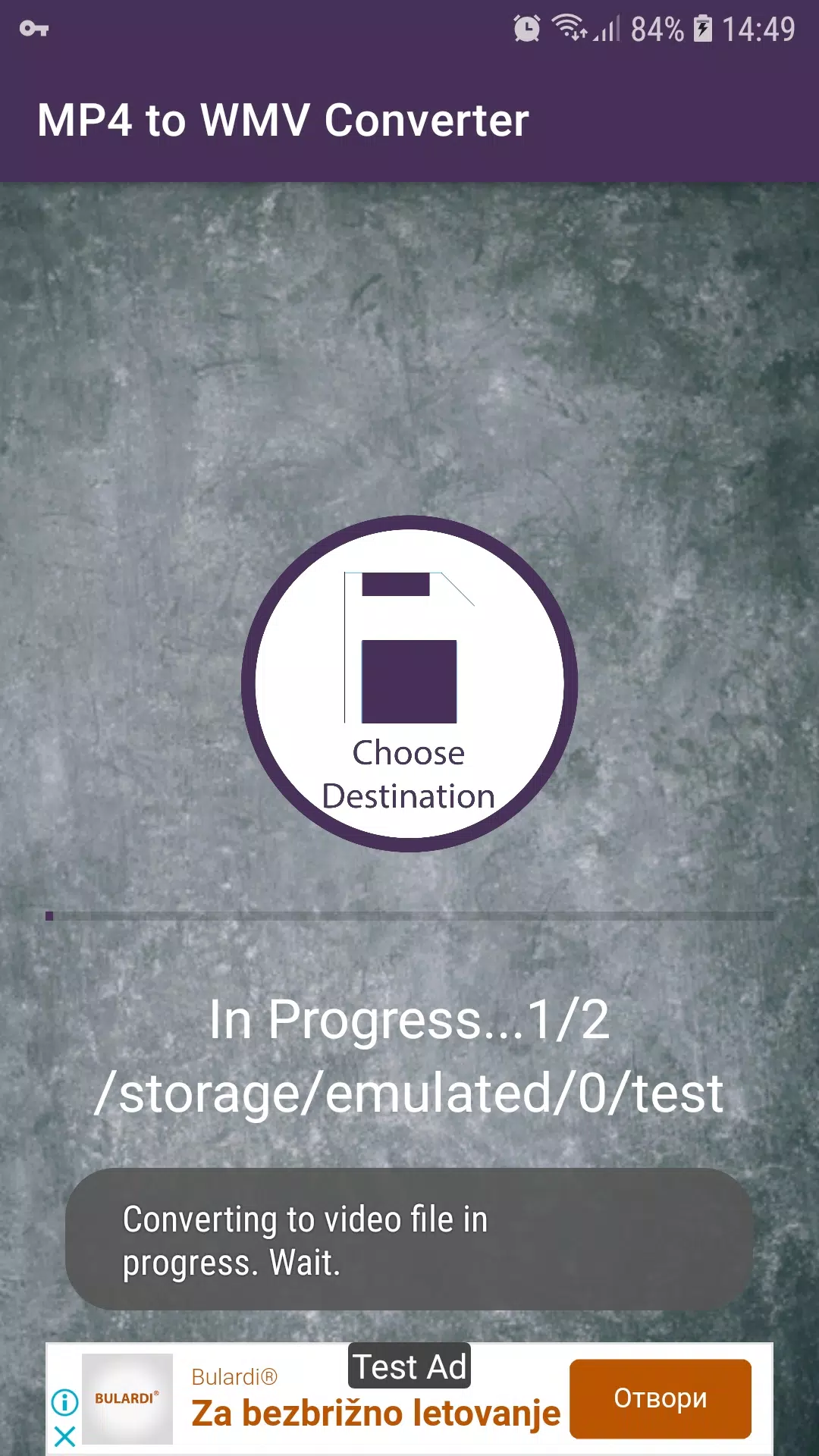
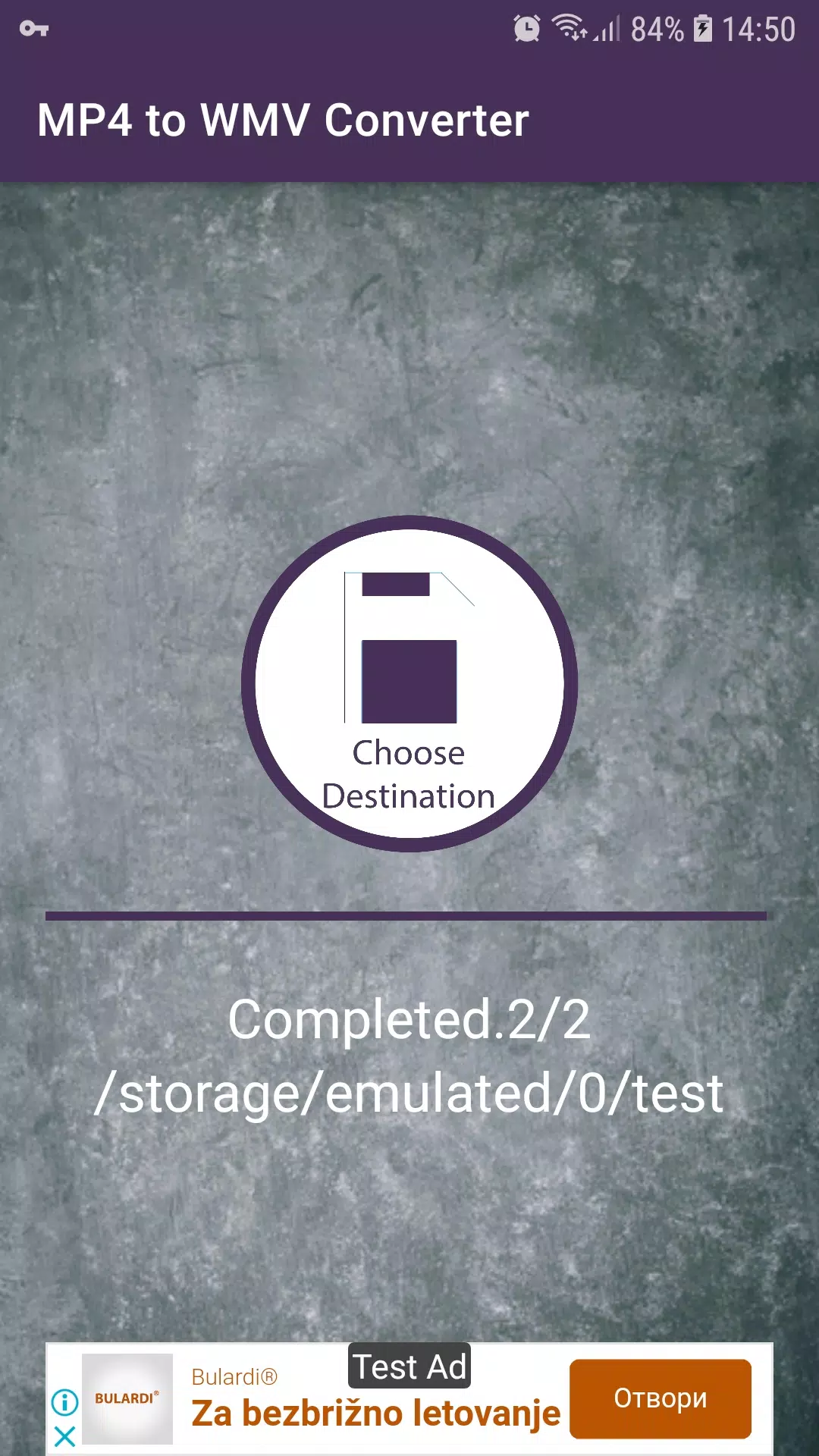
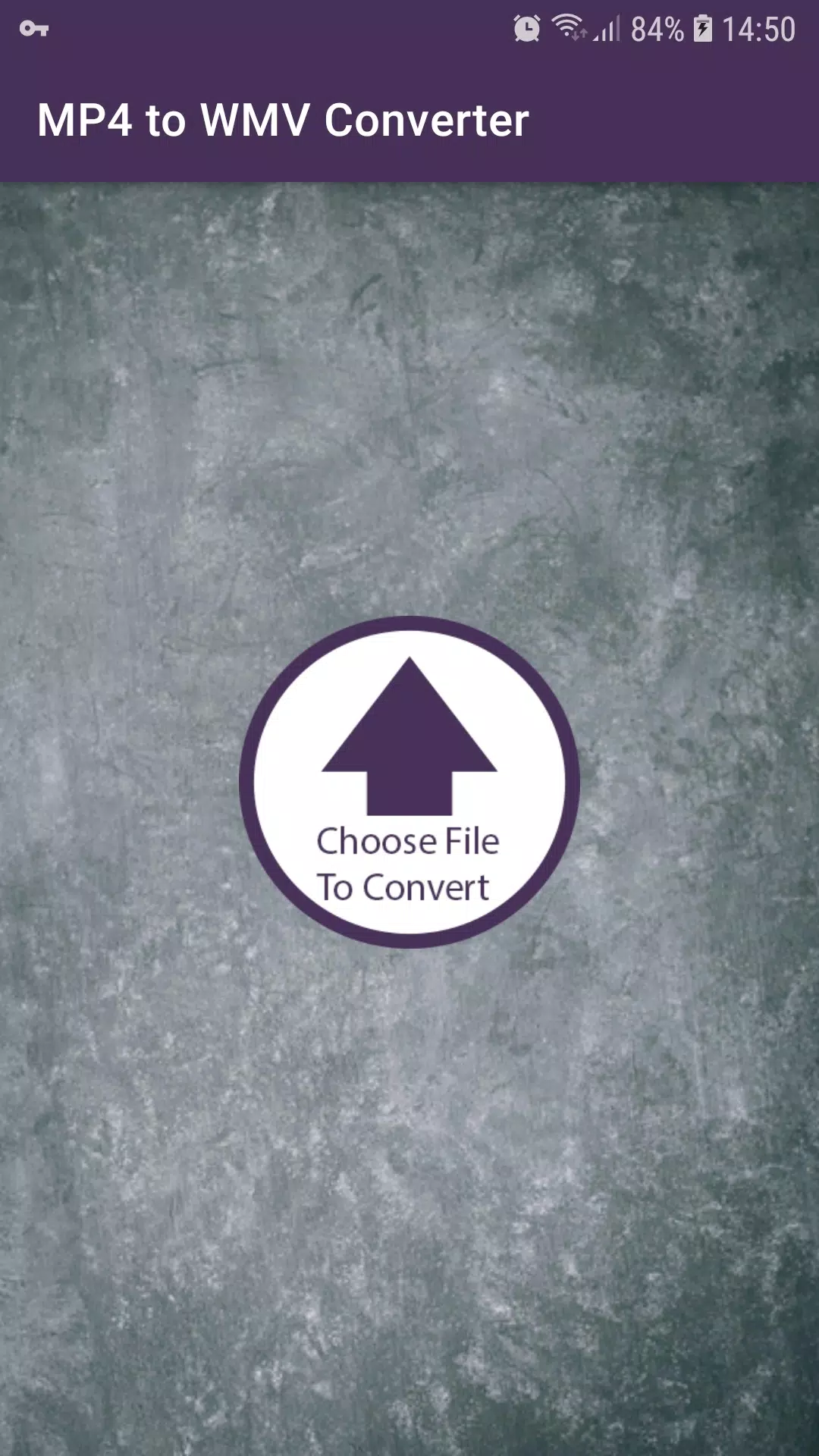
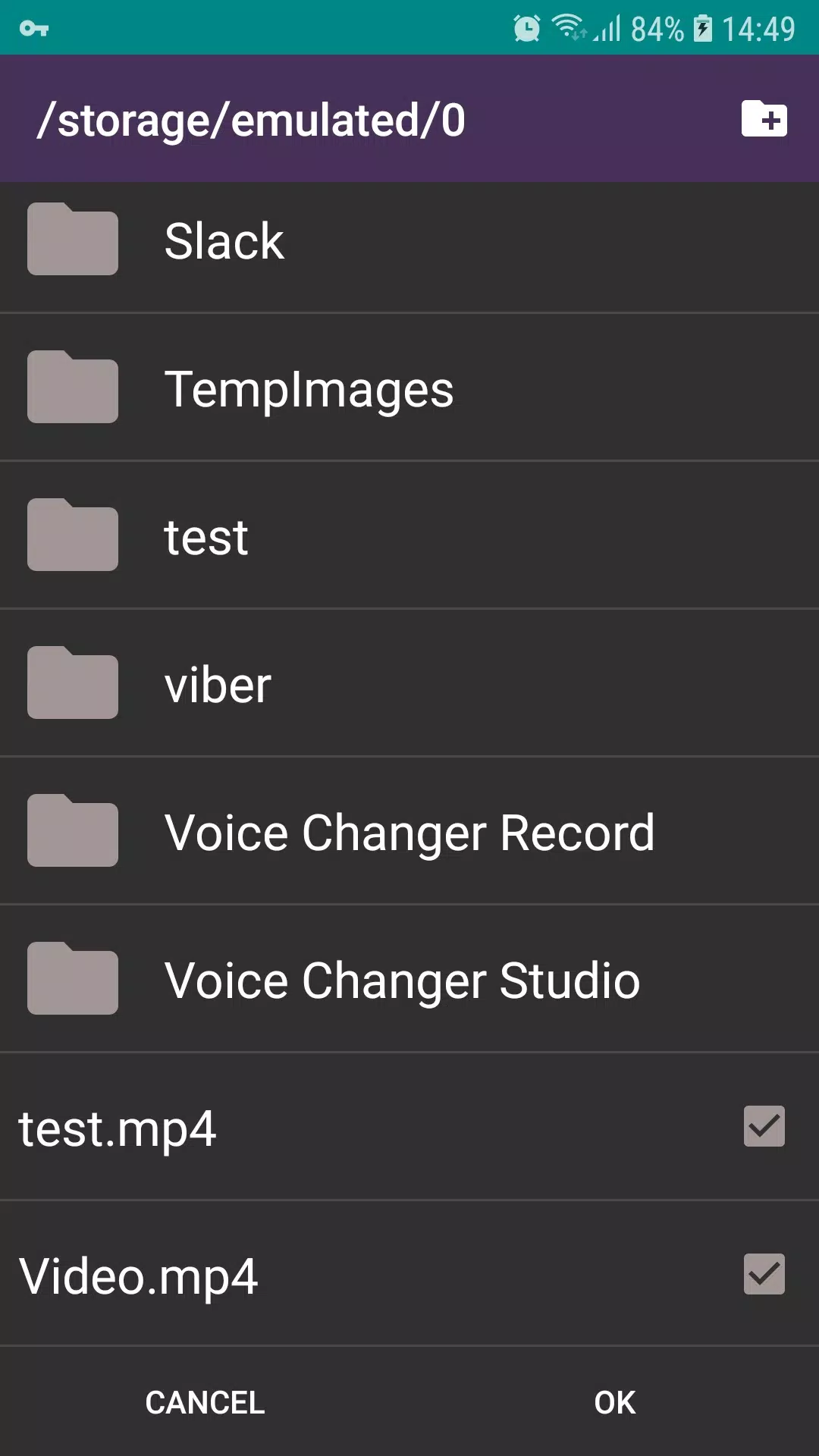
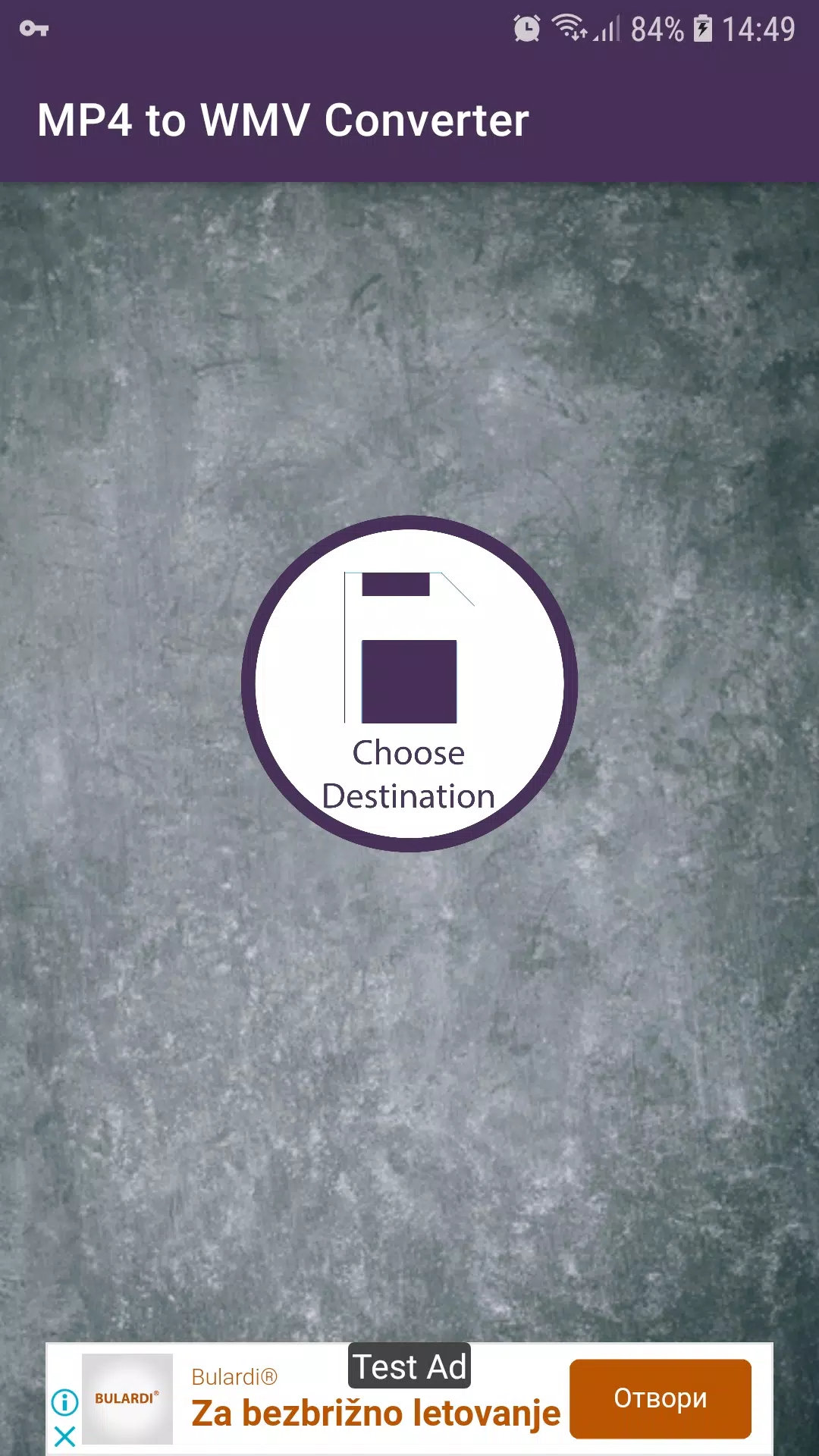
MP4 to WMV Converter converts MP4 videos to WMV while preserving audio and visual clarity and offering a simple interface for single or batch conversion with basic output controls and preview options.
MP4 to WMV Converter lets you adjust quality and resolution, perform batch processing for multiple files, and trim videos by setting start and end times before export; you can preserve the original audio track or select a different audio bitrate and choose from common format options for straightforward output selection.
Open MP4 to WMV Converter and add one or more MP4 files, choose WMV as the output format, adjust quality, resolution, or bitrate as needed, preview the result, then start the conversion and locate the converted files in the output folder.
Input examples include MP4, MOV, and AVI, while output examples include WMV and other widely used containers compatible with many playback devices and platforms.