
Anime Maker
Version: 20231123
30.09MB
4.5
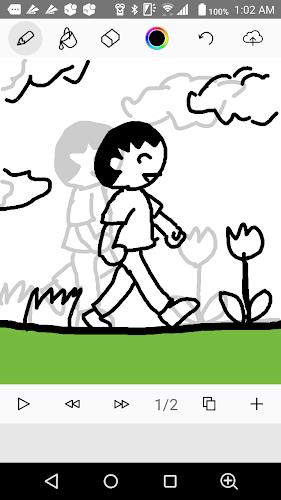
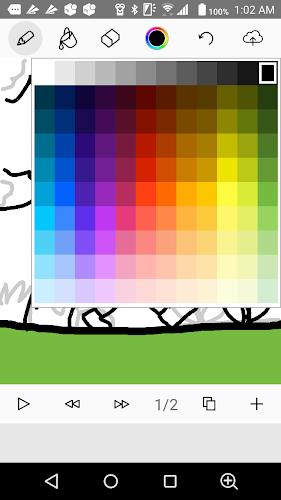
Anime Maker is a touch-based animation tool that lets you draw frame-by-frame flipbook-style animations and share them online. With simple finger drawing, adjustable brush sizes and colors, and straightforward frame management, it’s ideal for hobbyists and beginners who want to sketch motion, test timing, or practice the basics of animation. The app offers undo and eraser tools, color fill, speed adjustment and the ability to save projects then upload and publish them for others to view and comment on, keeping the creative loop fast and social.
⭐ Create flipbook-style animations with Anime Maker using touch drawing and per-frame control.
⭐ Adjustable brush width, selectable colors and a fill tool for quick coloring.
⭐ Undo, eraser and basic editing tools to correct frames as you work.
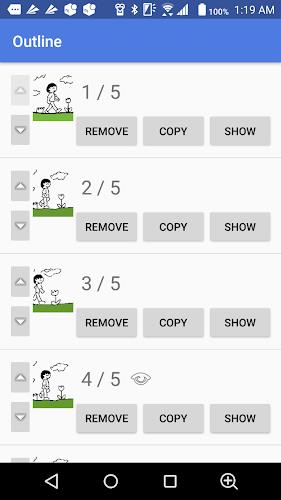
⭐ Add, remove, duplicate and reorder frames with a simple frame list interface.
⭐ Adjust playback speed to test timing and preview motion in real time.
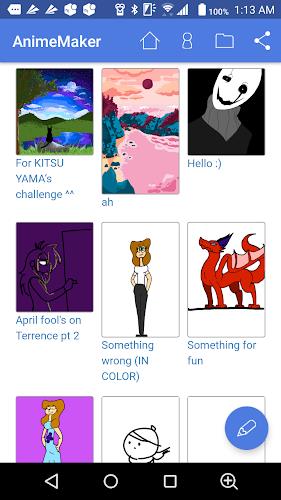
⭐ Save projects locally and upload to publish your animations online with commenting enabled.
✅ Anime Maker provides a fast, tactile workflow that’s great for quick ideas and learning animation fundamentals.
✅ Intuitive touch controls make drawing and editing accessible on phones and tablets.
✅ Frame-level tools simplify iteration, letting you duplicate or reorder frames to refine timing quickly.
✅ Built-in save and upload features make it easy to share work and get feedback from other creators.
❎ Focused on flipbook-style workflows, so it’s not designed for advanced, professional animation pipelines.
❎ The toolset is basic compared with desktop animation suites, so advanced compositing and multi-layer workflows may be limited or absent.
❎ Uploaded animations are published publicly by design, which may not suit users who prefer private or local-only projects.