
GFX Tool Pro
Version: 30.5.0
9.00MB
4.4
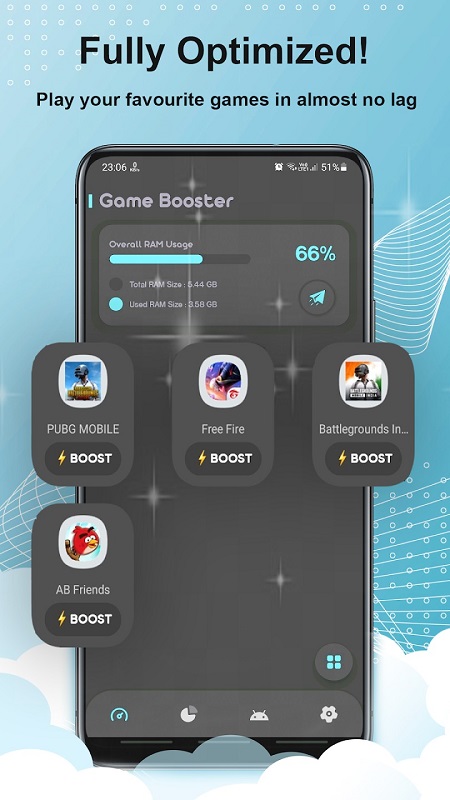
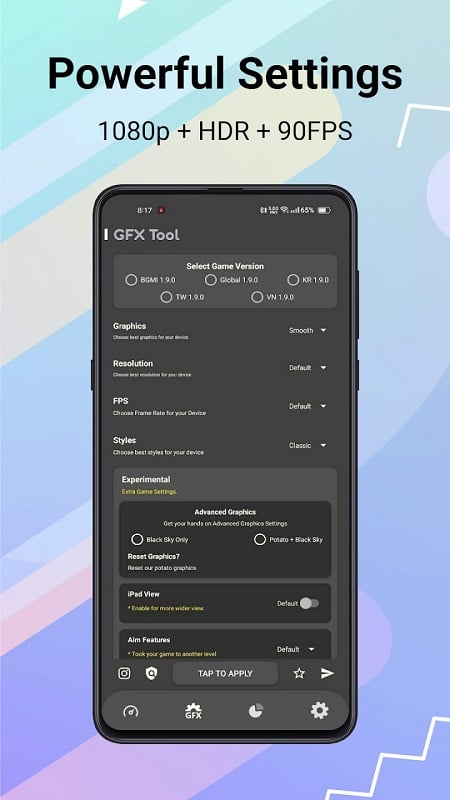
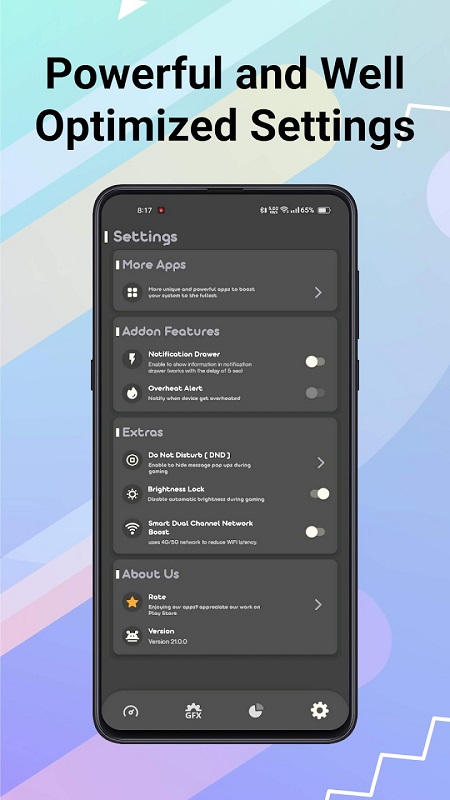
GFX Tool Pro is a utility that unlocks and refines graphics options for demanding mobile titles, letting you adjust resolution, FPS, HDR and other rendering choices beyond the default game menu. It helps users squeeze better performance from low‑end devices or unlock higher-quality visuals on powerful hardware, while offering both basic and advanced controls plus a temperature limiter to avoid overheating. If you want smoother frame rates, reduced lag, or the ability to fine-tune visual fidelity for your specific device, GFX Tool Pro provides a compact interface to tailor stability and image quality to your needs.
⭐ Tailor resolution, frame rate and overall graphics quality from a straightforward Basic tab to match your device capability.
⭐ GFX Tool Pro's Advanced tab unlocks HDR/Ultra HD options and map-specific tweaks such as hiding dense foliage to reduce lag.
⭐ Per-device optimization lets you lower settings for weak phones or push higher presets on high-end hardware for better visuals.
⭐ A simple two-tab interface groups core parameters like graphics, FPS, sound and reflections for quick adjustments.
⭐ Built-in temperature limiter and performance monitoring help you spot overheating and protect your device during long sessions.
✅ GFX Tool Pro adapts visuals to hardware, improving smoothness on low-end devices without relying on in-game presets.
✅ Users can unlock higher FPS and visual options on capable devices to get the most from available GPU power.
✅ Extended settings expose options not always available in the original game interface, offering more control over performance vs. quality.
✅ The app’s focused tools and clear layout make it easy to experiment and find settings that balance frame rate, visuals and temperature.
❎ Using GFX Tool Pro can increase device temperature, so careful tuning and the app’s temperature guard are necessary to avoid overheating.
❎ Some advanced settings may not be compatible with every title or device, so results can vary and certain options might have no effect.
❎ Achieving the right balance requires manual experimentation; aggressive tweaks can trade visual quality for performance or introduce instability on some hardware.