Smart Home Manager
Version: 2.2404.356
64.33MB
4.1
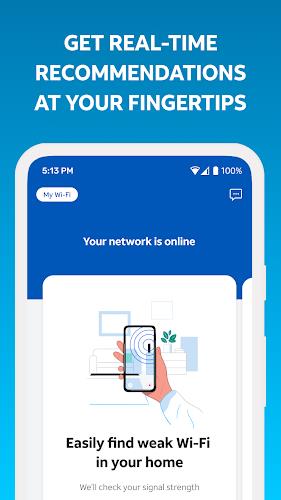
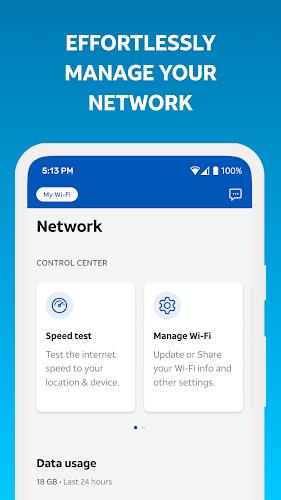
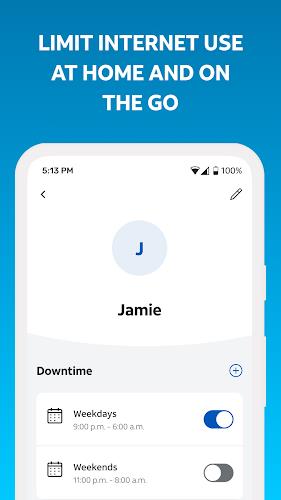
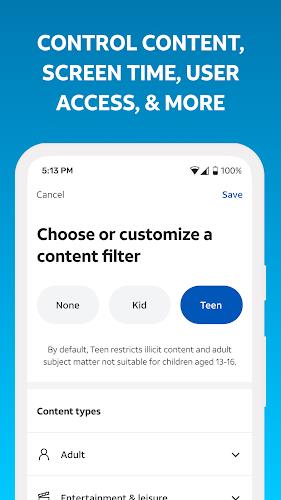
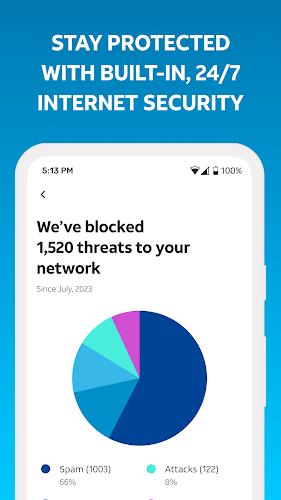
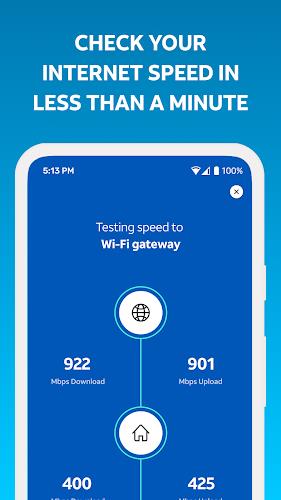
Smart Home Manager is an intuitive app designed to help users manage and control their smart home devices from a single interface. Whether you're adjusting your thermostat, controlling your lights, or managing security cameras, Smart Home Manager simplifies the process by offering seamless integration with a wide variety of smart devices. With its user-friendly interface and customizable settings, it allows users to automate daily tasks, set schedules, and monitor the status of their devices remotely. Perfect for homeowners looking to enhance their home’s efficiency and security, this app makes managing smart devices a hassle-free experience.
1. Centralized Control: Control and monitor all of your smart home devices—lights, thermostats, cameras, and more—from one easy-to-use app.
2. Automation and Scheduling: Set up automated routines for your devices, such as turning off lights at a certain time or adjusting the thermostat when you leave home.
3. Energy Management: Track energy usage for various devices and optimize settings to reduce power consumption, helping you save on utility bills.
4. Real-Time Alerts: Get notifications about your devices, such as motion detection alerts from security cameras or reminders to change air filters in your HVAC system.
5. Remote Access: Manage and control your smart devices from anywhere in the world, making it easy to adjust settings while you’re away or on vacation.
6. Voice Integration: The app works with voice assistants like Amazon Alexa and Google Assistant, allowing you to control your devices hands-free with simple voice commands.
1. Set Up Automation for Daily Tasks: Automate routine actions like turning off lights or adjusting the temperature when you leave home to save time and energy.
2. Monitor Energy Usage: Use the app's energy tracking features to identify which devices are consuming the most power, then adjust settings or schedules accordingly to lower costs.
3. Create Custom Scenes: Group multiple actions together to create “scenes.” For example, set a “Good Morning” scene that adjusts your lights, thermostat, and coffee machine with a single tap.
4. Regularly Update Device Firmware: Keep your smart devices updated with the latest firmware to ensure they run efficiently and integrate smoothly with the app.
5. Use Geofencing for Smart Control: Set up geofencing so that certain actions are triggered based on your location—like turning off the lights when you leave home or adjusting the thermostat when you’re nearby.
6. Check for Compatibility: Before adding new smart devices, ensure they are compatible with Smart Home Manager, making integration smooth and seamless.
Smart Home Manager is an essential tool for anyone looking to streamline the management of their smart home devices. With features like centralized control, automation, real-time alerts, and remote access, the app offers a simple and efficient way to enhance your home’s convenience, energy efficiency, and security. Whether you're new to smart home technology or looking to optimize your existing setup, Smart Home Manager provides the tools needed to make your smart home experience more seamless and enjoyable. By integrating voice commands and offering energy-saving features, it’s the ultimate app for anyone seeking to enhance their smart home living.